

Webflow AI offers a visual website builder with integrated AI features for accelerated design, content generation, and SEO optimization, best suited for individuals and small teams prioritizing rapid site creation and visual control.
Best for visual designers and small teams needing to build and optimize websites quickly; less ideal for complex custom applications or those prioritizing extensive third-party integrations.
Analysis based on product data, pricing structure, traffic signals, and public user sentiment.
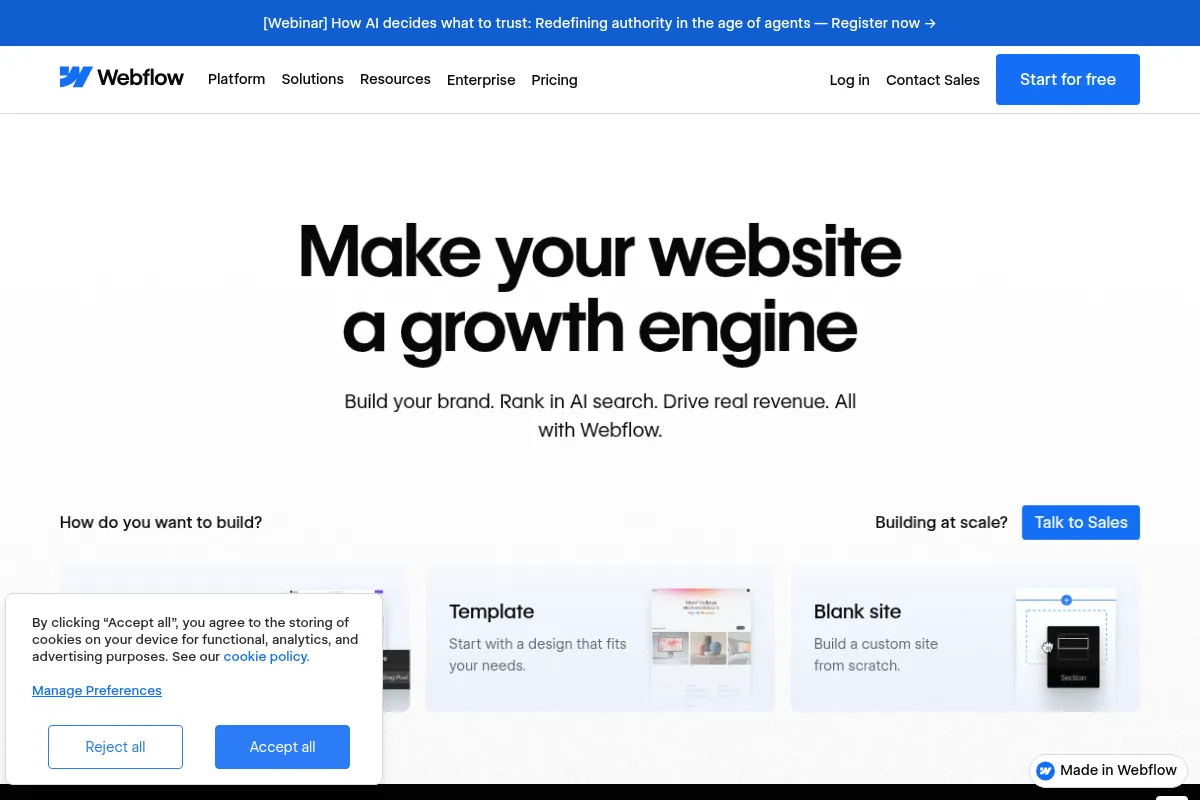
Who Should Use Webflow AI?
Typical users
Freelancers, small agencies, and business owners who need to create professional, responsive websites without extensive coding knowledge. It's also beneficial for designers looking to speed up their workflow.
Maturity fit
beginner to scaling
Choose this if…
- You need to build a professional website quickly without deep coding knowledge.
- Visual design control and a flexible CMS are your top priorities.
- You want AI to assist with initial site structure, content generation, and SEO.
- You prefer an all-in-one platform for design, development, and hosting.
Skip this if…
- You require highly complex custom web applications with intricate backend logic.
- Your workflow heavily depends on a wide range of specific third-party integrations not natively supported.
- You need advanced automation workflows that go beyond basic conditional logic.
- You are on a very tight budget and require a completely free, feature-rich solution.
About Webflow AI
Webflow AI is an AI-enhanced website builder that allows users to visually design, build, and launch custom, responsive websites. It integrates AI for accelerating site creation, generating content, and optimizing for search engines, aiming to provide a no-code solution with significant design flexibility and a built-in CMS.
What it actually does
Webflow AI helps users generate website layouts, suggest and refine copy, create structured CMS content, and optimize sites for SEO and AEO. It also offers AI-powered assistance for design modifications and can generate full-stack web apps from prompts.
What makes it different
Webflow AI differentiates itself by embedding AI directly into a visual design and development workflow, allowing for rapid site generation while maintaining full editability within the Webflow Designer. Unlike template-based builders, it generates unique layouts from scratch and builds a system with global style variables, offering a balance between AI-driven speed and granular design control.
Ratings across the web


Ratings aggregated from independent review platforms.
Key Features
AI Site Builder
Generates a complete, responsive website foundation from a text prompt, including layouts, style guides, and placeholder content, significantly reducing initial build time.
AI Assistant
A conversational interface within Webflow that provides contextual help, generates new page sections, modifies designs, and assists with content creation and management.
AI-assisted Content & SEO
Automatically generates SEO-friendly meta descriptions, titles, image alt text, and structured data, helping to improve search engine visibility and accessibility.
AI Code Gen
Enables the generation of production-grade web apps and React components from natural language prompts, integrating directly into the Webflow environment.
Design System Generation
Automatically creates a style guide with global variables for colors, typography, and spacing, ensuring design consistency across the entire site.
Pricing
Starter
- Building, experimenting, and prototyping
- Webflow.io domain
Basic
- Custom domain
- 300 pages
- 10GB bandwidth
- 20,000 form submissions
- Webflow AI
CMS
- Custom domain
- 150 pages
- 20 collections
- 2,000 CMS items
- 50GB bandwidth
- 3 legacy Editor users
- Site search
- Webflow AI
Business
- Custom domain
- 1,000 pages
- 40 collections
- 10,000 CMS items
- 2.5TB bandwidth
- 10 legacy Editor users
- Site search
- Webflow AI
Pricing checked 6 months ago
Pricing guidance
- When you need to connect a custom domain.
- When you require a Content Management System (CMS) for blogs or dynamic content.
- When you exceed the page or CMS item limits of lower tiers.
- When you need to scale bandwidth or form submission capacity.
- Custom domain is not included in any plan and requires a separate purchase.
- Bandwidth overages can lead to automatic plan upgrades.
- CMS item limits can be reached quickly for content-heavy sites.
- Certain advanced AI features or add-ons like Optimize require higher-tier plans or separate purchases.
Webflow's pricing is tiered, offering a free entry point for learning and paid plans that scale with features and usage, positioning itself as a premium, professional website building platform.
Pros & Cons
Strengths
-
Accelerated Site Creation
The AI Site Builder can generate a full website foundation in minutes, drastically reducing the time spent on initial wireframing and layout design. This is particularly beneficial for agencies and freelancers needing to prototype or deliver client projects faster.
-
Integrated AI Workflow
AI features are embedded directly into the Webflow platform, allowing users to generate content, modify designs, and optimize for SEO without switching tools. This seamless integration streamlines the entire website development process.
-
Full Design Control
Despite AI-generated foundations, users retain complete control to edit and customize every element within the Webflow Designer. This balance of AI speed and manual precision is key for creating unique, on-brand websites.
-
Built-in Design System
AI automatically generates a style guide with global variables for colors, typography, and spacing, ensuring design consistency across the site. Changes to these variables update the entire site instantly, simplifying brand management.
-
SEO and Accessibility Assistance
Webflow AI helps optimize sites for search engines and accessibility by automatically generating meta descriptions, alt text, and structured data, tasks that are often time-consuming and overlooked.
Weaknesses
-
Potential for Generic Designs
While AI generates unique layouts, there's a risk of initial designs feeling generic if not carefully guided by specific prompts or heavily customized afterward. Relying solely on AI without strategic input can lead to a lack of distinctiveness.
Affects: Users seeking highly unique or avant-garde designs without significant manual refinement.
-
AI-Generated Content Requires Review
AI-generated copy and content are starting points and require human review and refinement to ensure accuracy, brand voice, and strategic messaging. Over-reliance without editing can lead to errors or off-brand communication.
Affects: Content creators and marketers who need precise messaging and brand alignment.
-
Learning Curve for Advanced Customization
While AI speeds up initial creation, mastering Webflow's full design capabilities and advanced interactions still involves a learning curve. Users may need to add custom code for highly specific functionalities.
Affects: Beginners who expect a fully automated, no-learning-required experience for complex features.
-
Limited Native Integrations
Webflow's native integration capabilities are more limited compared to platforms like WordPress. While it offers some integrations, users requiring extensive third-party tool connections might find it restrictive.
Affects: Users with complex workflows dependent on numerous external SaaS tools.
Real User Sentiment
Users generally praise Webflow for its design flexibility, powerful CMS, and the new AI features that accelerate workflows. However, some find the platform has a steep learning curve and can be expensive.
Users tend to like
- Design flexibility and granular control
- Powerful and intuitive CMS
- AI Site Builder for rapid prototyping
- Integrated AI features for content and SEO
- Clean, semantic HTML output
Users commonly complain about
- Steep learning curve for beginners
- Pricing can be expensive for smaller projects or clients
- Limited native integrations compared to some competitors
- Occasional performance issues with very large projects
- AI-generated classes can be difficult to manage/edit
Recurring tradeoffs
- AI speed vs. manual control
- Platform flexibility vs. learning curve
- Cost vs. feature set
Happiest users
Designers, agencies, and freelancers who value visual control and are willing to invest time in learning the platform.
Often frustrated
Beginners who expect a completely intuitive drag-and-drop experience without a learning curve, or users needing extensive third-party integrations.
Use Cases
Rapid prototyping of website concepts
AI Site Builder generates a foundation in minutes.
Building marketing websites and landing pages
AI assists with structure, copy, and SEO.
Creating blogs and content-heavy sites
leveraging the flexible CMS and AI content generation.
Developing small to medium e-commerce stores
with AI assisting in product descriptions and site setup.
Agencies building client websites
using AI to speed up initial design and content phases.
Designers looking to enhance workflow efficiency
utilizing AI for repetitive tasks and idea generation.
Frequently Asked Questions
What is Webflow AI?
Webflow AI is a suite of artificial intelligence features integrated into the Webflow platform. It aims to accelerate website creation, content generation, and optimization processes. Key components include the AI Site Builder for generating website foundations, an AI Assistant for contextual help and design modifications, and AI tools for SEO and content refinement. These features are designed to work within Webflow's visual editor, allowing users to build and manage websites more efficiently without extensive coding.
How does Webflow AI compare to other AI website builders like Wix ADI or Squarespace AI?
Webflow AI differentiates itself by embedding AI directly into its powerful visual design environment, maintaining full editability within the Webflow Designer. Unlike some competitors that might offer more templated AI generation, Webflow's AI Site Builder creates unique layouts from scratch and builds a system with global style variables, offering a balance between AI speed and granular design control. While Wix ADI and Squarespace AI focus on ease of use for beginners, Webflow AI caters to users who want AI assistance while retaining deep control over design and structure, making it suitable for professionals and those with design experience.
What are the limitations of Webflow AI?
While powerful, Webflow AI has limitations. The AI-generated designs can sometimes be generic and require significant customization to stand out. AI-generated content serves as a starting point and needs human review for accuracy and brand voice. Advanced customization and complex interactions may still require manual design work or custom code. Additionally, Webflow's native integration options are more limited compared to platforms like WordPress, which might be a drawback for users needing extensive third-party tool connections. Some users also find the AI-generated class structure challenging to manage.
What integrations does Webflow AI support?
Webflow AI itself doesn't have direct 'integrations' in the traditional sense, as its features are built directly into the Webflow platform. However, Webflow as a whole integrates with a wide range of third-party tools through Zapier, custom code embeds, and direct API connections. This includes marketing automation platforms (e.g., HubSpot, Mailchimp), analytics tools (e.g., Google Analytics), CRM systems, and e-commerce solutions. For AI-specific workflows, Webflow's AI features work within its ecosystem, and you can connect this to external tools via Webflow's broader integration capabilities.
Is the free plan sufficient for using Webflow AI?
No, the free Starter plan on Webflow is not sufficient for using most of Webflow AI's core features. While it allows for learning and prototyping, features like the AI Site Builder, AI Assistant for content generation, and SEO optimization tools generally require a paid Workspace or Site plan. To fully utilize Webflow AI's capabilities for building and publishing websites, an upgrade to a paid plan is necessary.
How does Webflow AI handle SEO and accessibility?
Webflow AI includes features to assist with SEO and accessibility. It can automatically generate SEO-optimized meta titles, meta descriptions, and image alt text, which are crucial for search engine visibility and accessibility compliance. The platform also supports the generation of structured data (schema markup) to help search engines and AI systems better understand your content. Webflow's Audit panel can identify missing elements, and the AI can then help generate the necessary content to improve these aspects of your site.
Can Webflow AI generate full-stack web applications?
Yes, Webflow AI has capabilities for generating full-stack web applications from natural language prompts. This feature, often referred to as 'AI Code Gen' or 'App Gen,' allows users to create production-grade apps and React components directly within the Webflow environment. These generated apps can leverage existing design systems and integrate with Webflow's CMS, providing a more streamlined path from idea to deployment for web applications.
What is the AI Assistant in Webflow, and how does it work?
The Webflow AI Assistant is a conversational AI partner integrated into the Webflow platform. It provides contextual help by searching the Webflow Help Center and offering answers directly within the Designer, reducing the need to leave the workspace. Users can ask questions about Webflow features, workflows, or design challenges. The Assistant is built on an OpenAI model and trained on Webflow's help documentation. It has usage limits, typically around 100 questions per 31 days, and users are encouraged to double-check its responses for accuracy.
Why trust this page?
This evaluation combines product positioning, pricing analysis, traffic and market signals, and public user sentiment into a single decision-support page. Content is generated editorially — not copied from the vendor's website.
Funding & Company
Founded
2012
Stage
Series c
Total Raised
$334.9M
Latest Round
Series C (Mar 2022)
Notable Investors
Webflow has raised a total of $334.9 million across four funding rounds, culminating in a Series C in March 2022 that valued the company at $4 billion. This substantial backing from top-tier investors like Accel, CapitalG, and Y Combinator signals strong market confidence and provides significant capital for long-term product development and enterprise expansion.
Market Signals & Traffic
Estimated visits, global rank, geography, traffic sources, monthly visit trends, and organic search keywords (Similarweb)—on a dedicated page built for depth and search.
- Estimated visits
- 7,305,294
- Global rank
- #5,189
- Snapshot
- Apr 2026
- Traffic trend
- Rising
Estimated monthly visits
Alternatives to Webflow AI
View all alternativesWix AI
Design, Content Creation, Productivity

All-in-one website builder with drag-and-drop functionality and AI tools.
Framer AI
Design, Developer Tools, Productivity

No-code website builder for designers and teams.
Shopify
Website Builder, Marketing Automation, Automation

Comprehensive platform for building and managing online retail stores.
Similar Tools
Vybe
Developer Tools, Automation, Productivity

Build secure internal web applications and dashboards using natural language.
Smartsheet
Productivity, Automation, Documentation

Enterprise platform for work management, collaboration, and workflow automation.
Argil AI
Content Creation, Video Creation, AI Assistant

AI video creation platform with realistic avatars and automated editing.
Taskade AI
AI Assistant, Productivity

AI-powered workspace for project management, collaboration, and automation.
Jimdo AI
Website Builder, AI Assistant, Productivity

AI-powered website builder for easy online presence and business growth.
v0
Developer Tools, Website Builder, AI Assistant

AI-powered platform to generate full-stack web apps from prompts.