

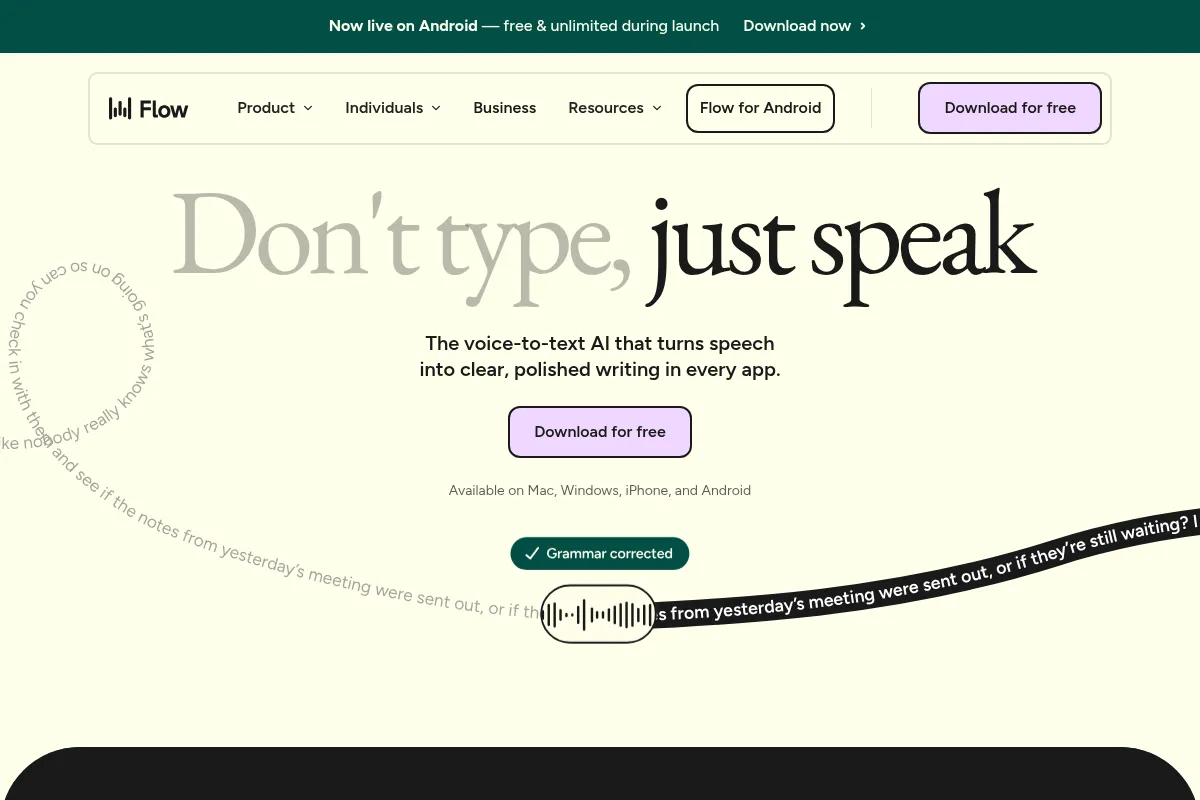
A system-wide voice-to-text tool that polishes spoken words into clean, formatted text inside any application, best for reducing the friction of writing emails, messages, and notes.
Excellent for professionals who want to type less and think more, weaker for users concerned about cloud-based data processing and system resource usage.
Analysis based on product data, pricing structure, traffic signals, and public user sentiment.
Who Should Use Wispr Flow?
Typical users
Developers, writers, founders, and support agents who spend significant time writing and want to increase their output speed. Also valuable for users with accessibility needs that make typing difficult.
Maturity fit
beginner to scaling
Choose this if…
- You want to dictate text directly into any app (email, code editor, Slack) without copy-pasting.
- Your priority is converting messy, natural speech into clean text, with filler words removed automatically.
- You value voice commands for hands-free editing and formatting, like 'make this a bulleted list'.
- You frequently use specific terms or phrases and would benefit from a personal dictionary and voice-activated snippets.
Skip this if…
- You require all voice processing to happen locally on your device due to privacy or security policies.
- You are on a machine with limited RAM, as users report memory usage around 800MB.
- You need an Android application, as it is currently on a waitlist.
- You primarily need to transcribe long audio files from meetings, as other tools like Otter.ai are more specialized for that task.
About Wispr Flow
WisprFlow is an AI-powered dictation tool for macOS, Windows, and iOS that works universally across all applications. It's designed to replace keyboard typing by transcribing natural speech into formatted, edited text in real-time. The core value is reducing the time spent on writing and editing by automatically removing filler words, correcting phrasing, and learning a user's vocabulary.
Official profiles
What it actually does
When activated by a hotkey, WisprFlow captures your speech and inserts clean text directly into any active text field on your computer or phone. It processes audio through cloud-based AI to handle transcription, remove filler words like 'um' and 'uh', add punctuation, and even understand corrections mid-sentence. It also supports voice commands for editing and text expansion via snippets.
What makes it different
WisprFlow's main differentiator is its real-time, in-place editing of dictated text. Unlike basic dictation that provides a raw transcript, Flow actively cleans and formats the text as you speak, aiming to produce a ready-to-send message. Its universal integration, which allows it to function inside any application's text box, separates it from tools confined to their own editor.
Ratings across the web


Ratings aggregated from independent review platforms.
Key Features
AI Auto-Edits
Automatically removes filler words and handles self-corrections (e.g., 'meet at 2... actually 3' becomes 'meet at 3'), which significantly reduces manual cleanup.
Universal Integration
Functions as a system-level voice keyboard, allowing you to dictate directly into any application like Gmail, Slack, VS Code, or Notion without switching windows.
Command Mode
Lets you select text and use voice commands like 'make this more formal' or 'turn this into a bulleted list' for hands-free editing.
Personal Dictionary
Learns and remembers custom words, names, and technical jargon to improve transcription accuracy over time for your specific use case.
Snippets
Create voice shortcuts for reusable text blocks, such as email templates, scheduling links, or code blocks, triggered by a custom phrase.
Whisper Mode
Allows for discreet dictation in quiet environments without disturbing others.
Cross-Platform Sync
Works across macOS, Windows, and iOS, with settings and dictionary synced between devices.
Pricing
Flow Basic
- 2,000 words/week on Mac/Windows
- 1,000 words/week on iPhone
- Effortless voice typing
- Add words to personal dictionary
Flow Pro
- Unlimited words per week
- Works on Mac, Windows, iPhone, and Android
- Prioritized support
- Early access to new features
Flow Enterprise
- All features from Pro
- Dedicated support
- SOC 2 Type II and ISO 27001 compliance
- Centralized admin controls
Pricing checked 6 months ago
Pricing guidance
- Hitting the weekly word limit on the free plan.
- Needing to use the tool across desktop and mobile without restriction.
- Requiring faster customer support responses.
- Wanting early access to new features and improvements.
- The free plan's word limits are split between desktop and mobile devices.
- All new accounts automatically start a 14-day Pro trial before converting to the free plan.
- HIPAA eligibility is available on all plans, but SOC 2 compliance is restricted to the Enterprise plan.
Premium positioning for an individual productivity tool, justified by its system-wide integration and real-time editing capabilities.
Pros & Cons
Strengths
-
Dramatically increases writing speed
Users report being able to write up to 4x faster than typing, which is a significant productivity boost for anyone who writes frequently.
-
Reduces friction of writing
By allowing users to speak naturally and cleaning up the output, it helps overcome writer's block and makes tasks like clearing an inbox or drafting documents feel less burdensome.
-
Works everywhere you type
Its ability to integrate with any text field on your system means you don't have to change your workflow or be confined to a specific app.
-
Intelligent text cleanup
The automatic removal of filler words and handling of mid-sentence corrections is a core strength, saving significant editing time compared to standard dictation tools.
Weaknesses
-
Cloud-based processing raises privacy concerns
All voice data is sent to the cloud for processing, which can be a non-starter for users working with sensitive or confidential information.
Affects: Users in security-conscious roles, developers, lawyers
-
High system resource usage
Some reviews mention high RAM usage (around 800MB) and slow startup times, which could impact performance on less powerful machines.
Affects: Users with older hardware or limited RAM
-
Accuracy can be inconsistent
User sentiment is mixed, with some users praising accuracy while others report a drop in quality over time or poor performance with background noise.
Affects: Users in noisy environments or with specific accents
-
Customer support is unresponsive at times
Multiple users have reported negative experiences with customer support, citing a lack of response to inquiries and issues.
Affects: All paying users needing assistance
Real User Sentiment
User sentiment is polarized. Many users describe it as a transformative tool that has fundamentally changed how they work. However, a significant number of users complain about inconsistent accuracy, high resource usage, privacy concerns, and poor customer support.
Users tend to like
- The speed and efficiency gain over typing.
- Seamless integration into any application.
- The 'magic' of having messy speech turn into clean text automatically.
- Voice commands for editing and formatting.
- The custom dictionary for remembering names and jargon.
Users commonly complain about
- Inconsistent accuracy, especially with background noise.
- High memory (RAM) consumption.
- All voice data is processed in the cloud, not locally.
- Unresponsive or non-existent customer support.
- Snippets feature can be buggy and fail to work.
Recurring tradeoffs
- Users trade privacy (cloud processing) for the convenience of advanced AI editing features.
- Users accept higher system resource usage in exchange for system-wide dictation capabilities.
Happiest users
Professionals who spend hours per day writing emails, messages, or first drafts and are comfortable with cloud-based services.
Often frustrated
Users who require high accuracy in noisy environments, are on older hardware, or have strict data privacy requirements.
Use Cases
Drafting emails and messages
Quickly respond to communications in Slack or Gmail without typing.
Writing code documentation
Dictate commit messages, pull request descriptions, and code comments directly in VS Code or other editors.
Content creation
Capture ideas for blog posts, scripts, or social media content on the fly without being tied to a keyboard.
Customer support replies
Respond to support tickets faster by speaking replies naturally instead of typing scripted answers.
Accessibility for typing
Enable users with physical disabilities or injuries like RSI to write and communicate effectively.
Note-taking
Capture thoughts and notes in apps like Notion or Obsidian at the speed of thought.
Prompting other AI tools
Use voice to quickly iterate on prompts for tools like ChatGPT or Claude.
Frequently Asked Questions
Is there a free version of WisprFlow?
Yes, WisprFlow offers a 'Flow Basic' plan that is free. It allows for 2,000 words per week on the desktop apps (Mac/Windows) and 1,000 words per week on the iPhone app. All new users start with a 14-day free trial of the Pro plan before being moved to the free tier.
How does WisprFlow compare to Superwhisper?
Both WisprFlow and Superwhisper are AI dictation tools for Mac. WisprFlow's main appeal is its real-time text cleanup and cross-platform support (Windows/iOS). Superwhisper is often praised for its high accuracy and its ability to use local, offline models, which is a significant advantage for privacy-conscious users. Users often choose Superwhisper for its customizability and privacy, while WisprFlow is chosen for its straightforward 'it just works' experience across multiple devices.
What are the main limitations of WisprFlow?
The primary limitations are its reliance on cloud-based processing, which creates privacy concerns for some users. It can also be resource-intensive, consuming a noticeable amount of RAM. Some users report inconsistent accuracy, particularly in noisy environments, and there have been complaints about unresponsive customer support.
What apps does WisprFlow integrate with?
WisprFlow doesn't have traditional integrations in the sense of connecting two apps. Instead, it works universally as a voice keyboard inside any application where you can type. This includes web browsers like Chrome, email clients like Gmail and Outlook, messaging apps like Slack and Teams, code editors like VS Code, and note-taking apps like Notion.
Does WisprFlow process my voice data locally?
No, WisprFlow sends your voice data to the cloud for processing. This allows it to use powerful AI models for transcription and editing but is a potential drawback for users who need to keep their data on their own device for privacy or security reasons. Alternatives like Superwhisper or Spokenly offer local processing options.
Is WisprFlow worth the monthly cost?
For users who write extensively and value the time saved, the $12/month Pro plan can be a worthwhile investment. However, the value depends on your specific needs. If you only need occasional dictation or have strict privacy requirements, free alternatives or competitors with local processing like VoiceInk or Superwhisper might be a better fit.
Can I use WisprFlow on Android?
Currently, WisprFlow is available on macOS, Windows, and iPhone. An Android version is on the waitlist, but there is no public release date.
Why trust this page?
This evaluation combines product positioning, pricing analysis, traffic and market signals, and public user sentiment into a single decision-support page. Content is generated editorially — not copied from the vendor's website.
Funding & Company
Founded
2021
Stage
Series b
Total Raised
$331.6M
Latest Round
Series B (May 2026)
Notable Investors
Wispr AI has raised a total of $81 million, with a significant Series A and A-extension in 2025, and is reportedly in talks for a $260 million Series B in mid-2026. This rapid fundraising trajectory from notable investors like Menlo Ventures and Notable Capital signals strong market confidence and provides substantial capital for product development and expansion.
Market Signals & Traffic
Estimated visits, global rank, geography, traffic sources, monthly visit trends, and organic search keywords (Similarweb)—on a dedicated page built for depth and search.
- Estimated visits
- 5,529,496
- Global rank
- #11,580
- Snapshot
- Apr 2026
- Traffic trend
- Surging
Estimated monthly visits
Alternatives to Wispr Flow
View all alternativesOtter.ai
AI Assistant, Productivity, Documentation
AI-powered transcription and meeting assistant for accurate notes and summaries.
Speechify
AI Assistant, Content Creation
AI-powered text-to-speech reader and voice generator.
Similar Tools
Chorus
Sales, Communication, Training & Onboarding

Conversation intelligence platform for capturing and analyzing sales interactions.
Avoma
Productivity, Training & Onboarding, Automation & Agents

AI meeting assistant for automated note-taking, transcription, and analysis.
Shotstack
Video Creation, Developer Tools, Automation

Cloud-based video editing API for automated content creation at scale.
Grok
AI Assistant, Content Creation, Productivity

AI chatbot for truth-seeking answers, coding, and image/video generation.
CodeDesign
AI Assistant, Design, Productivity

AI-powered website builder for creating, hosting, and exporting websites without code.
inriver
Marketing Automation, Automation, Content Creation

Comprehensive product information management platform for multi-channel commerce.