

A centralized MLOps hub that balances experiment tracking with production monitoring, offering a more structured and enterprise-ready alternative to open-source setups.
Excellent for ML teams needing integrated model monitoring and experiment management, weaker for solo researchers on a tight budget compared to open-source alternatives.
Analysis based on product data, pricing structure, traffic signals, and public user sentiment.
Who Should Use Comet?
Typical users
Data scientists and ML engineers in mid-sized to enterprise teams who need to standardize model development and tracking.
Maturity fit
scaling to advanced
Choose this if…
- You want to track experiments with minimal code changes using auto-logging
- Your priority is a unified view of both research experiments and production model health
- You need on-premises or VPC deployment options for data security
- You require a built-in hyperparameter optimization tool without setting up external libraries
Skip this if…
- You are a solo developer looking for a completely free, self-hosted local-only tool
- Your workflow is already deeply entrenched in the Weights & Biases ecosystem
- You only need basic logging and don't require production monitoring or model registry features
About Comet
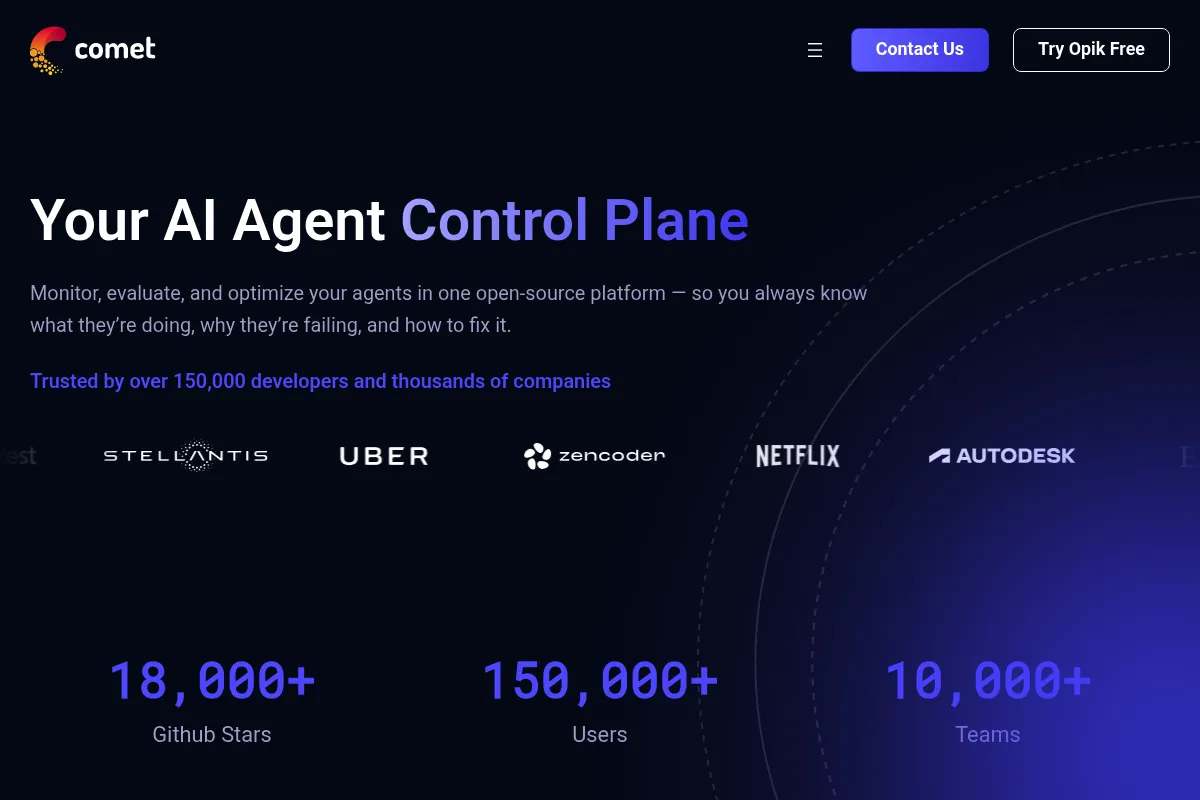
Comet is an MLOps platform designed to manage the full machine learning lifecycle. It provides a centralized system of record for experiments, code, and model artifacts, helping teams move from research to production with better reproducibility.
Official profiles
What it actually does
It logs code, hyperparameters, metrics, and assets automatically from Python scripts or notebooks. Users can compare thousands of experiments side-by-side, visualize model performance, and monitor live models in production for data drift or performance degradation.
What makes it different
Unlike many competitors that focus strictly on the research phase, Comet bridges the gap to production with its Model Production Monitoring (MPM) and dedicated LLM observability tools. It offers a more structured, project-centric UI compared to the more flexible but often cluttered interface of MLflow.
Ratings across the web

Ratings aggregated from independent review platforms.
Key Features
Auto-logging
Captures environment details, git hashes, and metrics without manual instrumentation
Comet Optimizer
Automates hyperparameter search using grid, random, or Bayesian strategies
Diff View
Compares code, hyperparameters, and dependencies between two specific runs
Model Production Monitoring
Alerts users when live data deviates from training distributions
LLM SDK
Tracks prompt templates, variables, and outputs to debug LLM chains
Artifacts
Manages large datasets and model weights with full lineage tracking
Workspaces
Organizes projects by team or department with granular access controls
Pricing
Community
- 1 User
- Unlimited public and private projects
- Experiment tracking
- 100GB storage
Academic
- For students and researchers
- Full experiment tracking features
- Collaborative workspaces
Teams
- Billed annually ($2,148/year)
- Collaborative workspaces
- Model Registry
- Priority support
Enterprise
- On-premises or VPC deployment
- Single Sign-On (SSO)
- Custom data retention policies
- Dedicated account management
Pricing checked 6 months ago
Pricing guidance
- When you need to share experiments and dashboards with teammates
- When you require the Model Registry for production deployment workflows
- When you need to move data behind a private VPC for security compliance
- The Community plan is strictly for one user; no collaboration is possible
- Storage limits on the free tier may be hit quickly if logging large model artifacts or datasets
Premium pricing that targets established engineering organizations rather than the mass market of hobbyists.
Pros & Cons
Strengths
-
Low-friction integration
The Python SDK is highly automated; adding it to existing scripts usually requires only a few lines of code to start capturing comprehensive metadata.
-
Strong visualization suite
The UI handles large-scale comparisons well, with parallel coordinates plots and custom panels that make identifying the best model versions efficient.
-
Integrated production monitoring
Having monitoring in the same tool as experiment tracking simplifies the feedback loop between production failures and retraining efforts.
-
Flexible deployment
Supports SaaS, VPC, and on-premises installations, which is a requirement for many regulated industries like finance or healthcare.
Weaknesses
-
Steep pricing jump
The transition from the free individual tier to the paid team tier is expensive, making it hard for small startups to justify the cost early on.
Affects: Early-stage startups and small teams
-
UI performance with massive datasets
Users report that the web interface can become sluggish when trying to visualize or compare thousands of experiments simultaneously.
Affects: Teams running high-frequency hyperparameter sweeps
-
Learning curve for custom panels
While basic charts are easy, creating highly customized visualizations requires learning Comet's specific API and JavaScript-based panel system.
Affects: Users with niche visualization requirements
Real User Sentiment
Users generally view Comet as a polished, reliable platform that is easier to manage than self-hosted MLflow but more enterprise-focused than Weights & Biases.
Users tend to like
- The 'Optimizer' for hyperparameter tuning
- Clean and intuitive user interface
- Ease of setup with auto-logging
- Responsive customer support for enterprise clients
Users commonly complain about
- High cost for small teams
- Occasional lag in the web UI
- Documentation for advanced custom panels can be sparse
Recurring tradeoffs
- Users trade the total control of an open-source tool for the convenience and features of a managed platform.
Happiest users
ML teams in regulated industries who value the on-premise deployment and structured model registry.
Often frustrated
Solo developers who find the jump to the paid tier too expensive and the free tier too restrictive for collaboration.
Use Cases
Hyperparameter Tuning
Using the Optimizer to find the best learning rate and batch size automatically.
Model Auditing
Reviewing the exact code, data, and environment used to produce a specific model version months later.
Team Collaboration
Sharing interactive dashboards with stakeholders to demonstrate model progress.
Drift Detection
Monitoring production models to see if real-world data has changed since the model was trained.
LLM Debugging
Visualizing the chain of prompts and responses to identify where a generative AI model is failing.
Frequently Asked Questions
How does Comet compare to Weights & Biases (W&B)?
Both are leaders in experiment tracking. W&B has a larger community presence and is often preferred by researchers. Comet is frequently chosen by enterprise teams for its more structured UI, integrated production monitoring, and flexible on-premise deployment options.
Is there a free version of Comet?
Yes, the Community plan is free forever for individuals. It includes unlimited projects and 100GB of storage but does not allow for team collaboration or advanced enterprise features.
Can I host Comet on my own servers?
Yes, Comet offers a self-hosted version for Enterprise customers. This can be deployed on-premises or within your own Virtual Private Cloud (VPC) to meet strict data privacy requirements.
Does Comet support LLM tracking?
Yes, Comet has a dedicated LLM toolset that allows you to track prompts, visualize chains of thought, and compare different model outputs in a 'playground' environment.
What are the main limitations of the free tier?
The primary limitation is the lack of collaboration; you cannot invite other users to your workspace. It also lacks the Model Registry and production monitoring features found in the Teams and Enterprise plans.
Which programming languages does Comet support?
Comet is primarily built for Python, which is the standard for ML. It also provides support for R, Java, and has a REST API for other languages.
Why trust this page?
This evaluation combines product positioning, pricing analysis, traffic and market signals, and public user sentiment into a single decision-support page. Content is generated editorially — not copied from the vendor's website.
Funding & Company
Founded
2017
Stage
Series b
Total Raised
$67.8M
Latest Round
Series B (Nov 2021)
Notable Investors
Comet has raised a total of $67.8 million across three funding rounds, culminating in a significant $50 million Series B in late 2021. This funding is aimed at scaling its MLOps platform, which supports enterprise machine learning teams from experiment tracking through to production monitoring.
Market Signals & Traffic
Estimated visits, global rank, geography, traffic sources, monthly visit trends, and organic search keywords (Similarweb)—on a dedicated page built for depth and search.
- Estimated visits
- 0
- Global rank
- —
- Snapshot
- May 2026
- Traffic trend
- Falling
Estimated monthly visits
Alternatives to Comet
View all alternativesWeights & Biases (W&B)
Developer Tools, Research

Developer platform for tracking, visualizing, and managing machine learning experiments.
Amazon CodeWhisperer
Developer Tools

AI-powered coding companion that generates code recommendations.
Similar Tools
Normal Computing
Developer Tools, Research, Automation & Agents

Probabilistic AI platform for complex enterprise reasoning and reliability.
HubPages
Content Creation, SEO

Content publishing platform with built-in SEO and monetization tools
Rain AI
Developer Tools, Research

Energy-efficient hardware for on-device AI and edge computing.
browser-use
Automation & Agents, Developer Tools, Data Extraction

Connect LLMs to any website for autonomous browser interaction.
Heuritech
Research, E-commerce, Social Media

Trend forecasting and market intelligence platform for fashion brands.
Boundary
Developer Tools, Data Extraction

Domain-specific language for extracting structured data from LLMs