

A mobile-optimized form builder that balances Typeform-style aesthetics with Jotform-style utility at a significantly lower price point.
Excellent for small businesses needing quick mobile-friendly forms and payment collection, weaker for complex enterprise workflows or high-volume data processing.
Analysis based on product data, pricing structure, traffic signals, and public user sentiment.
Who Should Use forms.app?
Typical users
Solopreneurs, field researchers, and small marketing teams who need to build and manage forms on the go.
Maturity fit
beginner to scaling
Choose this if…
- You need to build and edit forms entirely from a mobile device
- Your priority is a low-cost alternative to Typeform with similar 'one question at a time' UX
- You want to collect payments without a high-tier subscription
Skip this if…
- You require advanced relational database features within your forms
- Your workflow depends on high-volume automated document generation
- You need deep HIPAA compliance or enterprise-grade security certifications
About forms.app
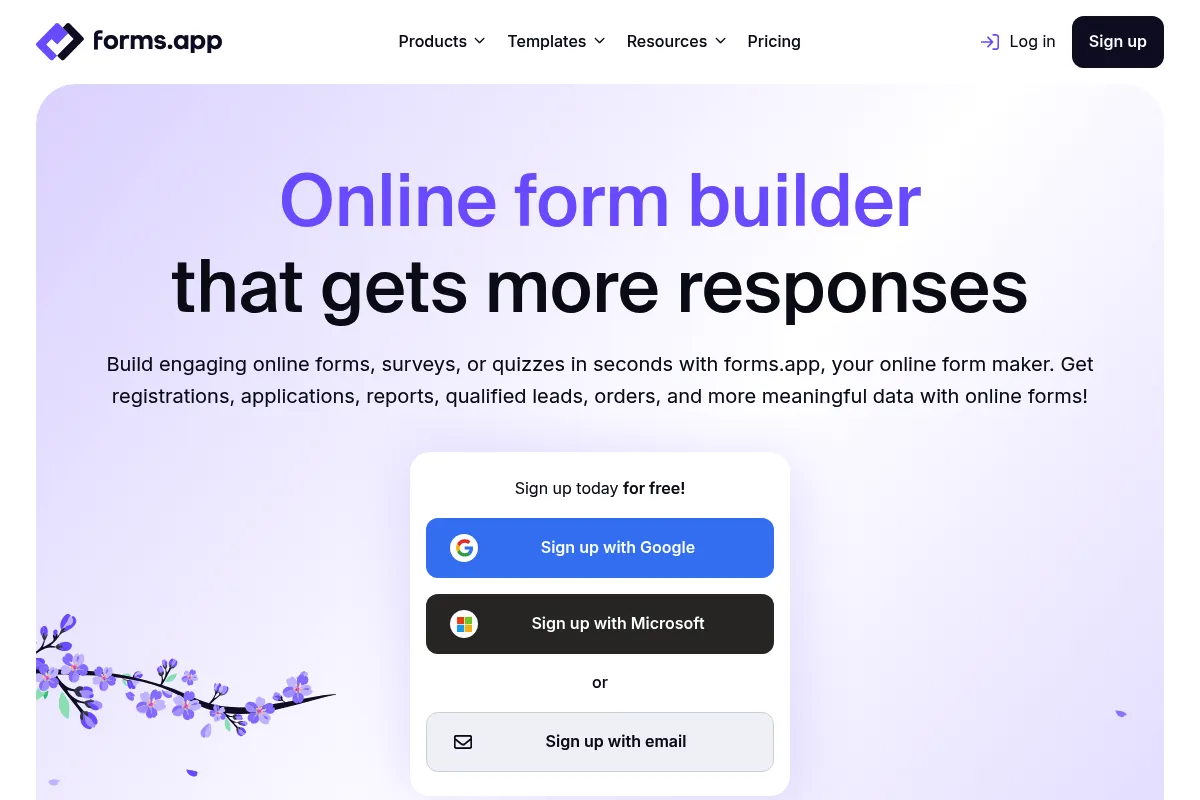
forms.app is a web and mobile-based form builder designed for speed and accessibility. It positions itself as a versatile middle-ground tool, offering more customization than Google Forms but with a lower barrier to entry than enterprise-grade builders.
Official profiles
What it actually does
Users can create surveys, quizzes, and lead generation forms using a drag-and-drop interface or an AI-assisted generator. It handles data collection, basic logic branching, and integrates with payment processors to facilitate simple e-commerce transactions.
What makes it different
Unlike most competitors that treat their mobile app as a secondary dashboard, forms.app provides a full-featured mobile experience for building forms. It also offers a 'Product Basket' feature that turns a standard form into a lightweight storefront, which is rare for general-purpose form builders.
Ratings across the web


Ratings aggregated from independent review platforms.
Key Features
Product Basket
Allows users to list products with images and prices directly inside a form for simple e-commerce.
AI Form Generator
Creates a complete form structure, including questions and options, from a single text prompt.
Step View vs. List View
Toggle between showing one question at a time or a traditional scrolling list.
Calculator
Assigns values to answers to calculate scores for quizzes or price estimates for service quotes.
Conditional Logic
Shows or hides fields based on previous answers to keep forms relevant to the user.
Answer Piping
Reuses a user's previous answer in subsequent questions to personalize the experience.
QR Code Generator
Creates customizable QR codes for physical signage to link directly to forms.
Privacy Settings
Includes options for password protection and location-based restrictions.
Pricing
Free
- 10 forms
- 100 responses per month
- 10 MB storage
- Payment collection
Basic
- 25 forms
- 1,000 responses per month
- 1 GB storage
- No forms.app branding
Pro
- Unlimited forms
- 10,000 responses per month
- 10 GB storage
- Custom domain support
Business
- Unlimited forms
- 100,000 responses per month
- 100 GB storage
- Priority support
Pricing checked 6 months ago
Pricing guidance
- When you need to remove the forms.app branding
- When you exceed 100 responses in a single month
- When you need to use a custom domain for your forms
- Storage limits apply to file uploads, which can fill up quickly on the Free and Basic plans
- Email notification limits may apply depending on the volume of submissions
Aggressively priced to undercut Typeform and Jotform while offering more features than Google Forms.
Pros & Cons
Strengths
-
Superior mobile experience
The mobile app is not just for viewing results; it allows for full form creation and editing, making it ideal for field workers or busy owners.
-
Generous free tier features
Unlike competitors that gate logic or payments behind high-cost plans, forms.app includes most core features in its entry-level tiers.
-
Built-in e-commerce utility
The Product Basket feature simplifies the process of selling a handful of items without needing a full Shopify or WooCommerce setup.
Weaknesses
-
UI can feel cluttered
The interface packs many options into a small space, which can lead to a steeper learning curve compared to minimalist tools like Tally.
Affects: New users or those preferring a clean workspace
-
Limited advanced integrations
While it covers the basics via Zapier and Make, native deep integrations with niche CRMs or enterprise ERPs are lacking.
Affects: Operations teams in large organizations
-
Performance lag on long forms
Users report that forms with extensive conditional logic or hundreds of fields can experience slow load times.
Affects: Researchers running complex, high-volume surveys
Real User Sentiment
Generally positive, with users highlighting the value-for-money and the ease of building forms on mobile devices.
Users tend to like
- Mobile app functionality
- Ease of setting up payments
- Clean 'Step View' layout
- Affordable pricing compared to big-name competitors
Users commonly complain about
- Occasional bugs in the drag-and-drop editor
- Customer support response times can be slow
- Limited design flexibility for highly specific branding needs
Recurring tradeoffs
- You trade the polished, high-end feel of Typeform for a more functional, utility-focused tool at half the price.
Happiest users
Small business owners and freelancers who need professional-looking forms without a high monthly overhead.
Often frustrated
Power users who require complex logic or those who need immediate, high-touch customer support.
Use Cases
Event Registration
Collecting attendee details and processing ticket payments in one flow.
Field Surveys
Using the mobile app to collect data in person, even without a laptop.
Customer Feedback
Sending automated surveys post-purchase to gauge satisfaction.
Lead Generation
Embedding forms on websites to capture and score potential clients using the Calculator.
Simple E-commerce
Selling a small catalog of products directly through a form link.
Job Applications
Creating multi-step forms for candidates to upload resumes and answer screening questions.
Frequently Asked Questions
How does forms.app compare to Typeform?
forms.app is significantly cheaper and offers more features (like payments) on its free and lower-tier plans. While Typeform has a more 'premium' design aesthetic and smoother transitions, forms.app provides a more functional mobile app and a 'Product Basket' feature that Typeform lacks.
Is the free plan actually useful?
Yes, the free plan is quite functional as it includes payment collection and conditional logic, which are often paid features elsewhere. However, it is limited to 10 forms and 100 responses per month, making it best for low-volume users.
Can I use my own domain with forms.app?
Yes, custom domain support is available, but you must be on the Pro plan or higher to use it. This allows you to host forms on a URL like forms.yourbrand.com.
Does forms.app work offline?
forms.app primarily requires an internet connection to save data. While you can open the app, it does not have a robust 'offline mode' for data collection in remote areas compared to specialized tools like Magpi or KoboToolbox.
What payment gateways are supported?
It supports major processors including Stripe, PayPal, Razorpay, and Iyzico. You can collect one-time payments or set up subscriptions depending on the gateway used.
Is forms.app HIPAA compliant?
No, forms.app does not currently offer HIPAA compliance. If you are collecting sensitive medical data, you should look at Jotform's Gold plan or specialized healthcare form builders.
Why trust this page?
This evaluation combines product positioning, pricing analysis, traffic and market signals, and public user sentiment into a single decision-support page. Content is generated editorially — not copied from the vendor's website.
Funding & Company
Founded
2018
Stage
Bootstrapped
Total Raised
Bootstrapped
Latest Round
—
forms.app is a bootstrapped company that has not taken any external venture capital or outside investment. Its growth to over 4 million users and an estimated $3.1M in annual revenue has been funded directly by its own customers, indicating a strong, product-led business model.
Market Signals & Traffic
Estimated visits, global rank, geography, traffic sources, monthly visit trends, and organic search keywords (Similarweb)—on a dedicated page built for depth and search.
- Estimated visits
- 1,155,950
- Global rank
- #48,353
- Snapshot
- Apr 2026
- Traffic trend
- Steady
Estimated monthly visits
Alternatives to forms.app
View all alternatives
Similar Tools
FlexClip
Video Creation, Content Creation, Design

AI-powered online video editor with templates and stock media.
Harvey
AI Assistant, Automation, Documentation

Professional services platform for legal research and document analysis
Lindy
AI Assistant, Automation, Productivity

No-code AI agent builder for automating business workflows.
Coframe
Marketing Automation, Developer Tools

Continuously optimizes website copy and images through autonomous A/B testing.
Navattic
Training & Onboarding, Marketing Automation, Automation & Agents

Create interactive, self-guided product demos for sales and marketing.
Obviously AI
Automation, Developer Tools, Research

No-code platform for building and deploying predictive machine learning models.