

A mature, enterprise-focused alternative to Adobe Acrobat that bundles PDF editing, e-signatures, and basic AI-assisted document processing into a familiar Office-style interface.
Excellent for organizations looking to standardize PDF and e-signature workflows at a lower cost than Adobe, weaker for users needing advanced AI-driven data extraction or specialized design tools.
Analysis based on product data, pricing structure, traffic signals, and public user sentiment.
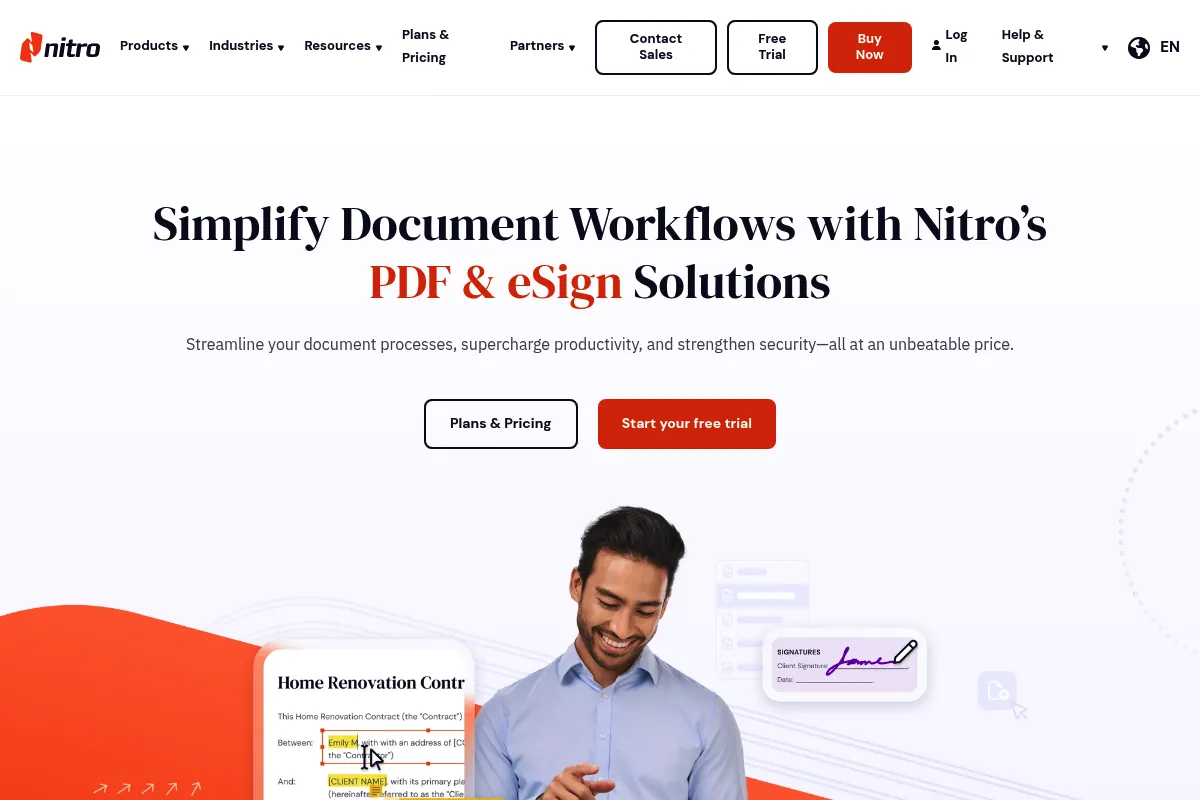
Who Should Use Nitro PDF AI?
Typical users
Operations, legal, and HR teams in mid-to-large enterprises who handle high volumes of contracts and documentation.
Maturity fit
scaling to advanced
Choose this if…
- You want to replace Adobe Acrobat with a more cost-effective, site-wide license
- Your team is already comfortable with the Microsoft Office ribbon interface
- You need integrated, legally binding e-signatures without paying for a separate DocuSign subscription
- Your priority is document security and compliance over creative design features
Skip this if…
- You only need to occasionally sign or merge PDFs (free web tools are sufficient)
- You require advanced AI capabilities like automated data mapping to external databases
- You are a creative professional needing high-end prepress or color management tools
- You need a tool that functions primarily as a collaborative, real-time document editor like Google Docs
About Nitro PDF AI
Nitro PDF AI is an expansion of the Nitro Pro productivity suite, designed to consolidate document editing, conversion, and e-signing. It targets the enterprise market by offering a unified platform for document lifecycles, emphasizing security and deployment at scale. The recent addition of AI features focuses on accelerating document comprehension through automated summaries and translations.
What it actually does
Nitro provides a desktop and cloud-based environment to create, edit, secure, and sign PDF files. It allows users to convert PDFs to and from Microsoft Office formats, redact sensitive information, and manage multi-party signature workflows. The AI component specifically handles text-heavy tasks like condensing long contracts into bulleted summaries.
What makes it different
Unlike many PDF tools that focus solely on editing, Nitro treats e-signatures as a core, integrated feature rather than an add-on. Its interface is intentionally modeled after Microsoft Word to minimize the learning curve for corporate employees. While competitors like Adobe are often seen as bloated, Nitro positions itself as a leaner, faster alternative with more flexible licensing for large deployments.
Ratings across the web



Ratings aggregated from independent review platforms.
Key Features
Nitro AI Assistant
Summarizes long documents and translates text into dozens of languages directly within the editor.
Integrated Nitro Sign
Enables sending and tracking e-signature requests without leaving the PDF application.
Microsoft Office Ribbon Interface
Reduces training time by mimicking the layout of standard productivity apps.
Advanced Redaction
Removes sensitive text and images permanently, ensuring compliance with privacy regulations.
Batch Processing
Automates repetitive tasks like watermarking or converting hundreds of files simultaneously.
Nitro Analytics
Provides usage data to help IT teams justify software spend and identify workflow bottlenecks.
White-labeling
Allows companies to brand the e-signature experience with their own logos and colors.
Universal Conversion
Maintains formatting when moving documents between PDF, RTF, and Office formats.
Pricing
Nitro PDF Pro (Individual)
- Full PDF editing and conversion
- Basic e-signing capabilities
- AI Assistant (Summarize & Translate)
- OCR and Redaction tools
Nitro PDF Pro for Business
- All Individual features
- Advanced Nitro Sign features
- Admin portal for license management
- Dedicated customer success manager
- Single Sign-On (SSO) integration
Nitro Sign Essentials
- Unlimited e-signature requests
- Mobile signing support
- Audit trails
- Template management
Pricing checked 6 months ago
Pricing guidance
- When you need to manage licenses for more than 10 users
- When you require SSO for security compliance
- When you need advanced e-signature features like bulk sending or custom branding
- AI Assistant usage may be subject to fair-use volume limits
- The individual plan lacks centralized management, making it difficult to reclaim licenses when employees leave
- Standard support response times can be slow for non-enterprise tiers
Mid-market pricing that positions itself as the high-value alternative to Adobe's premium pricing.
Pros & Cons
Strengths
-
Cost-effective enterprise scaling
Nitro's licensing model is generally more transparent and affordable than Adobe's, making it easier to provide PDF editing tools to an entire workforce.
-
Low learning curve
Because it looks and feels like Microsoft Word, most office workers can use it immediately without specialized training.
-
Consolidated toolset
Combining PDF editing and e-signatures into one license eliminates the need for separate vendors like DocuSign or HelloSign.
-
Strong security posture
Features like password protection, certificate-based security, and redaction are built for high-compliance industries like legal and finance.
Weaknesses
-
Mac version lags behind Windows
The Windows version is the flagship; the Mac application often lacks the full feature parity, particularly in advanced automation and AI integration.
Affects: Apple-based creative teams or mixed-OS organizations
-
AI features are relatively basic
The AI assistant is currently limited to summarization and translation, lacking the deep 'chat with your document' or data extraction capabilities found in newer AI-native startups.
Affects: Users looking for deep document analysis or automated data entry
-
Occasional formatting issues in conversion
While generally good, complex Excel tables or highly stylized Word docs can lose some formatting during the conversion process.
Affects: Users working with high-complexity financial spreadsheets or design-heavy documents
Real User Sentiment
Generally positive, with users praising its speed and value, though some frustration exists regarding customer support for smaller accounts.
Users tend to like
- The familiar Microsoft-style interface
- Fast document loading and processing speeds
- Reliable e-signature integration
- Lower cost compared to Adobe Acrobat Pro
Users commonly complain about
- Difficulties canceling individual subscriptions
- Mac version feels like a secondary product
- Customer support can be hard to reach for non-enterprise users
Recurring tradeoffs
- You trade some of Adobe's high-end print production features for a cleaner, faster interface and lower price.
Happiest users
IT managers who successfully reduced their software budget by switching from Adobe to Nitro across the whole company.
Often frustrated
Individual users who encounter billing issues or Mac-specific bugs and cannot get immediate technical support.
Use Cases
Legal Review
Using AI to quickly summarize 50-page contracts and redacting sensitive client info before sharing.
HR Onboarding
Sending offer letters and NDAs for e-signature and tracking completion status in real-time.
Sales Operations
Converting complex Excel pricing sheets into professional PDFs for client proposals.
Financial Auditing
Using OCR to turn stacks of scanned receipts and invoices into searchable, editable digital records.
Corporate Compliance
Standardizing document security with password protection and digital certificates across all departments.
Frequently Asked Questions
Is Nitro PDF AI free?
No, Nitro does not offer a permanent free version. They provide a 14-day free trial that includes most Pro features, but after that, you must purchase a subscription (starting around $13.33/month) or a one-time license if available.
How does Nitro compare to Adobe Acrobat?
Nitro is generally 30-50% cheaper than Adobe Acrobat Pro and offers a more familiar Office-like interface. While Adobe has more advanced tools for high-end graphic design and prepress, Nitro is often preferred by business users for its speed and integrated e-signatures.
Can I use Nitro PDF on a Mac?
Yes, Nitro has a Mac version, but it is historically less feature-rich than the Windows version. If you need advanced automation or specific AI features, verify they are supported on the Mac build before purchasing.
Does Nitro Sign comply with e-signature laws?
Yes, Nitro Sign produces legally binding signatures that comply with the eIDAS regulation in the EU and the ESIGN Act in the United States, including full audit trails.
What are the AI limitations in Nitro?
The current AI Assistant is primarily for text processing—summarizing, translating, and rewriting. It cannot currently 'read' charts, perform complex data extraction into CSVs, or interact with your documents via a conversational chatbot interface like some AI-native PDF tools.
Does Nitro integrate with Microsoft Teams or SharePoint?
Yes, Nitro has strong integrations with the Microsoft ecosystem, allowing users to open, edit, and save PDFs directly within SharePoint and OneDrive, and manage signature workflows through Teams.
Why trust this page?
This evaluation combines product positioning, pricing analysis, traffic and market signals, and public user sentiment into a single decision-support page. Content is generated editorially — not copied from the vendor's website.
Funding & Company
Founded
2005
Stage
Acquired
Total Raised
$117.5M
Latest Round
Post-IPO Equity (Dec 2019)
Notable Investors
Nitro Software raised approximately $36.6 million in venture capital before its 2019 IPO on the Australian Securities Exchange, which raised an additional AU$110.2 million. The company was subsequently taken private and acquired by Potentia Capital in a deal valued at around AU$550 million in April 2023. This acquisition provides significant capital and strategic direction, ensuring stability.
Market Signals & Traffic
Estimated visits, global rank, geography, traffic sources, monthly visit trends, and organic search keywords (Similarweb)—on a dedicated page built for depth and search.
- Estimated visits
- 1,676,655
- Global rank
- #32,171
- Snapshot
- Apr 2026
- Traffic trend
- Steady
Estimated monthly visits
Similar Tools
Joplin
Productivity, Documentation, Privacy & Compliance

Open-source note-taking and to-do application with end-to-end encryption.
Anytype
Productivity, Documentation, Privacy & Compliance

Local-first, privacy-focused workspace for notes, tasks, and knowledge management.
WorkBeaver
Automation & Agents, Productivity

Automate repetitive computer tasks by demonstrating workflows or using text instructions.
Presentations.ai
Content Creation, Productivity, Design

AI-powered platform for creating professional presentations quickly and easily.
AuraScape
Privacy & Compliance, Developer Tools

Real-time security and governance platform for generative applications.
Explainpaper
Research, Education, AI Assistant

Simplify and explain complex academic papers through interactive highlighting.