

A high-speed presentation generator that prioritizes content structure and brand consistency over granular design control.
Excellent for rapid deck prototyping and brand-aligned sales collateral, weaker for users requiring pixel-perfect layout customization.
Analysis based on product data, pricing structure, traffic signals, and public user sentiment.
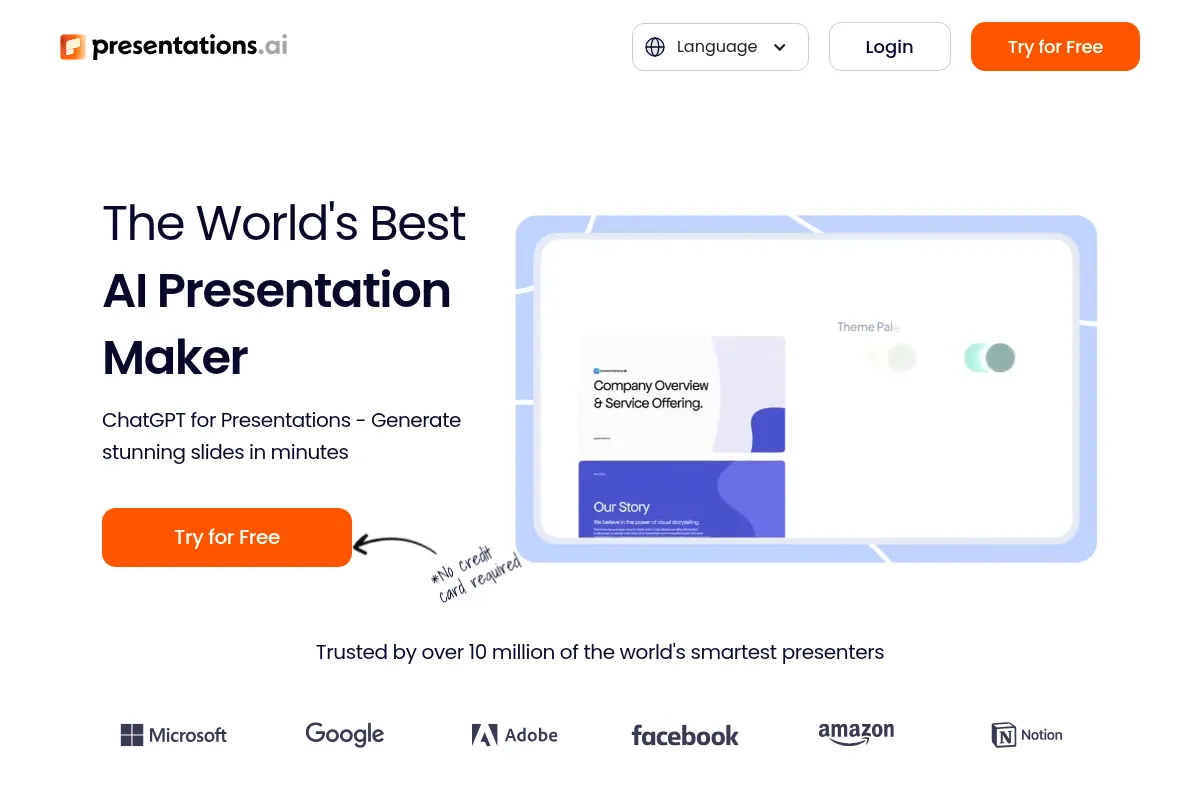
Who Should Use Presentations.ai?
Typical users
Founders, sales teams, and marketing managers in mid-sized companies who need to produce high volumes of professional decks without a dedicated designer.
Maturity fit
beginner to scaling
Choose this if…
- You want a finished deck from a single prompt without manual formatting
- Your priority is speed and content over custom animations
- You need to ensure every team member uses the correct brand colors and fonts automatically
- You prefer responsive, web-based decks that look good on mobile devices
Skip this if…
- You need pixel-perfect control over every element's position
- Your workflow relies heavily on complex PowerPoint animations and transitions
- You require offline editing capabilities as your primary mode of work
About Presentations.ai
Presentations.ai uses its Luma AI engine to transform text prompts or outlines into structured slide decks. It targets business users who lack design skills but need consistent, professional-looking output for pitches, reports, and internal meetings.
Official profiles
What it actually does
The tool automates the slide creation process by generating layouts, sourcing relevant imagery, and organizing content based on a user brief. It functions as a web-based editor where users can refine AI-generated drafts using pre-set design blocks.
What makes it different
Unlike traditional slide tools that offer a blank canvas, this platform uses an 'anti-design' engine that enforces design constraints. It treats presentations as responsive web content, ensuring decks adapt to different screen sizes rather than being fixed-aspect ratio slides.
Ratings across the web

Ratings aggregated from independent review platforms.
Key Features
Luma AI Engine
Converts short prompts or long-form documents into full slide structures.
Brand Kits
Locks in logos, colors, and typography across all team-generated decks.
Responsive Playback
Ensures decks function like mini-websites that are readable on phones and tablets.
Viewer Tracking
Provides data on who opened the deck and which slides they spent the most time on.
Smart Layouts
Automatically rearranges slide elements when content is added or removed.
Collaboration Tools
Allows teams to comment and edit simultaneously in a shared workspace.
Template Library
Offers pre-built structures for common business scenarios like seed pitches or quarterly reviews.
Pricing
Starter
- 50 AI credits
- Basic templates
- Standard export options
- Limited collaboration
Pro
- 1,000 AI credits
- Full Brand Kit support
- Custom fonts
- Advanced analytics
- Priority support
Enterprise
- Unlimited credits
- SSO and advanced security
- Dedicated account manager
- Custom template creation
Pricing checked 5 months ago
Pricing guidance
- When you need to use custom brand fonts
- When you require analytics to track pitch deck performance
- When you exhaust the initial 50-credit limit
- Credits do not always roll over monthly on all plans
- PPTX export is often locked behind the Pro tier
- Collaboration seats may be limited on the Starter plan
Mid-market pricing that is competitive with tools like Beautiful.ai but more expensive than basic Canva subscriptions.
Pros & Cons
Strengths
-
Extreme speed of execution
Users can go from a concept to a 10-slide draft in under a minute, significantly reducing the time spent on initial deck structuring.
-
Enforced brand consistency
Centralized brand controls prevent non-designers from using off-brand colors or fonts, which is critical for scaling sales teams.
-
Mobile-first viewing experience
Because decks are responsive, they are much easier for clients to view on mobile devices compared to traditional static PDFs.
Weaknesses
-
Restricted layout flexibility
The 'anti-design' engine prevents users from moving elements freely, which will frustrate those used to the total control of PowerPoint or Keynote.
Affects: Design-heavy users and creative directors
-
Credit-based generation limits
AI generations consume credits, meaning heavy users on lower tiers may find themselves unable to iterate freely without upgrading.
Affects: High-volume content creators
-
Export formatting issues
While it supports PPTX export, the transition from a responsive web layout to a static slide can sometimes result in awkward spacing or font issues.
Affects: Users who must deliver final files in PowerPoint format
Real User Sentiment
Users generally appreciate the tool for its ability to overcome 'blank page syndrome' and its clean, modern aesthetics.
Users tend to like
- The 'Luma' AI's ability to understand complex business prompts
- Clean, professional default templates
- The speed of generating a cohesive narrative structure
Users commonly complain about
- Difficulty in fine-tuning specific slide elements
- The pricing jump from Free to Pro feels steep for solo users
- Occasional bugs in the responsive layout when using long text
Recurring tradeoffs
- You trade design freedom for speed and consistency
Happiest users
Sales reps and founders who need to churn out multiple pitch decks or proposals weekly.
Often frustrated
Graphic designers or power users who want to manipulate every layer and shadow on a slide.
Use Cases
Founder Pitch Decks
Quickly turning a business plan into a visual narrative for investors.
Sales Proposals
Creating personalized, trackable decks for prospects at scale.
Internal Reports
Converting data and bullet points into professional monthly updates.
Marketing Presentations
Building brand-consistent decks for webinars or events.
Educational Content
Teachers turning lesson outlines into structured visual aids.
Frequently Asked Questions
Is there a free version of Presentations.ai?
Yes, there is a Starter plan that is free to use. It provides 50 AI credits to get you started, but it lacks advanced features like Brand Kits, custom fonts, and detailed analytics which are reserved for the Pro and Enterprise tiers.
How does Presentations.ai compare to Gamma?
Gamma is often viewed as a hybrid between a document and a slide deck, whereas Presentations.ai focuses more on traditional slide structures. Presentations.ai is generally better for users who want their output to feel like a standard presentation rather than a scrolling webpage.
Can I export my decks to PowerPoint?
Yes, you can export your presentations to PPTX format. However, because the tool uses a responsive web-based engine, some formatting may change slightly during the export process, and you will lose the interactive tracking features available in the web version.
What are the main limitations of the AI?
The AI is excellent at structure but can sometimes use generic stock imagery or repetitive phrasing. It also struggles with highly technical diagrams or complex data visualizations that require specific logic beyond simple charts.
Does it integrate with other tools?
Presentations.ai offers integrations with platforms like Slack, Microsoft Teams, and various CRM tools for sharing and tracking, though its integration ecosystem is currently less mature than competitors like Canva or Google Slides.
How much does the Pro plan actually cost?
The Pro plan is priced at $40 per month if billed monthly, or $396 per year (which averages out to $33 per month) if you pay annually. This plan includes 1,000 credits and full access to branding tools.
Why trust this page?
This evaluation combines product positioning, pricing analysis, traffic and market signals, and public user sentiment into a single decision-support page. Content is generated editorially — not copied from the vendor's website.
Funding & Company
Founded
2012
Stage
Seed
Total Raised
$3.6M
Latest Round
Seed (Jan 2025)
Notable Investors
Presentations.ai has raised a total of $3.6 million over two seed rounds. The most recent $3 million raise in early 2025, led by Accel, signals renewed investor confidence in the company's pivot to an AI-native platform. This funding provides the necessary capital to scale its AI-driven presentation software and expand its market reach.
Market Signals & Traffic
Estimated visits, global rank, geography, traffic sources, monthly visit trends, and organic search keywords (Similarweb)—on a dedicated page built for depth and search.
- Estimated visits
- 1,552,518
- Global rank
- #26,131
- Snapshot
- Apr 2026
- Traffic trend
- Surging
Estimated monthly visits
Alternatives to Presentations.ai
View all alternativesGamma
Content Creation, Productivity, Design

AI-powered platform for creating presentations, documents, and websites.
Beautiful.ai
Design, Productivity, Content Creation

AI-powered presentation software that automates design.
Canva AI
Content Creation

Online design tool for creating graphics, presentations, videos, and websites.
Similar Tools
Decktopus
Content Creation, Productivity, Design

AI-powered presentation maker for creating stunning slides in seconds.
Tome
Content Creation, Productivity, Design

AI-powered storytelling and presentation tool.
Pitch
Content Creation, Productivity, Design

AI-powered presentation software for collaborative teams.
Gamma
Content Creation, Productivity, Design
AI-powered platform for creating presentations, documents, and websites.
HoneyBook
AI Assistant, Workflow, Automation

All-in-one client management software for freelancers and small businesses.
Malva AI
AI Assistant, Content Creation, Productivity

Curated directory and toolkit for free content creation tools.