

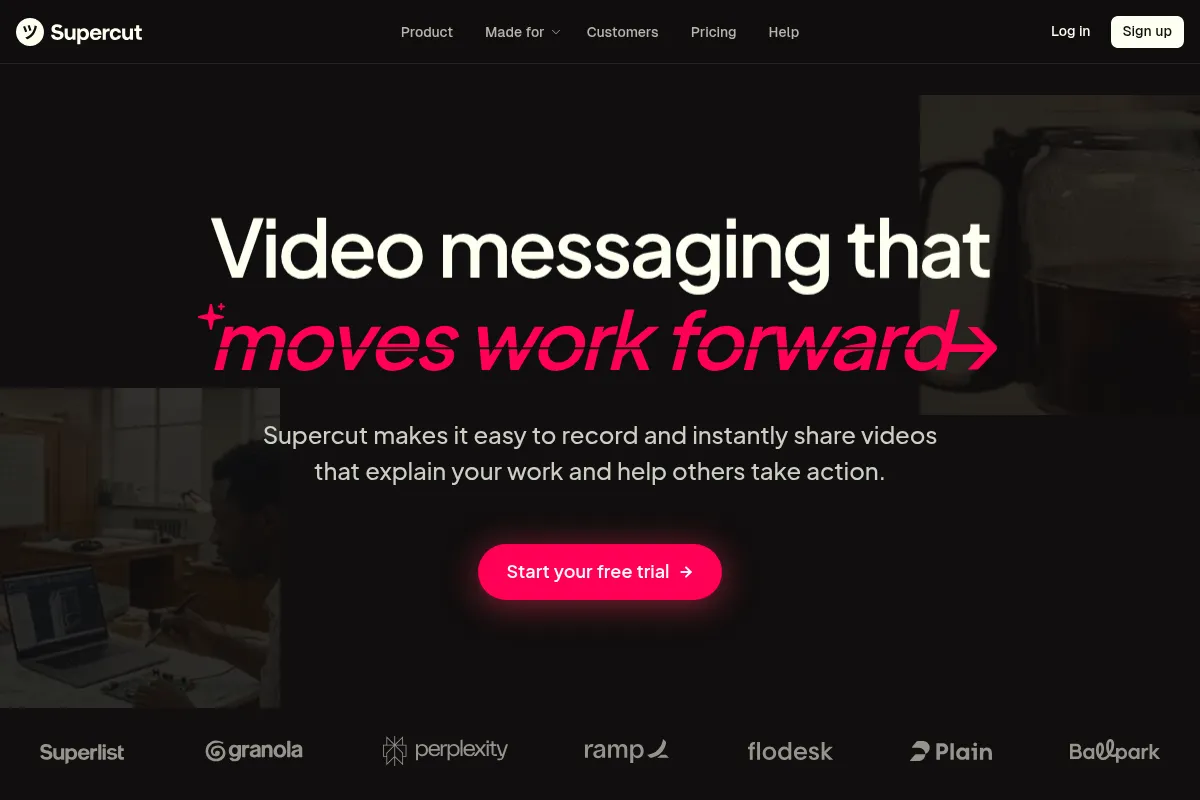
Supercut is an AI-powered screen recorder that prioritizes speed and a professional finish, automatically handling edits to make async communication sharp and on-brand.
Excellent for fast-moving teams needing polished, branded video messages without manual editing; weaker for users who require advanced post-recording customization.
Analysis based on product data, pricing structure, traffic signals, and public user sentiment.
Who Should Use Supercut?
Typical users
Design-focused teams, agencies, sales professionals, and customer support teams in small to mid-sized businesses who rely on asynchronous video for internal updates and client communication.
Maturity fit
scaling
Choose this if…
- You want to record and share polished, on-brand videos with minimal effort.
- Your priority is speed and efficiency in communication over granular editing control.
- You find tools like Loom to be too basic or clunky for professional use. [14]
- You need AI features to automatically create chapters, summaries, and remove filler words. [14]
Skip this if…
- You need a full-featured video editor with a timeline and advanced effects. [13, 21]
- Your workflow requires a browser-based tool without a native desktop app. [23]
- You are looking for a completely free tool, as Supercut's core AI features require a paid plan after a trial. [20, 24]
- You need extensive customization of video layouts beyond pre-designed templates. [21]
About Supercut
Supercut is an AI-powered video messaging and screen recording tool for macOS and Windows. [6] It's designed for teams who need to create professional-looking videos for asynchronous communication without the time investment of manual editing. [2] The tool focuses on speed, branding, and automated polishing to replace internal meetings and lengthy emails. [4, 5]
Official profiles
What it actually does
Supercut records a user's screen and camera in up to 4K resolution. [3] Its AI automatically edits recordings by removing filler words, creating chapters, generating summaries, and ensuring clear audio. [14] Users can apply branded themes and layouts, and instantly share videos with a link. [3, 5]
What makes it different
Supercut's primary differentiator is its focus on automated, AI-driven polishing. [2] Unlike traditional screen recorders that simply capture video, Supercut aims to produce a finished, professional-looking asset the moment you stop recording. [14] It's built as a native application for performance, contrasting with some browser-based alternatives. [8]
Ratings across the web

Ratings aggregated from independent review platforms.
Key Features
AI Auto-Edit
Automatically polishes videos by removing filler words and awkward pauses, saving significant editing time. [14]
Branded Themes & Layouts
Ensures all video communications are consistent with company branding, reinforcing a professional image. [1]
Instant Sharing
Generates a shareable link immediately after recording, streamlining fast-paced async workflows. [8]
Auto-Chapters & Summaries
AI creates a navigable table of contents and a concise summary, making long videos easier for viewers to consume. [5]
4K Native Recording
Native apps for macOS and Windows provide reliable, high-resolution recording without high CPU usage. [8, 15]
Call-to-Action Buttons
Allows creators to embed links directly in the video player to drive actions like booking a meeting. [2]
Timestamped Comments & Reactions
Facilitates clear, contextual feedback directly on the video, reducing back-and-forth communication. [1]
Background Removal (Cut-outs)
Lets users remove their background without a green screen for a more professional appearance. [13]
Pricing
Pro
- Blazing fast native recording
- Instant 4K unlimited sharing
- Multiple layouts & branding
- AI Assistant
- Auto-Chapters & Auto-Edit
- Remove 'Powered by Supercut' branding
Enterprise
- All Pro features
- Advanced security and compliance
- Custom onboarding and support
- For teams of 50+ seats
Pricing checked 6 months ago
Pricing guidance
- Your 14-day free trial ends.
- You need to remove Supercut branding from your videos.
- You want to use the AI Auto-Edit and Auto-Chapter features.
- You need to add multiple team members to a workspace.
- The most valuable feature, Auto-Edit, is not included in the free trial experience. [20]
- The pricing is per-seat, which can become costly for larger teams.
- A full video editor is listed as 'coming soon', meaning current users must rely solely on AI edits. [13]
Premium positioning against competitors like Loom, justified by its AI-powered editing and professional branding features.
Pros & Cons
Strengths
-
Fast and efficient workflow
The tool is built for speed, from native app performance to instant link sharing, which is critical for teams that communicate asynchronously. [8, 9]
-
Automated professional finish
AI features like auto-editing, chapter generation, and noise cancellation produce a polished video with almost no manual effort. [2, 4]
-
Strong branding capabilities
Users can apply custom logos, colors, and layouts to maintain brand consistency across all video messages, which is important for agencies and sales teams. [1]
-
High-quality recording
Support for up to 4K resolution ensures that screen recordings are sharp and clear, which is essential for product demos and design reviews. [3]
-
Clean, intuitive user interface
Users consistently praise the beautiful design and simple user experience, which makes it easy to adopt and use compared to clunkier alternatives. [12, 15]
Weaknesses
-
No manual video editor
Supercut lacks a timeline-based editor for manual tweaks. If the AI edit isn't perfect, you have limited options for refinement. [13, 21]
Affects: Users needing precise post-production control
-
Requires a native app download
Unlike some competitors, Supercut is not browser-based, which can be a barrier for users on restricted systems or those who prefer web apps. [23]
Affects: Users on ChromeOS, Linux, or with strict IT policies
-
Core AI features are paywalled
The key differentiator, AI Auto-Edit, is not available on the free trial, making it difficult to evaluate the tool's main value proposition without committing. [20]
Affects: Users evaluating the tool on a free plan
-
Limited layout customization
While there are professional layouts, they are pre-designed templates with limited options for custom arrangements. [21]
Affects: Creators with very specific visual requirements
Real User Sentiment
User sentiment is largely positive, with a strong emphasis on the tool's speed, design, and the professional quality of the output. [12] Many see it as a significant upgrade over Loom. [9, 10]
Users tend to like
- The speed and performance of the native app. [12]
- Beautiful, simple, and intuitive user interface. [12, 15]
- Instant sharing workflow that saves time. [9]
- High-quality, professional-looking output with minimal effort. [4]
- Low resource usage compared to other recorders. [9]
Users commonly complain about
- Lack of a manual video editor for fine-tuning. [21]
- The best AI features are locked behind the paywall, even during the trial. [20]
- Requires a desktop app download, no browser version available. [23]
- Layouts are professional but offer limited customization. [21]
Recurring tradeoffs
- Users trade granular editing control for speed and AI-powered automation.
- Users accept a per-seat subscription cost for a more polished and branded output than free alternatives.
Happiest users
Teams at agencies and product companies who value speed and a professional, on-brand appearance in their async communications. [1, 5]
Often frustrated
Content creators or trainers who need precise editing capabilities to manually cut, trim, or re-arrange their recordings.
Use Cases
Product Demos
Showcasing new features with crisp, on-brand videos that include AI-generated chapters for easy navigation. [5]
Client Walkthroughs
Agencies explaining complex user flows or presenting design mockups in a polished, professional format. [1]
Asynchronous Team Updates
Replacing internal status meetings with quick, clear video updates that can be watched on-demand. [5]
Sales Outreach
Creating personalized, engaging videos for prospects with embedded call-to-action buttons to book meetings. [2]
Customer Support
Resolving tickets faster by providing clear, step-by-step visual instructions instead of long text explanations. [2]
Internal Onboarding
Recording standard operating procedures and training materials for new team members.
Frequently Asked Questions
What is the pricing for Supercut?
Supercut offers a Pro plan that costs $12 per seat per month when billed annually. There is also a custom-priced Enterprise plan for teams larger than 50. There is no permanent free plan, but a 14-day free trial is available to test the features. [13, 24]
How does Supercut compare to Loom?
Supercut is positioned as a more professional and polished alternative to Loom. [2] Its key differentiators are AI-powered features like auto-editing and chapter generation, as well as more robust branding capabilities. [2] While Loom is known for being quick and simple, Supercut aims to produce a higher-quality, ready-to-share video with less manual work. [14]
What are the main limitations of Supercut?
The biggest limitation is the absence of a manual video editor, meaning you must rely on the AI's output. [21] It also requires a native app download, so it's not accessible via a web browser. [23] Additionally, its core AI editing feature is not available during the free trial, making a full evaluation difficult without payment. [20]
What integrations does Supercut offer?
SourceForge lists integrations with Flodesk, Framer, Perplexity, Superlist, and Visual Electric. [11] However, the tool's primary sharing method is via a direct link, which can be embedded or shared across most platforms. Deeper, native integrations with project management or communication tools are not a primary feature.
Can I use Supercut for free?
You can use Supercut for free during a 14-day trial period. After the trial expires, you must upgrade to a paid 'Pro' plan to continue sharing videos. There is no 'always-free' tier. [24]
Does Supercut work on both Mac and Windows?
Yes, Supercut offers native desktop applications for both macOS and Windows, which are designed for optimal performance and reliability on each operating system. [8]
How does the AI editing work in Supercut?
Supercut's AI works automatically after you finish recording. It processes the video to remove filler words (like 'um' and 'ah'), generates a title and summary, creates navigable chapters based on the content, and provides a transcript with captions. [5, 14] The goal is to deliver a polished video without requiring manual editing.
Why trust this page?
This evaluation combines product positioning, pricing analysis, traffic and market signals, and public user sentiment into a single decision-support page. Content is generated editorially — not copied from the vendor's website.
Funding & Company
Founded
2024
Stage
Seed
Total Raised
$1.84M
Latest Round
Seed (May 2024)
Notable Investors
Supercut, a product by Float Labs Ltd, is backed by a €1.6M ($1.84M) seed round led by Point Nine Capital. This early-stage funding from a reputable software VC, alongside notable angel investors from companies like Typeform and Framer, provides a solid foundation for product development and initial market entry.
Market Signals & Traffic
Estimated visits, global rank, geography, traffic sources, monthly visit trends, and organic search keywords (Similarweb)—on a dedicated page built for depth and search.
- Estimated visits
- 50,033
- Global rank
- #582,826
- Snapshot
- Apr 2026
- Traffic trend
- Cooling
Estimated monthly visits
Similar Tools
01.AI
Developer Tools, Research, AI Assistant

Large language models and developer platform for multimodal application building.
Higgsfield
Video Creation, Content Creation

Generate cinematic videos using text prompts and image references.
Fliki
Content Creation, Video Creation

AI-powered text-to-video and text-to-speech creator.
Luma
Content Creation, Video Creation, Design

AI platform for generating realistic video and 3D models.
Colossyan
Video Creation, Content Creation, Training & Onboarding

AI video generation platform with realistic avatars for training and communication.
Actively
Sales, Automation & Agents, Marketing Automation

Sales intelligence platform for automated prospecting and pipeline generation