

V7 is a high-performance data engine for computer vision that prioritizes automated labeling and MLOps orchestration, making it a top-tier choice for teams handling complex segmentation or medical imaging.
Best fit for scaling ML teams in healthcare and manufacturing who need to automate pixel-perfect labeling, but likely overkill for basic classification or low-budget projects.
Analysis based on product data, pricing structure, traffic signals, and public user sentiment.
Who Should Use V7?
Typical users
ML engineers, data operations managers, and computer vision researchers in specialized industries like Life Sciences or Autonomous Systems.
Maturity fit
scaling to advanced
Choose this if…
- Your priority is reducing manual labeling time through AI-assisted segmentation.
- You work with complex data formats like DICOM (medical) or high-resolution video.
- You need a centralized platform to manage both data labeling and model training workflows.
- Your project requires strict data versioning and detailed audit trails for regulatory compliance.
Skip this if…
- You only need simple image classification or bounding boxes that cheaper tools can handle.
- Your budget is minimal; open-source alternatives like CVAT or Label Studio are more cost-effective for small teams.
- You require a tool with a massive, built-in marketplace of cheap manual annotators (Scale AI is better for pure outsourcing).
About V7
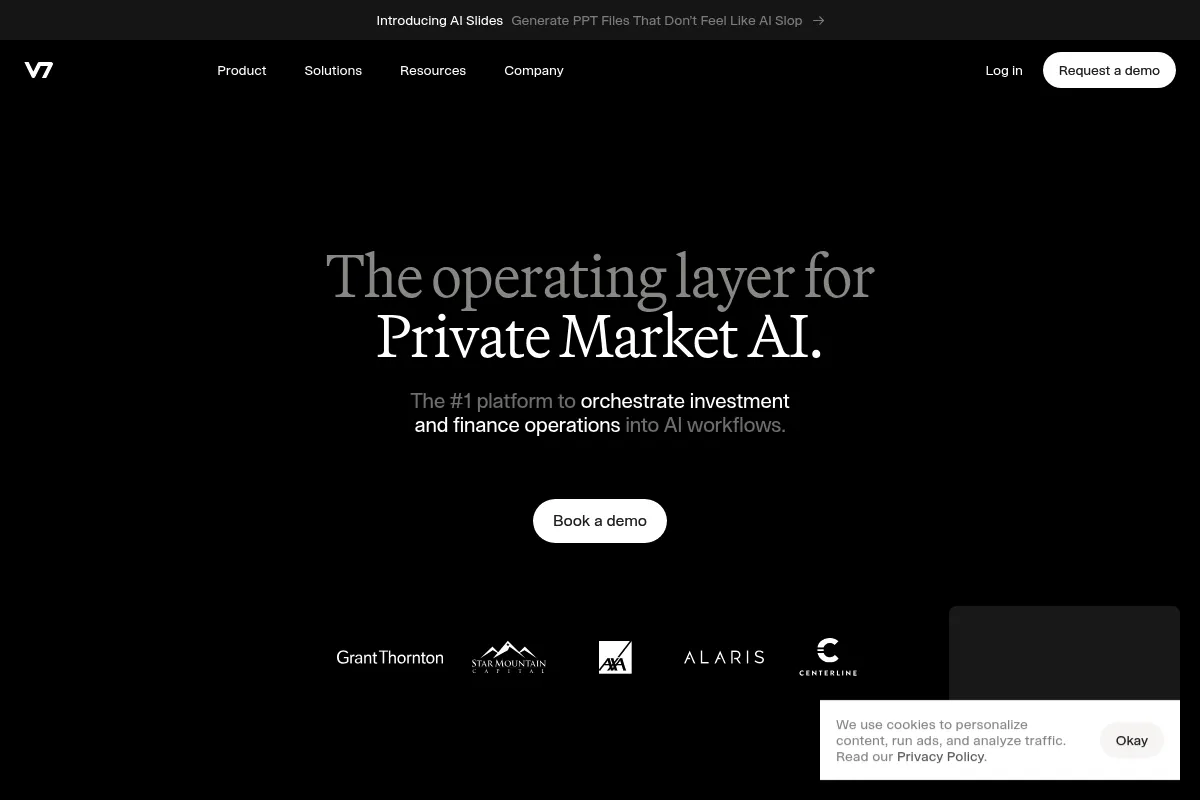
V7 is a training data platform designed to automate the computer vision lifecycle. It combines image and video annotation, dataset management, and model training into a single interface to accelerate the path from raw data to production AI.
Official profiles
What it actually does
The platform allows users to upload massive visual datasets, use AI-powered tools to automatically outline objects (segmentation), and manage the review process through custom workflows. It also provides infrastructure to train and deploy models directly on the annotated data.
What makes it different
V7 stands out through its 'Auto-Annotate' feature, which is significantly more precise at complex polygon segmentation than most competitors. Unlike general-purpose labeling tools, it offers deep native support for medical imaging (DICOM) and frame-accurate video interpolation.
Ratings across the web

Ratings aggregated from independent review platforms.
Key Features
Auto-Annotate 2.0
Uses a pre-trained model to snap to object edges, reducing manual clicks by up to 90%.
Workflow Builder
A visual interface to create multi-step pipelines including labeling, QA, and model-in-the-loop stages.
Video Interpolation
Automatically tracks objects across frames, eliminating the need to label every single frame in a sequence.
DICOM Web Viewer
Specialized tools for radiologists to annotate 3D medical volumes directly in the browser.
Dataset Management
Handles millions of images with metadata filtering and version control for reproducible ML.
V7 Go
An integrated environment for building and deploying generative AI and LLM-powered vision workflows.
Model Management
Allows teams to plug in their own models to assist in the labeling process via API.
Pricing
Education & Open Source
- For non-commercial research
- Basic annotation tools
- Public datasets only
- Community support
Business
- Private datasets
- Auto-Annotate 2.0
- Full Workflow Builder
- API & SDK access
Enterprise
- SSO & Advanced Security
- HIPAA compliance
- Dedicated success manager
- On-premise deployment options
Pricing checked 5 months ago
Pricing guidance
- When you need to handle private/proprietary data.
- When you require HIPAA or SOC2 compliance for medical/sensitive data.
- When you need to automate labeling via the API.
- Usage-based credits may apply to AI-assisted features.
- Storage limits can apply depending on the negotiated contract.
- Seat-based pricing can scale quickly as you add manual annotators.
Premium enterprise positioning with a focus on ROI through automation rather than low-cost seats.
Pros & Cons
Strengths
-
Superior auto-segmentation
The AI-assisted labeling is highly intuitive and handles complex shapes better than Labelbox or Superb AI, significantly lowering the cost per label.
-
Deep medical industry focus
Native support for medical formats and specialized viewing tools makes it the default choice for healthcare AI startups and research labs.
-
Robust workflow customization
The ability to define complex 'if-this-then-that' labeling pipelines ensures high data quality for enterprise-grade models.
-
Clean, performant UI
The interface remains responsive even when handling large datasets or high-resolution video, which is a common pain point in browser-based tools.
Weaknesses
-
High cost of entry
Pricing is geared toward enterprises; small teams may find the per-seat or usage-based costs prohibitive compared to self-hosted options.
Affects: Early-stage startups and solo developers
-
Steep learning curve
Setting up advanced workflows and integrating the API requires significant technical overhead compared to simpler 'point-and-click' tools.
Affects: Non-technical project managers
-
Opaque pricing
The lack of public pricing for commercial tiers makes it difficult for teams to budget without going through a sales cycle.
Affects: Procurement and small teams
Real User Sentiment
Users generally view V7 as the 'Pro' tool in the space, praising its technical depth while noting its premium price tag.
Users tend to like
- The precision of the Auto-Annotate tool
- Ease of use for medical imaging (DICOM)
- The responsiveness of the support team
- The workflow automation capabilities
Users commonly complain about
- Lack of transparent pricing for small businesses
- Occasional complexity in the API documentation
- Cost can become high as dataset size grows
Recurring tradeoffs
- You pay more for V7 to save money on manual labor; if your labor is already cheap, the ROI is harder to see.
Happiest users
ML teams in regulated industries who value data quality and automation over raw tool cost.
Often frustrated
Small teams looking for a simple, cheap labeling tool who find the platform's feature set overwhelming and expensive.
Use Cases
Radiology AI
Annotating X-rays and MRIs using specialized DICOM tools for model training.
Manufacturing Quality Control
Detecting microscopic defects in silicon wafers using automated segmentation.
Autonomous Agriculture
Labeling crop types and weeds in high-resolution aerial footage.
Livestock Monitoring
Tracking animal movement and health across video feeds using interpolation.
Retail Analytics
Counting foot traffic and shelf stock levels using automated bounding boxes.
Frequently Asked Questions
How does V7 compare to Labelbox?
V7 is often preferred for complex segmentation and medical imaging due to its superior Auto-Annotate tool and native DICOM support. Labelbox offers a broader ecosystem for different data types (text, audio) and a more mature external workforce marketplace. Choose V7 for technical computer vision and Labelbox for general-purpose multi-modal AI.
Is there a free version of V7?
Yes, V7 offers a free tier specifically for researchers, educators, and open-source projects. However, this tier requires all datasets to be public. For any commercial or private project, you must move to a paid Business or Enterprise plan.
Does V7 support medical imaging like DICOM?
Yes, V7 is one of the few platforms with native, high-performance DICOM support. It includes a specialized web viewer that allows radiologists to annotate 3D volumes, handle windowing/leveling, and manage multi-frame instances without converting files to standard image formats.
Can I host V7 on my own servers?
On-premise or private cloud deployment is available, but typically only for Enterprise-level customers. Most users utilize V7's secure cloud infrastructure, which is HIPAA and SOC2 compliant.
What is V7 Go?
V7 Go is a newer part of the platform designed for Generative AI. It allows users to build workflows that use Large Language Models (LLMs) and Vision Models to process and extract data from images and documents at scale, moving beyond simple labeling into data extraction.
How does the Auto-Annotate feature work?
It uses a pre-trained deep learning model that understands object boundaries. You simply click on an object or draw a rough box around it, and the tool automatically creates a precise polygon mask. It works out-of-the-box without needing to train a model on your specific data first.
Why trust this page?
This evaluation combines product positioning, pricing analysis, traffic and market signals, and public user sentiment into a single decision-support page. Content is generated editorially — not copied from the vendor's website.
Funding & Company
Founded
2018
Stage
Series a
Total Raised
$36M
Latest Round
Series A (Nov 2022)
Notable Investors
V7 has raised a total of $36 million over two rounds, including a significant $33 million Series A in late 2022. This funding, from AI-focused investors like Radical Ventures and Temasek, provides substantial runway for product development and US market expansion.
Market Signals & Traffic
Estimated visits, global rank, geography, traffic sources, monthly visit trends, and organic search keywords (Similarweb)—on a dedicated page built for depth and search.
- Estimated visits
- 270,624
- Global rank
- #105,885
- Snapshot
- Apr 2026
- Traffic trend
- Surging
Estimated monthly visits
Alternatives to V7
View all alternativesLabelbox
Developer Tools, Research, Automation

Platform for data labeling, management, and model evaluation workflows.
Encord
Developer Tools, Workflow, Research

Data development platform for labeling, managing, and evaluating multimodal datasets.
Scale
Developer Tools, Research, Automation

Data infrastructure for training, labeling, and evaluating machine learning models.
Similar Tools
Deepchecks
Developer Tools, Automation, Workflow

Testing and monitoring platform for machine learning and LLM applications.
Playwright
Developer Tools, Automation, Workflow

Cross-browser end-to-end testing and automation for modern web applications.
Martian
Developer Tools, Automation, Workflow

Dynamic router that automatically selects the best LLM for every prompt.
Radiant
Developer Tools, Automation, Workflow

Integrated AI infrastructure and cloud platform for scaling model deployment.
Hasty
Developer Tools, Automation, Workflow

Data-centric vision platform for labeling, training, and deploying models.
Parea
Developer Tools, Automation, Workflow

Platform for evaluating, testing, and monitoring LLM applications.