
OpenCode vs Claude Code: AI Coding Agents Ranked

Matic Pogladič
08 April 2026

Most advice on OpenCode vs Claude Code starts with model quality. I think that misses the point. Claude Code fits teams that want a managed, polished system with tighter enterprise controls, while OpenCode fits teams that want control, portability, and the option to run local or mix providers. The better choice is the one that reduces edit-loop friction for your team, not the one that looks strongest in a benchmark.
That sounds less exciting than arguing over which agent is “smartest.” It is also more useful.
I have a counter-intuitive view here. A weaker coding agent inside a workflow your team trusts will outperform a stronger one that keeps interrupting review, approvals, context setup, or billing decisions. Most failures I see are not bad code generation. They are bad workflow fit.
This is why the OpenCode vs Claude Code debate matters beyond two products. It is a choice between a managed ecosystem and an open one. That choice shapes your security posture, your procurement path, your integration options, and how painful it is to switch later.
If you are mapping the broader market, it helps to scan the various AI tools available to developers before you lock into one stack. Then get practical fast. Below are the 10 coding agents I would shortlist today, starting with the two that define the current split.
1. Claude Code (Anthropic)
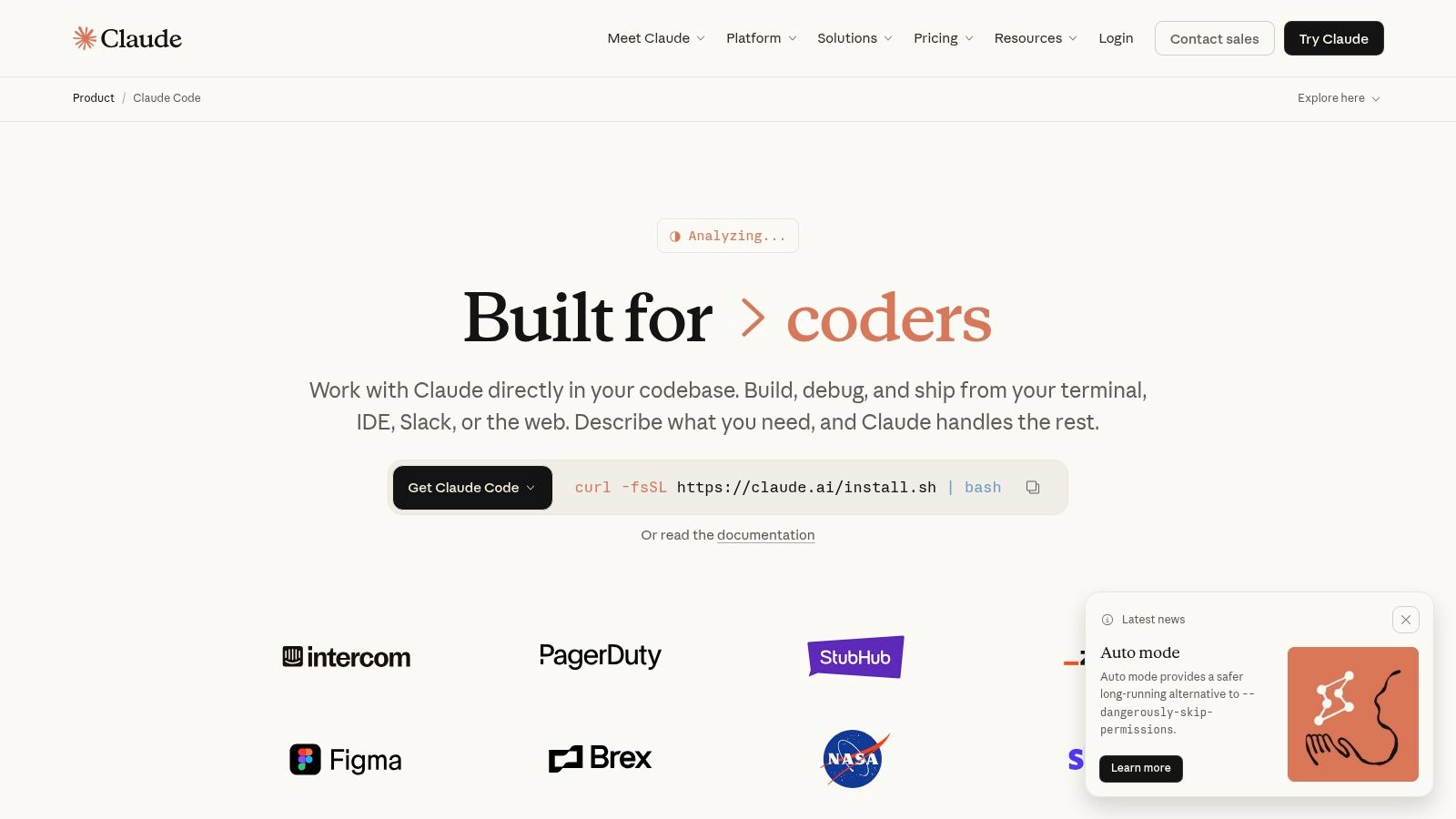
Claude Code is the cleanest expression of the managed side of this market. Teams pick it when they want one vendor to own the agent experience, the model stack, the rollout path, and much of the operational polish that open tools leave to internal engineering.
That trade-off is often worth it.
In practice, Claude Code feels closer to a finished product than a toolkit. It runs well in terminal-heavy workflows, plugs into common IDE habits, and gives platform teams a clearer path to standardization through Anthropic, Bedrock, or Vertex. I have seen that matter more than raw model quality. If a team can install it, set policy, and trust the defaults, adoption happens faster and support overhead drops.
Where Claude Code works best
Claude Code fits organizations that value consistency, procurement clarity, and lower setup variance across developers. Enterprise buyers usually care less about swapping models every week and more about access control, predictable onboarding, and a support path they can escalate through. Claude Code serves that audience well.
It also suits teams that already work in terminal plus GitHub and do not want to force everyone into a new editor just to get agent behavior. That sounds mundane. It is a real advantage.
The broader product direction reinforces that position. Anthropic has added memory files, planning features, subagents, IDE integrations, automation hooks, and checkpoint-style workflow support at a fast pace. The exact release count is less important than the pattern. Claude Code is evolving like a tightly managed platform, not a loose collection of community extensions.
What you give up
The cost of that polish is reduced flexibility.
Claude Code is still a proprietary system with Anthropic defining the boundaries. That affects provider choice, pricing exposure, and how much of your workflow depends on one company’s roadmap. If your team wants to route simple tasks to cheap models, keep a local fallback, or inspect agent behavior in detail, Claude Code is not built around those priorities. Teams comparing it with open-source coding agents and developer tools usually feel that difference immediately.
Security is the other practical consideration. Anthropic has shipped fixes quickly when issues surfaced, which is what you want from a managed vendor. The flip side is that a powerful agent with repo access, shell access, and automation hooks deserves the same review you would give any privileged internal tool. Fast patching helps. It does not remove the blast-radius question.
Three practical takeaways:
- Best for managed rollout: Stronger defaults, clearer enterprise channels, and less internal tooling work.
- Best for standardized teams: Easier to document, approve, and support across a larger engineering org.
- Harder to customize or exit: Less freedom on model routing, lower portability, and more dependence on vendor decisions.
For teams evaluating alternatives in a broader market, I would place Claude Code near the top of the developer tools category on Oryndex.
Website: Claude Code
2. OpenCode (open-source)
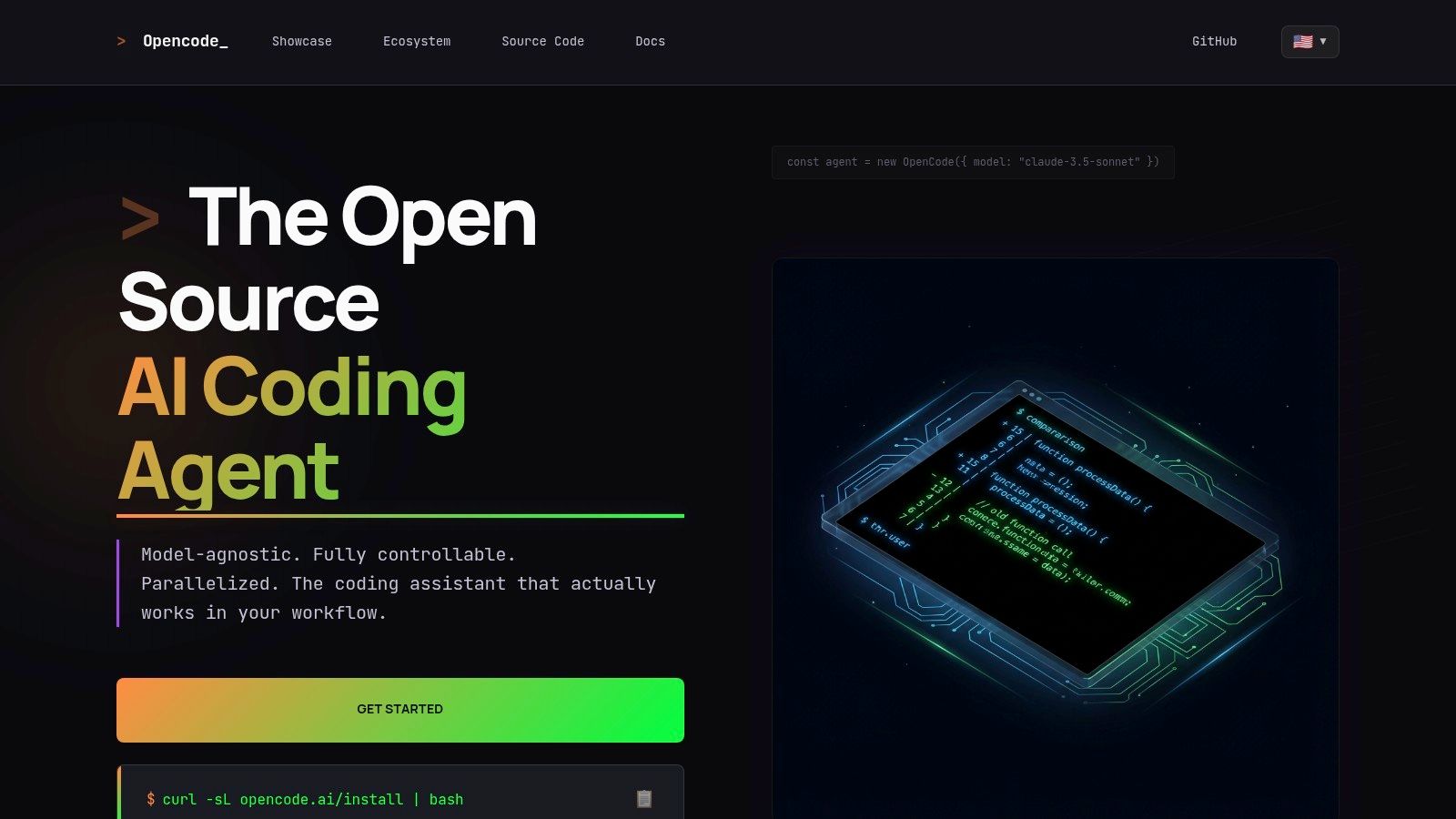
OpenCode is the better answer when your team cares more about freedom than polish. It is terminal-first, model-agnostic, and open-source. You can route work across hosted APIs, cheaper models, or local models. You can also inspect how the tool behaves instead of accepting a black box.
That freedom is the product.
OpenCode had 112,837 GitHub stars as of February 2026, ahead of Claude Code’s ~71,500 stars, supports over 75 AI providers, works with local models through tools like Ollama, and has drawn 2.5 million monthly active developers in the cited comparison. Its MIT license, TypeScript-heavy codebase, 779 contributors, and 80 releases in two months up to v1.2.15 point to a project moving fast in public. Those details come from this OpenCode vs Claude Code comparison.
Why OpenCode wins some teams immediately
OpenCode shines in shops that do not want a single vendor defining cost, architecture, and data boundaries. Consultancies like it because they can adapt the stack to each client. Regulated teams like the air-gapped path. Builders like it because they can pair premium models with cheap ones instead of paying premium rates for every task.
Its strengths are not subtle:
- Provider flexibility: Route simple jobs to inexpensive models and save premium reasoning for hard tasks.
- Privacy options: Local and air-gapped workflows fit defense, fintech, and similar environments.
- Community velocity: Open projects often absorb new model support quickly.
There is also a practical ecosystem angle. If Anthropic changes terms, pricing, or authentication patterns, OpenCode gives you a fallback. The cited Morph comparison frames it as an exit ramp after Anthropic’s January 2026 OAuth block escalated tensions.
Where OpenCode falls short
You do more setup yourself. Provider configuration is your job. Guardrails are your job. The smoothness of the experience depends on the model you attach to it.
That is the true cost.
I tell experienced developers to be honest here. If your team struggles with secrets management, proxy routing, or local model ops, OpenCode can become a control surface you resent instead of one you value.
For teams that actively prefer open stacks, it belongs on any open-source AI tools shortlist.
Website: OpenCode
3. OpenAI Codex (Agent)
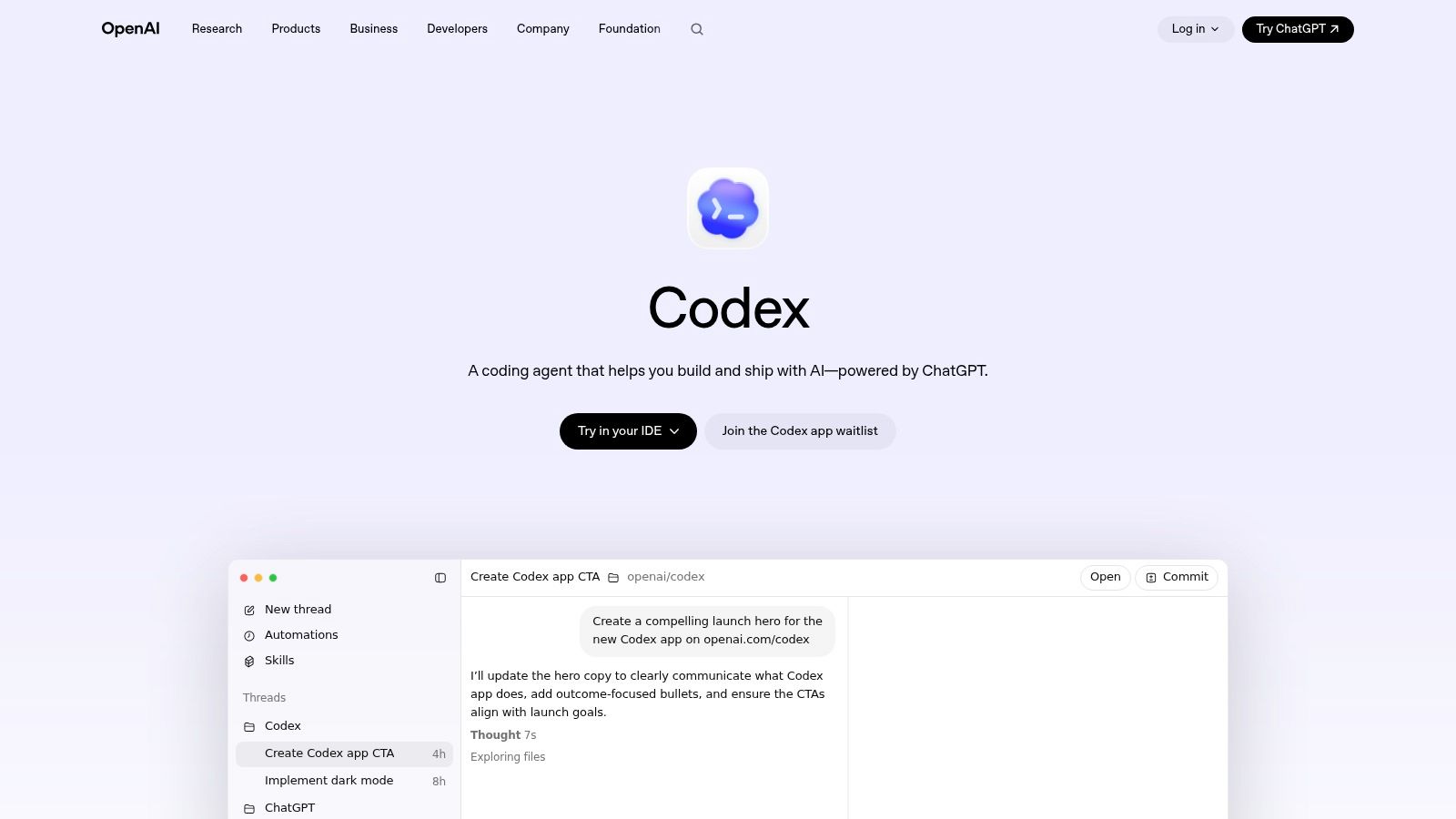
OpenAI Codex is the obvious contender if your team already lives inside ChatGPT, GitHub, and IDE integrations. In practice, that ecosystem gravity matters more than people admit. A tool does not need to be perfect if it is already where your team works.
Codex is strongest when you want agent behavior without abandoning the broader OpenAI stack. CLI support, desktop app workflows, GitHub linkage, and long-running tasks make it a serious option for teams that want a more platform-centric path than pure terminal tools.
What it feels like in real use
The appeal is convenience through ecosystem alignment. You can move between conversational prompting, coding tasks, and repository-connected work with less context switching than in a fragmented stack.
That is a productivity gain, even if it is hard to benchmark cleanly.
Where I would be careful is plan variance. OpenAI products tend to evolve quickly, and feature availability can differ across interfaces and account types. For engineering managers, that means pilot carefully before you standardize. Do not assume what works in one seat or workspace maps cleanly to the whole org.
A few practical observations:
- Strong fit for ChatGPT-heavy teams: Familiar workflows shorten adoption time.
- Useful for mixed technical audiences: Product managers and developers can often collaborate in the same ecosystem more easily.
- Needs governance: Rapid feature rollout can create policy drift if your team is not disciplined.
Best use case
Codex is often a good middle path for startups that want a mainstream vendor, broad integration potential, and less terminal-first culture than Claude Code or Aider. It is not the default answer for every backend-heavy team, but it is a credible one for product-led organizations that want coding help inside a larger AI operating system.
Website: OpenAI Codex
4. GitHub Copilot (with Agent/CLI modes)
GitHub Copilot is rarely the most interesting tool in these debates. It is often the easiest one to justify internally.
If your repos, pull requests, issue tracking, and identity controls already run through GitHub, Copilot benefits from being close to the work. That proximity matters. Developers do not need to learn a different environment just to get AI help.
Why organizations keep choosing it
Copilot makes the most sense when procurement and platform standardization matter as much as coding quality. For a lot of SMBs and larger teams, predictable seat management and GitHub-native controls beat the promise of a more ambitious agent they are not ready to govern.
On this point, I disagree with some power users. They treat editor-native AI as less capable than terminal agents. In day-to-day team use, a narrower tool inside code review, issues, and PR flows often gets used more consistently.
For many teams, the best coding agent is the one that shows up in pull requests and code review without demanding a workflow reset.
The trade-off
Copilot can feel constrained if you want deeper autonomous behavior, stronger planning loops, or heavy command execution. It is a safer corporate choice than a radical one.
That is not a criticism.
For teams already comparing assistants by deployment fit rather than hype, Copilot belongs in any list of AI coding assistant tools.
Website: GitHub Copilot
5. Cursor (AI Code Editor by Anysphere)
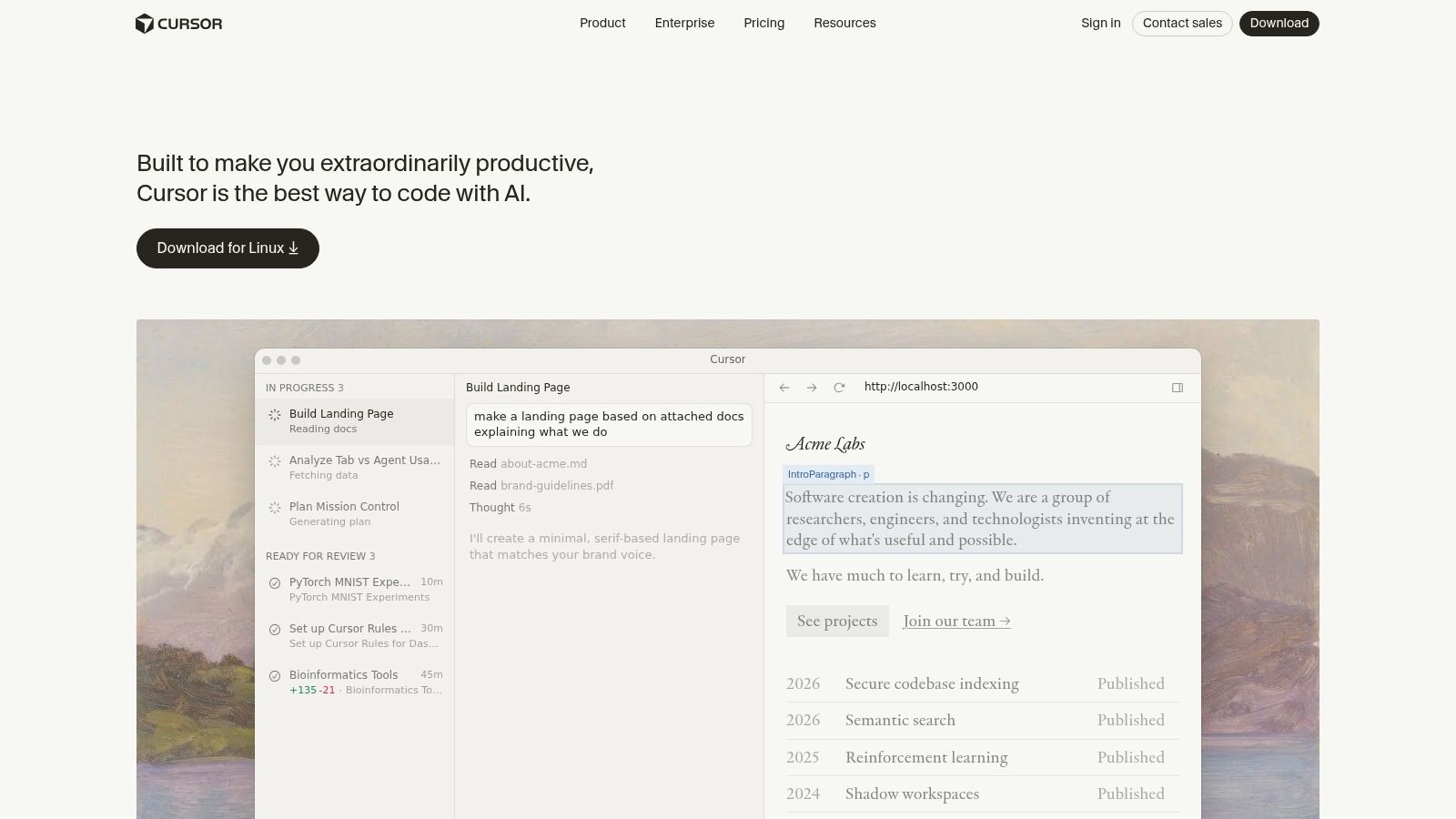
Cursor is what happens when you stop treating AI as an assistant and start treating it as part of the editor itself. Some developers love that. Others bounce off it.
I get both reactions.
Cursor’s chat-to-code model, codebase awareness, and refactor flow can feel fast in startup environments where one person is shifting between writing, restructuring, and reviewing code. It reduces the back-and-forth that happens when a separate agent needs repeated context refreshes.
Where Cursor is strongest
Cursor fits teams that want an AI-first IDE and are comfortable letting the editor become a bigger part of the development process. In small product teams, that can be a genuine advantage because the tool feels less like an add-on and more like a workspace.
Its strongest use cases usually look like this:
- Fast refactors: Chat-driven edits are convenient when moving across files.
- Early-stage product work: Startups often benefit from tighter iteration inside one interface.
- Shared editor conventions: Teams can standardize prompts, review habits, and editor policies.
Where it gets tricky
The main issue is control. If your team wants to bring its own provider strategy or keep billing and model decisions independent, Cursor can feel more restrictive than open tooling. Some features may not map to your preferred API setup, which matters more as usage grows.
I also would not force Cursor onto terminal-native senior engineers who have fast habits in tmux, Vim, or JetBrains. They may produce better output with a less immersive AI layer.
Website: Cursor
6. Windsurf (AI IDE; successor to Codeium Editor)
Windsurf competes in the same broad territory as Cursor, but it leans hard into the idea of an agentic IDE with a guided in-editor experience. Cascade is the headline concept, and for some teams it feels more approachable than piecing together separate tools.
That matters when onboarding mixed-seniority teams.
Practical fit
Windsurf is worth serious evaluation if you want a downloadable IDE, agent support, extension hooks, and a more visually guided workflow than CLI-native products. I have seen teams adopt this style faster when they have frontend-heavy work, design-adjacent collaboration, or developers who do not want terminal-first tooling.
Its practical strengths are straightforward:
- Integrated agent workflow: Good for developers who want the AI layer visible and interactive.
- Cross-platform IDE distribution: Easier to roll out than custom local setups.
- Onboarding clarity: Feature guides and in-product structure help less experienced users.
Caveats
The credit model can require explanation. So can stability expectations. Whenever pricing is tied to credits or feature buckets, I tell teams to test with real tasks and then review logs after the first week. If developers cannot predict cost or availability, trust drops fast.
Windsurf is one of the more relevant options if you are browsing tools built around IDE integration for AI workflows.
Website: Windsurf
7. JetBrains AI Assistant (incl. coding agent in JetBrains IDEs)
JetBrains AI Assistant makes the most sense when your team treats IntelliJ, PyCharm, or WebStorm as home base. In that context, leaving the IDE to chase an external agent often creates more friction than value.
This is one of the most underrated truths in the market. Environment loyalty is real.
Why JetBrains users should take it seriously
JetBrains owns a lot of the structure around code understanding, refactors, inspections, and project navigation. Adding AI into that environment can produce a cleaner workflow than bolting an external agent onto the side.
For teams deep in Java, Kotlin, Python, or mixed enterprise stacks, the native integration matters because the AI is not fighting the IDE. It is working inside a mature developer environment with existing shortcuts, inspections, and conventions.
That tends to produce calmer adoption than more disruptive tools.
Where it may not be enough
If you want an autonomous agent with terminal-centric execution and broad system-level actions, JetBrains AI Assistant may feel more like augmented IDE help than an independent coding operator. For some organizations, that is perfect. For others, it will feel conservative.
I would choose it when the priority is to improve an already strong JetBrains workflow, not when the goal is to reinvent how the team codes.
Website: JetBrains AI
8. Amazon Q Developer (AWS; formerly CodeWhisperer evolution)
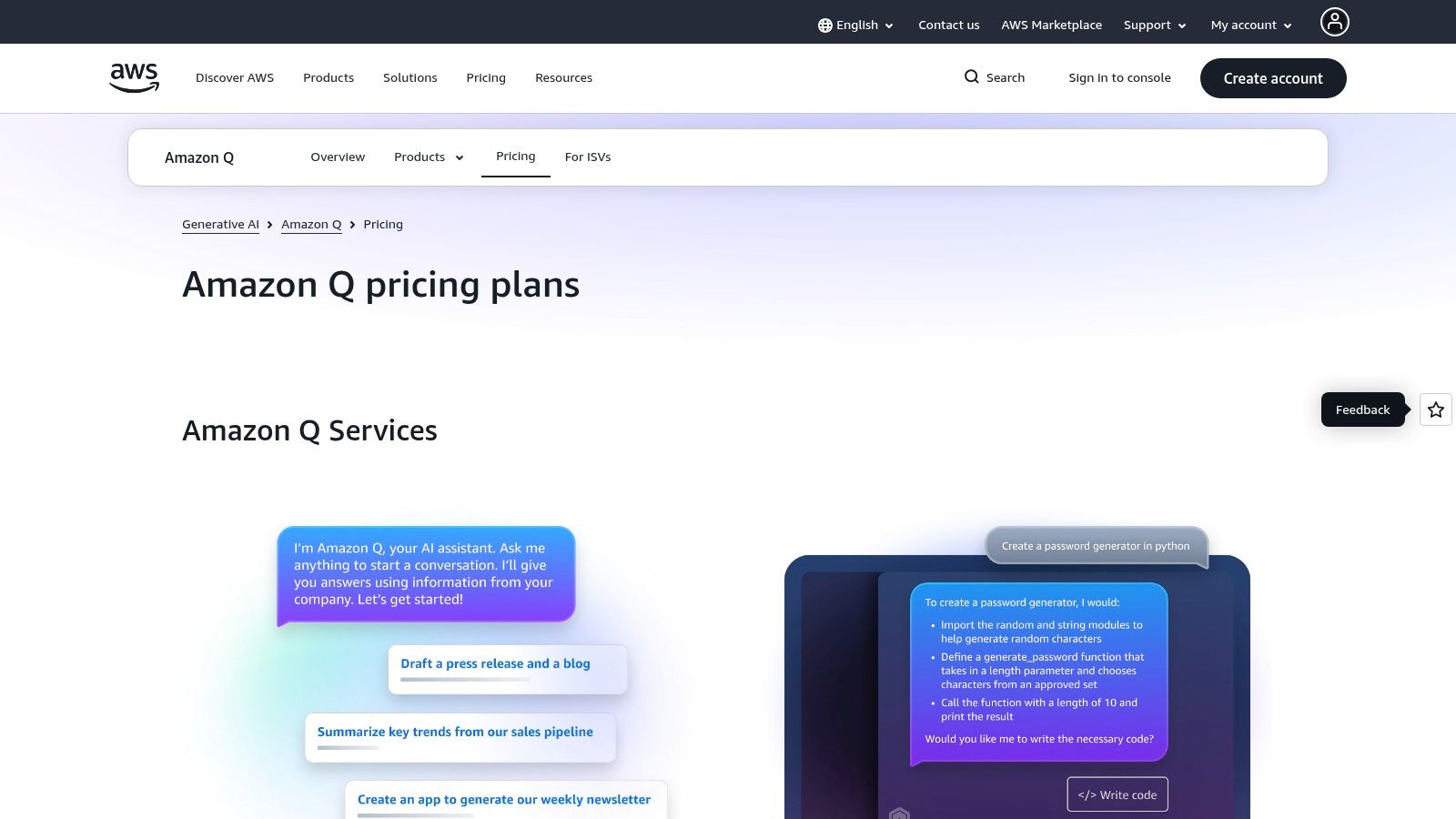
Amazon Q Developer is not my first recommendation for everyone. It is one of my first recommendations for AWS-heavy teams.
That distinction matters.
If your engineers spend large parts of the day inside IAM, Lambda, CloudFormation, ECS, or the AWS console, Q Developer benefits from being close to the cloud environment you operate. Generic coding agents can help with code. Q can also help with the surrounding AWS context.
Best scenario for using it
Q Developer shines when software development and cloud operations overlap. Teams building on AWS often need help with architecture guidance, service-specific fixes, reviews, and transformations that generic IDE agents do not surface.
This gives it a narrower but stronger identity.
- AWS-native fit: More relevant when your code and infra are tied together.
- Admin alignment: IAM and enterprise controls make rollout easier in AWS-centric orgs.
- Useful pilot path: Good option for companies paying attention to AWS governance.
Where it loses ground
Outside AWS-heavy workflows, it is harder to justify over broader coding agents. If your stack is multi-cloud, self-hosted, or mostly product-code focused, Q can feel more specialized than necessary.
Still, for companies familiar with the older AWS coding assistant lineage, it is worth comparing current capabilities with this Amazon CodeWhisperer listing on Oryndex.
Website: Amazon Q Developer
9. Aider (open-source terminal pair-programmer)
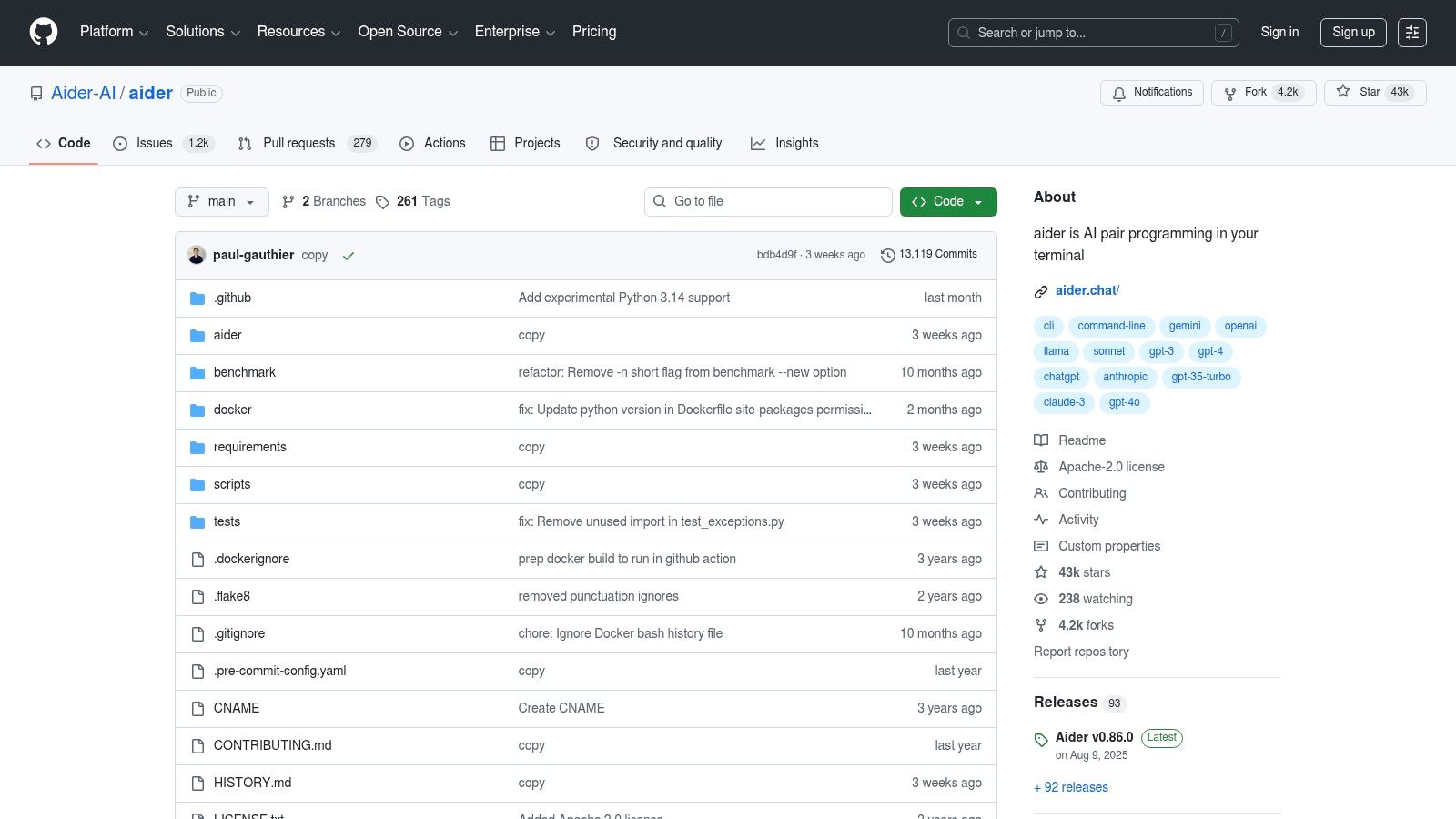
Aider is the tool I recommend to developers who do not want an AI “environment.” They want a sharp terminal tool that edits files, shows diffs, and gets out of the way.
That is Aider’s whole appeal.
Why experienced developers like it
Aider keeps the interaction grounded in reviewable changes. That makes it easier to trust. When a tool presents edits as structured diffs instead of sweeping invisible actions, senior engineers can audit faster and keep control of commits.
In practical use, Aider is often better for incremental code edits, docs, tests, and scoped refactors than for large autonomous sessions. I count that as a strength, not a weakness.
It respects the repo.
Trade-offs
You manage providers yourself, and the experience depends on the model you attach. It also lacks the high-polish orchestration that some newer agent products offer. If you want subagents, visual planning, or broad integrated workflows, Aider may feel narrow.
But for developers who trust their own terminal process, narrow can be good. It keeps the AI inside a review discipline instead of letting it take over the session.
Website: Aider
10. Roo Code (VS Code extension; open-source)
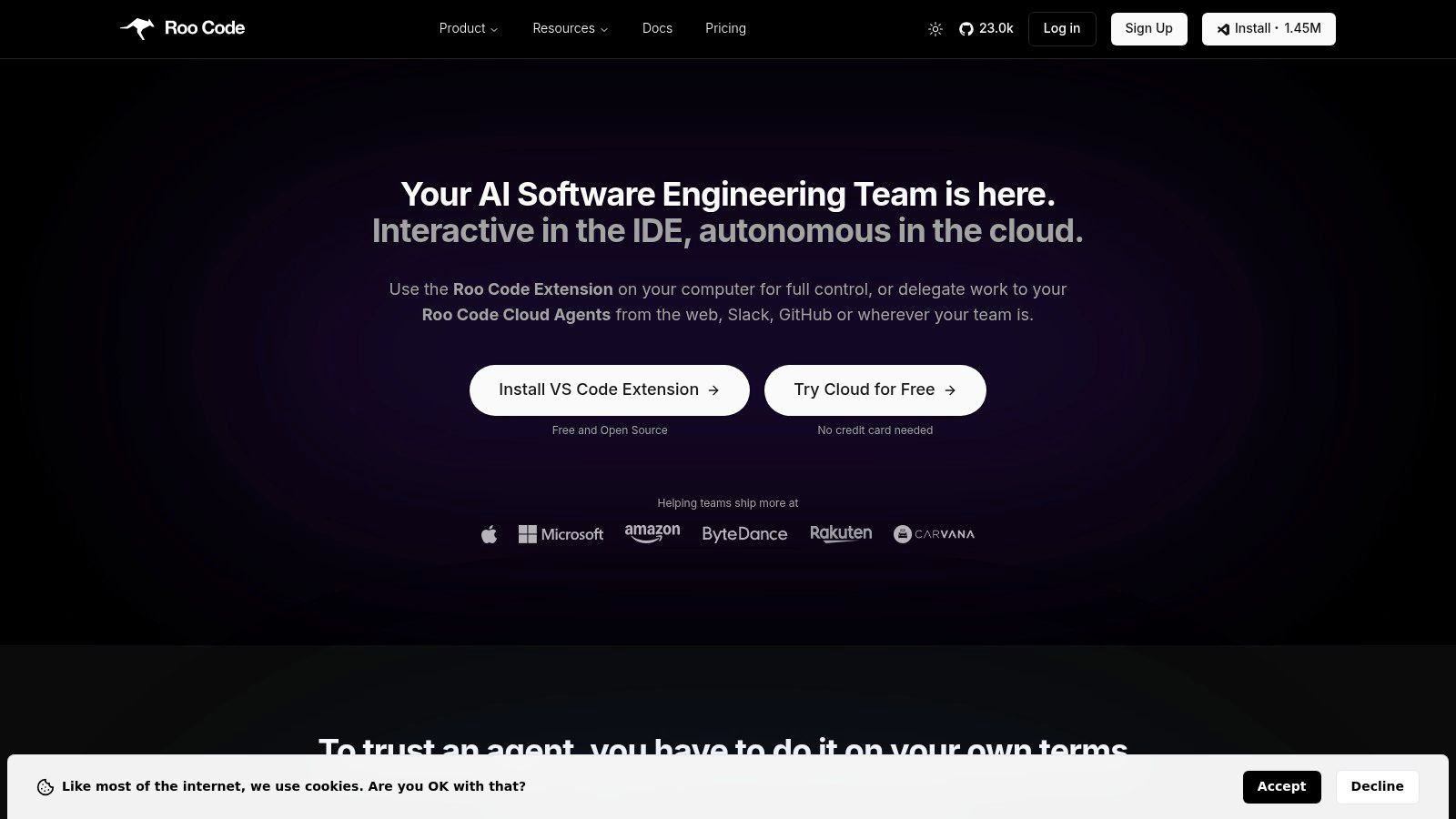
Roo Code sits in a useful middle ground. It is open-source and flexible, but it lives inside VS Code, which lowers adoption friction for teams that do not want a separate terminal agent or a full AI-native IDE.
That mix makes it practical.
Why Roo Code earns a spot
Its mode-based approach for planning, architecture, and debugging is one of the cleaner ways to help developers structure intent. A lot of AI coding mistakes start before the first generated line. The prompt is vague, the scope is messy, and the tool wanders. Explicit modes reduce some of that drift.
I like this more than many “do everything” interfaces.
The best AI coding setups often start with clearer task boundaries, not better model prompts.
The downside
Roo Code is a bring-your-own-keys world. Billing, provider management, and policy controls stay with you. That is fine for technical teams with clear ownership. It is less fine for organizations that want turnkey governance.
For VS Code-heavy teams that care about flexibility without abandoning a familiar editor, Roo Code is one of the more sensible open choices.
Website: Roo Code
OpenCode vs Claude Code - Top 10 Tools Comparison
| Tool | Core features | Quality (★) | Best for (👥) | USP (✨ / 🏆) | Pricing (💰) |
|---|---|---|---|---|---|
| Claude Code (Anthropic) | CLI/IDE/Web agentic loop, tooling & connectors, enterprise deploy | ★★★★★ | 👥 Enterprises & security‑focused teams | ✨ Managed security & audit trails, 🏆 polished integrated workflow | 💰 Subscription + metered usage |
| OpenCode (open‑source) | TUI/CLI planning, file edits, BYO models, plugin/MCP ecosystem | ★★★★☆ | 👥 Devs & startups wanting control | ✨ Model‑agnostic BYO models, Apache 2.0, 🏆 cost flexibility | 💰 Free OSS / self‑hosted costs |
| OpenAI Codex (Agent) | Multi‑agent workflows, desktop & CLI, GitHub/IDE integrations | ★★★★★ | 👥 Teams in the OpenAI/GitHub ecosystem | ✨ Tight ChatGPT linkage & multi‑agent orchestration | 💰 API/token costs; commercial plans |
| GitHub Copilot | Editor completions, chat, repo/PR-aware agent features, reviews | ★★★★☆ | 👥 Organizations embedded in GitHub | ✨ Deep repo context and policy/SSO alignment, 🏆 native workflow | 💰 Seat‑based subscriptions |
| Cursor (Anysphere) | AI IDE (chat‑to‑code), codebase understanding, agentic assists | ★★★★☆ | 👥 Startups & teams wanting AI‑first editor | ✨ Chat‑driven refactors (Apply‑from‑Chat) | 💰 Free / Pro / Business tiers |
| Windsurf (successor to Codeium Editor) | Agentic IDE, Cascade multi‑step flows, MCP & in‑IDE preview/deploy | ★★★★☆ | 👥 Devs wanting integrated agent+IDE | ✨ In‑IDE preview & deploy, downloadable cross‑platform IDE | 💰 Credit‑based usage; paid tiers |
| JetBrains AI Assistant | Native chat, refactors, tests, model routing & local model options | ★★★★☆ | 👥 Teams standardized on JetBrains IDEs | ✨ Deep native integration, enterprise governance | 💰 Free / Pro / Ultimate (credit quotas) |
| Amazon Q Developer (AWS) | Inline suggestions, architecture guidance, AWS console integrations | ★★★★☆ | 👥 AWS‑centric development & ops teams | ✨ Native AWS guidance, IAM/SSO alignment, 🏆 cloud expertise | 💰 Free & Pro tiers; AWS pricing |
| Aider (open‑source) | File‑aware diffs, commit hooks, multi‑provider support, lightweight CLI | ★★★★☆ | 👥 Terminal‑native devs needing auditable edits | ✨ Reviewable structured diffs, 🏆 lightweight & transparent | 💰 Free OSS; provider API costs apply |
| Roo Code (VS Code extension) | Planning, architecture & debugging modes, multi‑model support | ★★★☆ | 👥 VS Code teams wanting guided workflows | ✨ Task‑specific modes & step‑by‑step flows | 💰 Free OSS; self‑managed API keys |
The Right Agent Is a Workflow, Not Just a Tool
The OpenCode vs Claude Code decision is a proxy for a deeper one. Do you want a managed system that smooths over complexity for you, or do you want an open framework that gives you control over models, routing, privacy, and future portability?
That is the primary divergence.
Claude Code is usually the better choice when a team values speed to adoption, product polish, and a tighter operational story. OpenCode is usually the better choice when a team wants model freedom, stronger control over cost routing, and an escape hatch from any one vendor. Neither is universally better. Each reflects a different philosophy of software tooling.
This is why feature checklists often mislead buyers. Two products can both claim planning, edits, terminal actions, and integrations. The lived experience still feels different. One tool might reduce review friction and help teams standardize. Another might let power users route work across local and hosted models in a way that materially changes cost and privacy decisions.
I have seen teams make the wrong call in both directions. Startups sometimes overbuy polish when they need cost flexibility and stack agility. Senior developers sometimes overbuy freedom when the rest of the company needs governance, onboarding simplicity, and supportability. Both mistakes are expensive.
The better approach is smaller and more boring. Start with your highest-friction task. Maybe that is bug fixing in a large repo. Maybe it is repetitive test generation. Maybe it is cloud-heavy remediation work. Pilot one tool against that task with real team habits, not idealized demos. Watch what slows people down. Watch where trust breaks. Watch whether engineers keep using it after the novelty wears off.
That last part matters most.
The strongest teams do not just adopt an AI coding tool. They build a process around review, validation, permissions, model choice, and fallback behavior. They decide which tasks can be automated aggressively and which still need tight human checkpoints. They also keep their options open. Even if they standardize on one tool, they avoid designing a workflow that becomes impossible to migrate later.
That is one reason I still like the open-versus-managed framing. It forces a more durable decision. Are you optimizing for convenience now, or optionality later? There is no universal right answer, but there is usually a right answer for your team at this stage.
If you want a practical discipline to apply no matter which agent you choose, use a solid code review checklist. AI code quality improves fast when humans review for scope control, test intent, edge cases, and permission boundaries instead of just syntax and style.
The market is moving quickly, and vendor messaging is noisier than ever. For a cleaner way to compare tools without sorting through pure hype, Oryndex is useful as a curated discovery layer. It helps founders, builders, and operators compare relevant AI products faster, which is often what many teams need before they overcommit to the wrong stack.
If you are building an AI stack and want fewer marketing claims and more signal, browse Oryndex. It is a practical way to discover vetted tools, compare categories, and narrow your shortlist without wasting a week in vendor rabbit holes.