
Claude Code vs GitHub Copilot: 2026's Top 10 AI Dev Tools

Matic Pogladič
26 April 2026

Claude Code is stronger for autonomous software work, with a 72.5% task completion rate on SWE-bench Verified in 2025, while GitHub Copilot is stronger for day to day IDE speed, with up to 55% faster task completion for in editor work. If your main workflow lives in the terminal and spans multiple files, services, tests, and git operations, Claude Code usually fits better. If your team lives in VS Code, JetBrains, pull requests, and review loops, Copilot usually feels more natural.
That’s why most “claude code vs github copilot” advice misses the essential decision. It treats coding assistants like a single category, when in practice they split into very different jobs. One tool helps you finish the next function faster. Another can take a messy repo task, plan the work, touch multiple files, run commands, and iterate.
I’ve found the most productive setup usually isn't ideological. It’s operational. Teams that accelerate development with AI tend to match the tool to the bottleneck, not the brand to the hype.
Copilot is still the easiest recommendation for broad adoption. Claude Code is often the sharper tool for higher scope work. That doesn't make one the winner. It means the winner changes with the task, the repo, and the habits your team already has.
So instead of forcing a false binary, this guide looks at the wider field. These are the tools worth considering in 2026 if you care about agentic task delegation, inline completion, enterprise governance, or shipping a prototype before lunch.
1. Claude Code
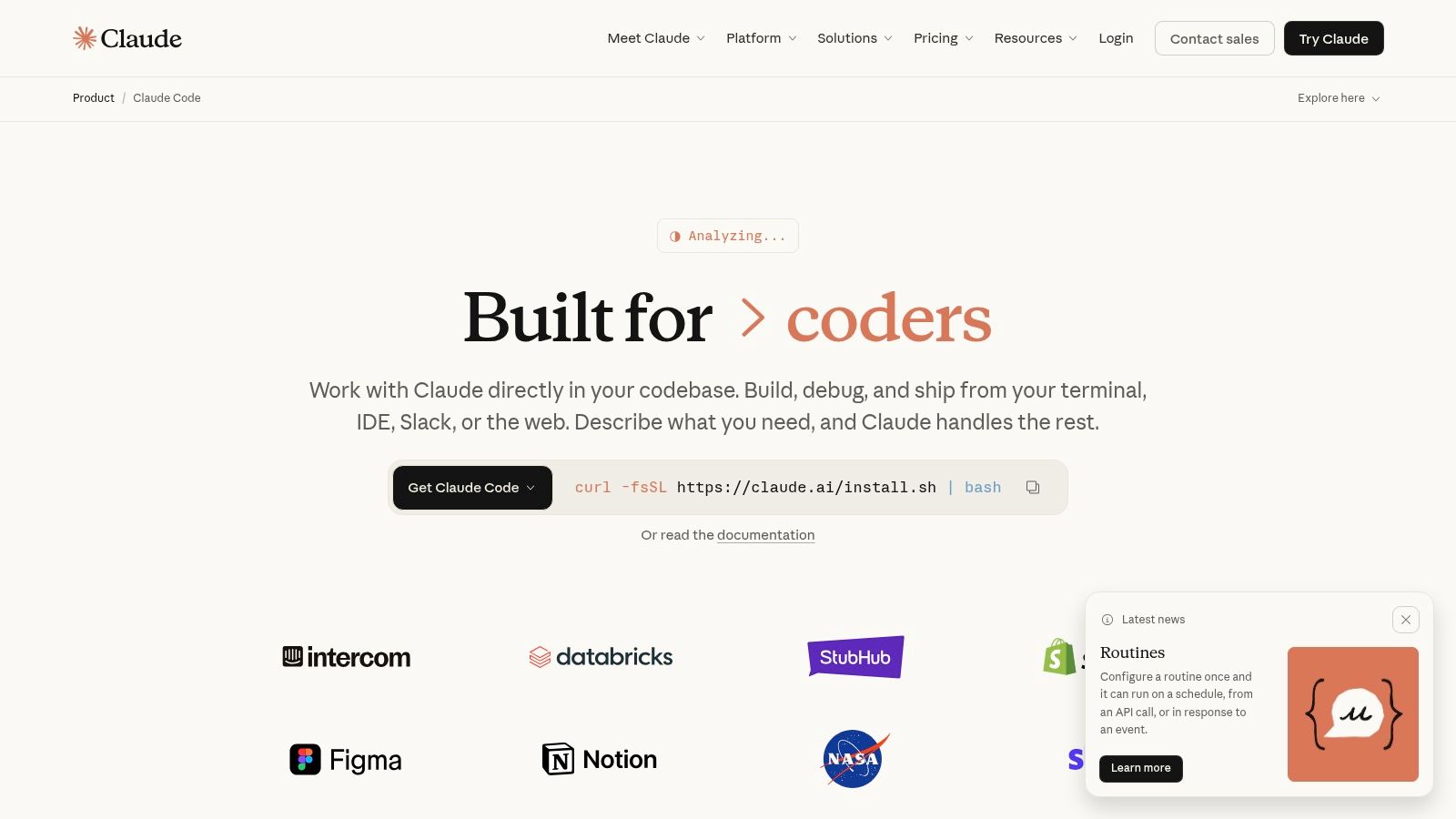
Claude Code is the tool I reach for when the work is too large for autocomplete and too messy for a one shot chat prompt. It’s built around a terminal first workflow, and that matters more than most marketing pages admit. When an assistant can inspect files, run commands, update code, and stay oriented across a large repo, the value shifts from “help me type” to “help me finish.”
That difference shows up in benchmark style tasks. Claude Code reached a 72.5% task completion rate on SWE-bench Verified in 2025, according to this Claude Code versus GitHub Copilot comparison.
Where Claude Code is actually better
The practical edge is context and execution. The same comparison notes Claude’s agentic architecture can use models like Opus 4.6 with a 1M token context window, which is the sort of capacity that makes full repo reasoning possible across multi file refactors, service boundaries, and test flows.
In real work, that means it’s good at jobs like these:
- Large refactors: Change a shared type, follow its usage, update affected code paths, and keep moving.
- Debugging chains: Trace a failure from app code into config, scripts, tests, and related services.
- Command line execution: Work directly where many senior developers already debug, test, and commit.
For teams building repeatable workflows, Anthropic’s ecosystem around CLI usage and integrations is a real advantage. The best results usually come when you set up reusable patterns, not when you chat from scratch every time. That’s why guides on best Claude Code skills for 2026 are worth reading before rollout.
Practical rule: Claude Code pays off when the task has planning, file traversal, command execution, and verification in the loop. It’s overkill for small edits.
There are trade offs. It’s less natural for developers who never leave the IDE. Usage and access can also feel less predictable than a flat seat based editor plugin. And when a team isn’t comfortable reviewing autonomous changes carefully, Claude Code can create a false sense of progress.
If your bottleneck is implementation scope, not keystrokes, it’s one of the best tools in the market. For a broader view of where it sits, this RapidNative vs Claude Code analysis is useful.
2. GitHub Copilot
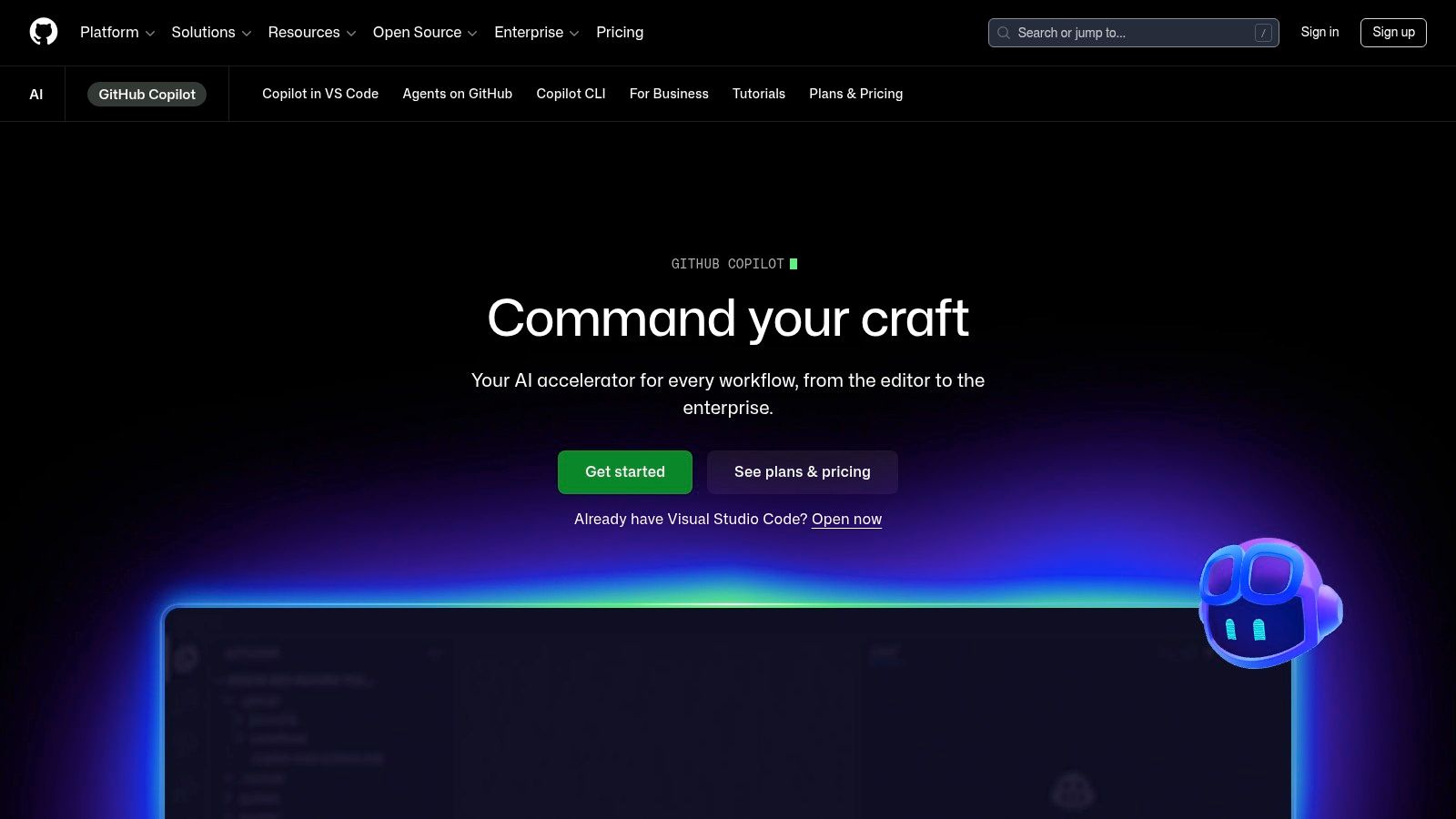
GitHub Copilot wins on familiarity, placement, and organizational fit. It’s where many teams start because it meets developers inside tools they already use, especially VS Code and JetBrains. That sounds obvious. It’s also the reason adoption sticks.
GitHub’s internal studies reported up to 55% faster task completion for in editor work and 75% higher developer job satisfaction among users, summarized in this market comparison of Copilot, Cursor, and Claude Code.
Why Copilot spreads faster across teams
Copilot is easier to standardize because the workflow isn’t a dramatic behavior change. Developers keep coding in the editor, chat when needed, and work through normal GitHub pull request loops. For managers, that matters. Fewer workflow changes means less rollout friction.
The strongest fit looks like this:
- IDE first teams: Inline completion, chat, boilerplate generation, and small refactors inside the editor.
- GitHub centric orgs: Pull requests, reviews, issues, and repo permissions already live in one ecosystem.
- Large seat deployments: Admin controls, policy management, and enterprise documentation are mature.
If you're comparing AI coding tools for broad software teams, a directory of AI tools for software development makes the bigger point clear. Copilot often wins not because it’s the smartest model in every scenario, but because it creates the least resistance for daily usage.
Copilot is the default pick when the main goal is faster routine coding without retraining the whole team around a terminal agent.
That said, Copilot’s strengths can become limits. It’s excellent at flow inside the IDE, but that doesn’t automatically translate into better handling of bigger, multi step codebase changes. In claude code vs github copilot decisions, this is usually the hinge. Do you want an assistant that helps you code, or an assistant that can take on chunks of engineering work?
3. Cursor
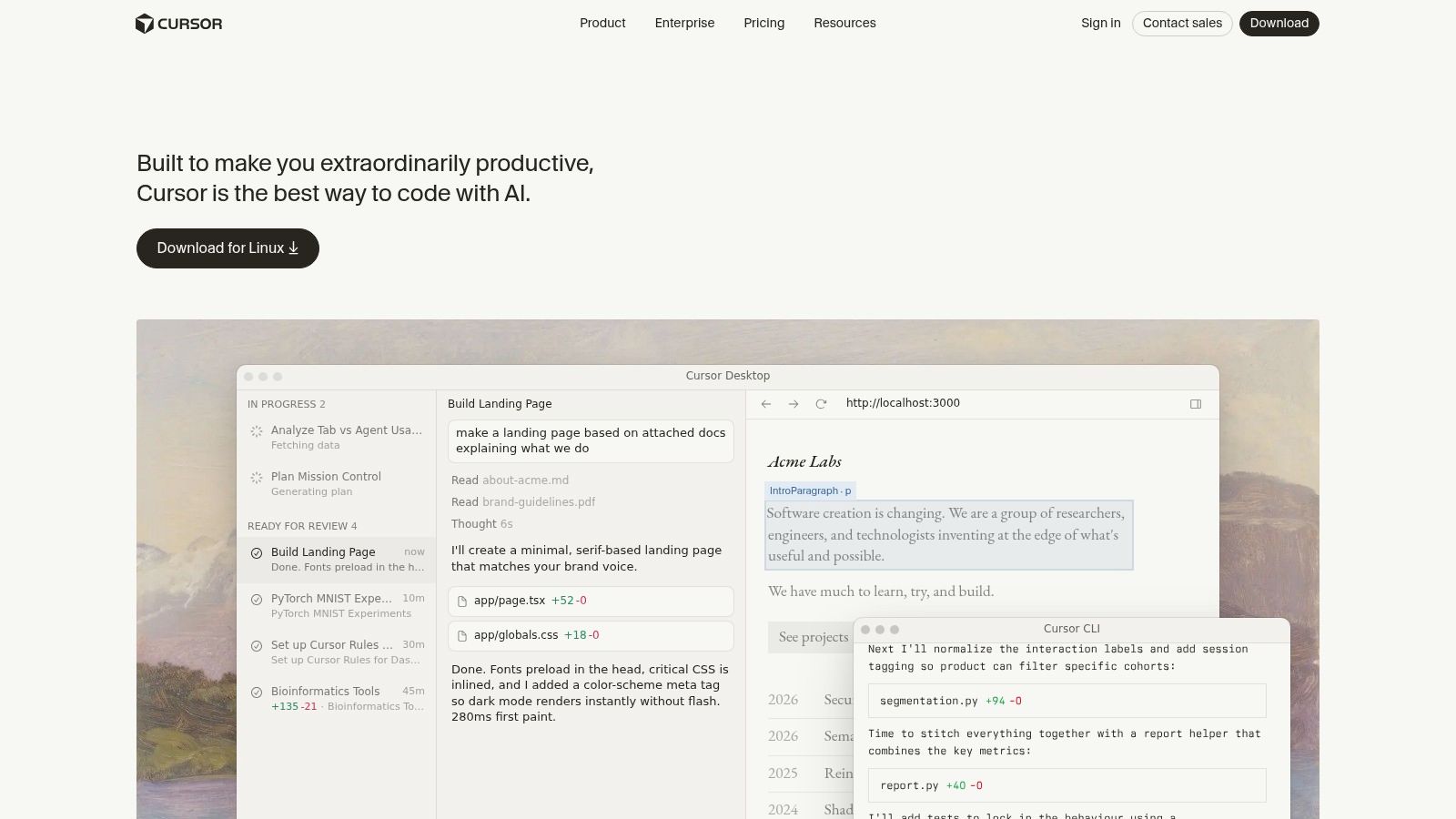
Cursor isn’t just another plugin. It’s an AI first editor, and that changes the whole feel of development. Instead of squeezing AI into an old editing model, Cursor treats codebase search, chat, completion, and agent style execution as part of the same surface.
That makes it a strong middle ground for developers who like Copilot’s in editor speed but want more agent behavior without fully moving into a terminal first workflow.
Who should actually use Cursor
Cursor tends to work best for developers who are willing to adopt a new editor if the payoff is better codebase awareness and tighter AI loops. It’s especially appealing when teams want model choice instead of committing to one vendor philosophy.
What works well in practice:
- Semantic codebase navigation: It’s easier to ask for changes against a larger project when the editor has strong indexing.
- Fast product iteration: Cursor ships quickly, which is good when you like new capabilities and bad when your team hates constant change.
- Blended workflows: You can stay in an editor while still using stronger multi step help than plain autocomplete.
The cost side needs real attention. Cursor can look affordable at first and then become expensive if your team leans hard into premium models or agent features. That’s not a flaw unique to Cursor. It’s just more visible in AI native tools where usage scales with ambition.
For teams trying to control spend without crippling the experience, this guide to the most cost effective models in Cursor for 2026 is more useful than generic “best editor” rankings.
A counter intuitive take: Cursor is often best for small teams that can adapt fast. Larger organizations sometimes struggle more with it because every fast moving AI feature creates process questions around review, security, and consistency.
4. Windsurf
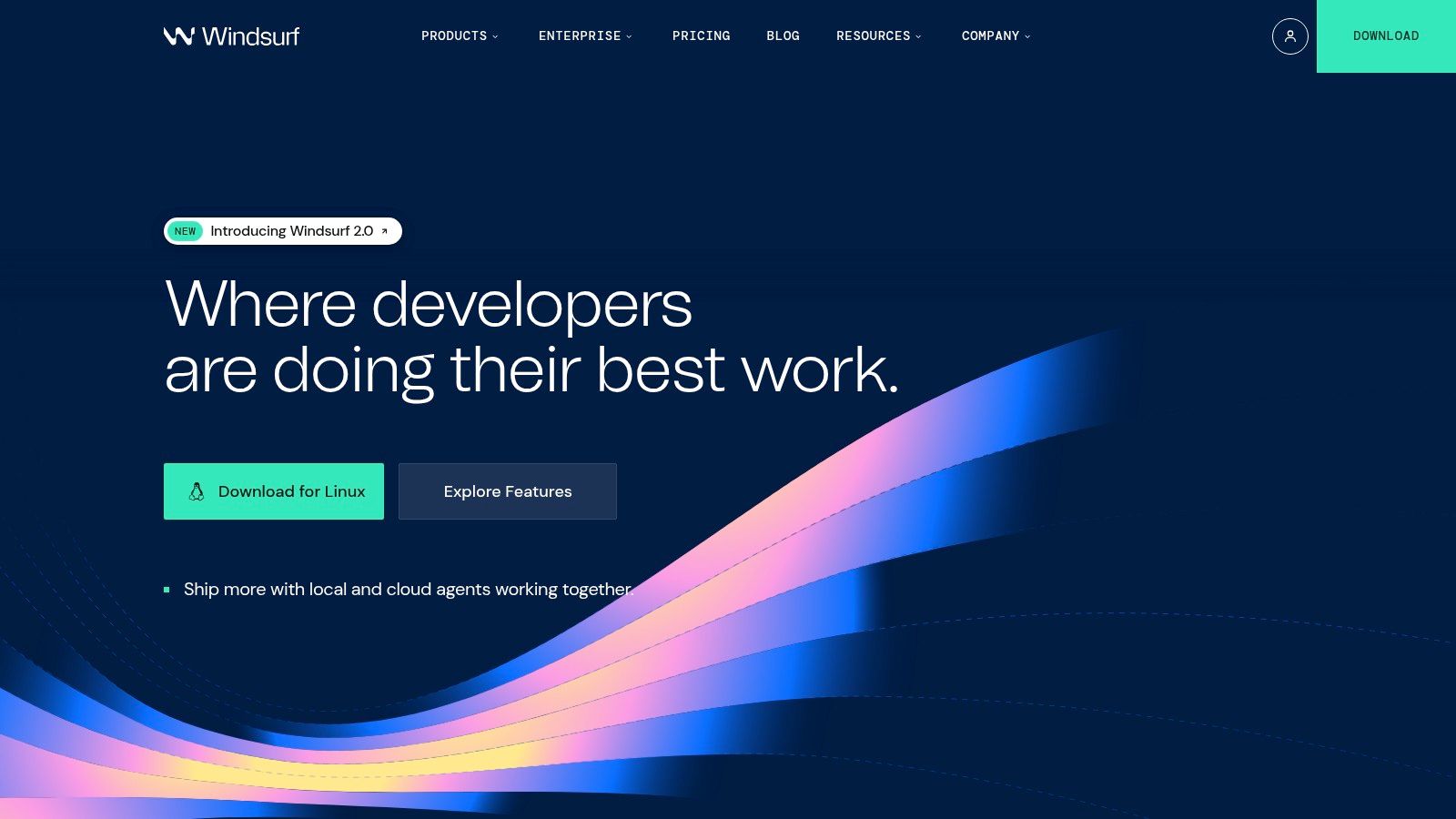
Windsurf sits in a useful middle lane. It doesn’t force you to choose between an autocomplete assistant and a more agentic coding partner. Its product design leans into both, which is why some developers land there after finding Copilot too lightweight for bigger tasks and terminal agents too disruptive for daily coding.
The dual workflow matters. You can stay in flow for small edits, then hand off a larger thread when the task stops being local and starts becoming cross file.
The balanced choice for mixed workflows
Windsurf is worth a hard look if your team wants optionality. Some developers want tab completions all day. Others want to kick off a larger change session and review the result. A tool that supports both styles can reduce tooling sprawl.
Its better use cases include:
- Mixed seniority teams: Junior developers get help with routine coding. Senior developers can push into higher scope tasks.
- JetBrains and editor diversity: It’s useful when not everyone has standardized on one IDE.
- Model experimentation: Teams can compare outputs without swapping the entire development environment.
The main caution is governance maturity. For startups, that’s often fine. For larger organizations, “pretty good” governance is not the same thing as procurement friendly governance.
If you're scanning alternatives beyond the claude code vs github copilot debate, Oryndex’s AI assistant category is a practical place to compare tools that blend completion and delegation.
Windsurf’s appeal is simple. It asks less of the user than a terminal agent, and it can do more than a narrow autocomplete plugin. For a lot of teams, that’s the sweet spot.
5. Amazon Q Developer
Amazon Q Developer is rarely the tool people brag about first, but it often makes sense in companies that already run heavily on AWS. That’s an important distinction. The value isn’t just code generation. It’s the fact that AWS context, modernization help, security scanning, and platform specific guidance all show up in the same orbit.
If your engineering work regularly touches IAM, Lambda, CloudFormation, container services, or Java modernization inside AWS heavy estates, Q can save context switching.
Best fit for AWS centered teams
Amazon Q is strongest when the assistant’s platform knowledge matters as much as general coding ability. In those environments, a generic coding model can still help, but a cloud aligned assistant can be more operationally useful.
The practical upside usually comes from:
- AWS specific guidance: Less time jumping between docs, console settings, and editor context.
- Security and modernization workflows: Helpful for teams cleaning up older systems, not just writing fresh code.
- Organization ready deployment: Existing AWS identity and access patterns can simplify adoption.
A lot of teams don’t need the “best” coding assistant. They need the assistant that already understands the cloud platform they’re paying for every month.
The downside is just as clear. If your stack isn’t AWS centric, much of the value disappears. The product can still help with code, but then you’re comparing it against tools with stronger editor ergonomics or richer agent workflows.
If you’re searching by practical capability instead of brand, Oryndex’s AI coding assistant collection is a better way to sort choices than top ten lists that lump cloud native and general coding tools together.
6. Sourcegraph Cody

Sourcegraph Cody makes the most sense when your codebase is sprawling, fragmented, or split across many repositories. In that environment, raw model quality matters, but repository awareness matters more. Cody benefits from Sourcegraph’s broader code search and graph context, which gives it a very different posture from lightweight editor assistants.
This is the kind of tool that earns its place in bigger engineering organizations, not because it feels flashy, but because it handles code discovery well.
Better for polyrepo reality
A lot of AI coding demos implicitly assume a tidy repo with clear ownership and simple boundaries. Real companies often don’t look like that. They have services, old modules, internal libraries, migration remnants, and duplicated patterns spread everywhere.
Cody is useful when developers need to:
- Find relevant code across repos: Not just the current folder.
- Understand usage patterns: Search and context become part of the AI loop.
- Work inside enterprise controls: Especially where SSO, provider configuration, and admin policies matter.
Its weakness is setup complexity. Cody asks for more from the organization than a simple plugin install. But that’s often the cost of getting stronger context in larger environments.
I wouldn’t recommend it first to a solo builder. I would recommend it to a platform team trying to make a giant code estate navigable again.
7. Tabnine
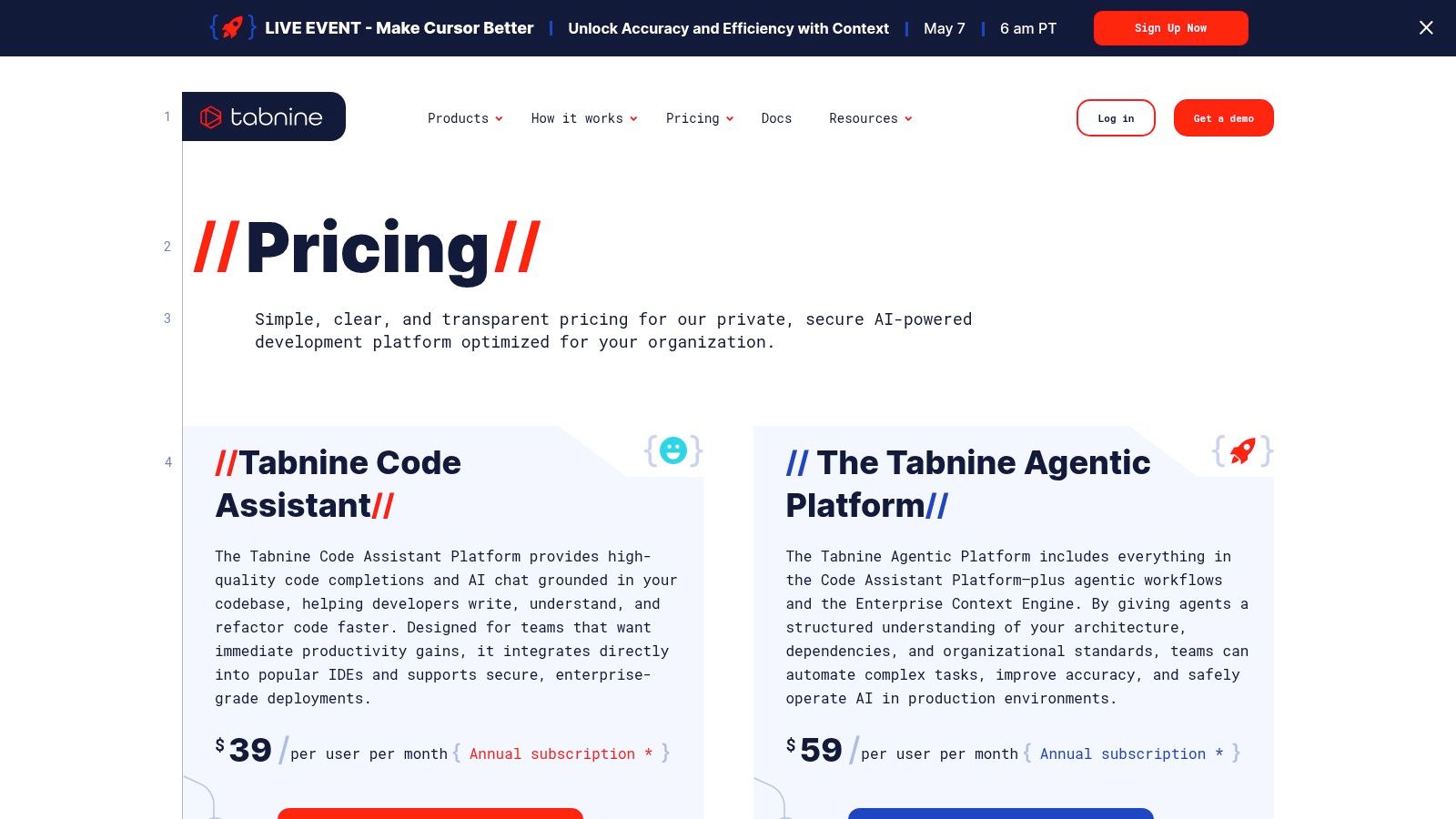
Tabnine appeals to teams that care about data control first and coding convenience second. That sounds niche until you work with regulated companies, defense adjacent vendors, or enterprises where legal and security teams have veto power over tooling. In those settings, privacy isn’t a feature request. It’s the buying criteria.
That’s where Tabnine earns attention. It puts deployment flexibility and governance at the center.
Why privacy driven teams choose it
Tabnine is a practical option when a company needs stronger control over where code goes, how models are sourced, and which environments are allowed. It’s not just a developer tool decision. It’s an infrastructure and policy decision.
Its strongest advantages are usually:
- Flexible deployment: Useful for VPC, on prem, or air gapped needs.
- Vendor risk reduction: Multi model support lowers dependence on one provider.
- Governance tooling: Better aligned with compliance heavy environments.
Security teams care less about who writes the flashiest demo and more about where the code, prompts, and outputs live.
The trade off is overhead. More control means more setup. More deployment options mean more operational work. For small teams, that’s often too much friction. For enterprises with strict requirements, it can be the reason adoption is possible at all.
Tabnine isn’t the most exciting option in the AI coding market. It might be one of the most practical.
8. JetBrains AI Assistant

JetBrains AI Assistant is what many IntelliJ, PyCharm, GoLand, and WebStorm users want. Not another browser tab. Not a detached coding chatbot. Just solid AI inside the IDE they already know better than their own operating system settings.
That local familiarity matters. Deep IDE integration often beats a theoretically stronger assistant that lives somewhere developers don’t naturally work.
Strong fit for JetBrains shops
JetBrains has an advantage many competitors can’t fake. It understands the development environment at a deep level because it owns it. That tends to produce a more context rich, less bolted on experience for refactors, inspections, and code navigation.
This tool makes the most sense when:
- Your team is standardized on JetBrains IDEs: The integration is the reason to buy it.
- You want model flexibility: Provider options can help control cost and policy.
- You need in IDE AI, not a separate workflow: Adoption is easier when there’s no context jump.
The main drawback is scope. If half your team uses VS Code and the other half uses JetBrains, the benefits become uneven fast. It also means teams need to think about credits and quotas with more care than they might expect.
For developers who already live in JetBrains, though, the product feels native in the way many AI add ons still don’t.
9. Gemini Code Assist
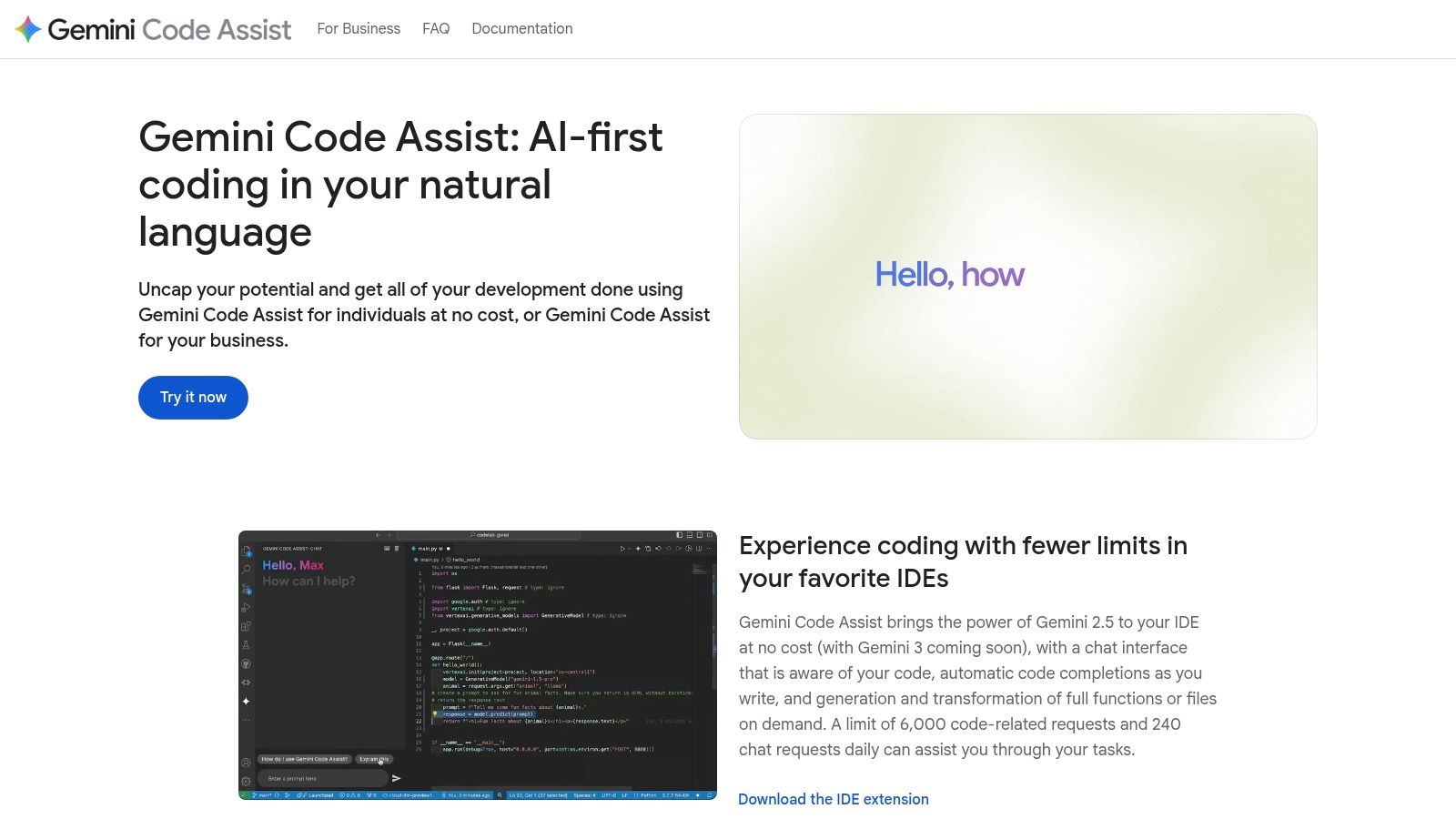
Gemini Code Assist is increasingly relevant for two kinds of users. Individual developers who want a low friction way to try AI coding help, and teams already tied into Google Cloud or Workspace. It covers both IDE and CLI use, which gives it broader reach than tools that only shine in one place.
Its appeal is practical rather than romantic. For many users, “good enough and easy to start” beats “best on paper and awkward to adopt.”
Where Gemini fits best
Gemini Code Assist is strongest when budget sensitivity and ecosystem fit matter. If your tools, docs, auth, and cloud services already lean Google, adopting one more Google adjacent product is easier than introducing a whole new vendor stack.
Good use cases include:
- Solo builders experimenting quickly: Especially when they don’t want to commit hard on spend.
- Google Cloud teams: Less friction around account setup and adjacent workflows.
- Developers who want both editor and terminal help: Without splitting attention across separate products.
The caution is maturity. Some rivals still feel sharper in specific editor experiences or agent workflows. But Google’s coding products are improving fast, and that matters if you prefer a vendor with broad platform coverage.
Gemini Code Assist may not be the first name in every claude code vs github copilot conversation. It should still be on the shortlist for cost conscious builders and Google heavy teams.
10. Replit AI
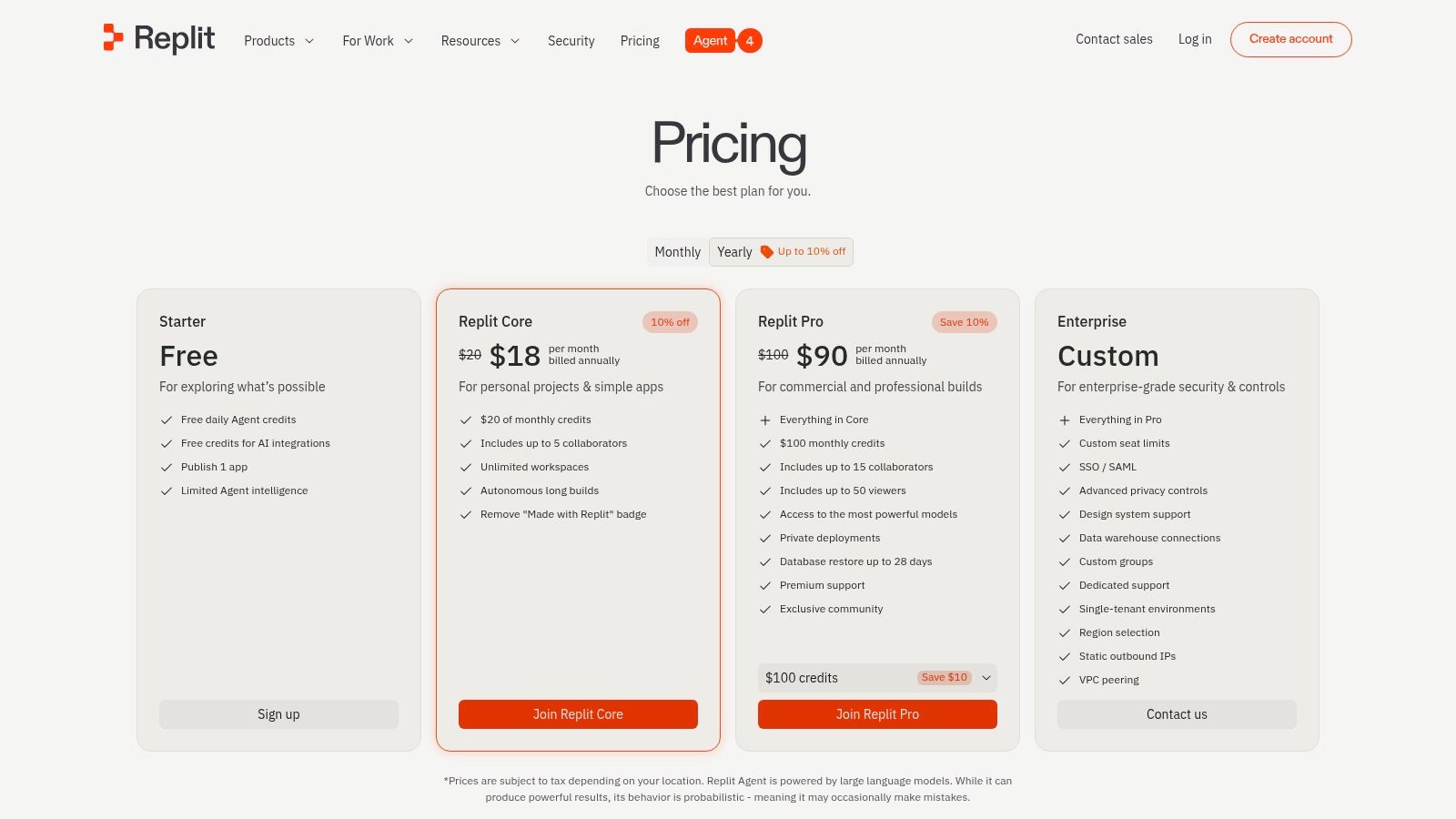
Replit AI solves a different problem from Claude Code and Copilot. It’s less about augmenting an established local development setup and more about collapsing the path from idea to working app. Editor, AI assistant, hosting, previews, collaboration, and deployment live in one place.
That makes it unusually good for prototypes, hack projects, internal tools, and fast MVP work.
Fastest route from prompt to product
Replit works when the cost of environment setup is higher than the cost of accepting some platform constraints. For founders and solo builders, that can be a very smart trade.
It’s a strong choice for:
- Rapid prototyping: Build, test, preview, and share without wiring up a full local stack.
- Collaborative experimentation: Especially with non traditional developers or cross functional teammates.
- Education and hackathons: Lower setup friction means more time building.
The downside is control. Once projects get more complex, local tooling, custom environments, enterprise controls, and repository patterns start to matter more. Replit can still work, but it stops being the obvious answer.
I like it most when speed to first version matters more than long term architecture purity. That’s not a small niche. It’s how a lot of startups begin.
Top 10 AI Code Assistants Comparison
| Tool | Key features ✨ | UX / Quality ★ | Value / Pricing 💰 | Target audience 👥 | Standout / Winner 🏆 |
|---|---|---|---|---|---|
| Claude Code (Anthropic) | ✨ CLI + MCP plugins, file edit, tests, PRs, long‑context | ★★★★ | 💰 High (Max tier for full access; Pro limits) | 👥 CLI‑first devs, large codebases | 🏆 Terminal‑first agentic workflows & long‑context reasoning |
| GitHub Copilot | ✨ Inline completions, Copilot Chat, cloud agent & PR workflows | ★★★★★ | 💰 Mid (team plans; new sign‑ups paused) | 👥 GitHub‑embedded teams & enterprises | 🏆 Best‑in‑class GitHub + IDE integration |
| Cursor | ✨ AI‑first IDE, agents, CLI, codebase indexing & semantic search | ★★★★ | 💰 Mid (seat + usage; overages possible) | 👥 Devs wanting AI‑native editor & search | 🏆 AI‑native editor with powerful semantic search |
| Windsurf (Codeium) | ✨ Dual Cascade (agents) + Tab (inline), JetBrains plugin, model choice | ★★★★ | 💰 Low–Mid (transparent plans; add‑ons for heavy use) | 👥 Devs balancing autocomplete & agentic tasks | 🏆 Balanced autocomplete + agent workflows, multi‑model |
| Amazon Q Developer | ✨ IDE/CLI/Console help, transforms, security scans, AWS integrations | ★★★★ | 💰 Low–Mid (free tier; best value on AWS) | 👥 Teams heavily invested in AWS | 🏆 Deep AWS & security/modernization tooling |
| Sourcegraph Cody | ✨ Code‑graph context, advanced search, editor extensions, enterprise controls | ★★★★ | 💰 Mid–High (enterprise features gated) | 👥 Large, polyrepo orgs | 🏆 Code‑graph context + advanced repo search |
| Tabnine | ✨ IDE completions/chat, VPC/on‑prem/air‑gap, LLM choice, governance | ★★★★ | 💰 High (seat + hosting/ops) | 👥 Regulated teams needing privacy & compliance | 🏆 On‑prem/VPC deployment with zero retention & LLM flexibility |
| JetBrains AI Assistant | ✨ Native IntelliJ integration, chat, refactors, multi‑step agents | ★★★★ | 💰 Mid (credits/quota; free tier available) | 👥 JetBrains‑standardized teams | 🏆 Deep, context‑rich JetBrains IDE integration |
| Gemini Code Assist (Google) | ✨ IDE/CLI chat & autocomplete, agent mode, Workspace/Cloud tie‑ins | ★★★★ | 💰 Low (generous free daily limits) | 👥 Individuals & Google Cloud teams | 🏆 Generous free usage + Google ecosystem fit |
| Replit AI | ✨ Browser IDE + AI agent, hosting, previews, collaboration | ★★★★ | 💰 Low–Mid (credits; usage‑based) | 👥 Solo builders, education, startups | 🏆 All‑in‑one build → deploy path for rapid prototyping |
Your Next Move Building Your AI Development Stack
The claude code vs github copilot debate matters because it exposes a bigger shift in software development. We’re no longer choosing whether to use AI in engineering. We’re choosing where each type of AI belongs in the workflow.
Claude Code and Copilot represent two different centers of gravity. Claude Code is stronger when the task behaves like engineering work that can be delegated in stages, especially in terminal driven environments with larger code context. Copilot is stronger when the goal is smoother daily execution inside the editor and inside GitHub based team workflows.
That split is why the smartest teams rarely standardize on one tool for everything. They standardize on one workflow for review, governance, and code quality, then let different assistants plug into different parts of it. One assistant helps with boilerplate, tests, and routine edits. Another handles a scary refactor that cuts across modules. A third may exist because legal, cloud, or privacy constraints force a separate choice.
The practical mistake is buying for demos. A coding tool can look brilliant in a clean example and still create friction in production. The better buying question is simpler. Where does your team lose time right now?
If the answer is repetitive coding, documentation drift, and small PR churn, start with an IDE centered tool. If the answer is “we keep delaying ugly repo work because it takes too much focus,” an agentic terminal tool is more likely to move the needle. If the answer is governance, data residency, or enterprise rollout, privacy and admin controls matter more than model hype.
There’s also a cost lesson here. The cheapest seat price rarely tells the full story. Real adoption cost includes retries, review overhead, failed outputs, team training, and whether the tool fits the habits developers already have. A tool that looks expensive can still be the better deal if it removes painful multi step work. A cheap tool can become expensive if nobody trusts the output enough to use it beyond boilerplate.
My advice is to pilot narrowly. Pick one painful workflow. Legacy refactors, test generation, PR review assistance, AWS modernization, or prototype shipping. Then test one tool against that job with real developers, real repositories, and normal deadlines. Don’t ask which tool is “best.” Ask which one gets adopted without forcing weird behavior.
That’s also where a curated discovery layer helps. Oryndex cuts through vendor noise and makes it easier to compare tools by actual use case, not just branding. If your team wants to keep its stack current without reading every launch post and product page, that kind of filtering is useful.
Start with the bottleneck. Match the tool to the job. Then expand your stack only when the workflow proves it deserves another moving part.
If you’re building an AI stack and want fewer hype driven choices, Oryndex is a practical place to start. It helps founders, builders, and operators find vetted AI tools by use case, compare options quickly, and narrow the field before wasting time on the wrong trial.