
Top 9 AI Tools for Software Development in 2026

Matic Pogladič
09 April 2026

Most advice on ai tools for software development is too shallow. It treats every product like a smarter autocomplete plugin. The essential choice is workflow design: do you need an assistant inside your current IDE, an AI-native editor that can change many files at once, or an agent that can plan and execute multi-step work with supervision?
That distinction matters more than brand loyalty. In 2025, AI coding tools hit mainstream use, with 85% of professional developers regularly using AI tools for coding and software design in the JetBrains State of Developer Ecosystem 2025 survey, as summarized in this AI software development guide. Adoption is no longer the question. Stack design is.
The mistake I see most often is teams buying one famous tool, rolling it out broadly, and calling the job done. That rarely works. Some tools are best for fast inline completion. Some are better for repo-wide refactors, test generation, or onboarding into ugly legacy code. Some create more review overhead than they save.
A better way to evaluate ai tools for software development is by workflow fit. I group them into three buckets: assistants that layer onto existing IDE habits, AI-native IDEs that compress search, edit, and debug into one loop, and agents that can take on larger chunks of implementation. From there, the right stack usually becomes obvious.
1. Cursor | Toolibrary
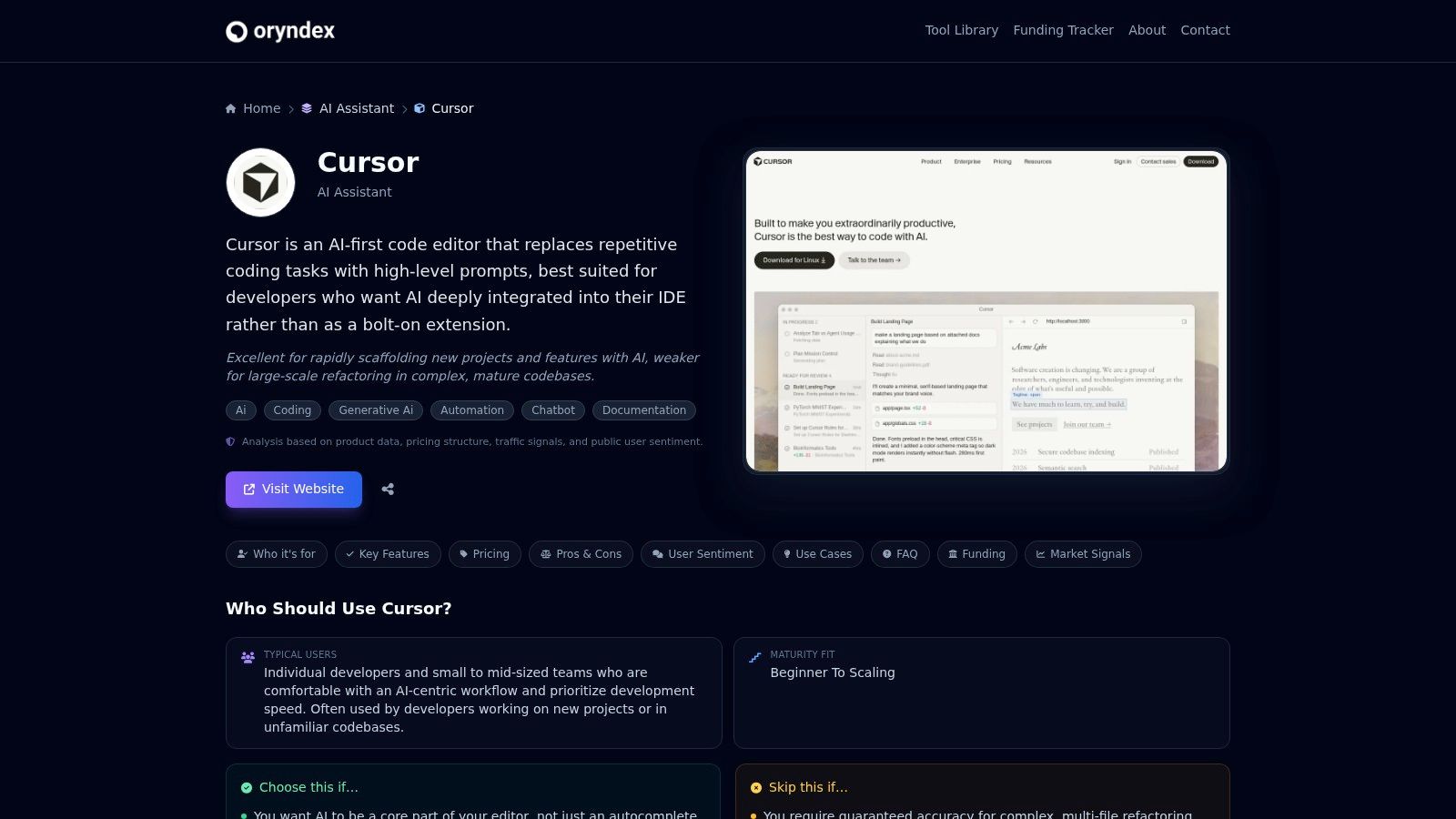
Cursor | Toolibrary is the strongest fit for developers who want an AI-first editor without turning the whole workflow into a science project. If your current pain is not writing single functions, but understanding a codebase, making coordinated edits across files, and getting from bug report to tested fix with less friction, this is the category leader.
The reason is simple. Repo context changes everything.
A lot of coding assistants still behave like they live inside one tab. Cursor is better when the task spans routes, services, database calls, tests, and config. That makes it more useful for substantial engineering work, not just boilerplate.
Where it earns its place
Cursor works best when the repo itself is the problem. Large frontend apps. Mixed monoliths. Services with weak documentation. In those environments, the value is not only generation. It is retrieval, reasoning, and controlled editing across the project.
I find this especially useful during onboarding and maintenance work. A new engineer can ask where validation happens, how auth is threaded through handlers, or which module owns a flaky integration. That shortens the search phase before any code gets written.
Its editor-first workflow also matters. You can ask for a fix, inspect proposed edits, run through follow-up prompts, and keep the conversation tied to what changed. That is much better than copying snippets into a browser chat and hoping the model inferred the rest.
For teams comparing options in curated directories, Oryndex’s Developer Tools category is a useful starting point because it groups coding products by practical use case instead of hype.
Practical trade-offs
Cursor is not a free pass to skip engineering judgment. The common failure mode is over-trusting a repo-aware tool because its answers sound grounded. Sometimes they are. Sometimes they are just well-phrased and wrong.
What works well:
- Multi-file edits: Strong fit for coordinated changes that touch models, handlers, tests, and docs.
- Codebase Q and A: Helpful for tracing behavior through unfamiliar repos.
- Fast debugging loops: Good when you need to inspect logs, compare files, and patch several places quickly.
What does not work well:
- High-risk refactors without tests: It can change many files fast, which raises the blast radius if your guardrails are weak.
- Strict privacy environments: Teams with IP or residency constraints need to review data handling before standardizing on any cloud-connected AI editor.
- Messy prompts: Vague requests often produce broad edits that feel impressive and still miss the requirement.
Use Cursor when the bottleneck is understanding and changing a codebase, not just writing syntax faster.
A counter-intuitive take: Cursor shines most in boring maintenance. Not greenfield demos. It excels at the dull, expensive work that senior engineers often carry alone.
2. GitHub Copilot
GitHub Copilot remains the default pick for GitHub-centric teams because rollout is easy and the product lives where developers already work. If your repos, pull requests, and permission controls already run through GitHub, Copilot asks for the smallest behavior change.
That matters. Friction kills adoption.
The best use case is not “AI for everything.” It is dependable support inside existing delivery habits. Inline completions, chat inside common IDEs, and pull request help make it a practical baseline for teams that want speed without forcing everyone into a new editor.
Best fit for standardized teams
Copilot is strongest when an engineering org values consistency over experimentation. You can support VS Code, Visual Studio, JetBrains IDEs, Neovim, and GitHub.com while keeping the center of gravity in the same platform.
It also has the brand advantage of being a common first tool. According to the developer adoption summary in this 2025 AI in software development statistics roundup, GitHub Copilot was used by 68% of AI tool users in 2025, making it one of the main entry points for coding assistance. That tracks with what I see in teams. Copilot is often how organizations start.
The Oryndex tag page for AI coding assistant tools is useful if you want to compare Copilot against adjacent products instead of evaluating it in isolation.
Where it falls short
Copilot gets weaker as tasks become more repo-orchestration heavy. It can assist across the workflow, but it is still most comfortable as an embedded assistant rather than the center of a larger agentic loop.
The practical downsides are familiar:
- Enterprise features cost more: Good controls exist, but bigger org needs push teams toward higher tiers.
- Premium model access can feel bounded: Some tiers impose limits that matter for heavy users.
- Review fatigue shows up fast: Strong autocomplete is great until developers start accepting code faster than they can validate it.
My advice is direct. Deploy Copilot first if your team already lives in GitHub and you want the lowest-risk adoption path. Just do not mistake easy rollout for complete coverage. It is the safest starting point, not always the best end state.
3. Amazon Q Developer
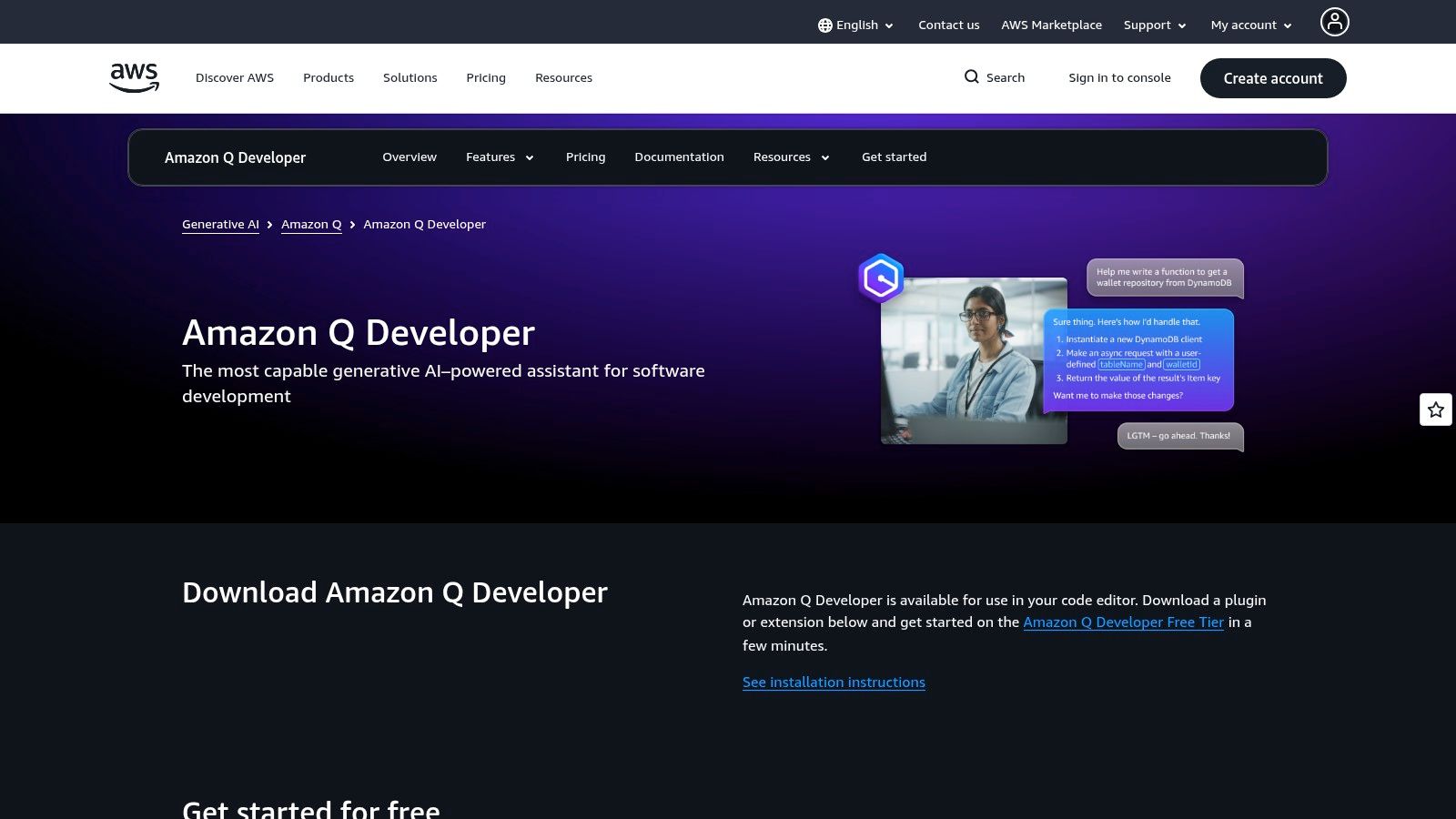
Amazon Q Developer is the tool I recommend when the software problem is inseparable from the AWS problem. If your developers spend as much time reasoning about IAM, logs, infra configuration, cloud incidents, and service wiring as they do writing application code, Q has a strong angle.
Many coding tools can write a handler. Fewer are useful when the handler fails in production because the cloud environment is the issue.
Why AWS-heavy teams should care
Amazon Q works across IDEs, the CLI, and the AWS Console, which is a practical advantage for platform teams and backend engineers who bounce between code and operations. It also has transformation agents for modernization tasks, which matters for organizations carrying Java or .NET migration work.
Many “best ai tools for software development” lists often miss the point on this aspect. They compare only code output. They ignore platform context. For teams on AWS, that context often determines whether an AI tool saves time or creates more cleanup.
A nuanced read on trade-offs is useful here. The Oryndex article on Open Code vs Claude Code is relevant if you are thinking about agent control, execution style, and how much autonomy you want in dev workflows.
Real trade-offs
Amazon Q is compelling when AWS is central. It is much less compelling when it is not.
What I like:
- Cloud-aware guidance: Better fit for architecture and operations-adjacent work than general coding assistants.
- Multi-surface access: IDE, CLI, and console support reduce context switching.
- Migration support: Helpful for teams dealing with modernization, not just greenfield code.
What needs caution:
- Transformation billing logic: Metering tied to lines of code means finance and engineering should agree on budgets early.
- Narrower value outside AWS: If your stack is cloud-agnostic or mostly elsewhere, the differentiation shrinks.
- Compliance still needs work around it: Tooling can help, but governance is still your responsibility.
One practical lesson: teams often buy Amazon Q expecting a coding assistant and end up benefiting most from cloud troubleshooting support. That is not a failure. It is the actual use case.
4. Google Gemini Code Assist
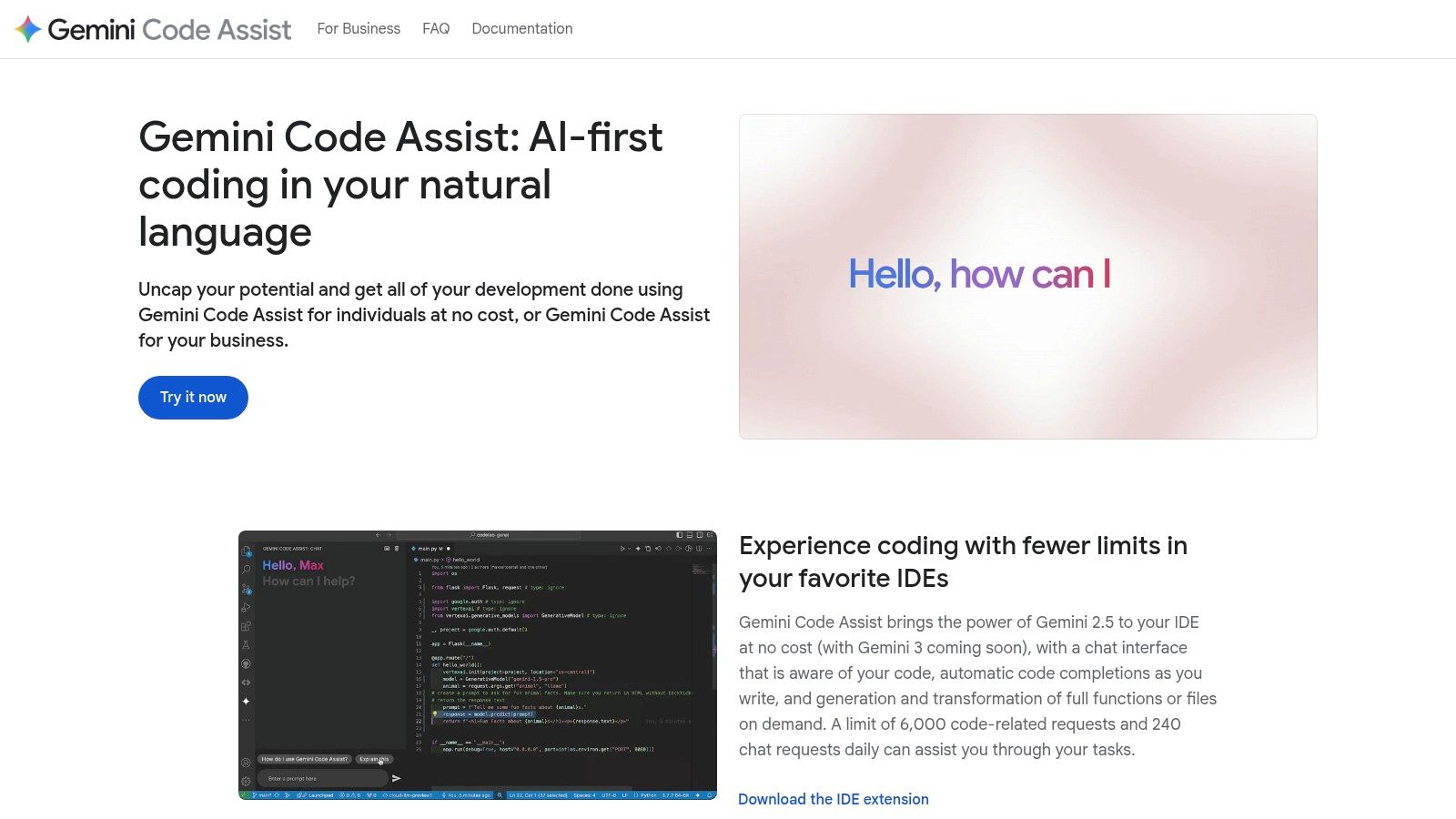
Google Gemini Code Assist makes the most sense for Android, Firebase, and Google Cloud oriented teams. If you build mobile apps, use Google developer tooling heavily, or want a coding assistant that fits that ecosystem cleanly, it deserves serious consideration.
This is not a universal winner. It is a strategic fit.
Where Gemini Code Assist is strongest
Its appeal is less about novelty and more about adjacency. Android Studio support matters. Google Cloud Shell Editor access matters. GitHub pull request review support matters. For teams already centered on Google’s developer surface area, those pieces add up to less friction and faster adoption.
The large context positioning is attractive too, especially for code understanding and bigger prompts. In practice, though, large context only helps when the model stays focused on the right artifacts. That is true of every tool in this market.
If you are also evaluating more autonomous products, Oryndex’s listing for Devin is a good contrast because it pushes further toward the agent end of the spectrum.
What to watch before standardizing
Gemini Code Assist has a clear ecosystem advantage, but it comes with the usual ecosystem trade-off. The better your shop fits Google’s stack, the better the product feels. Outside that orbit, the value proposition gets less obvious.
A few practical notes:
- Good fit: Android teams, Firebase-backed products, and GCP-native shops.
- Less ideal fit: Polyglot teams that want one tool to feel equally native everywhere.
- Preview caveat: Some capabilities are still settling, which matters if you want stable workflows more than frontier features.
I would not force Gemini Code Assist into a stack that is not already Google-leaning. But if your engineering organization already lives there, it can be one of the cleaner fits on this list.
5. JetBrains AI Assistant + Junie
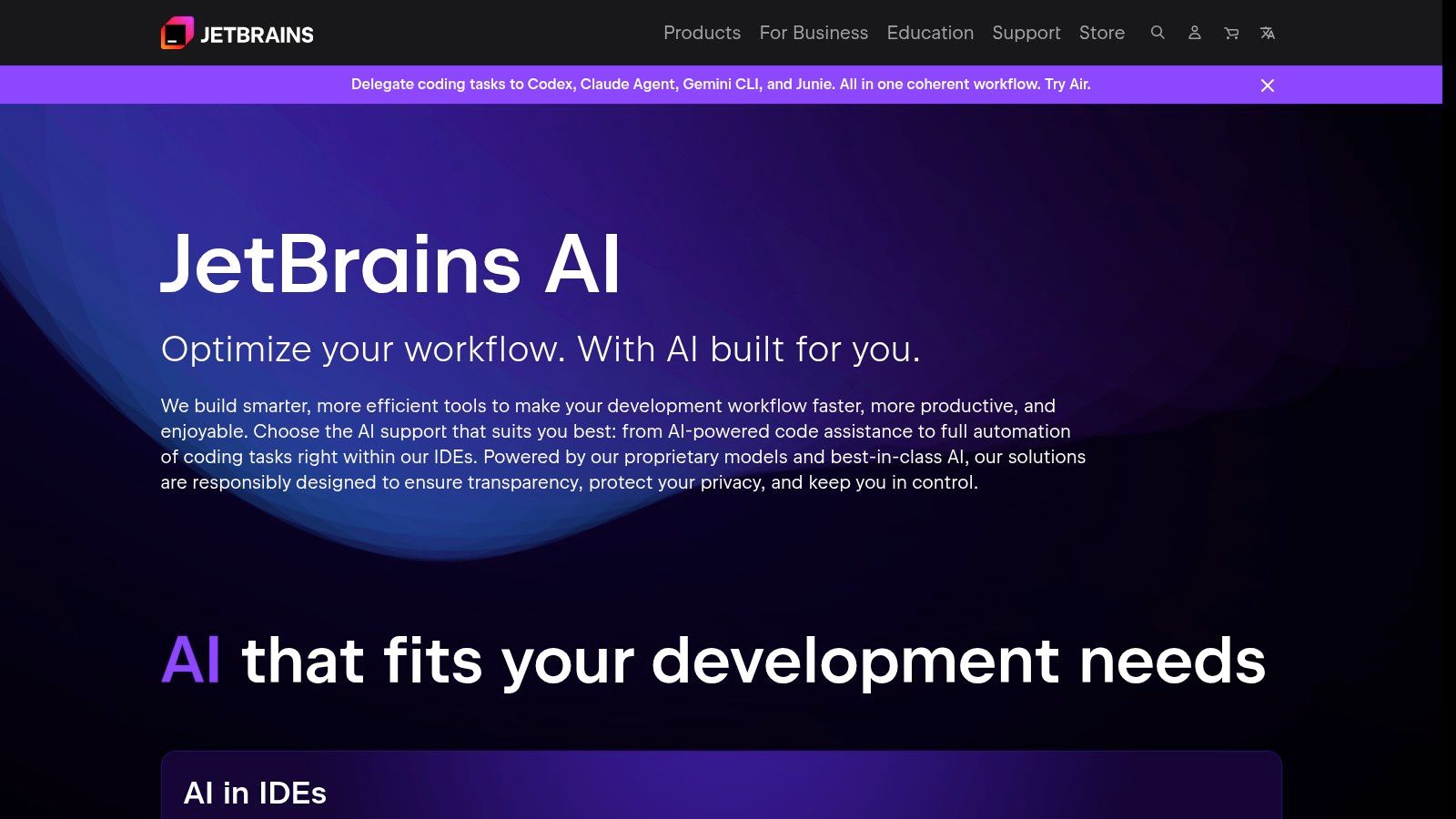
JetBrains AI is the sensible choice for teams that already standardized on IntelliJ, PyCharm, WebStorm, GoLand, or the broader JetBrains stack. In those environments, the primary advantage is not feature novelty. It is that the AI layer sits inside tools developers already trust for navigation, refactoring, and inspections.
That native feel matters more than people admit.
Why it works in mature engineering orgs
JetBrains users are often the least interested in replacing their IDE. They have years of keybindings, debugger habits, and code intelligence expectations built into daily work. AI Assistant meets them where they are, and Junie adds a more agent-like layer for multi-step tasks.
This maps well to the broader adoption picture. According to the same 2025 adoption summary cited earlier, developers used an average of 2.3 AI tools simultaneously in their workflows, which points to a multi-tool reality rather than a single winner. JetBrains AI fits nicely into that pattern when teams want AI help without abandoning a favorite IDE.
For more products that plug directly into existing editors, Oryndex’s IDE integration tool tag is worth browsing.
The practical call
JetBrains AI Assistant + Junie is not the flashiest choice. That is part of the appeal.
What it does well:
- Native workflow support: AI features feel close to existing IDE actions rather than bolted on.
- Refactoring-friendly environment: Good match for developers who care about inspections and code structure.
- Provider flexibility: Multiple model provider support gives teams room to adapt.
What to keep in mind:
- Quotas and region constraints: These can complicate wider rollout.
- Agent depth varies: Dedicated AI-native editors may still feel faster for broad, exploratory edits.
- Best for committed JetBrains shops: The value falls if your org is split across many editor cultures.
If your team already pays for JetBrains and prefers discipline over novelty, this is one of the easiest yes decisions on the list.
6. Windsurf
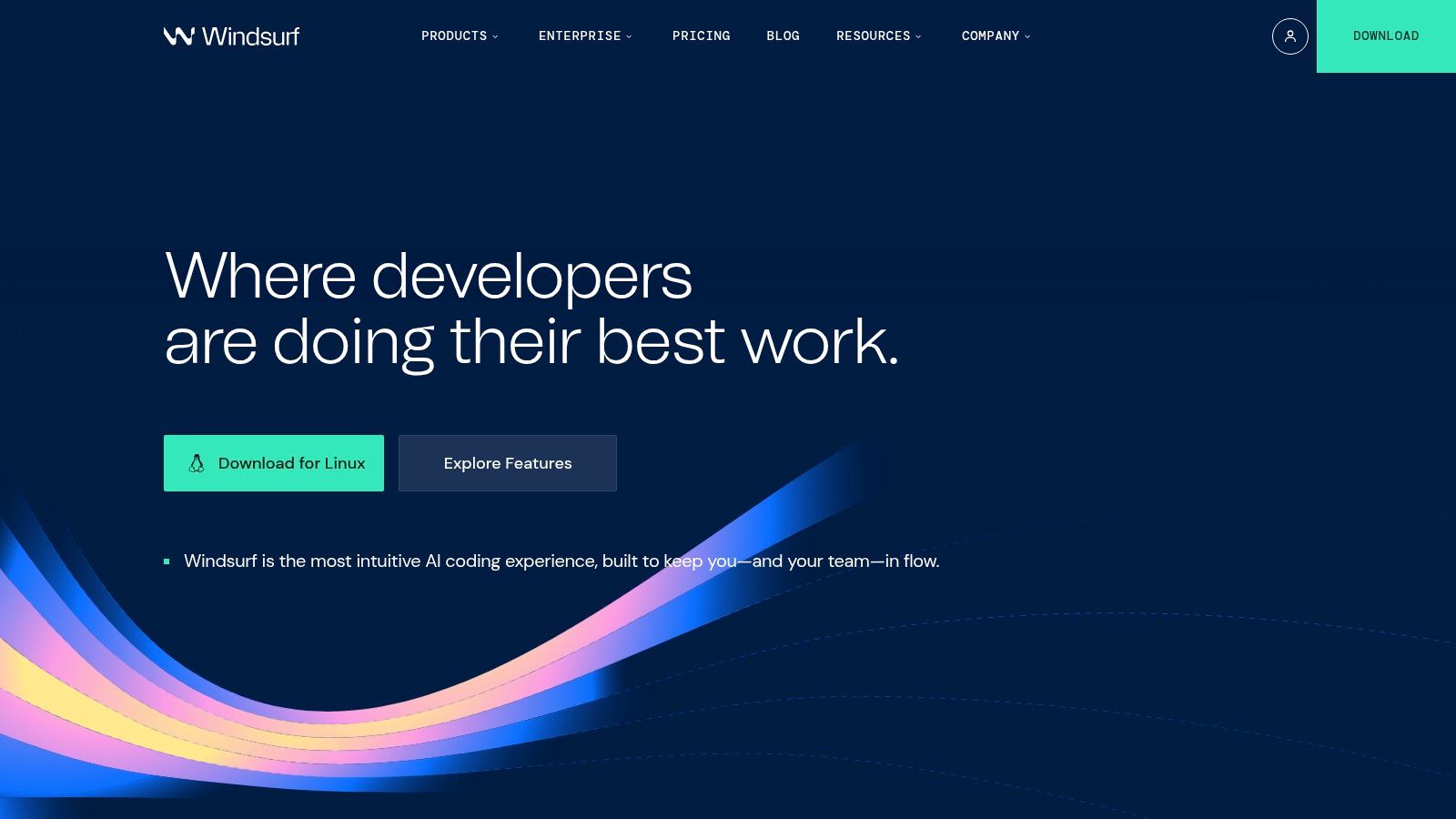
Windsurf is for developers who want the editor itself to behave like an agent workspace. It is closer to the “AI-native IDE” camp than to the classic assistant model, and that changes how you use it day to day.
This is a shipping tool. Not a passive helper.
Where Windsurf stands out
Cascade, its agentic workflow, is the key differentiator. It can plan, edit across files, run commands, and work through a broader execution loop than standard autocomplete-style tools. That makes Windsurf attractive for product engineers and fast-moving startup teams that want one environment for build, test, preview, and iteration.
Its MCP integrations are also notable because they point toward a future where the coding tool is not just code-aware, but system-aware. Git, Playwright, Docker, Slack, Stripe, Postgres. That kind of connectivity matters when development work spans more than source files.
Trade-offs that matter in practice
Windsurf is strong when you commit to its way of working. Less so when you want occasional AI help inside an unchanged IDE routine.
The biggest trade-offs:
- Best when fully adopted: If you resist its editor model, much of the upside disappears.
- Quota awareness matters: Heavy users need to understand limits and refresh cycles.
- Strong for web product loops: Especially useful when preview and rapid iteration are central.
Teams that move fastest with Windsurf usually treat it like a primary workspace, not a sidecar.
I would put Windsurf high on the shortlist for startup builders who want agentic throughput without going fully browser-based.
7. Cursor
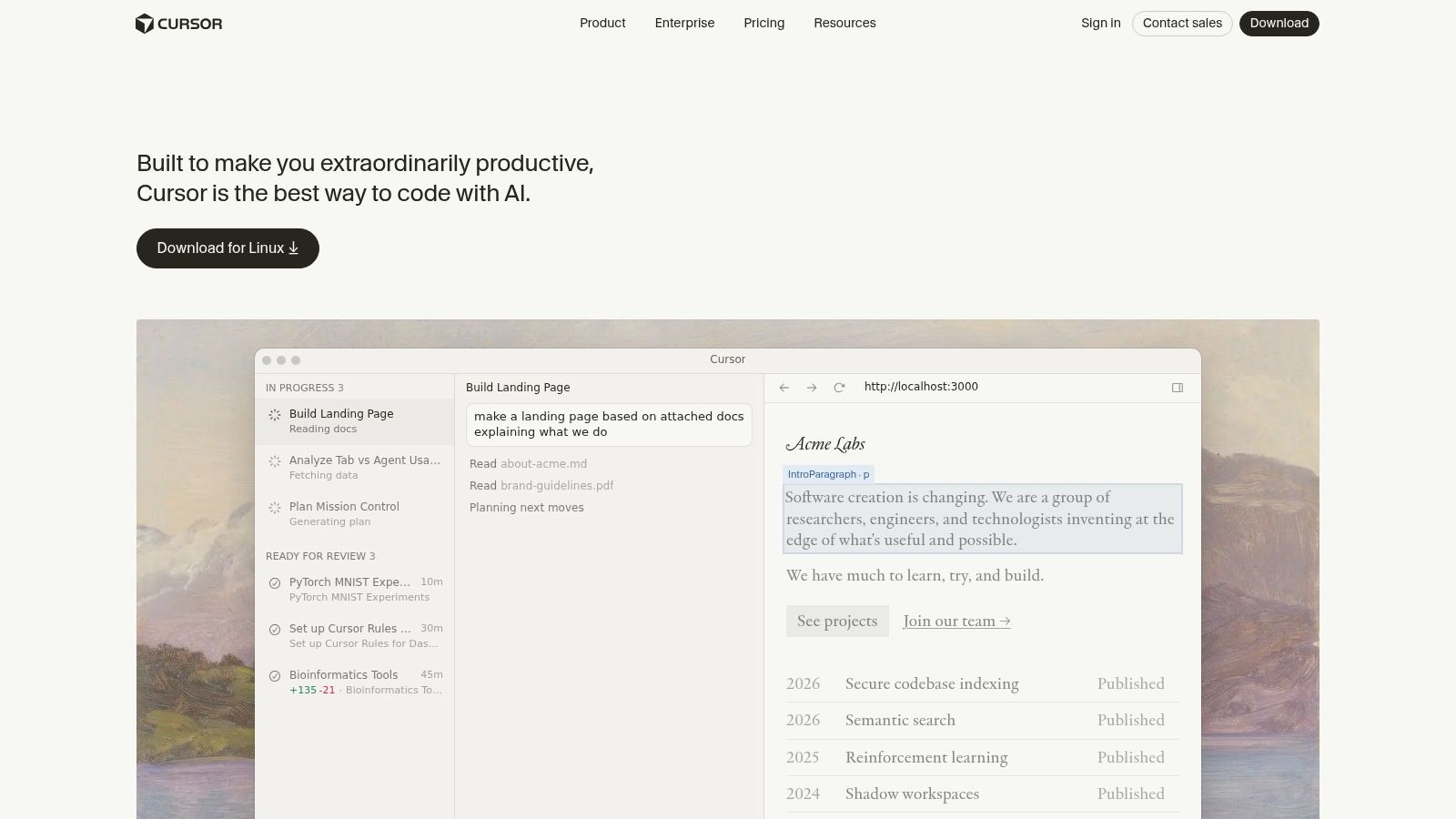
Yes, Cursor appears twice here for a reason. The first entry covered the curated Toolibrary listing and why the product deserves featured status. This one is about the product itself as a stack decision.
Cursor is still one of the strongest choices for solo builders and small teams that want an agent-first editor without fully surrendering control. Its Composer and Agent workflows make it effective for multi-file edits, repo navigation, and supervised execution.
Why developers stick with it
Cursor’s best quality is flow. Developers can move from prompt to edit to command execution to follow-up fixes inside one environment, and the tool often feels fast enough to stay out of the way. That matters more than benchmark talk.
The flip side is cost discipline. Premium models and usage-based credits can creep upward if a team defaults to frontier models for every routine task.
When to use it, and when not to
Use Cursor when:
- You want AI-native editing: Not just suggestions, but multi-step implementation help.
- You can tolerate editor change: The team is open to moving from a stock IDE.
- You have review habits: Tests, code review, and checkpoints are already normal.
Avoid making it the default when:
- Compliance constraints are strict
- The team refuses editor switching
- There are weak QA guardrails around generated changes
One pattern I like is pairing Cursor for implementation-heavy engineers with a more conservative assistant for the rest of the org. That reduces tool sprawl without pretending every role needs the same interface.
8. Sourcegraph Amp
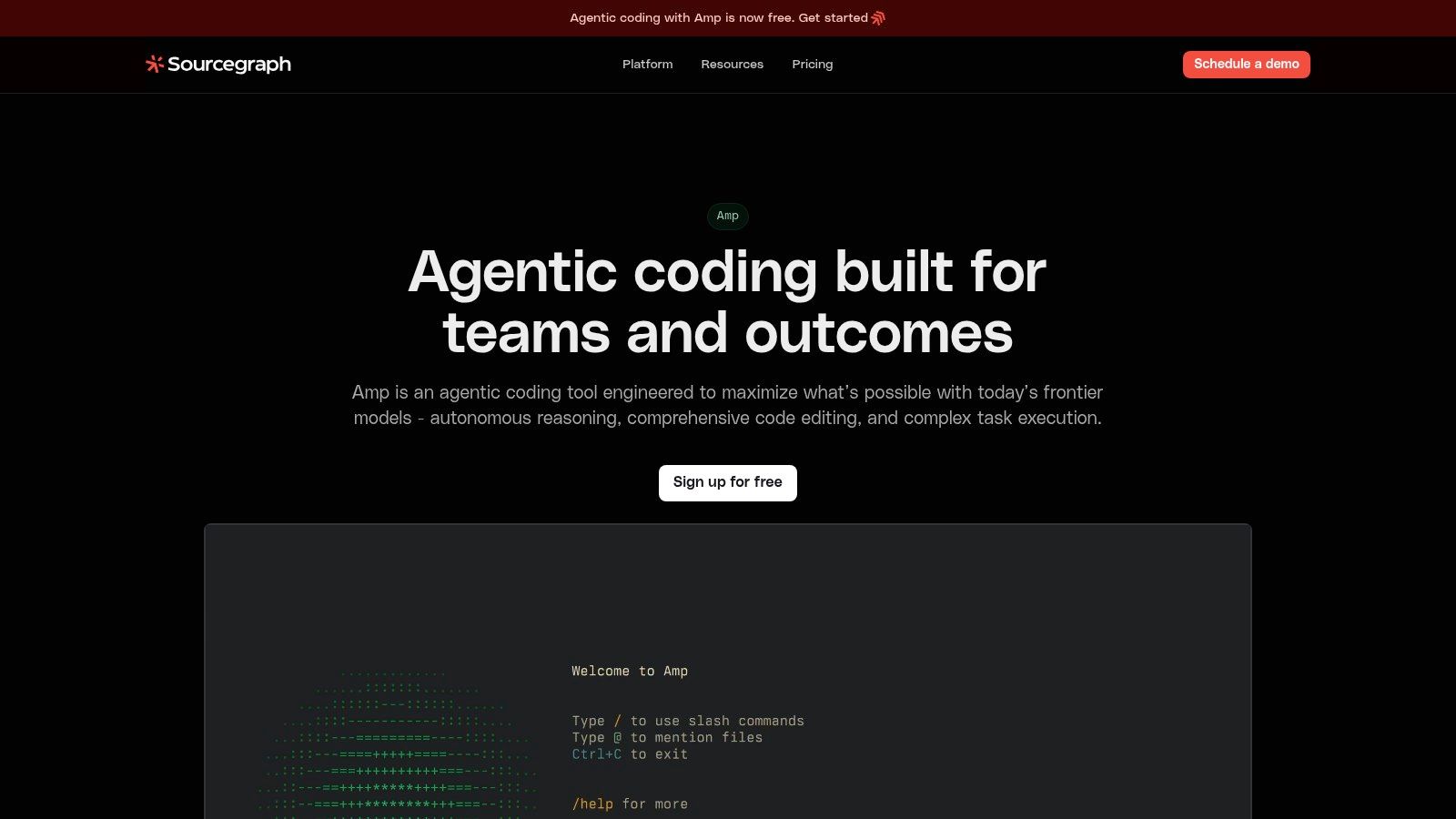
Sourcegraph Amp is the most interesting option here for large codebases, monorepos, and multi-repo environments where code search quality is not a nice-to-have. It is the foundation of the job.
Small projects rarely need this much context machinery. Big ones do.
Why Amp is different
Sourcegraph’s long-standing strength is code intelligence and search across complex environments. Amp benefits from that heritage. If your team works across many services, shared libraries, and years of commit history, broad context handling becomes a significant differentiator.
That is also where many agent products struggle. They can act confidently with partial context. On a large system, partial context is how teams ship subtle breakage.
Best for engineering leads, not just individual contributors
Amp feels designed for collaboration and governance as much as raw coding throughput. Shareable threads, editor and terminal integration, and enterprise orientation make it more valuable when multiple engineers need to reason about the same change.
Its limitations are also clear:
- Potential overkill for small repos
- Pricing and credits may require sales-level clarity
- Highest payoff comes with codebase complexity
If I were choosing for a monorepo-heavy org, Amp would make the shortlist before many flashier tools. Search depth is still underrated in AI-assisted development.
9. Tabnine
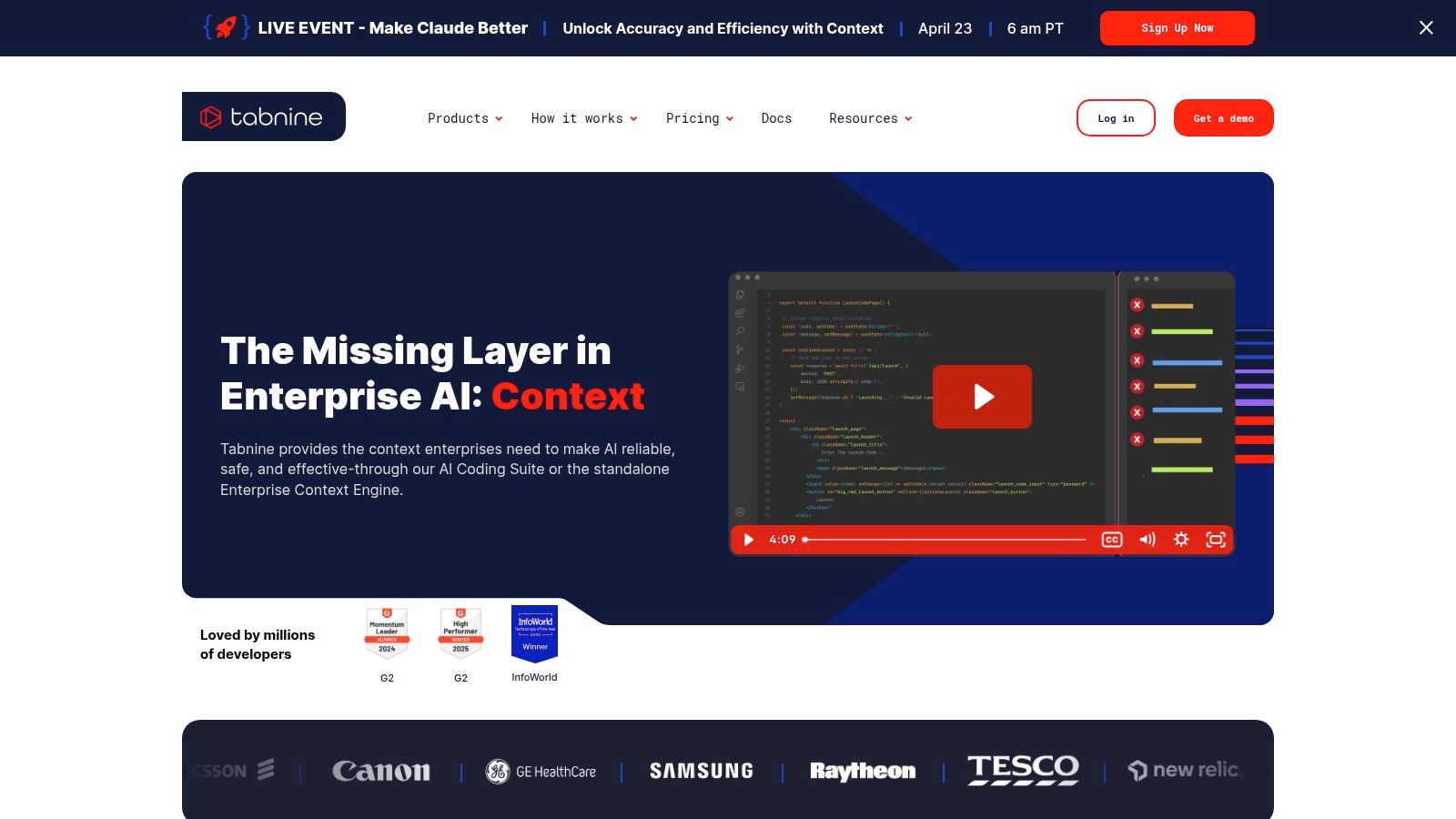
Tabnine is the tool to look at first when privacy, deployment flexibility, and data control outrank pure model novelty. Regulated teams, IP-sensitive organizations, and companies with residency requirements should pay attention here.
This category gets under-covered. Speed gets all the headlines.
Why Tabnine matters
Tabnine’s deployment flexibility is the story. SaaS, VPC, on-prem, air-gapped environments, and Bring Your Own AI options all push it into conversations where most cloud-first assistants are disqualified before the demo starts.
That is not theoretical. Enterprise adoption is expanding, but governance is lagging. In the broader AI software market, only 7% of vendors offer governance tools, according to the market summary in this CB Insights analysis of AI software development and SDLC tooling. That gap is exactly why deployment and policy control matter.
The privacy and governance angle is also a blind spot in many tool roundups. The practical risks around IP leakage and compliant stacks are discussed well in this enterprise-focused review of AI developer tools.
Where Tabnine wins and loses
Tabnine wins when the question is, “Can we use AI here safely?” not just, “Which assistant feels smartest today?”
Pros:
- Flexible deployment
- Policy and residency control
- Useful fit for cautious enterprise rollout
Cons:
- Higher seat cost than many SaaS-only assistants
- Advanced setups can add provider complexity
- May feel less flashy than frontier-agent products
For regulated teams, the best ai tools for software development are often the ones legal and security will approve.
That sounds obvious. It is still ignored far too often.
10. Replit
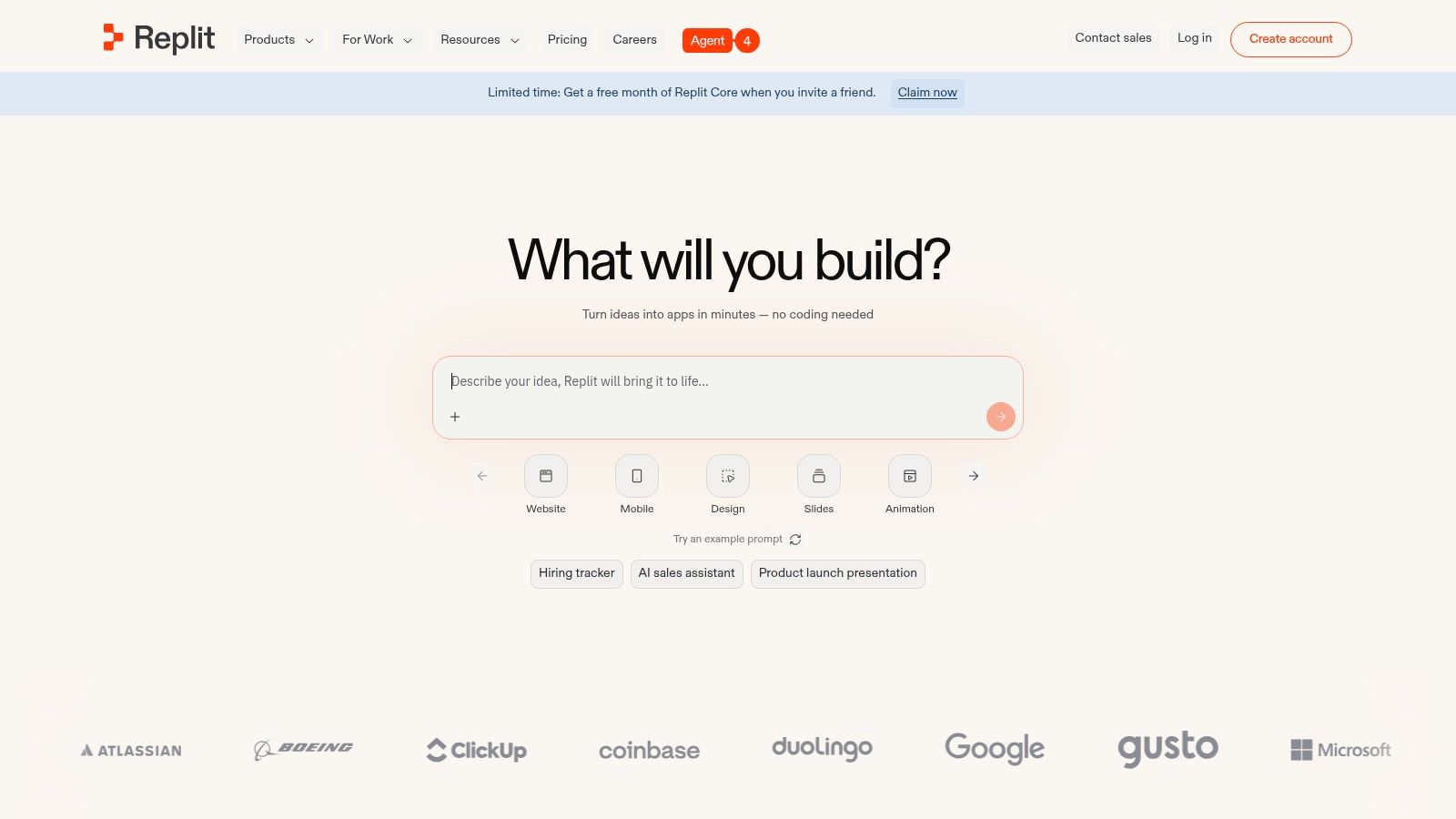
Replit is the best fit on this list for rapid prototyping, solo founders, education, and hackathon-style development where the fastest path from idea to running app matters more than local environment purity.
It is an all-in-one move. That is the appeal.
Where Replit works best
Browser-based development removes setup friction. That alone makes Replit attractive for nontraditional builders and product people who want to test ideas quickly. Its Agent also pushes beyond lightweight prompting into multi-file app work, refactoring, preview, and deploy workflows.
That broader market momentum is real. CB Insights highlighted startups such as Anysphere, Replit, and Lovable reaching $100M+ ARR rapidly in its market map of AI software development tooling, which signals strong professional demand even as the category keeps shifting.
A challenge teams often discover late
Cloud-only convenience can become cloud-only dependence. That is fine for prototypes. It can become a constraint for teams that need local control, offline work, or stricter infrastructure choices.
Practical trade-offs:
- Great for MVPs and demos
- Useful for founders who do not want local setup overhead
- Budget guardrails matter because usage is task-based
- Less ideal for teams with strong local dev requirements
Replit is one of the few products here that can effectively compress ideation, coding, preview, and deploy into one beginner-friendly loop. I would not use it as the default environment for every engineering team. I would absolutely use it to get a concept live quickly.
Top 10 AI Tools for Software Development: Comparison
| Tool | Core capabilities | UX / Quality | Pricing / Value | Target audience | Unique selling point |
|---|---|---|---|---|---|
| Cursor | Repo‑aware AI editor: multi‑file refactor, debugging, test generation | ★★★★ | 💰 Pro/subscription; privacy/cloud tradeoffs | 👥 Dev teams, maintainers, new contributors | ✨ Repo‑wide context for safe, project‑scale changes |
| GitHub Copilot | Inline completions, chat, PR review, agent workflows across IDEs | ★★★★★ | 💰 Tiered (individual → enterprise); enterprise costs higher | 👥 GitHub‑centric teams & org | 🏆 Native GitHub/PR integration & org controls |
| Amazon Q Developer | Agentic coding in IDE/CLI/AWS Console; AWS‑aware guidance | ★★★★ | 💰 Free tier + Pro; per‑LOC billing for transformations | 👥 Teams building on AWS | ✨ AWS‑aware recommendations and ops/cost guidance |
| Google Gemini Code Assist | IDE/CLI assistant with huge context window (up to 1M tokens) | ★★★★ | 💰 Tiered pricing with $0 individual tier | 👥 Android/Firebase/GCP developers | ✨ Very large context window + Cloud Shell preinstall |
| JetBrains AI Assistant + Junie | In‑IDE chat/refactor, Junie agent, multi‑model support | ★★★★ | 💰 Free tier in IDEs; tiered quotas by region/models | 👥 Teams standardized on JetBrains IDEs | ✨ Seamless native IntelliJ Platform integration |
| Windsurf | Agentic Cascade workflow, MCP integrations, previews & deploys | ★★★★ | 💰 Transparent plans; high‑limit “Max” tier for throughput | 👥 Heavy users & teams open to new editor | ✨ Cascade agent + strong web preview/deploy flow |
| Cursor (cursor.com) | VS Code–based AI editor: Composer, Agent, terminal/run support | ★★★★ | 💰 Clear Pro pricing; usage credits for frontier models | 👥 Solo builders & teams wanting agent‑first editor | ✨ Composer for deep multi‑file edits; published rate limits |
| Sourcegraph Amp | Agentic coding + Sourcegraph code search for cross‑repo changes | ★★★★ | 💰 Evolving pricing/credits; sales engagement likely | 👥 Large monorepos, enterprises, cross‑repo teams | 🏆 Deep code search + shareable agent “threads” for scale |
| Tabnine | Privacy‑first completions, BYOAI, on‑prem/VPC/air‑gapped deploys | ★★★★ | 💰 Higher per‑seat; enterprise deployment costs | 👥 Regulated industries, IP/privacy‑sensitive teams | ✨ Best‑in‑class deployment flexibility & data residency |
| Replit | Browser cloud IDE + Agent, scaffold/refactor/deploy in one place | ★★★★ | 💰 Pay‑as‑you‑go credits; free daily Agent credits | 👥 Educators, hackathons, solo founders & rapid prototypers | ✨ All‑in‑one cloud IDE with one‑click preview & deploy |
Final Thoughts
The biggest mistake teams make with ai tools for software development is picking one product and expecting it to solve every problem from autocomplete to architecture to production debugging. That is not how this market works. The tools are fragmenting by workflow.
A better leaderboard looks like this in practice:
- Best AI-native IDE for repo-aware work: Cursor
- Best default assistant for GitHub shops: GitHub Copilot
- Best AWS-aware option: Amazon Q Developer
- Best Google ecosystem fit: Gemini Code Assist
- Best JetBrains-native path: JetBrains AI Assistant + Junie
- Best agentic editor for fast-moving builders: Windsurf
- Best large-codebase search and agent combo: Sourcegraph Amp
- Best privacy-first enterprise option: Tabnine
- Best browser-first prototyping environment: Replit
That does not mean every team needs nine tools. Many do not. In fact, sprawl becomes a problem fast. The better move is to choose a primary lane.
For startups and SMB product teams, I would recommend one of these three stacks:
Stack 1 for fast product delivery Cursor or Windsurf as the primary editor, GitHub Copilot for developers who stay in existing IDEs, and Replit for prototype spikes or founder-led experiments.
Stack 2 for enterprise control JetBrains AI Assistant or Copilot as the default layer, Tabnine where privacy constraints are strict, and Sourcegraph Amp for large repo reasoning.
Stack 3 for cloud-native teams Amazon Q Developer for AWS-heavy environments, Gemini Code Assist for Google-leaning mobile or cloud teams, and a conservative approval workflow around any agentic execution.
The direct answer to a common buying question is this: what is the best AI tool for software development right now? The answer depends on whether your bottleneck is syntax, codebase understanding, multi-file change execution, or governance. If you only optimize for demo quality, you usually pick wrong.
My counter-intuitive opinion is that the most valuable tools are not the ones that generate the most code. They are the ones that reduce the most waste. Search waste. Debug waste. Onboarding waste. Review waste. Those savings compound within engineering teams even when nobody can point to one flashy before-and-after graph.
That is also why measurement matters. According to the summary of DX research in this roundup of generative AI tools for software development, leaders need to track utilization, impact, and cost rather than treating adoption alone as success. I strongly agree. A tool that many developers open is not automatically a tool that improves delivery.
Use the smallest stack that provides an advantage. Add tests and review discipline before you add more autonomy. If you need stronger governance around agentic development, a dedicated Claude Code security audit is a sensible step before broad rollout in sensitive environments.
If you want a faster way to shortlist the right stack, Oryndex is a practical place to start. It helps founders, builders, and operators compare vetted AI tools by use case, so you can move from vague interest to a workable software development stack without wasting weeks on vendor noise.