

A structured meeting management platform that prioritizes governance and accountability over simple transcription—best for teams that need to track decisions and action items across recurring projects.
Excellent for project managers needing structured agendas and decision logs, weaker for those just looking for a lightweight AI transcriber.
Analysis based on product data, pricing structure, traffic signals, and public user sentiment.
Who Should Use Adam.ai?
Typical users
Project managers, department heads, and executive assistants in mid-to-large organizations who manage high-stakes or recurring meetings.
Maturity fit
scaling to advanced
Choose this if…
- You need a formal, auditable record of decisions and votes
- Your priority is tracking follow-up tasks across multiple workstreams
- You want to link meeting outcomes directly to project management tools like Jira or Asana
Skip this if…
- You only need a basic transcript of your calls
- You are a solo freelancer with low meeting volume
- Your team finds multi-tabbed, feature-dense interfaces overwhelming
About Adam.ai
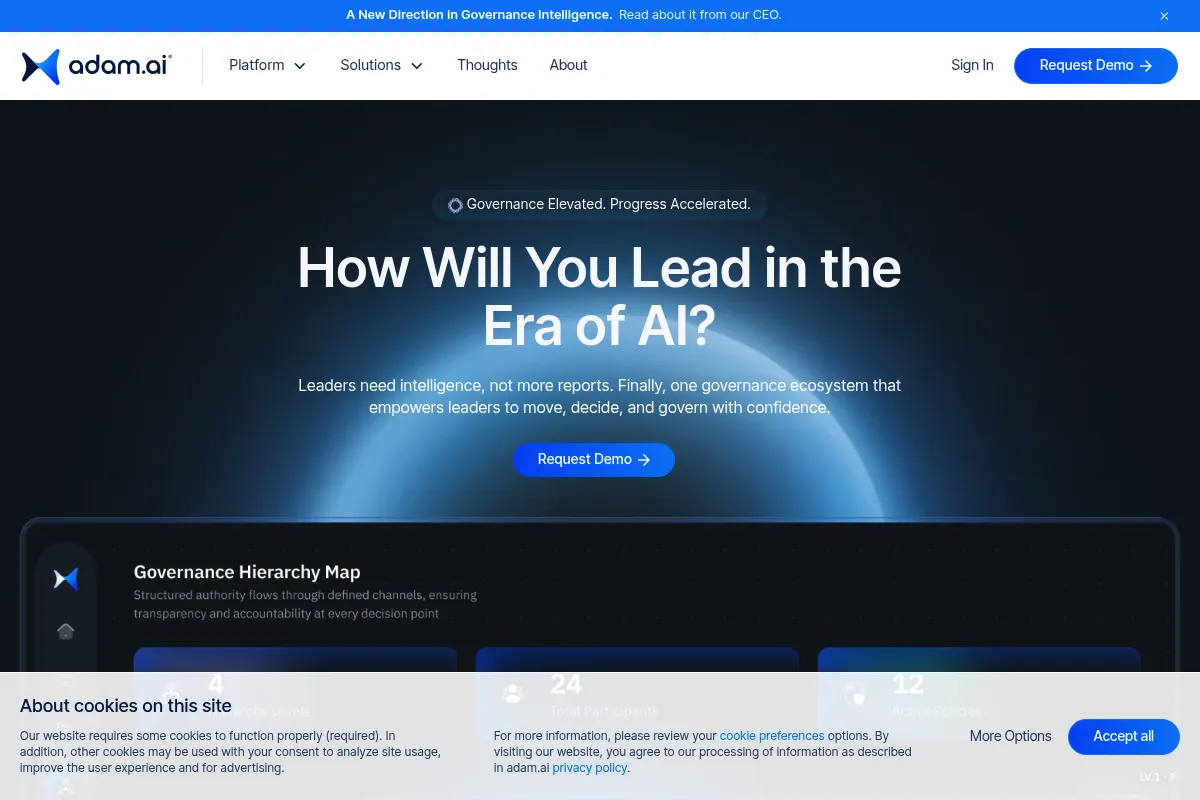
Adam.ai is a meeting management and governance platform designed to capture the 'why' and 'what next' of every discussion. It moves beyond simple note-taking by integrating agendas, decisions, and action items into a centralized hub for team accountability.
Official profiles
What it actually does
It provides a workspace for teams to collaborate on agendas before a meeting, capture notes and votes during the call, and track follow-up tasks afterward. It syncs these elements across calendars and project management tools to ensure meeting outcomes are documented and assigned.
What makes it different
Unlike AI note-takers that focus primarily on transcription, Adam.ai focuses on the structure of the meeting. It includes specific modules for 'Decisions' and 'Votes,' creating a formal audit trail that is more useful for corporate governance than a raw text dump.
Ratings across the web

Ratings aggregated from independent review platforms.
Key Features
Decision Tracking
Creates a dedicated log of all agreed-upon points to prevent future disputes.
Meeting Minutes Generator
Produces professional PDFs of the meeting summary for stakeholders instantly.
Action Item Sync
Pushes tasks directly to Jira, Asana, or Trello to ensure follow-through.
Public/Private Notes
Allows users to keep personal thoughts separate from the official record.
Meeting Series
Groups recurring meetings to track progress and open items over time.
Guest Access
Enables external stakeholders to participate in specific agendas without seeing internal data.
AI Meeting Assistant
Summarizes discussions and suggests action items based on the transcript.
Pricing
Free
- Up to 2 users
- 5 meetings per month
- Basic integrations
- Public/Private notes
Pro
- Unlimited meetings
- Advanced integrations (Jira, Asana, etc.)
- AI meeting assistant
- Custom meeting minutes templates
Enterprise
- Single Sign-On (SSO)
- Advanced security and compliance
- Dedicated account manager
- Custom onboarding
Pricing checked 6 months ago
Pricing guidance
- When you need to sync tasks with Jira or Asana
- When your team grows beyond 2 users
- When you exceed 5 meetings in a single month
- AI transcription minutes may be capped depending on the specific sub-tier
- Storage limits apply to file attachments in the meeting workspace
Mid-range pricing that reflects its position as a business-grade productivity tool rather than a consumer app.
Pros & Cons
Strengths
-
Strong accountability loop
Linking decisions and action items directly to the meeting record reduces friction and prevents tasks from falling through the cracks.
-
Deep project management integrations
Works well within existing stacks like Jira and Slack, making it a functional bridge rather than an isolated silo.
-
Governance-first design
The voting and decision features are superior to generic document editors for formal boards or executive committees.
-
Centralized knowledge hub
Organizing meetings by project makes it easy for new team members to find historical context for specific initiatives.
Weaknesses
-
Steep learning curve
The interface is dense and can feel cluttered, requiring a period of adjustment for teams used to simpler tools.
Affects: Non-technical users or teams looking for simplicity
-
Manual effort required
To get the most value, someone must actively manage the agenda and notes; it is not a 'set it and forget it' tool.
Affects: Busy managers who don't have a dedicated note-taker
-
Mobile app limitations
The mobile experience is often cited as less intuitive and responsive than the desktop version, making on-the-go updates difficult.
Affects: Field workers or frequent travelers
Real User Sentiment
Users generally appreciate the structure it brings to chaotic meetings but note that it requires discipline to maintain.
Users tend to like
- Agenda templates
- Direct Jira integration
- The dedicated 'Decisions' log
- Professional PDF minutes
Users commonly complain about
- UI can be overwhelming
- Occasional sync issues with Outlook calendars
- Price per seat is high for large teams
Recurring tradeoffs
- You trade speed for structure; it takes more time to set up a meeting in Adam.ai, but the resulting record is far more useful.
Happiest users
Project managers overseeing multiple complex workstreams with high accountability requirements.
Often frustrated
Small teams or individuals looking for a simple, automated transcription tool without the management overhead.
Use Cases
Board Meetings
Using the voting and decision logs for formal corporate governance.
Agile Standups
Tracking blockers and action items that sync directly to developer backlogs.
Client Kickoffs
Sharing professional meeting minutes with external partners immediately after the call.
Cross-functional Projects
Keeping a centralized history of decisions across different departments.
Executive Briefings
Summarizing high-level outcomes for leadership without them needing to attend every session.
Frequently Asked Questions
Is there a free version of Adam.ai?
Yes, there is a Free plan, but it is limited to 2 users and only 5 meetings per month. It is best used as a trial to see if the workflow fits your team before committing to a paid plan.
How does Adam.ai compare to Fellow.app?
Fellow is more focused on 1-on-1s, team culture, and feedback loops. Adam.ai is more focused on project governance, formal decision-making, and deep integration with technical project management tools like Jira.
Does Adam.ai record video?
No, it does not record video itself. It integrates with Zoom, Microsoft Teams, and Google Meet to manage the content and documentation of the meeting while the video call happens on those platforms.
Can I use it for AI transcription?
Yes, Adam.ai includes AI transcription and summarization features, but its core value is in the structured agenda and the manual tracking of decisions and action items.
Does it work with Google Workspace and Outlook?
Yes, it has deep integrations with both Google Calendar and Outlook, allowing you to link meetings to your existing schedule and sync notes to Drive or OneDrive.
What happens to my data if I cancel my subscription?
You can export your meeting minutes as PDFs or Markdown files before canceling. However, you will lose access to the interactive dashboard and the historical tracking of decisions within the platform.
Why trust this page?
This evaluation combines product positioning, pricing analysis, traffic and market signals, and public user sentiment into a single decision-support page. Content is generated editorially — not copied from the vendor's website.
Funding & Company
Founded
2017
Stage
Seed
Total Raised
—
Latest Round
Pre-Seed (Aug 2021)
Notable Investors
Adam.ai has raised an undisclosed amount of funding through Pre-Seed and Seed rounds. Its most notable investor is Atlassian Ventures, the venture capital arm of the collaboration software giant Atlassian. This backing suggests a strategic alignment and potential for integration within the Atlassian ecosystem.
Market Signals & Traffic
Estimated visits, global rank, geography, traffic sources, monthly visit trends, and organic search keywords (Similarweb)—on a dedicated page built for depth and search.
- Estimated visits
- 12,186
- Global rank
- #1,918,400
- Snapshot
- Apr 2026
- Traffic trend
- Surging
Estimated monthly visits
Alternatives to Adam.ai
View all alternativesOtter.ai
AI Assistant, Productivity, Documentation

AI-powered transcription and meeting assistant for accurate notes and summaries.
Fireflies.ai
AI Assistant, Productivity, Documentation

AI meeting assistant that records, transcribes, and summarizes calls.
Notion AI
AI Assistant, Content Creation

AI assistant integrated into Notion for content creation and task automation.
Similar Tools
Noty
AI Assistant, Productivity, Communication

Meeting assistant for automated transcription, summaries, and action items.
Aymo AI
AI Assistant, Productivity, Communication

Personal assistant for managing tasks and information via WhatsApp.
Hugo
AI Assistant, Productivity, Communication

Centralized workspace for agencies to manage email, tasks, and calendars.
Krisp
AI Assistant, Productivity, Communication

AI-powered noise cancellation and meeting assistant for clear communication.
Omi (Based Hardware)
AI Assistant, Productivity, Communication

Wearable necklace that transcribes and summarizes real-world conversations
Kive
Design, Productivity, Workflow

Visual asset management and moodboarding platform for creative professionals.