
Top 12 AI Tools for Business Automation in 2026

Matic Pogladič
23 March 2026

In the current business environment, manual processes are a liability. The new standard for efficiency and growth is not just automation, but intelligent automation. Integrating AI tools for business automation into your core operations is no longer a forward-thinking strategy; it's a fundamental requirement for staying competitive. The challenge has shifted from if you should automate to what tools you should use and how you can implement them for maximum impact without disrupting your existing workflows.
The market has exploded with platforms promising to connect your apps and inject intelligence into your processes. This has created a paradox of choice for founders, operations leaders, and marketers. Which platform is right for a non-technical user? Which one offers the scalability a growing enterprise needs? This guide cuts through the noise. We provide a curated, no-hype analysis of the top platforms designed for business automation, from simple task connectors to complex, AI-driven workflow engines.
This article serves as a practical resource to help you select the right automation stack. For each tool, you will find:
A concise breakdown of its core use case.
An honest assessment of its pros and cons based on real-world application.
Clear pricing signals to help with budget planning.
Implementation tips for getting started quickly.
Screenshots and direct links to each platform.
Our goal is to move beyond generic feature lists and provide a strategic framework for choosing the best AI tools for business automation. We will examine platforms like Zapier, Make, and UiPath, helping you build an effective, intelligent system that saves time, reduces errors, and allows your team to focus on high-value work.
1. Full AI Tool Library — Oryndex
For builders and operators needing to assemble an effective AI stack, the sheer volume of new tools is both an opportunity and an obstacle. Oryndex’s Full AI Tool Library directly addresses this challenge by acting as a curated discovery engine, not just another sprawling index. It prioritizes practical application, organizing its listings around real business workflows like documentation, data extraction, and developer operations.
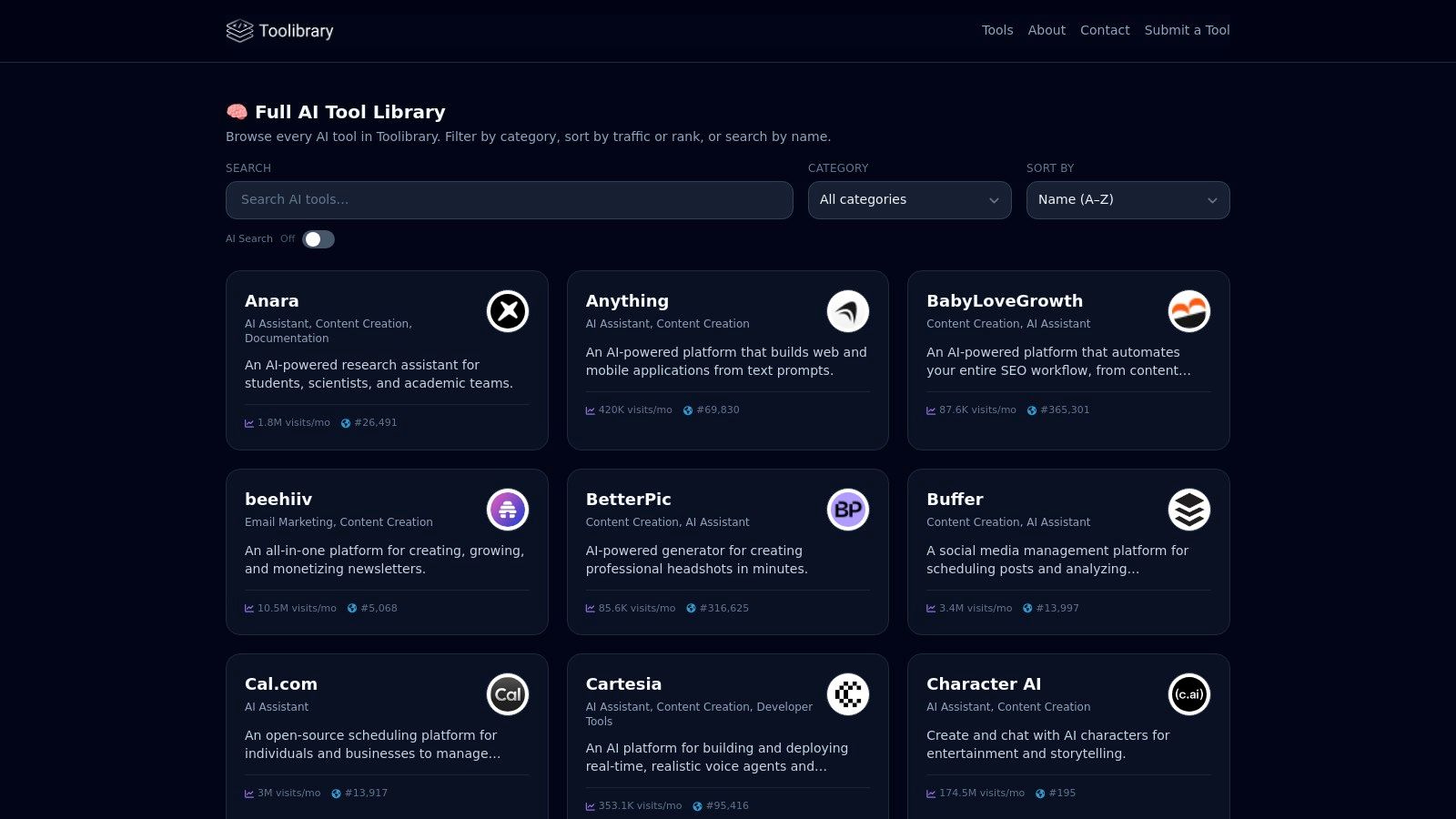
This platform excels by cutting through vendor hype, presenting each tool with concise tags, clear use cases, and direct links. It was built by AI entrepreneur Matic Pogladič from the perspective of a user who needs to find the right tool for a specific job, fast. The design philosophy is clear: reduce noise and accelerate execution.
Key Strengths and Features
Oryndex’s primary advantage is its vetting-first approach. Instead of listing every tool available, it surfaces products chosen for their value in business automation. This qualitative curation is supported by quantitative data through a market leaderboard, which ranks the top 30 tools using estimated monthly traffic data from Similarweb.
Its discovery controls are a standout feature. Users can filter by specific categories and sort results by performance metrics, allowing for a focused search. The plain-English search function (e.g., “AI meeting notetakers”) provides an intuitive way to find relevant ai tools for business automation without needing precise keywords. The platform remains current through constant updates and maker submissions, ensuring the directory reflects the active market.
Our Take: Oryndex is an indispensable starting point for any automation project. Its blend of editorial curation and traffic-based data gives founders and ops leaders both qualitative and quantitative signals to make informed decisions quickly.
Implementation and Usage Tips
Start with a workflow, not a tool: Use the natural language search to describe your automation goal (e.g., "AI to summarize documents").
Cross-reference the Leaderboard: After identifying a category, check the leaderboard to see which tools in that space have significant user traction.
Use the Editor's Shortlist: For a quick, expert-vetted recommendation, consult the editor's picks as a reliable shortcut.
| Feature | Assessment |
|---|---|
| Discovery Controls | Excellent. Robust filtering and sorting by category and performance metrics. |
| Curation Quality | High. Focuses on practical business use cases, filtering out low-value or overly hyped tools. |
| Data & Insights | Strong. Combines editor picks with a traffic-based leaderboard for a dual perspective on tool quality. |
| Search Functionality | Intuitive. Natural-language search makes finding solutions for specific problems straightforward. |
Website: oryndex.co/tools
2. Zapier
Zapier stands as a cornerstone in the world of no-code automation, distinguished by its immense library of over 6,000 application connectors. It enables non-technical users to build multi-step workflows, known as "Zaps," that connect disparate software-as-a-service (SaaS) tools. Its primary strength lies in its accessibility; it offers the fastest path for a business user to translate an automation idea into a functioning process, making it a critical asset for teams looking to experiment and iterate quickly.
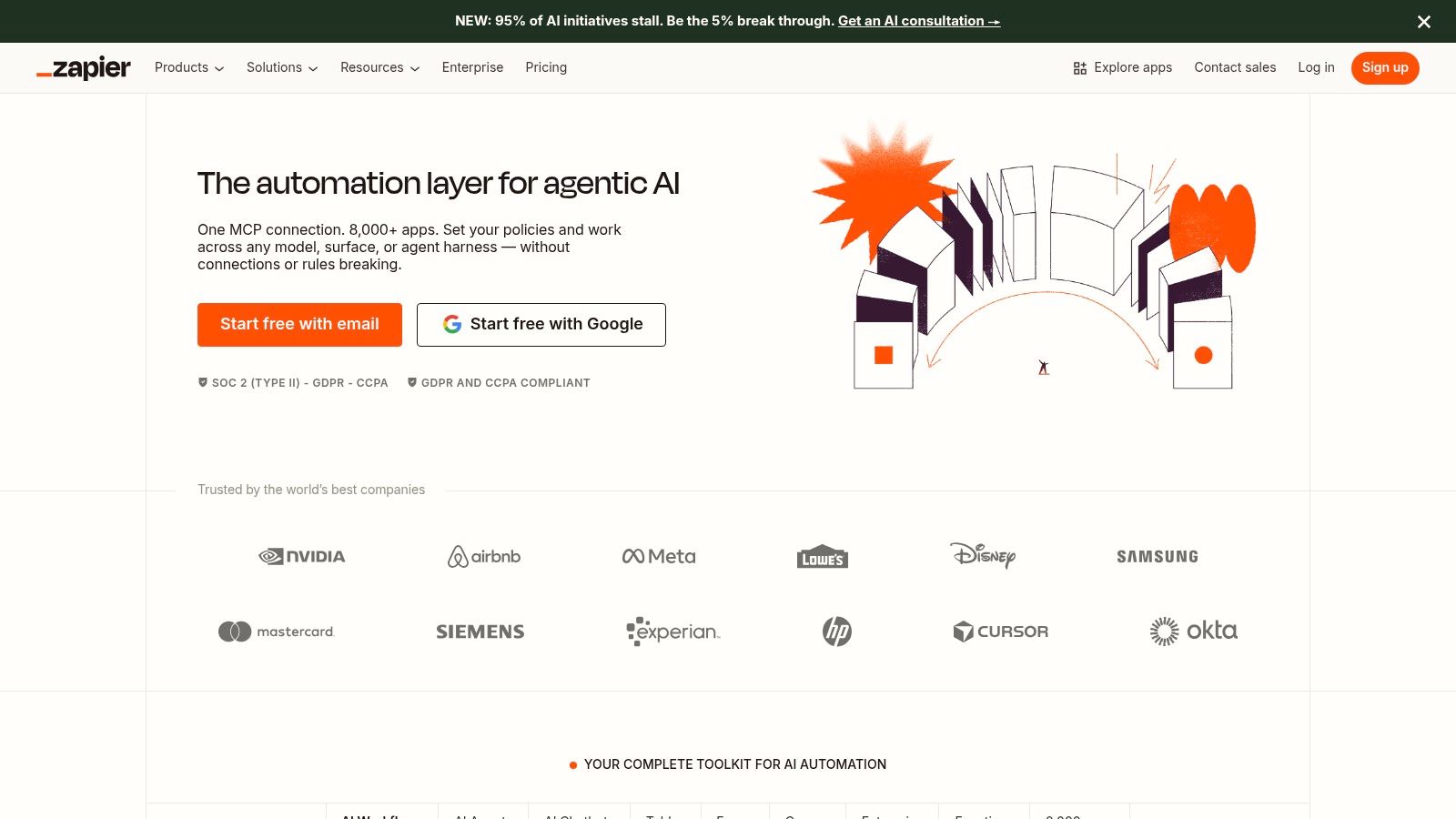
The platform has integrated AI directly into its workflow builder through the "AI by Zapier" step. This allows users to insert generative AI actions, such as summarizing text, drafting emails, or extracting structured data from unstructured content, into any Zap. Users can select their preferred AI model and provider, giving them flexibility without needing to manage separate API keys for simple tasks.
Key Use Cases & Implementation
Core Function: Connects thousands of apps to automate repetitive tasks and create intelligent workflows.
Pros: Exceptionally user-friendly interface; vast ecosystem of integrations; robust community and template library.
Cons: Task-based pricing can become expensive at high volumes; advanced logic and governance features are locked behind higher-tier plans.
A practical tip is to start with pre-built Zap templates to understand the platform's logic before building from scratch. For those wanting to compare it with other platforms, you can find a curated collection of similar automation tools to evaluate different capabilities.
Website: https://zapier.com
3. Make (formerly Integromat)
Make distinguishes itself as a powerful visual automation platform designed for users who require deep control over complex, multi-step workflows. Where simpler tools focus on linear connections, Make excels at building scenarios with branching logic, routers, and iterators, making it ideal for data-heavy processes and conditional operations. Its visual, drag-and-drop interface allows for a clear representation of data flow, which is a significant advantage for debugging and managing intricate automations.

The platform has seamlessly woven AI capabilities into its builder, with AI helpers that assist in mapping fields between modules and even suggest automation logic. It provides native integrations with major AI models, allowing users to embed text generation, data extraction, or analysis directly into any scenario. This combination of granular control and integrated AI makes Make a top choice for technical-minded business users and operations teams looking for robust AI tools for business automation that can scale.
Key Use Cases & Implementation
Core Function: Visually designs complex, non-linear automations with advanced logic and data manipulation.
Pros: Cost-effective at medium-to-high volumes; provides fine-grained control and observability for operations teams; strong tools for handling custom APIs and JSON.
Cons: Steeper learning curve compared to simpler builders; collaboration and enterprise features like SSO are often gated behind higher-tier plans.
A useful tip is to heavily utilize Make's detailed execution logs to troubleshoot errors, as you can inspect the data bundles at every step. For a broader view of this category, you can explore other no-code tools to see how they stack up.
Website: https://www.make.com
4. Microsoft Power Automate
Microsoft Power Automate serves as the automation engine within the Microsoft Power Platform, offering a potent combination of cloud-based API automation (Cloud Flows) and desktop-based robotic process automation (RPA). Its primary advantage is its deep, native integration with the entire Microsoft 365, Dynamics 365, and Azure ecosystem. This makes it a compelling choice for organizations heavily invested in Microsoft technologies, providing a secure and governed environment for building automated processes.
The platform provides a suite of AI tools for business automation through AI Builder, allowing users to embed pre-built or custom AI models directly into their flows. These models can perform tasks like document processing, sentiment analysis, object detection, and text recognition. For more advanced scenarios, it connects directly with Azure AI services, giving developers access to powerful capabilities. This blend of low-code accessibility with enterprise-grade AI and security controls sets it apart.
Key Use Cases & Implementation
Core Function: Automates tasks across the Microsoft ecosystem and beyond, with support for both modern API-based apps and legacy desktop systems via RPA.
Pros: Unmatched integration with M365 and Azure, providing strong enterprise governance and security; covers a wide spectrum from simple cloud flows to complex RPA and process mining.
Cons: Licensing can be nuanced and complex, with costs escalating for premium connectors and specific features; provides the best value when a business's technology stack is predominantly Microsoft-based.
A practical approach for new users is to start with the built-in templates, especially for common tasks within Teams, SharePoint, or Outlook. The pay-as-you-go metering option for flow runs offers a flexible way to test usage and manage costs before committing to per-user or per-flow licenses.
Website: https://powerautomate.microsoft.com
5. UiPath
UiPath delivers an end-to-end, enterprise-grade platform specializing in Robotic Process Automation (RPA) and agentic automation. It excels at automating complex back-office and line-of-business operations that involve legacy systems, desktops, and web applications. The platform's core strength is its ability to build robust, governable "robots" that mimic human actions on a user interface, making it one of the most powerful AI tools for business automation at an enterprise scale.
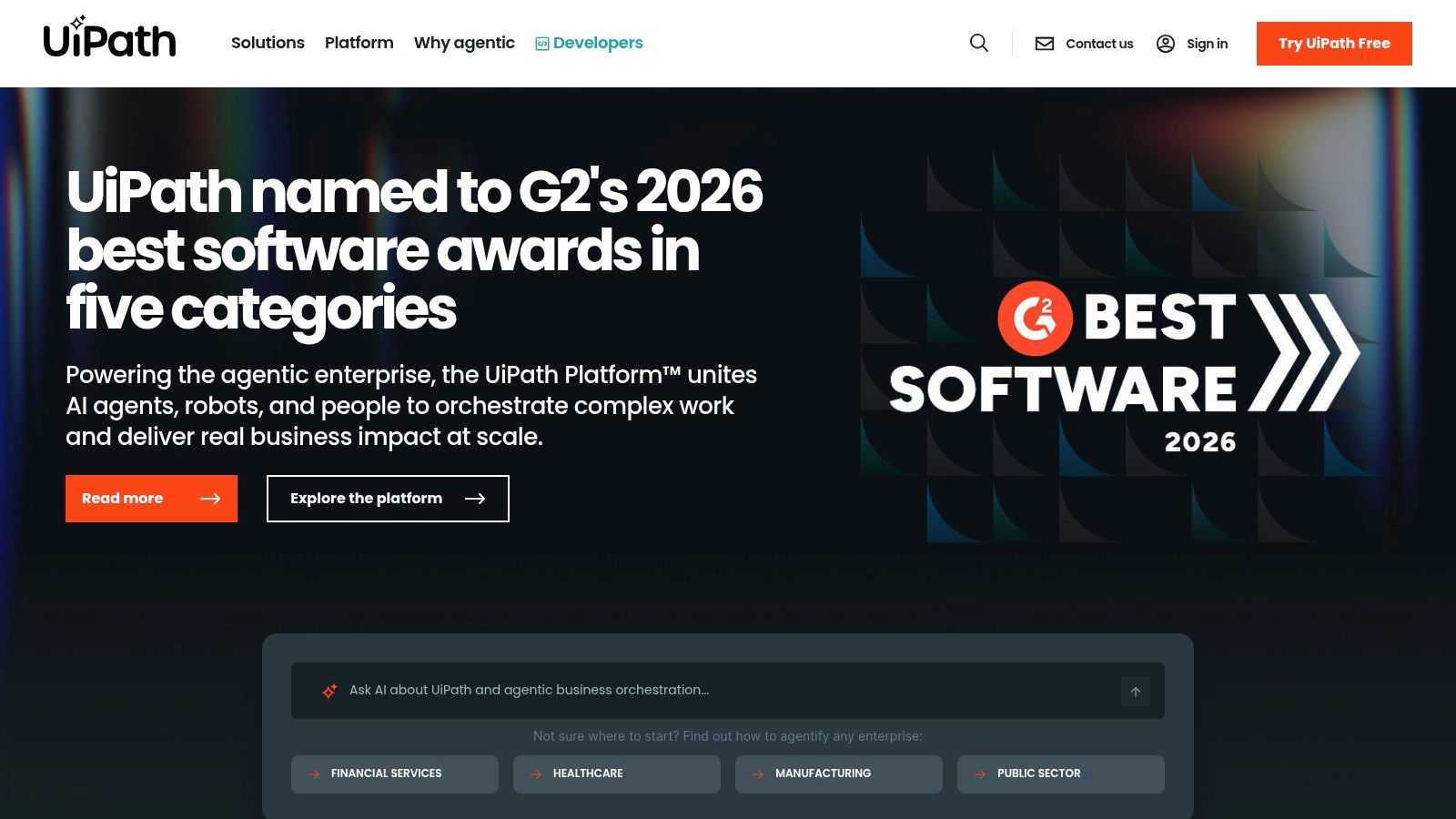
The platform integrates AI capabilities directly into its RPA workflows, including document understanding for extracting data from invoices or forms, and process mining to discover automation opportunities. More recently, UiPath has added generative AI features like Autopilot and Generative Extraction, allowing robots to handle unstructured data and make context-aware decisions. This positions it for sophisticated automation projects that go far beyond simple API connections.
Key Use Cases & Implementation
Core Function: Builds software robots to automate repetitive human tasks across desktop, web, and legacy applications.
Pros: Deep RPA and AI toolkit with strong governance and security; extensive ecosystem and marketplace for pre-built components.
Cons: Can be overkill and complex for simple, cloud-only automations; advanced capabilities often require costly enterprise add-ons.
A practical approach is to use its Process Mining and Task Mining tools first to identify high-value, repetitive processes within your organization before committing to building complex robots. For businesses needing to automate interactions with older, on-premise software without APIs, UiPath is a definitive choice.
Website: https://www.uipath.com
6. Automation Anywhere
Automation Anywhere provides an enterprise-grade, cloud-native intelligent automation platform designed for large-scale operations and regulated industries. It merges Robotic Process Automation (RPA) with AI capabilities, including its document processing tool, IQ Bot, to handle complex, end-to-end business processes. The platform is particularly suited for organizations looking to standardize on a single, secure cloud RPA solution with strong governance and compliance features.
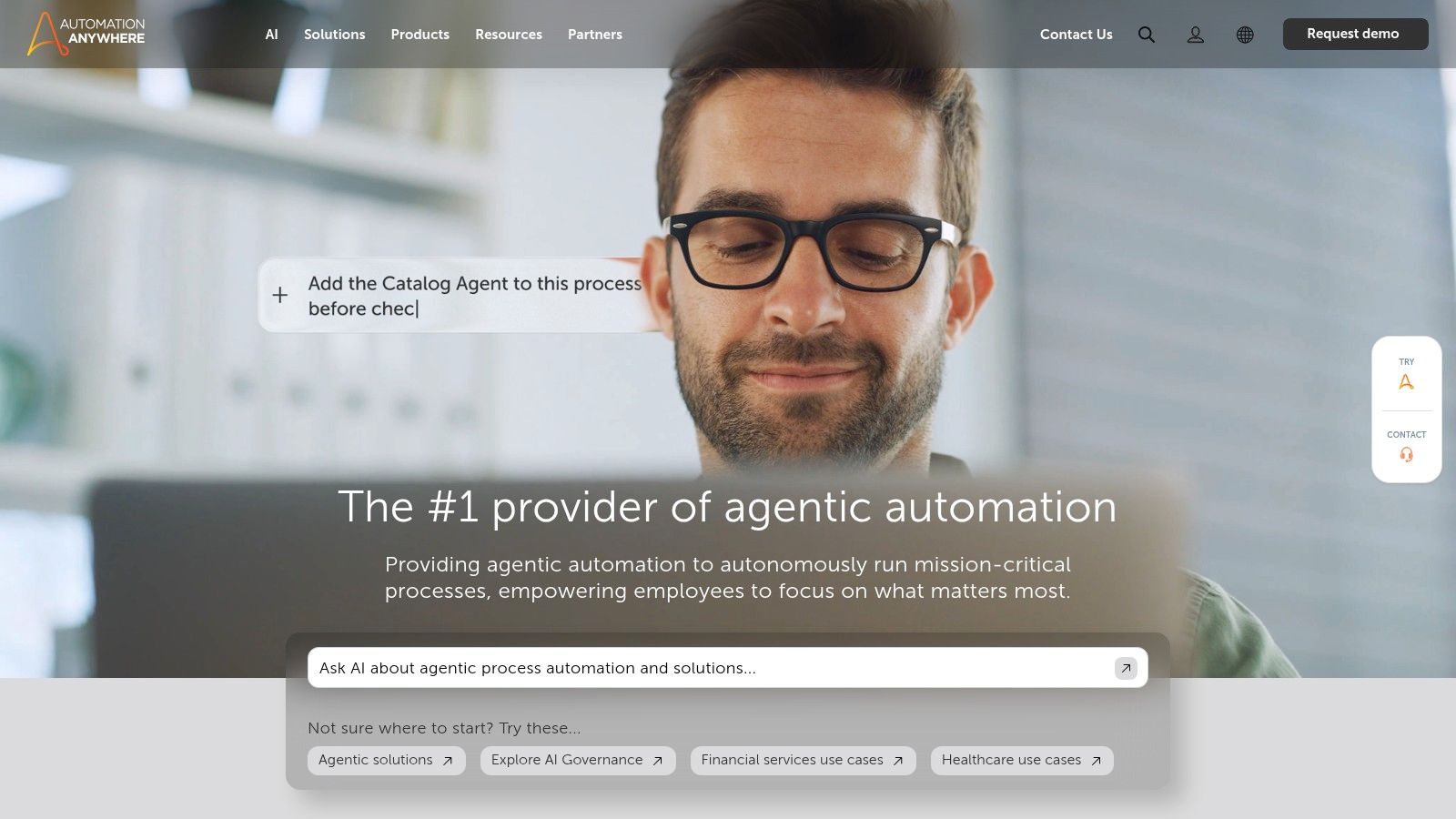
Its Automation Success Platform is built around a centralized Control Room, giving IT leaders complete visibility and control over deployed bots. A key component is its focus on enabling a hybrid workforce of human and digital workers, providing citizen developer tools that operate within strict, pre-defined governance guardrails. This makes it a powerful option among AI tools for business automation where security and scalability are primary concerns.
Key Use Cases & Implementation
Core Function: Deploys software "bots" to execute rules-based business processes and automate tasks across enterprise applications.
Pros: Mature enterprise features and robust success programs; cloud-native delivery model reduces infrastructure management; strong governance and security controls.
Cons: Most commercial tiers require a sales consultation for pricing; the learning curve can be steep for non-technical users compared to simpler no-code tools.
For effective implementation, teams should take advantage of Automation Anywhere University for training and certifications to get up to speed. Start by identifying high-volume, repetitive processes in finance or HR, as these often provide the quickest return on investment.
Website: https://www.automationanywhere.com
7. Workato
Workato operates as an enterprise-grade integration and automation platform (iPaaS) designed for complex organizational needs. It merges application integration, workflow automation via "recipes," and API management, positioning itself as a central hub for both IT and business operations teams. The platform’s design provides a balanced environment where IT can maintain governance and security while business users can self-serve and build automations.
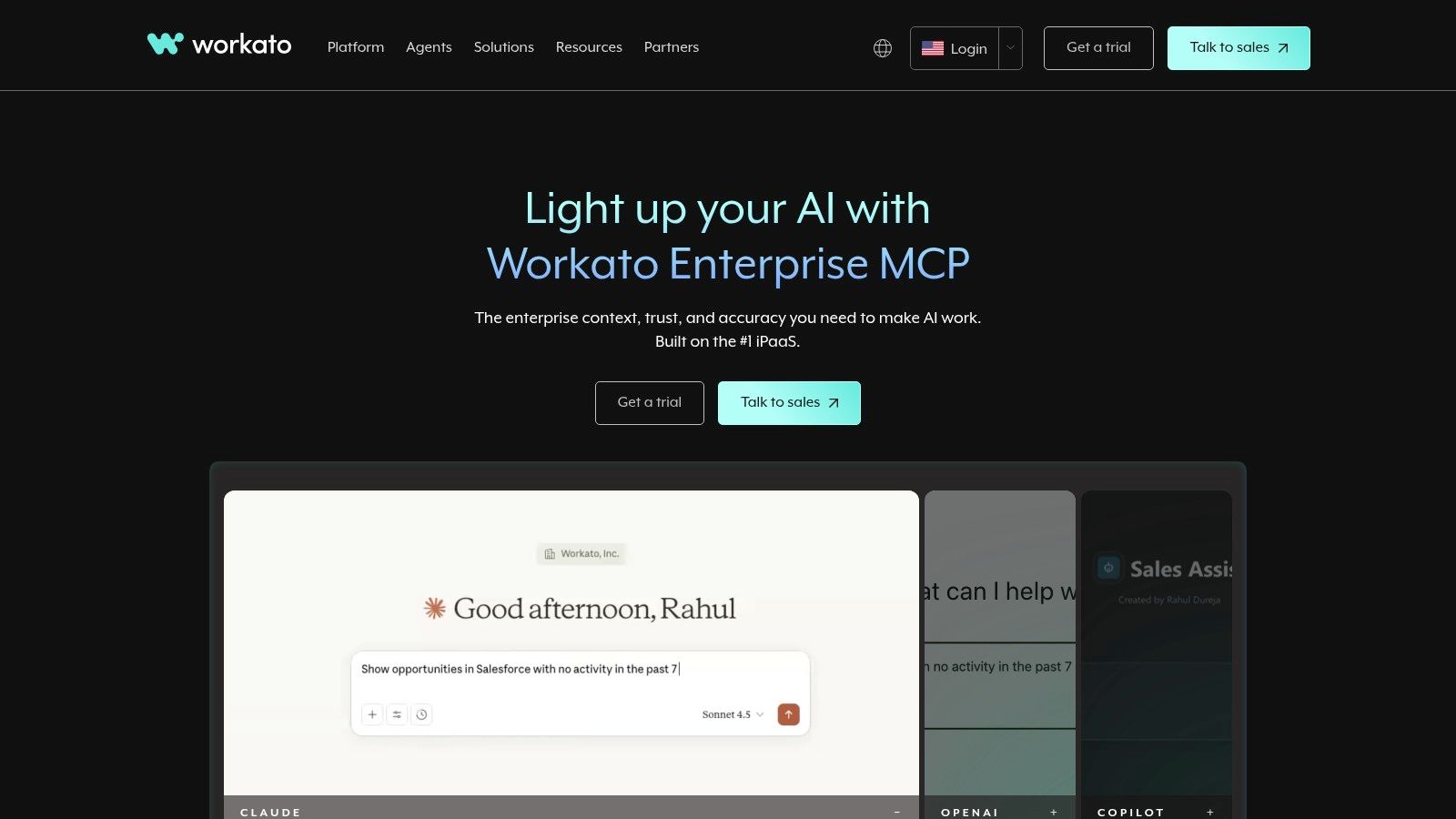
Its approach to AI is built for enterprise scale, featuring AI Copilots that assist in building recipes and an Enterprise MCP (Master Copilot) for orchestrating multiple AI agents securely. This allows organizations to safely deploy and manage AI within their business processes, using a governed framework. Workbot extends these automations directly into collaboration tools like Slack and Microsoft Teams, bringing intelligent workflows into daily conversations.
Key Use Cases & Implementation
Core Function: Provides a unified platform for enterprise integration, API management, and AI-powered workflow automation at scale.
Pros: Strong enterprise-grade security, governance, and role-based access controls; creates a good balance for IT-led and business-led automation initiatives.
Cons: Pricing is primarily quote-based and has a higher entry cost than SMB-focused tools; delivers the best value when used to centralize many different automation use cases onto one platform.
A practical approach is to use Workato for orchestrating core business systems (like ERP, CRM, and HRIS) where data integrity and security are paramount. Its recipe-based model is powerful, but new users should explore the community library to see how complex, multi-system processes are constructed before starting from a blank canvas.
Website: https://www.workato.com
8. n8n
n8n offers a powerful, open-source approach to workflow automation, positioning itself as a "fair-code" platform. It provides a visual, node-based builder that appeals to more technical users, such as developers and operations specialists, who desire deep customization and control. Its key distinction is the ability to self-host, which grants complete data residency and eliminates the per-task pricing models that can become costly at scale, making it a highly cost-efficient choice for complex, high-volume automation.
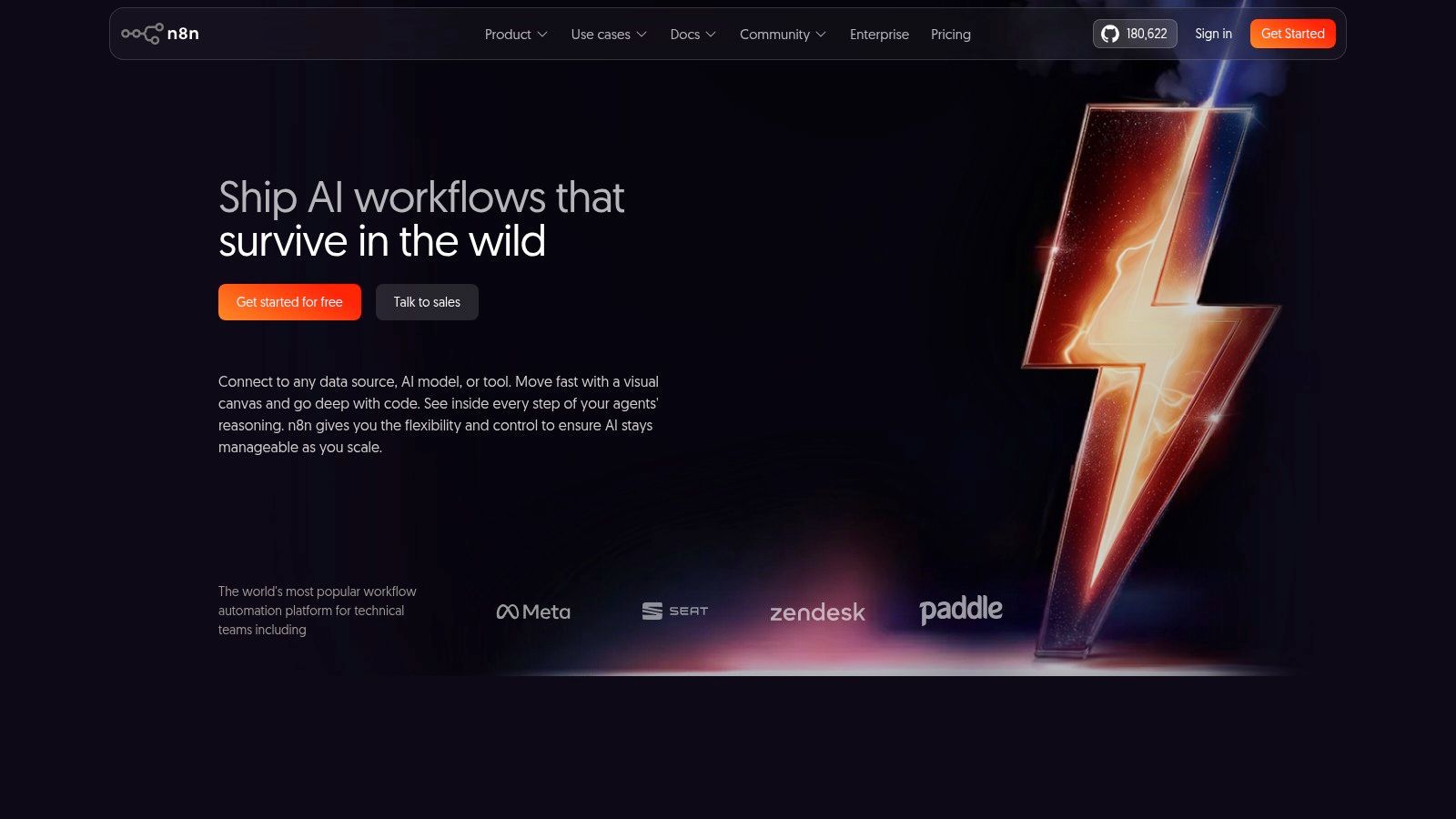
The platform supports a growing library of over 400 integrations and can be extended with custom code using its Function and HTTP Request nodes. This extensibility is central to its value, allowing users to connect to any API and build bespoke logic. While n8n offers a cloud version, its real strength is unlocked through self-hosting, where it becomes an exceptionally flexible component in a business’s internal tool stack, including for creating sophisticated AI tools for business automation.
Key Use Cases & Implementation
Core Function: A source-available, node-based workflow automation tool for building complex, custom automations with an option for self-hosting.
Pros: Extremely cost-efficient when self-hosted; highly flexible for custom logic and API-heavy automations; strong control over data privacy.
Cons: Self-hosting requires DevOps knowledge; fewer polished templates compared to competitors; advanced features like versioning are on paid tiers.
A practical tip for getting started is to deploy n8n using a one-click service like Docker. This simplifies the initial setup and allows you to explore its capabilities without significant DevOps overhead. Focus on using its HTTP Request node to understand how to connect to any API, which is a core skill for maximizing the platform's power.
Website: https://n8n.io
9. Tray.io (Universal Automation Cloud)
Tray.io positions itself as an enterprise-grade Integration Platform as a Service (iPaaS) built for complex, multi-system automations. It moves beyond simple task-based connections to enable organizations to build and manage mission-critical workflows like order-to-cash cycles, lead lifecycle management, and embedded product integrations. This focus on resilient, scalable processes makes it a primary choice for IT, revenue operations (RevOps), and product teams that require robust governance and control.
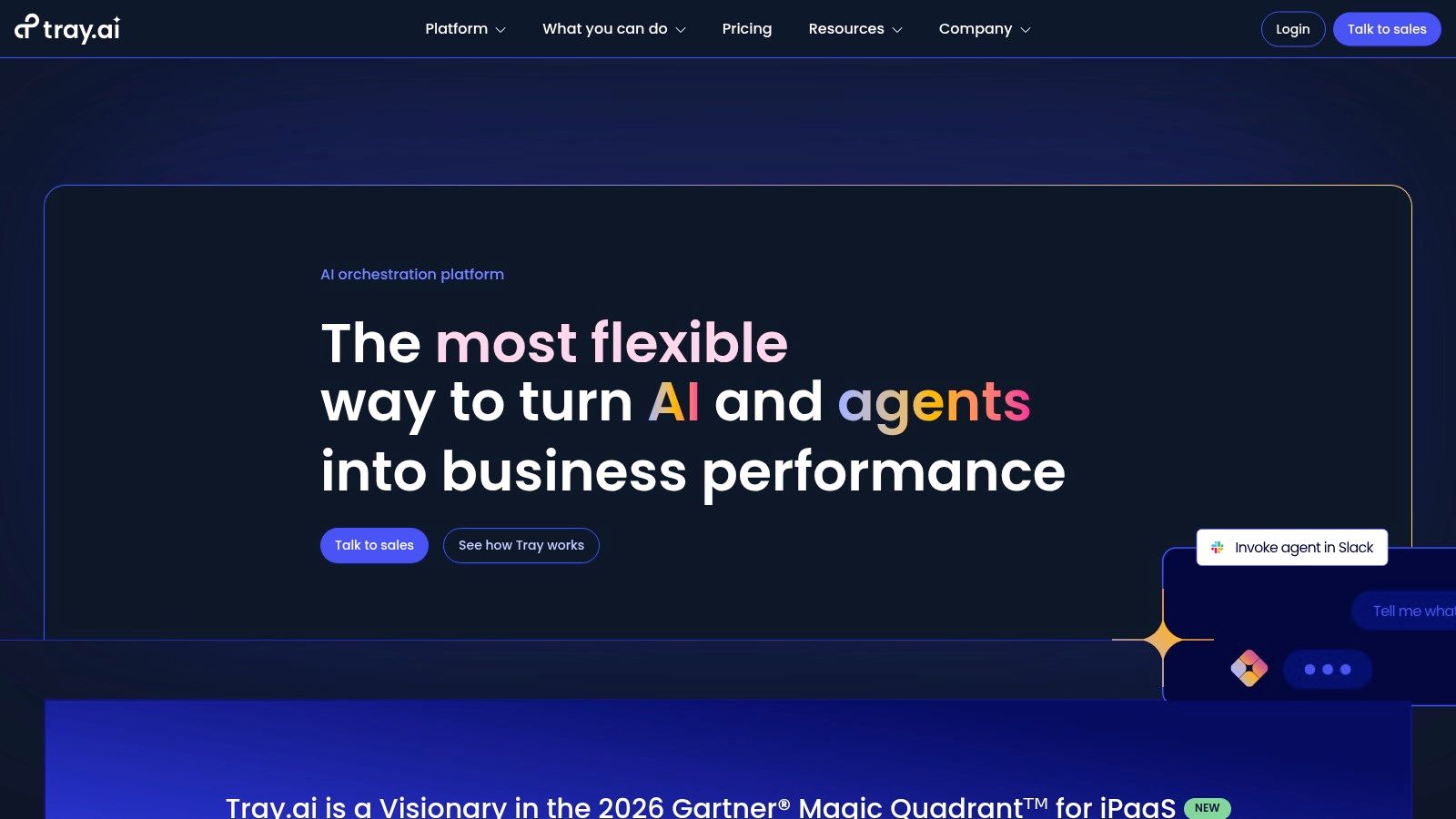
The platform's low-code visual builder is augmented by Merlin AI, an assistant that helps accelerate workflow creation by suggesting next steps, configuring logic, and generating formulas. This AI component reduces the technical barrier for building sophisticated automations. Tray.io’s architecture is designed for scale, featuring reusable connectors, advanced error handling, separate testing environments, and managed deployment pipelines, which are critical for maintaining business continuity.
Key Use Cases & Implementation
Core Function: Builds and manages complex, cross-departmental automations with enterprise-grade governance and AI-assisted authoring.
Pros: Exceptional for sophisticated, high-volume processes; strong enterprise governance and scaling patterns; Merlin AI helps accelerate development.
Cons: No permanent free tier; pricing is quote-based and geared towards larger teams; requires significant onboarding and a more technical mindset to get full value.
A practical approach to Tray.io is to first map a core business process, such as customer onboarding, before attempting to build it. Its power is best realized when automating multi-stage, multi-app workflows rather than simple, linear tasks.
Website: https://tray.io
10. Bardeen
Bardeen operates in a unique niche of browser-native automation, functioning as a powerful Chrome extension rather than a server-side platform. It excels at automating tasks that live entirely within the browser, making it a standout choice for go-to-market teams focused on prospecting, web scraping, and data enrichment. Its key distinction is its ability to build and run complex "Playbooks" locally, directly interacting with web pages like LinkedIn, Google Maps, and various CRMs.
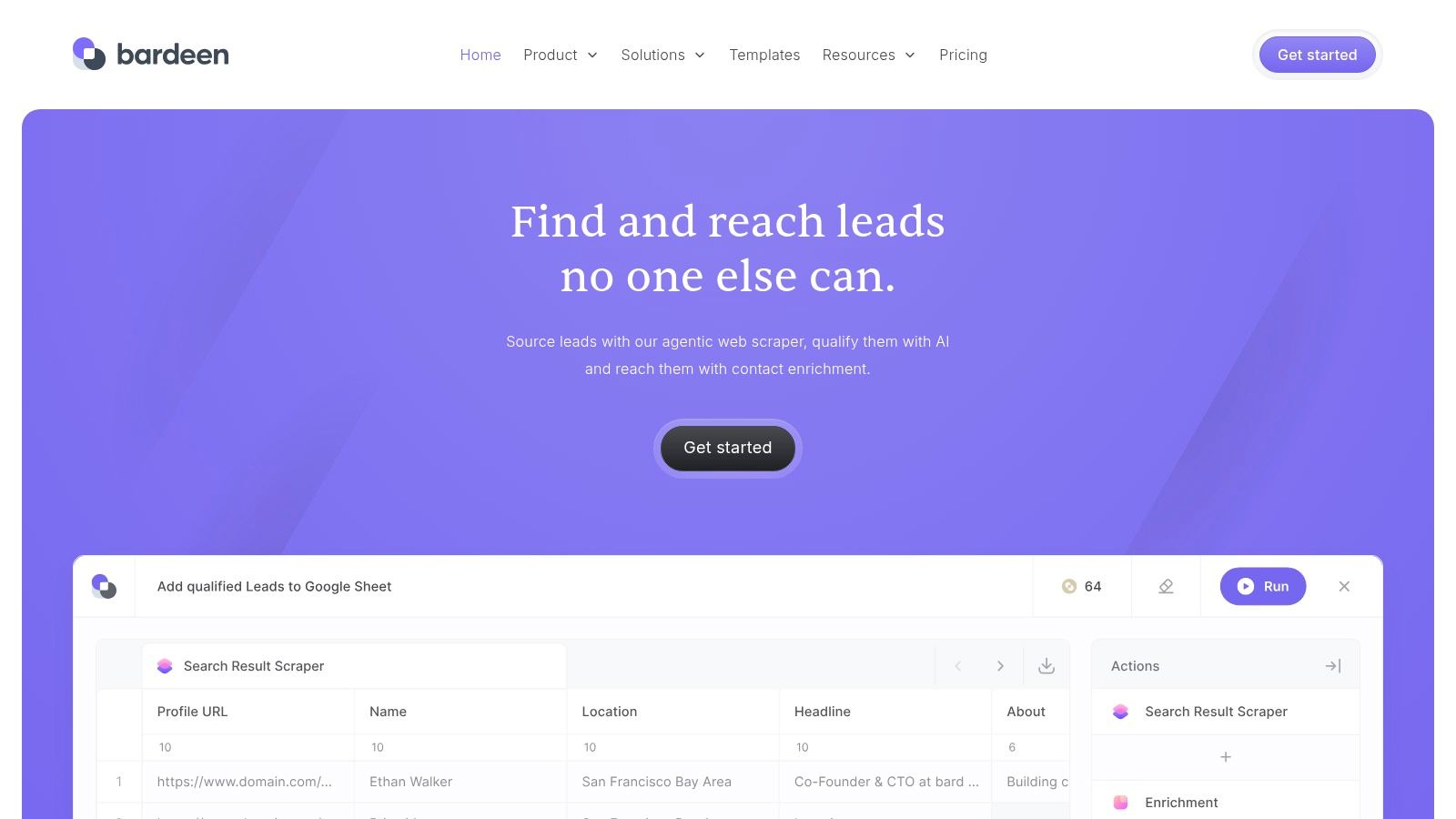
The platform integrates AI capabilities by allowing users to generate new automation workflows using natural language prompts. This feature lowers the barrier to entry, enabling users to describe a task, such as "Scrape LinkedIn profiles from this search and add them to a Google Sheet," and have Bardeen construct the initial automation. This approach makes it one of the more accessible AI tools for business automation, particularly for sales and marketing roles.
Key Use Cases & Implementation
Core Function: Automates browser-based actions for data scraping, lead sourcing, and multi-app workflows.
Pros: Very fast for web-centric tasks with no server setup required; highly effective for lead-building and enrichment workflows; local-first execution enhances privacy.
Cons: Strictly browser-bound and not a replacement for a full iPaaS; long or complex automations can be brittle if target website structures change.
A practical tip for implementation is to leverage the extensive library of pre-built Playbooks for common tasks first. This helps you understand how Bardeen interacts with different sites before attempting to build more complex, custom automations from scratch for your specific needs.
Website: https://www.bardeen.ai
11. Pipedream
Pipedream occupies a unique middle ground between no-code platforms and custom-coded server environments, targeting developers and technical users. It provides a "code-first" automation platform where workflows are built with visual blocks but can be extended with custom JavaScript and Python code steps. This approach is ideal for complex, API-heavy automations that require specific logic, data transformation, or integration with services that lack pre-built connectors on other platforms.
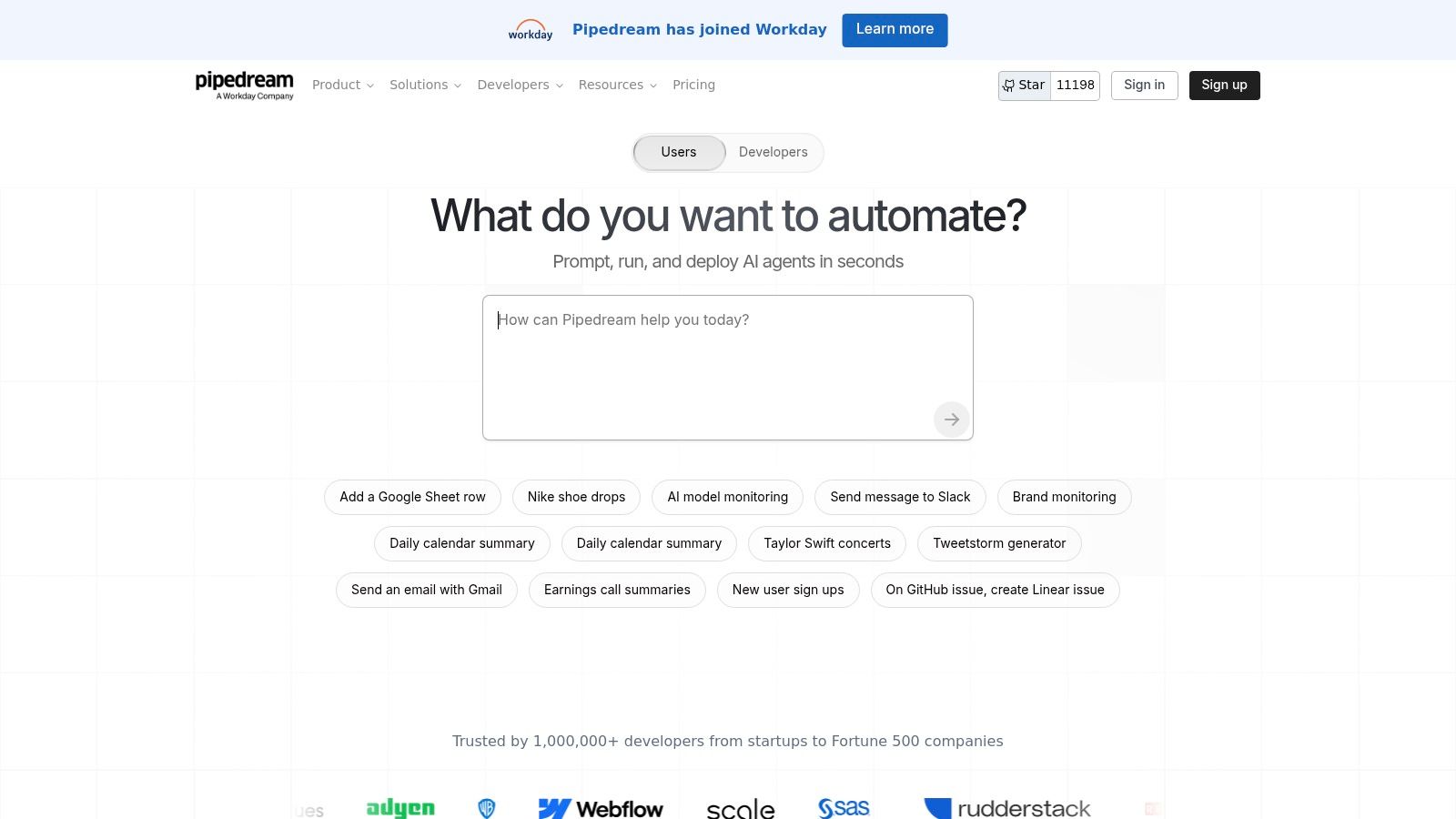
The platform is particularly strong for those looking to build sophisticated AI tools for business automation without managing backend infrastructure. Its credit-based model is transparent and includes a generous free tier, with credits usable for both compute time and AI model API calls. This allows developers to build and run production-grade workflows that incorporate AI for tasks like sentiment analysis, data extraction, or content generation, all within a single, integrated environment.
Key Use Cases & Implementation
Core Function: A developer-centric platform for building event-driven workflows with custom code steps.
Pros: Powerful for API-heavy automations and custom logic; good value and transparent usage metering; native support for npm and PyPI packages.
Cons: Less point-and-click friendly for non-technical users; governance and single sign-on (SSO) features are on upper-tier plans.
For an effective implementation, start by using Pipedream as a webhook endpoint to process incoming data from various services. Its ability to run custom Node.js or Python code with external libraries makes it perfect for creating bespoke internal tools and prototypes that connect directly to AI models.
Website: https://pipedream.com
12. Parabola
Parabola is a no-code, AI-assisted data workflow builder specifically designed for business operations. It excels where teams in e-commerce, RevOps, and finance need to consistently clean, enrich, and synchronize tabular data across various applications and files. Its strength is its visual, drag-and-drop flow interface, which makes complex data transformations accessible to non-technical users who are comfortable with spreadsheet logic.
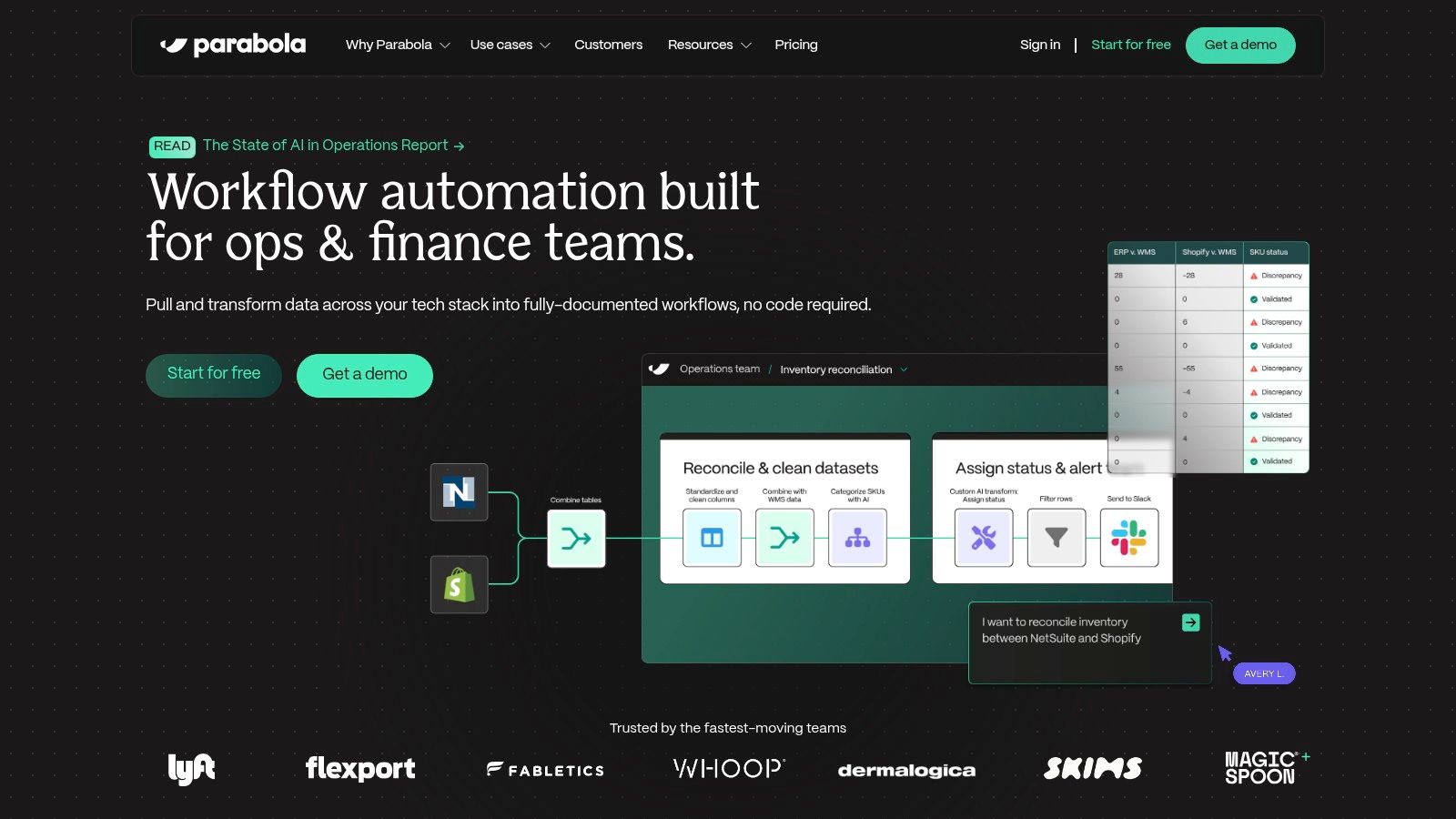
The platform integrates AI steps directly into its data flows, allowing for powerful transformations without code. These steps can perform actions like classifying text, extracting specific information from unstructured descriptions, or generating content based on row data. This makes Parabola one of the most practical AI tools for business automation focused on repetitive, data-heavy back-office tasks. The visual nature of the builder helps teams see exactly how data is being manipulated at each stage.
Key Use Cases & Implementation
Core Function: Automates the preparation, transformation, and syncing of tabular data between sources like CSVs, Google Sheets, APIs, and data warehouses.
Pros: Highly effective for repetitive data preparation and operational tasks; has a gentler learning curve than a full iPaaS for data-centric projects.
Cons: Not designed for user interface (UI) or desktop robotic process automation (RPA); the credit-based pricing model requires careful estimation of run volumes to manage costs.
For effective implementation, map out your data cleanup or reporting process on a whiteboard first, treating each step as a potential Parabola card. This helps in translating a manual process into an automated flow. The platform is best suited for scheduled, recurring jobs rather than real-time, event-triggered actions.
Website: https://parabola.io
12 AI Business Automation Tools — Feature Comparison
| Product | Core features ✨ | Quality ★ | Price / Value 💰 | Target & USP 👥 |
|---|---|---|---|---|
| Full AI Tool Library — Oryndex 🏆 | Hand‑curated directory, editor’s shortlist, Similarweb leaderboard, plain‑English search ✨ | 4.7★ | 💰 Free to browse; maker submission options | 👥 Founders, builders, operators — vetting-first, noise‑reduced discovery ✨ |
| Zapier | 6,000+ connectors, AI step, Tables & Interfaces ✨ | 4.5★ | 💰 Freemium; task/step metering (can get costly) | 👥 Non‑technical business teams — fastest time‑to‑automation |
| Make (Integromat) | Visual scenarios, routers/iterators, HTTP/JSON, AI helpers ✨ | 4.3★ | 💰 Freemium; cost‑effective at medium/high volumes | 👥 Ops/automation engineers — fine‑grained control & observability |
| Microsoft Power Automate | Cloud flows + desktop RPA, process mining, AD/Entra integration ✨ | 4.2★ | 💰 Complex licensing; best value within M365 ecosystem | 👥 Enterprises on MS stack — governance + mixed cloud/RPA |
| UiPath | End‑to‑end RPA, AI doc extraction, Orchestrator & mining ✨ | 4.2★ | 💰 Enterprise / quote‑based; add‑ons for advanced features | 👥 Large enterprises — back‑office scale & strict governance |
| Automation Anywhere | Cloud RPA, IQ Bot document processing, citizen dev tools ✨ | 4.0★ | 💰 Quote‑based tiers; enterprise support programs | 👥 Regulated industries — cloud RPA + compliance focus |
| Workato | iPaaS, low‑code recipes, AI Copilots, API lifecycle & RBAC ✨ | 4.1★ | 💰 Primarily quote‑based; premium entry price | 👥 IT + business ops — enterprise governance & orchestration |
| n8n | Open‑source, self‑host or cloud, node extensibility ✨ | 4.0★ | 💰 Free self‑host; paid cloud for team features | 👥 Technical founders/dev teams — flexible, cost‑efficient custom automations |
| Tray.io | Visual builder, Merlin AI authoring, governance & testing ✨ | 4.0★ | 💰 Sales‑assisted pricing; no permanent free tier | 👥 RevOps / product / IT — complex cross‑system workflows |
| Bardeen | Browser‑native extension, AI playbooks, local‑first execution ✨ | 3.9★ | 💰 Freemium; limited to browser scope | 👥 GTM & research teams — fast web scraping & enrichment |
| Pipedream | Code‑first JS/Python steps, webhooks/events, AI token model ✨ | 4.1★ | 💰 Generous free tier + credit‑based billing | 👥 Developers — API‑heavy, custom logic workflows |
| Parabola | Visual data flows, AI transforms/classification, scheduling ✨ | 3.9★ | 💰 Tiered / credits model for runs | 👥 E‑commerce, RevOps, finance — no‑code tabular data prep |
Your Next Move: Start Small, Scale Smart
We've explored a detailed array of AI tools for business automation, from enterprise-grade platforms like UiPath and Workato to more accessible, no-code solutions such as Zapier and Bardeen. The core takeaway isn't that a single "perfect" tool exists. Instead, the most effective approach is to build a smart, scalable automation stack that grows with your business needs. The sheer volume of options can feel overwhelming, but the journey doesn't begin with a massive, company-wide system overhaul. It starts by pinpointing one small, high-impact pain point and resolving it with a well-chosen tool.
This article provided a framework for that process, examining tools through the lens of core use cases, implementation demands, and practical pros and cons. We saw how platforms like Make offer visual workflow building, while developer-centric options like Pipedream provide granular control with code. The key is to match the tool's complexity and capabilities to your team's technical skills and the specific problem you're trying to solve. A solo founder's ideal stack will look vastly different from an enterprise operations team's, and that's precisely the point. Strategic selection is everything.
Actionable Steps for Implementation
Before you commit to a subscription or invest hours in setup, take a step back. The most common mistake is choosing a tool based on its feature list rather than its fit for your immediate problem. Use this checklist to guide your first move:
Identify One High-Impact Bottleneck: Don't try to automate everything at once. What single, repetitive task consumes the most time or creates the most errors? Is it manual data entry, lead qualification, social media scheduling, or customer support ticket routing? Define it clearly.
Match the Tool to the Task (and the Team): Refer back to our categories. If you need to connect two simple web apps, a connector like Zapier is your best bet. For complex, multi-step logic without code, explore Make. If you have developers ready to build custom integrations, Pipedream or n8n offer superior flexibility.
Start with a Free Trial or Tier: Nearly every tool listed offers a free plan or a trial period. Use this to build a proof-of-concept for your chosen bottleneck. Success is not just about making the automation work; it's also about evaluating the user experience of building and maintaining it. Is the interface intuitive for your team? Is the documentation clear?
Measure the Impact: Once your initial automation is live, measure its effect. How many hours did it save this week? Did it reduce data entry errors by a measurable percentage? This data provides the business case you need to justify further investment and scale your efforts.
The Future is an Automated Stack
The tools we've analyzed are more than just productivity aids; they represent the building blocks of a modern business's operational nervous system. The ability to connect disparate systems, process information intelligently, and execute tasks without human intervention is quickly becoming a baseline for competitive agility. Companies that master this skill can respond to market changes faster, scale operations more efficiently, and free up their human talent to focus on high-value strategic work.
The initial step feels like the hardest, but it's also the most critical. By selecting a manageable starting point and proving the value of a single automated workflow, you create momentum. Each successful implementation builds institutional knowledge and confidence, making the next one easier. Your goal is to construct an interconnected stack of AI tools for business automation that acts as a force multiplier for your entire organization. Getting started now is the key to building that future-proof operational agility.