
10 Best AI Tools for Product Managers in 2026

Matic Pogladič
10 April 2026
Your calendar is packed, Slack is noisy, and the backlog keeps filling with feedback nobody has fully sorted. That is why ai tools for product managers matter now. The best ones do not replace product judgment. They remove the repetitive work around synthesis, documentation, prioritization, and status communication so you can spend more time making better calls.
I learned this the hard way. I once lost the better part of a week tagging a giant pile of survey feedback by hand, then still had to explain the themes to design and engineering in three different formats. Today, tools like Productboard, Dovetail, Notion AI, and AI inside Jira can compress that grind into a much tighter loop. That changes the job.
There is also a trap here. The shiny demo is rarely the thing that saves a PM team. Workflow fit does. If a tool cannot plug into how research, planning, and delivery already happen, it becomes one more tab to maintain. This guide focuses on the tools that hold up in day-to-day product work, not just vendor demos. If you want a broader view of how support workflows connect to PM work, this take on AI Support for Product Managers is a useful companion.
1. Oryndex
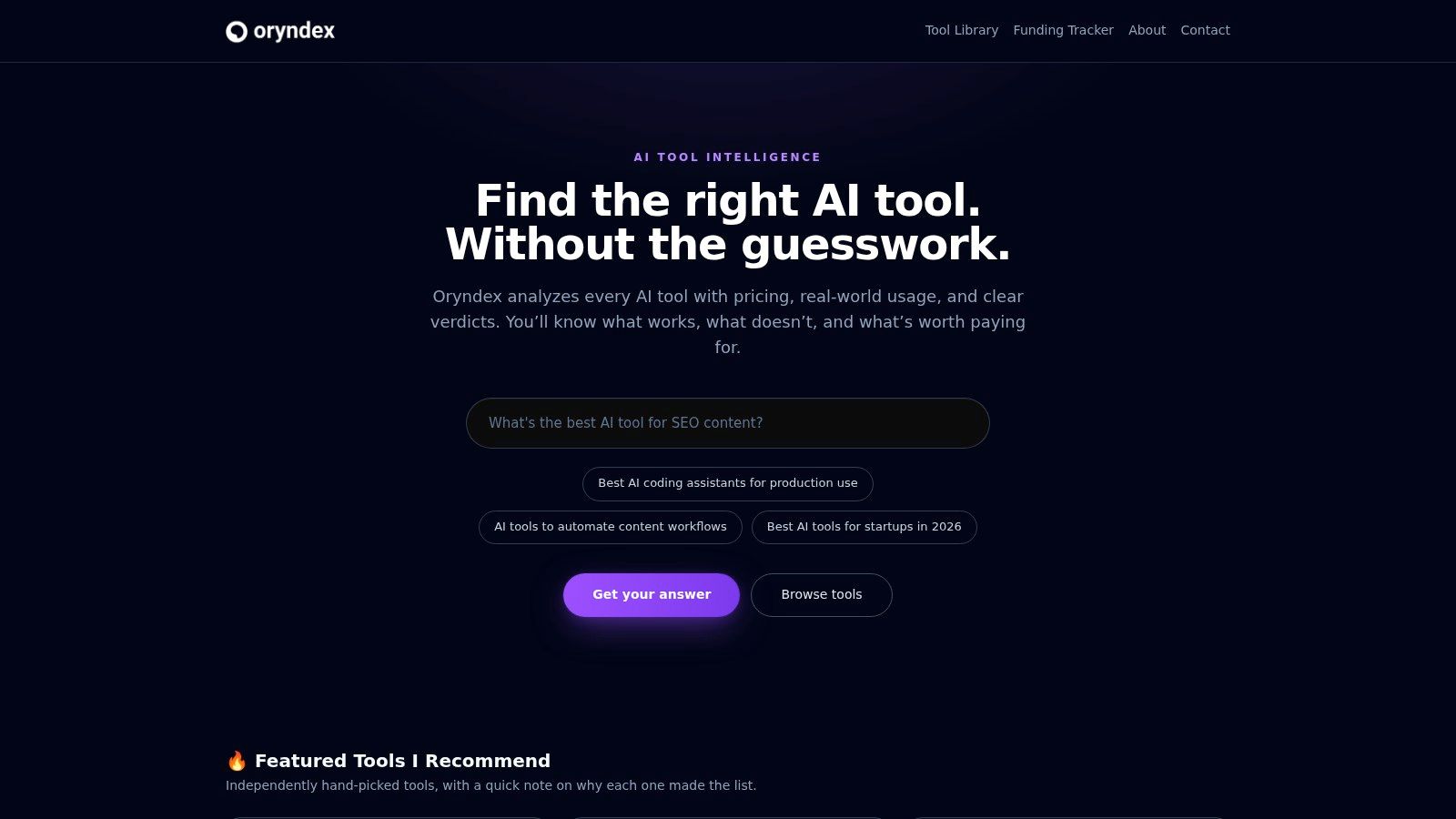
A PM lead asks for recommendations by tomorrow. The team needs help with feedback tagging, AI docs, and roadmap updates, but nobody wants to trial six overlapping products just to learn that three of them solve the same problem. Oryndex is useful at that stage.
It is a curated tool discovery resource, not a PM suite. The value is speed and editorial judgment. Instead of trawling broad directories, you can search plain-English problems, review a tighter shortlist, and scan categories such as AI tools for project management and adjacent workflows. For product teams trying to build an AI workflow on purpose, that first cut matters.
That framing fits the essential job. PMs do not buy tools in isolation. They assemble a stack across research, planning, documentation, delivery, and internal communication. A directory that reflects those handoffs is more useful than a generic roundup built around vendor categories.
Why it earns a spot
Oryndex works best as a filtering layer. I would use it before a formal evaluation, not instead of one. The shortlist gives you enough signal to decide which vendors deserve deeper review and which ones can be dropped early.
That saves more than browsing time.
Bad tool selection creates implementation drag, duplicate subscriptions, and confused ownership once teams realize the new app overlaps with systems already in place. A tighter discovery step reduces that risk, especially when leadership wants options fast and the team does not have time for a full market scan.
Where it fits in a PM workflow
Three use cases stand out:
- Stack design: useful when you are cleaning up a scattered mix of tools and want a more coherent setup
- Gap analysis: useful when the pain point is clear, but the vendor set is not
- Fast shortlisting: useful when you need a credible starting list in hours, not days
The broader category mix is part of the appeal. PM work spills into ops, support, analytics, privacy, and developer tooling. Oryndex reflects that reality better than PM-only lists that ignore the systems around the roadmap.
Trade-offs
Curation has limits. You will not get an exhaustive market map, and very new or niche vendors may be missing. You also still need to validate security, pricing, integrations, and admin controls with the vendor directly.
Still, a sharp shortlist beats a bloated database for day-to-day product work.
What works well
- Plain-English search: good when the team knows the problem but not the category
- Editor-led shortlists: useful for cutting noise before a real buying process starts
- Cross-functional coverage: relevant for PMs who sit between product, ops, and delivery
What does not
- Not exhaustive: edge-case tools can be absent
- Limited vendor depth: final validation still happens on the product side
2. Productboard
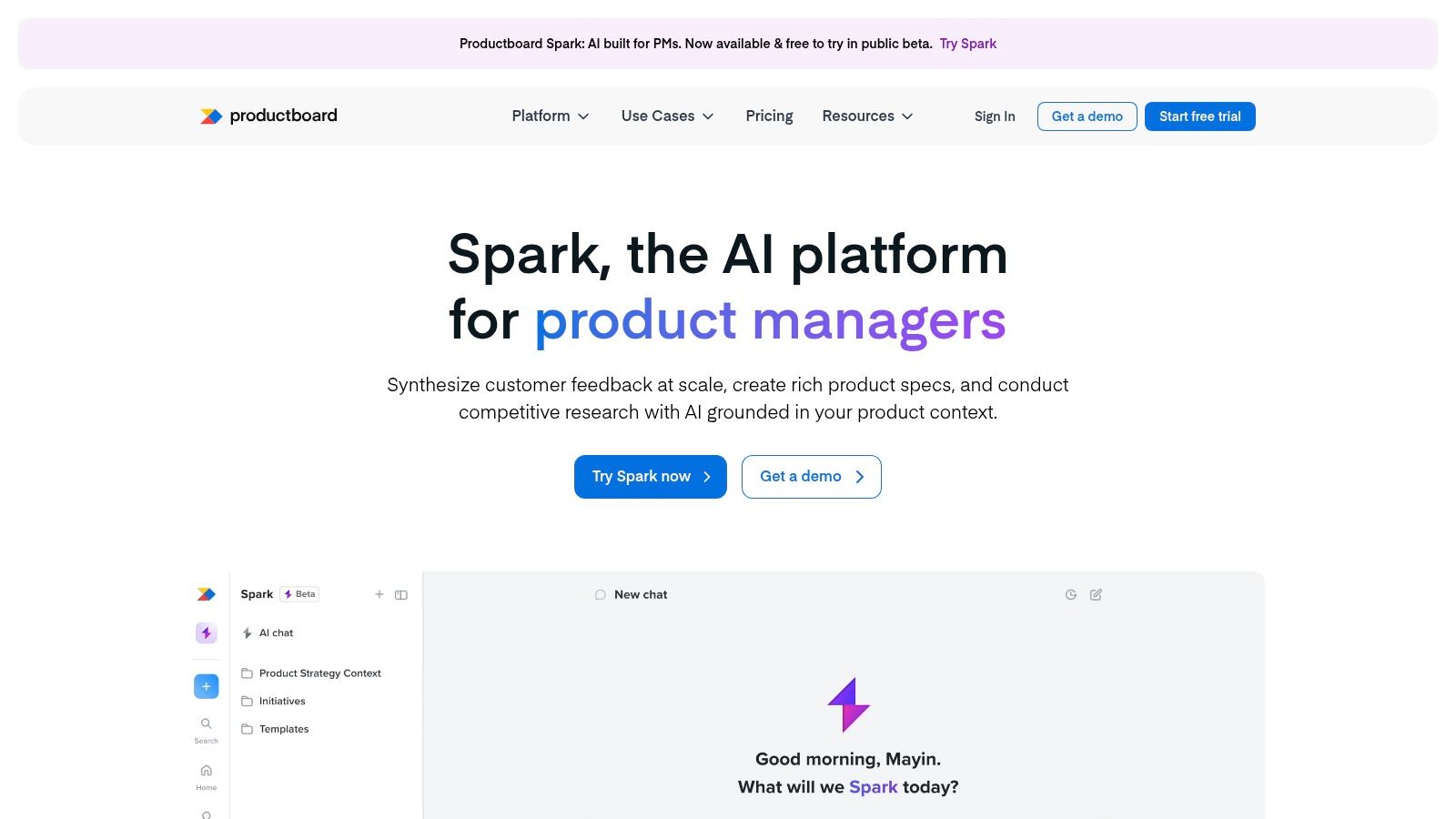
If your team has feedback everywhere, Productboard is still one of the cleanest answers. It brings customer input, feature ideas, prioritization, and roadmap communication into one PM-native system.
The core appeal is not the AI headline. It is the chain from signal to decision. Productboard AI helps summarize feedback, extract insights, and draft specs, but the bigger win is that those outputs stay attached to the features and roadmap objects your team already uses.
Where Productboard is strongest
Feedback synthesis is the obvious use case. Productboard AI clusters user input, surfaces real-time insights, and uses predictive analytics to forecast feature adoption rates by evaluating market trends and user behavior, according to the Product Management Society’s review of PM AI tools in 2025 at Product Management Society.
That is why Productboard tends to work best for PM teams that already treat customer evidence as part of prioritization, not a separate research archive. If support tickets, interviews, sales notes, and roadmap planning live in different systems with weak handoffs, Productboard can tighten that loop.
A useful companion if you are comparing adjacent vendors is this filtered set of project management AI tools.
Trade-off
Productboard is opinionated. Good PM software usually is. If your team wants a loose, flexible workspace where every squad creates its own structure, Productboard can feel constrained. If you want disciplined feedback-to-roadmap traceability, that structure is exactly the point.
I also would not choose it as a solo PM’s first AI purchase unless roadmap communication is already painful. It tends to make the most sense when multiple PMs, design, and engineering need a shared source of truth.
Best for
- Feedback-heavy teams: Especially when requests come from many channels.
- Roadmap communication: Strong for stakeholder-facing views.
- Jira-connected delivery: Better when product and engineering handoff matters.
Watch for
- Pricing opacity: You usually need a sales conversation.
- Team-scale value: More compelling for a function than for one seat.
3. Aha!
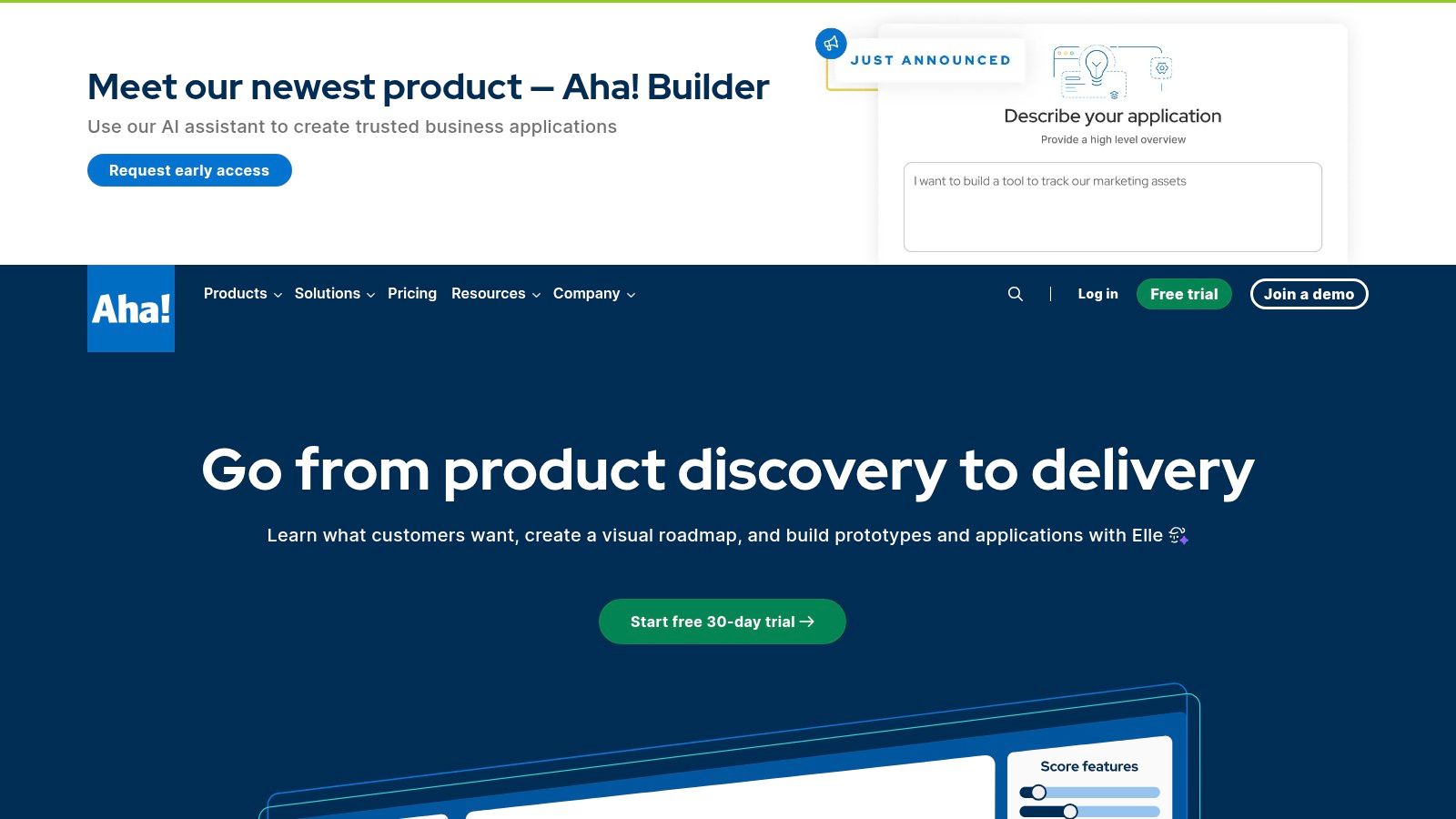
Aha! is for PM organizations that want the whole operating system, not a point solution. Strategy, ideas, roadmaps, knowledge, whiteboards, and delivery planning all sit under one umbrella, and the AI layer touches several of those motions.
That breadth is both the reason to buy it and the reason some teams bounce off it.
When Aha! makes sense
Aha! works best when product operations has matured enough that consistency matters more than improvisation. You want structured idea capture, published plans, clean internal docs, and admin controls that stop every team from inventing its own process.
Its AI features support that style well. Drafting release notes, helping with PRDs, analyzing interview transcripts, and suggesting themes all fit naturally inside a system that already values order.
A helpful adjacent category for teams thinking about docs and internal memory is this set of knowledge management tools.
The practical difference between Aha! and a looser doc-based stack is governance. If leadership asks for one version of strategy, one version of roadmap, and one approved narrative for customer-facing plans, Aha! handles that better than most.
Where teams struggle
The downside is complexity. Aha! has multiple products, layers, and plan choices. Teams that only need AI help with docs or feedback synthesis can end up paying for process weight they do not need.
This is a common PM mistake. They buy the suite before they prove the workflow. Then people keep using Slack, spreadsheets, and ad hoc docs because the suite feels too heavy for quick work.
Full stacks are great after alignment. Before alignment, they can magnify chaos.
One notable benefit from broader PM AI adoption is measurable productivity lift. Generative AI has boosted PM productivity by 40% in industry reporting summarized by the same Product Management Society review cited earlier, but suite tools only deliver that if teams standardize how they work. Aha! can support that outcome. It cannot force it.
Strong fit
- Mature PM orgs: Especially with formal planning and governance.
- Documentation-heavy teams: Release notes, knowledge, and strategy artifacts.
- Cross-functional publishing: Internal and external visibility.
Weaker fit
- Lean startup squads: Often too much system for the immediate need.
- Teams avoiding process: The structure will feel like friction.
4. Atlassian Intelligence
If your team already lives in Jira and Confluence, adding AI inside that environment is usually smarter than standing up another disconnected tool. That is the appeal of Atlassian Intelligence.
This is not the most glamorous option on the list. It may be one of the most practical.
Why native AI matters here
PMs spend a lot of time translating between planning and execution. Summarizing issue threads, turning rough notes into documentation, querying work with natural language, and surfacing buried context all help. They are not flashy. They are useful every day.
Since the proliferation of AI features in Jira and Notion in 2024, PMs have increasingly benefited from natural language processing for collaboration, including automated generation of reports and specs, as noted in Airtable’s roundup of AI tools for product managers at Airtable.
That is why Atlassian’s AI layer tends to outperform standalone writing tools inside engineering-heavy orgs. The context is already there. You are not copying backlog items into another app just to summarize them.
The trade-off some teams underestimate
Native AI in Jira works best when your Jira hygiene is decent. If ticket quality is poor, labels are inconsistent, and Confluence is full of stale pages, the AI has messy inputs. It will still help. It just will not rescue bad operations.
I have seen teams expect AI to clean up weak execution discipline. It does not. It rewards teams that already capture context with some care.
Rovo also matters more than people think. Knowledge retrieval is a PM problem, not just an IT problem. If your org has answers scattered across docs, tickets, chats, and service tools, enterprise search can remove a surprising amount of friction from roadmap and delivery work.
Best use cases
- Jira-native teams: Minimal workflow disruption.
- Issue and doc summarization: Fast wins with low behavior change.
- Knowledge retrieval: Strong for larger orgs with fragmented context.
Main constraints
- Plan variability: Features differ by setup and admin choices.
- Requires enablement: Teams need guidance on when to trust AI outputs and when to edit.
5. Notion AI
Notion AI is the easiest tool on this list to adopt casually. Open a doc, ask for a summary, draft a PRD, clean up meeting notes, or query workspace knowledge. Done. That low barrier is why so many PMs start here.
It is also why teams misuse it.
Where Notion AI wins
For PMs who think in documents first, Notion AI is a strong daily driver. Strategy memos, PRDs, launch briefs, release notes, and working notes all benefit from having AI in the same workspace where collaboration already happens.
Notion also lines up well with the broader reality that AI has become standard in PM work. By 2025, 75% of product managers are using AI tools, with documented impacts including faster delivery and higher productivity, according to the Product Management Society summary at the previously cited source.
That adoption pattern makes sense. Documentation is one of the first places PMs feel AI value. Drafting is faster. Summaries are faster. Repackaging the same insight for different audiences is much faster.
If your team wants to compare doc assistants beyond Notion, this category of AI assistants is a useful next stop.
Where it breaks down
Notion AI is less effective as a system of operational truth for teams that need rigid process, portfolio reporting, or heavy engineering coordination. It can support those workflows. It does not naturally enforce them.
That distinction matters. Many PM teams love writing in Notion and then wonder why prioritization or execution still feels muddy. The tool excels at thinking and communicating. It is not automatically a product operating model.
A counter-intuitive opinion here: for some PM orgs, Notion AI is better as the front door than the source of truth. Use it to draft, align, and search. Keep the execution system elsewhere if needed.
Best at
- Spec writing: Fast first drafts and rewrites.
- Meeting synthesis: Good for notes and action extraction.
- Workspace Q&A: Helpful when docs are the company memory.
Less ideal for
- Strict delivery workflows: Especially with engineering-heavy governance.
- Permission sprawl: Large workspaces need active cleanup.
6. Coda AI
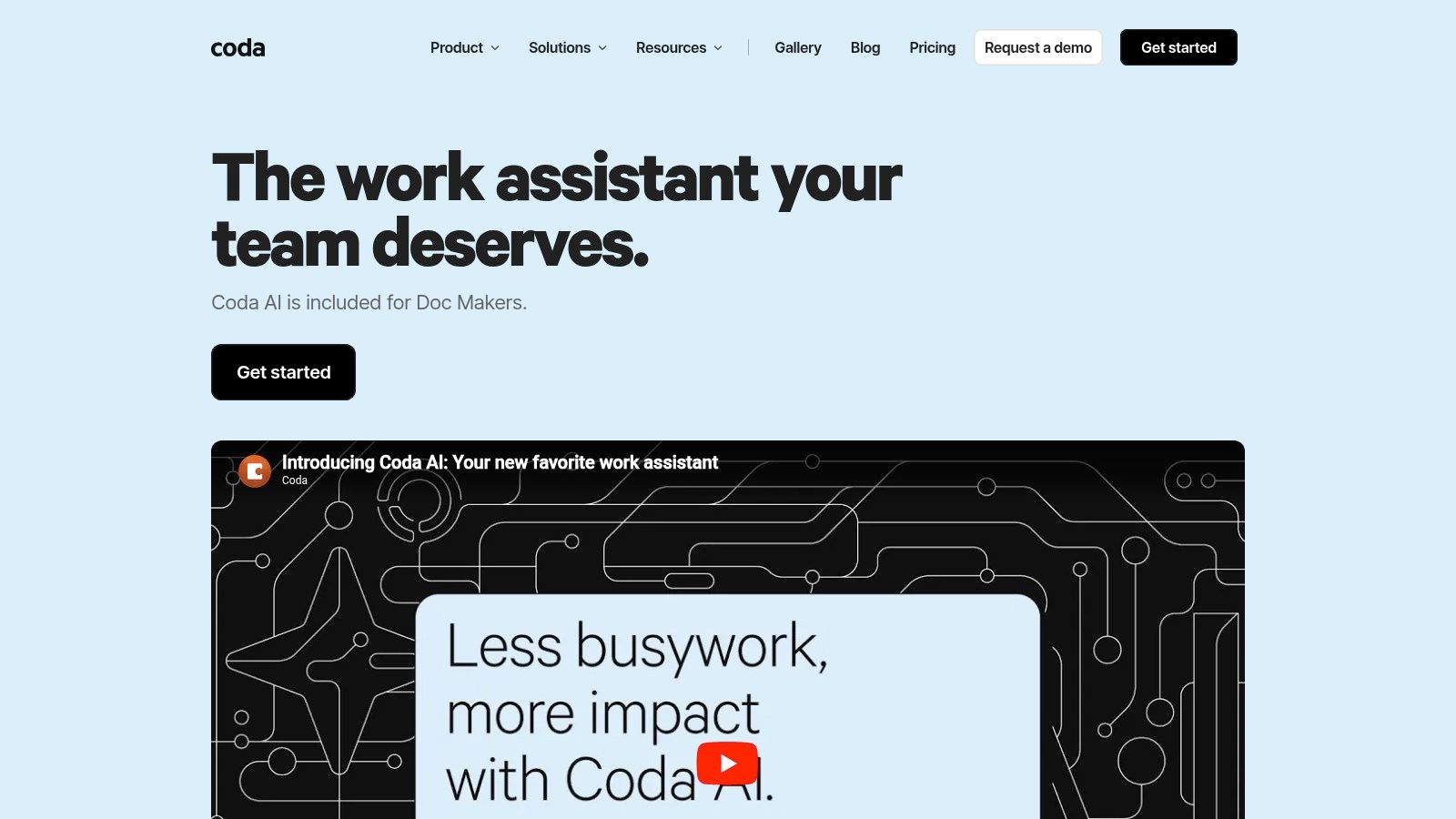
A PM team has a roadmap doc, a launch tracker, a customer feedback table, and three intake forms spread across different tools. Coda AI works well for that kind of setup because it lets you pull those workflows into one system and add AI on top of the structure you already use.
That is Coda's real appeal. It bends to your operating model instead of forcing one.
Why PMs pick Coda
Coda is a strong fit for teams whose product process sits somewhere between documents and software. You can build a PRD workflow, a prioritization model, a decision log, and a stakeholder update system in the same workspace. Then AI can summarize rows, draft updates, classify feedback, or help clean up repetitive admin work inside that system.
The part many PMs underrate is AI over tables. A lot of product work lives in semi-structured data, not polished documents. Customer requests, research snippets, bug themes, experiment notes, and launch dependencies usually start as rows. Coda's AI Columns make that material easier to sort, tag, and summarize without sending it to another app first.
I have found that distinction matters more than flashy writing help. PMs rarely struggle to generate more text. They struggle to turn messy inputs into usable decisions.
If you are comparing tools built around execution, docs, and flexible workflows, this broader productivity software category is a useful reference point.
The trade-off
Coda rewards teams that are willing to design their system well. It punishes teams that assume flexibility will organize itself.
A good Coda workspace can feel well-suited to how a product org works. A bad one turns into a patchwork of duplicated templates, inconsistent fields, and local team logic that nobody wants to maintain six months later. That is the trade-off. You get more control, but you also take on more design responsibility.
I like Coda most in PM organizations with clear owners for tooling, templates, and naming conventions. I like it less in companies that want the tool itself to enforce process discipline.
Good reasons to choose it
- Custom PM systems: Useful when docs, tables, and workflows need to live together.
- Feedback and research ops: AI Columns help classify and summarize large sets of inputs.
- Adaptable workflow design: Strong for intake, planning, and recurring decision processes.
Reasons to hesitate
- Workspace governance: Someone needs to define standards and keep them clean.
- Complexity over time: Custom systems can get harder to manage as more teams build on top of them.
7. ClickUp Brain
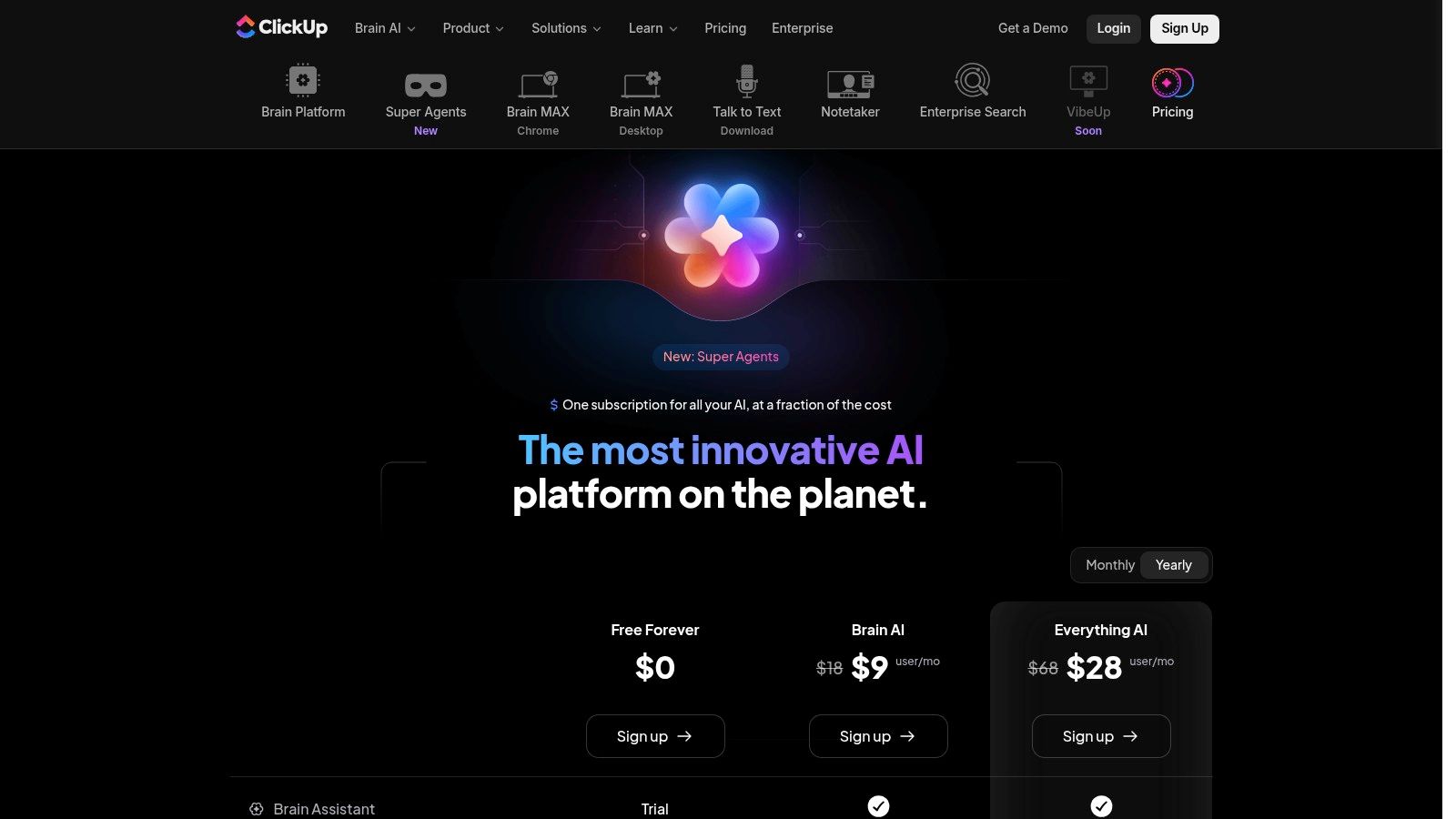
ClickUp Brain is ambitious. It wants notes, docs, tasks, meetings, and AI automation to live in one place. For PMs who hate losing action items between calls, chat threads, and sprint tools, that pitch is attractive.
And in the right team, it works.
Where ClickUp Brain delivers
The strongest practical use case is converting messy communication into structured work. Meeting notes become tasks. Chat threads become summaries. Voice clips become action items. That reduces one of the most common PM leaks, which is that important decisions happen in conversation and then die there.
AI-enhanced goal tracking has also become a bigger part of PM tooling, with Asana AI called out for monitoring KPIs and giving early risk warnings in Airtable’s survey of the space at the source cited earlier. ClickUp belongs in the same conversation because it focuses on operational follow-through, not just content generation.
If you are comparing work tools with a heavy execution angle, this broader productivity software category helps frame alternatives.
The main catch
ClickUp’s strength is also its weakness. There is a lot going on. Multiple bundles, AI layers, docs, chat, tasks, views, and automation options can create complexity quickly. Teams that do not assign an owner to set conventions often end up with clutter.
I would choose ClickUp Brain if the central pain is operational drift. I would not choose it first if the core problem is deep research synthesis or high-level strategic planning. It is better at turning movement into organized movement.
If your biggest issue is that work gets discussed but not captured, ClickUp Brain is more useful than a better writing assistant.
Best for
- Notes to tasks workflows: This is the standout.
- All-in-one operators: Teams that want fewer systems.
- Fast-moving execution: Especially cross-functional work.
Not ideal for
- Minimalist teams: The feature surface can feel heavy.
- Pricing simplicity: You need to read the plan details carefully.
8. Linear + Linear AI
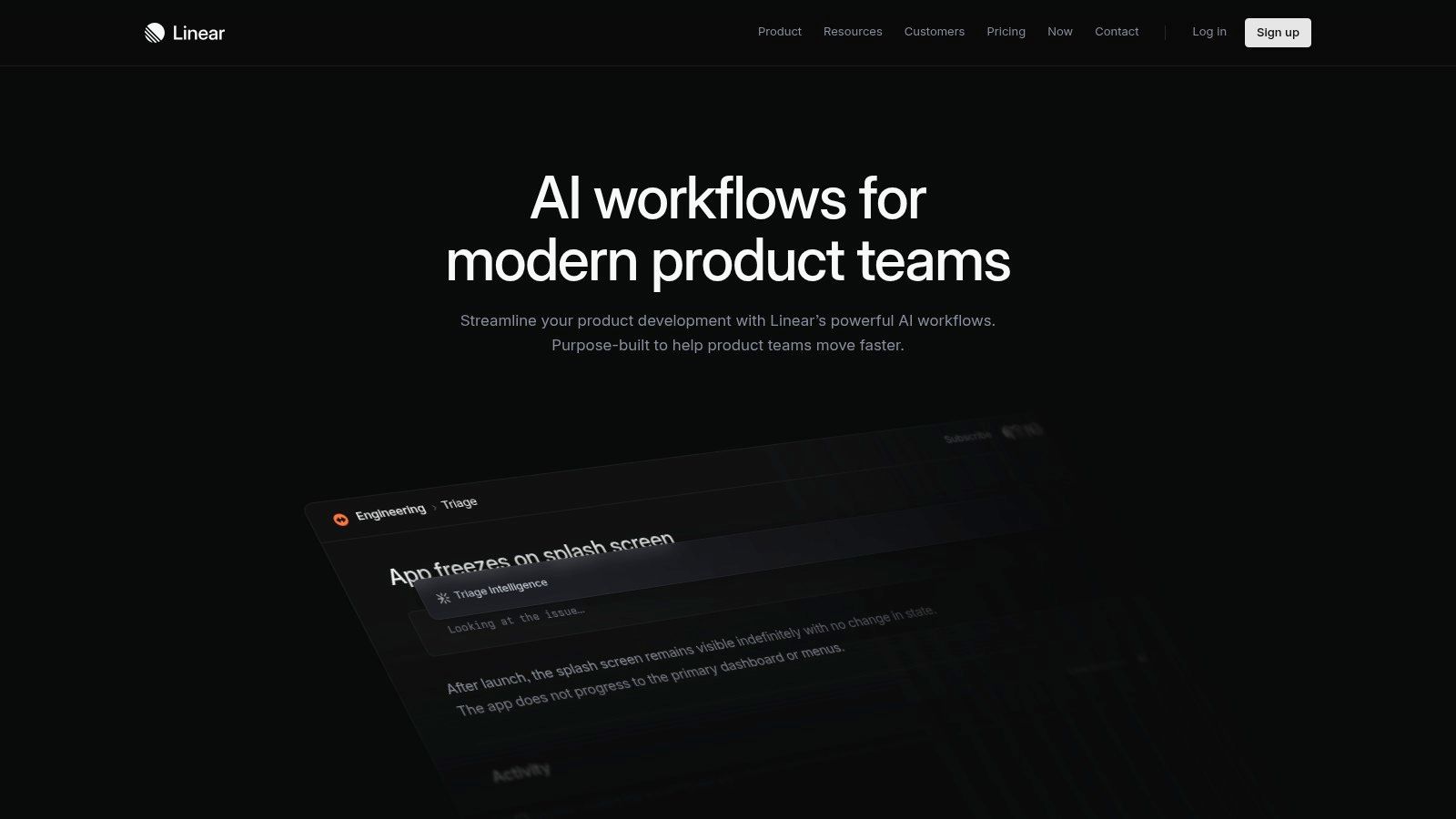
Linear is what happens when issue tracking is designed for speed first. Its AI features follow that same philosophy. Less theater. More triage, search, and status clarity.
That is why product and engineering teams love it.
Appeal
Linear AI helps with backlog hygiene, semantic search, triage suggestions, and summary generation. None of that is groundbreaking by itself. Together, it cuts the drag that accumulates in fast teams.
I like Linear most when a PM works closely with engineering and does not need heavy executive portfolio layers. The product is opinionated in a useful way. It nudges teams toward cleaner issue handling and tighter project rhythm.
Broader PM adoption of AI has gone hand in hand with faster time-to-market, as industry reporting summarized by Product Management Society has noted in the source cited earlier. Linear fits that pattern better than sprawling suites do when a team values speed over ceremony.
For teams also looking at automation around adjacent workflows, this post on AI tools for business automation helps connect the dots beyond issue tracking.
Where Linear is not the answer
Linear is not trying to be your full PM headquarters. That is a feature for some teams and a limitation for others. If you need strong idea management, stakeholder portals, or heavyweight roadmapping, you will pair it with other systems.
I would not call that a flaw. I would call it a design choice. The question is whether your org wants a focused execution layer or a broad planning suite.
Why teams choose it
- Fast UX: People keep it updated.
- AI for triage: Helps reduce backlog entropy.
- Engineering alignment: Strong product-engineering handoff.
Why some teams outgrow it
- Limited portfolio depth: Not built for top-down product governance.
- Broader PM needs: Requires companion tools for research or roadmap storytelling.
9. Dovetail
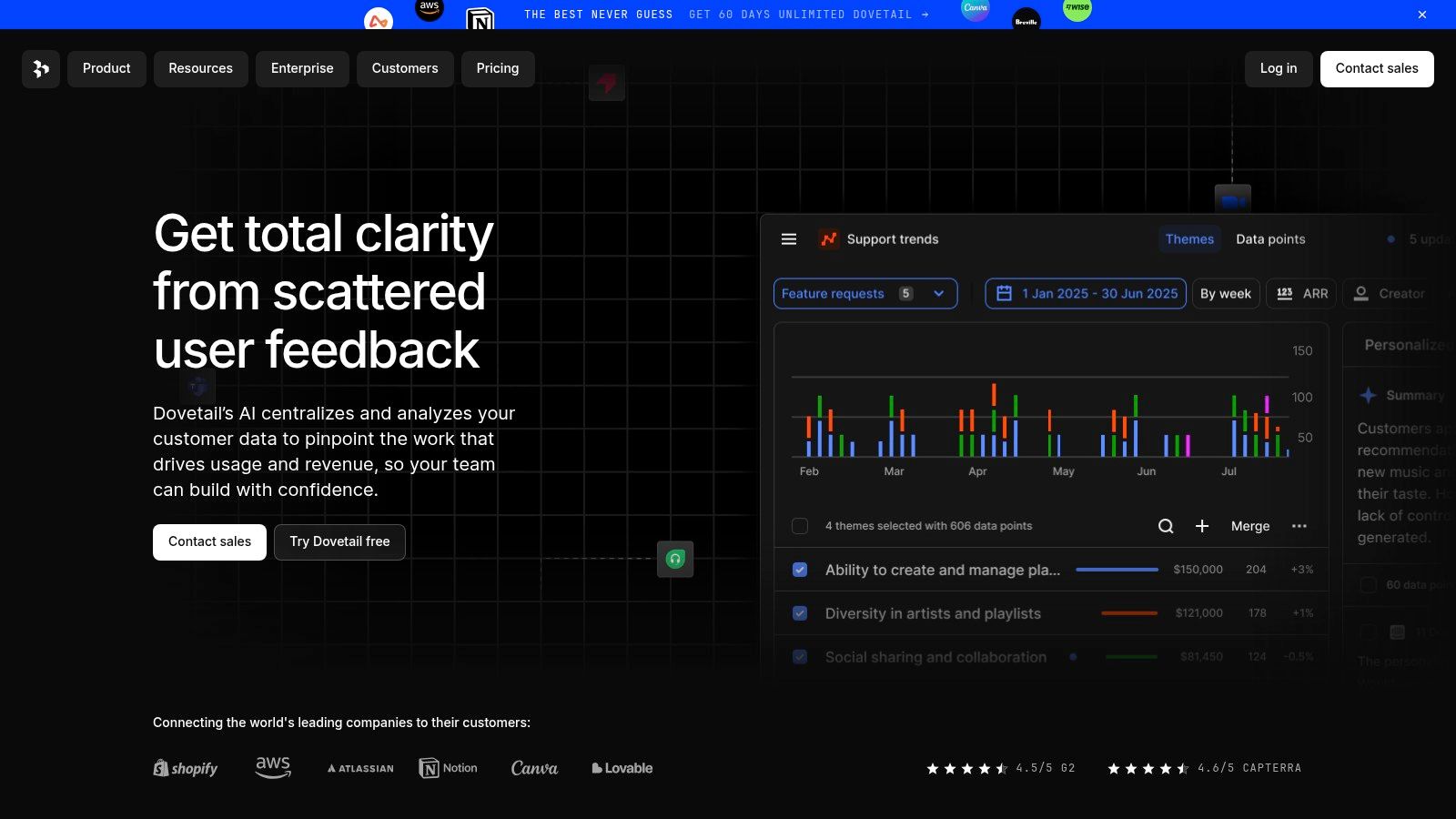
A familiar PM failure mode looks like this. Ten customer interviews are done, support exported a pile of tickets, sales shared call clips, and nobody can answer the simple question: what patterns are showing up across all of it? Dovetail is built for that bottleneck.
Its strength is turning scattered qualitative input into a system you can query, tag, summarize, and revisit. That matters more than raw transcription. Plenty of tools will give you a transcript. Fewer help a product team connect repeated pain points across interviews, tickets, and surveys well enough to influence roadmap decisions.
That is why Dovetail belongs in a serious AI workflow for PMs. It is less a note-taking tool and more a research operations layer. If this guide is about integrating AI into day-to-day product work, Dovetail earns its place in the feedback synthesis step, where signal usually gets lost before it reaches planning or stakeholder communication.
There is a real trade-off. A repository only becomes useful if the team commits to consistent tagging, naming, and review habits. Without that discipline, Dovetail turns into an expensive transcript graveyard. With it, the product gives PMs a much cleaner path from raw customer language to evidence-backed themes.
I have seen the difference firsthand. Teams that keep research in docs and chat threads usually repeat the same interviews because prior insight is hard to retrieve. Teams that use Dovetail well build memory. That reduces duplicate discovery work and gives product, design, and support a shared source of truth for customer evidence.
As noted earlier, AI research tools are getting better at compressing synthesis time. Dovetail fits that shift well, especially for teams running recurring interviews or managing a formal voice-of-customer program.
Best fit
- Research-heavy PM teams: Strong choice when interviews, call reviews, and feedback analysis happen every week.
- Voice-of-customer programs: Useful when product, research, support, and CX need one place to work from the same evidence.
- Teams that need traceability: Easier to connect themes and summaries back to source material.
Poor fit
- Low discovery volume: Too much system for a team that runs occasional interviews and does light synthesis.
- Weak operational ownership: Repositories decay fast when nobody manages taxonomy and review cadence.
- PM orgs expecting all-in-one planning: Dovetail is for insight management, not roadmap execution or portfolio control.
10. Miro AI
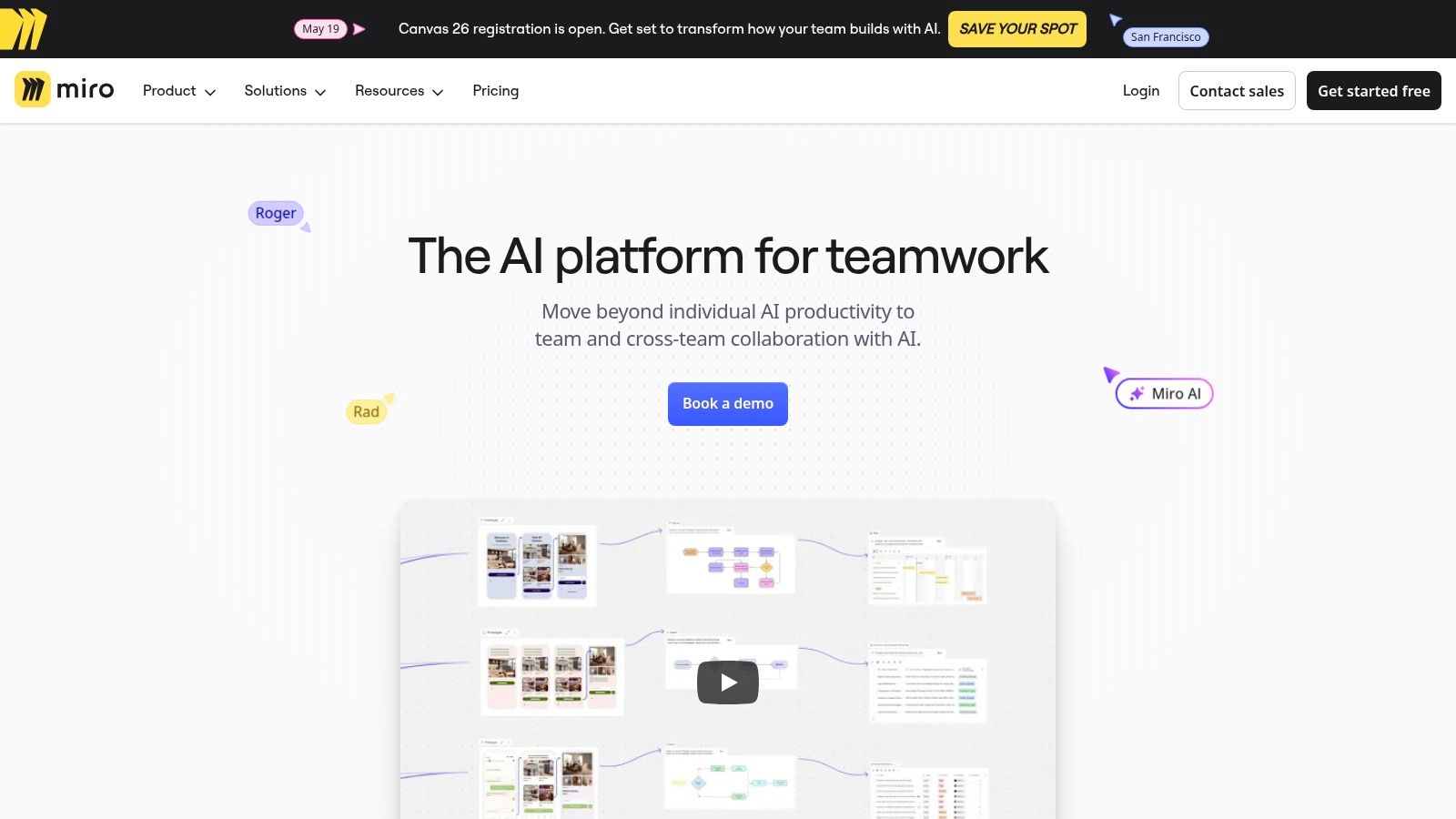
A product review ends with 200 sticky notes, three half-finished journey maps, and no clear owner for the follow-up. That is the kind of mess Miro AI handles well.
For PMs, the value is not the whiteboard itself. The value is cutting the time between a collaborative session and an artifact the team can use. Miro AI clusters notes, summarizes themes, and helps turn a board into briefs, outlines, or action items. That makes it useful in discovery, kickoff workshops, story mapping, and early concept work where structure usually comes late.
I have found Miro AI strongest in the middle of the workflow. It helps teams move from divergence to convergence without forcing people into a rigid planning tool too early. That trade-off matters. Broad participation usually goes up when engineers, designers, and stakeholders can react on a board instead of inside a formal product system.
The catch is that Miro AI works best when the session was already run well. If the board is full of vague notes, duplicate ideas, or poor facilitation, the output gets cleaner but not smarter. AI speeds up synthesis. It does not fix weak inputs.
That is why I would not treat Miro as the place for prioritization logic, roadmap control, or delivery tracking. It is a transition tool in a PM workflow. Use it to shape raw thinking, then move decisions into the system where trade-offs, sequencing, and accountability live.
As noted earlier, AI tools are getting better at compressing synthesis work. Miro benefits from that shift, especially for teams that do a lot of workshops and need a faster path from collaboration to execution.
Great at
- Post-workshop cleanup: Groups notes, summarizes discussions, and surfaces next steps faster than manual cleanup.
- Cross-functional ideation: Low-friction format for discovery sessions, mapping exercises, and planning workshops.
- Visual-to-structured conversion: Helps turn boards into documents and working drafts without starting from a blank page.
Less strong at
- System-of-record work: Priorities, roadmaps, and delivery truth belong in tools built for operational follow-through.
- Teams with weak facilitation habits: Better synthesis does not help much if the workshop itself produced low-quality input.
- Organizations that do little visual collaboration: If the team rarely uses boards, the AI layer has limited impact.
Top 10 AI Tools for Product Managers: Feature Comparison
| Tool | Core focus | Top features (✨) | Quality (★) | Value (💰) | Target audience (👥) |
|---|---|---|---|---|---|
| Oryndex 🏆 | Curated AI tool directory for founders/builders/operators | ✨ Natural-language discovery, editor’s shortlist, leaderboard (Similarweb) | ★★★★★ operator-led curation & market signals | 💰 Free to browse; links to tool pricing | 👥 Founders, builders, operators |
| Productboard | PM system: feedback → prioritization → roadmap | ✨ AI summaries, PRD drafting, feedback→feature linking | ★★★★ purpose-built PM workflow | 💰 Team plans; AI as add-on | 👥 PM teams, product orgs |
| Aha! | End-to-end product OS (strategy → delivery) | ✨ AI for PRDs, transcript analysis, idea portals, whiteboards | ★★★★ full PM suite | 💰 Tiered plans; complex pricing | 👥 Product leaders, strategy teams |
| Atlassian Intelligence | AI embedded in Jira & Confluence | ✨ Issue summaries, NL→JQL, Rovo search/agents | ★★★★ native integration & governance | 💰 Included in/cloud plans; admin opt-in | 👥 Engineering & delivery teams |
| Notion AI | Docs, wiki & workspace with embedded AI | ✨ PRDs, meeting notes+transcripts, workspace agent | ★★★★ fast doc creation & collaboration | 💰 Plan-dependent AI access | 👥 PMs, cross-functional teams |
| Coda AI | Docs, tables & custom apps with AI | ✨ AI Columns, workspace chat, automations (Packs) | ★★★★ flexible app-building for PMs | 💰 Included for Doc Makers; scales with usage | 👥 PMs building lightweight apps |
| ClickUp Brain | Work management + strong AI add-on | ✨ AI notetaker, auto-tasks from notes, summaries | ★★★★ deep task↔doc integration | 💰 Add-on bundles/credits; pricing varies | 👥 PMs, ops & execution teams |
| Linear + Linear AI | Fast issue tracking + AI triage/search | ✨ Triage suggestions, semantic search, pulse summaries | ★★★★ opinionated, speedy UX | 💰 Reasonable tiers; AI in plans | 👥 Engineering-focused PM teams |
| Dovetail | Research & feedback synthesis platform | ✨ Transcripts, auto-summaries, theme extraction | ★★★★ purpose-built for qualitative insights | 💰 Org pricing; best at scale | 👥 UX researchers, discovery-led PMs |
| Miro AI | Visual collaboration & ideation with AI | ✨ Clustering, doc generator, Sidekicks, board search | ★★★★ excellent for workshops & synthesis | 💰 Some AI workflows are add-ons/credited | 👥 Design teams, facilitators, product squads |
Your Next Move Integrate AI, Don't Just Adopt It
The biggest mistake I see with ai tools for product managers is buying for capability instead of buying for friction. Teams get excited by AI note taking, AI summaries, AI search, AI roadmaps, AI copilots. Then six months later they have three overlapping tools, weak adoption, and no real change in throughput.
A better approach is smaller and more boring. Start with the pain that burns time every week.
If your product org drowns in customer input, choose a tool built for feedback and research synthesis. Productboard and Dovetail are stronger bets than general writing assistants. If specs and alignment docs slow down delivery, Notion AI, Coda AI, or Aha! may give faster relief. If execution falls apart between meetings and tickets, native AI in Atlassian, ClickUp Brain, or Linear AI will likely produce a cleaner operational result.
AI is already embedded in the PM function. In one industry summary, companies using AI in product management reported gains that included higher customer satisfaction, lower operational costs, improved demand forecasting, and faster A/B test insight generation, all summarized in the Product Management Society review cited earlier. Those outcomes sound impressive, but they only matter if the tool changes how your team works on Tuesday morning. That is the test.
I hold one counter-intuitive view pretty strongly. The best first AI tool for a PM is often not the smartest one. It is the one your team will use inside an existing habit. A brilliant research system that nobody opens is worse than a modest AI assistant inside your daily docs or ticket flow. Adoption beats elegance.
There is also a gap in the market worth calling out. Most advice about ai tools for product managers still assumes software teams. Manufacturing, healthcare, retail, and other non-tech environments often need different guidance around compliance, offline workflows, and operational constraints, and that guidance is still thin, as noted in Scrum Alliance’s discussion of AI use in product management at Scrum Alliance. If you work outside pure SaaS, be stricter about workflow fit and data handling. Generic PM AI advice breaks faster there.
So make the next move simple.
Pick one problem:
- feedback chaos
- document drag
- backlog triage
- meeting-to-action leakage
- research synthesis
- roadmap communication
Then pick one tool from this list that attacks that problem directly. Use it for a month inside one recurring workflow. Do not judge it by the demo. Judge it by whether it removes friction from real product work.
That is what good AI adoption looks like. Not more tooling. More effectiveness.
If you want a faster way to shortlist AI products without sorting through bloated comparison pages, try Oryndex. It is especially useful for founders, PMs, and operators who need vetted options, practical categories, and quick verdicts before committing to a new tool.