
10 Best AI Tools for Small Business (2026 Guide)

Matic Pogladič
12 April 2026
Stop Chasing AI Hype. Start Solving Problems.
The best ai tools for small business are the ones that fit into work you already do every day. For many teams, that means Microsoft 365 Copilot if you live in Office, HubSpot if your business runs on CRM and pipeline, and Zapier if your core problem is that all your apps are disconnected. That’s the quick answer.
Now for a reality check. Much advice on the best ai tools for small business is too broad to be useful. It treats AI like a product category when it is an operations decision. I’ve seen founders buy three shiny tools in one month, then cancel all three because none of them fixed the bottleneck. That pattern is common.
My own worst example was an early chatbot setup. It answered fast, sounded polished, and annoyed customers because it interrupted people before it understood what they wanted. The tool worked. The workflow didn’t.
That’s why this guide is opinionated. It sorts tools by business function and gives you a Founder’s Take on where each one earns its keep, and where it creates drag. If your main pain point is marketing, you may also want this deeper breakdown of the best AI tools for digital marketing. If your pain point is support, operations, or messy internal process, keep going.
1. ChatGPT
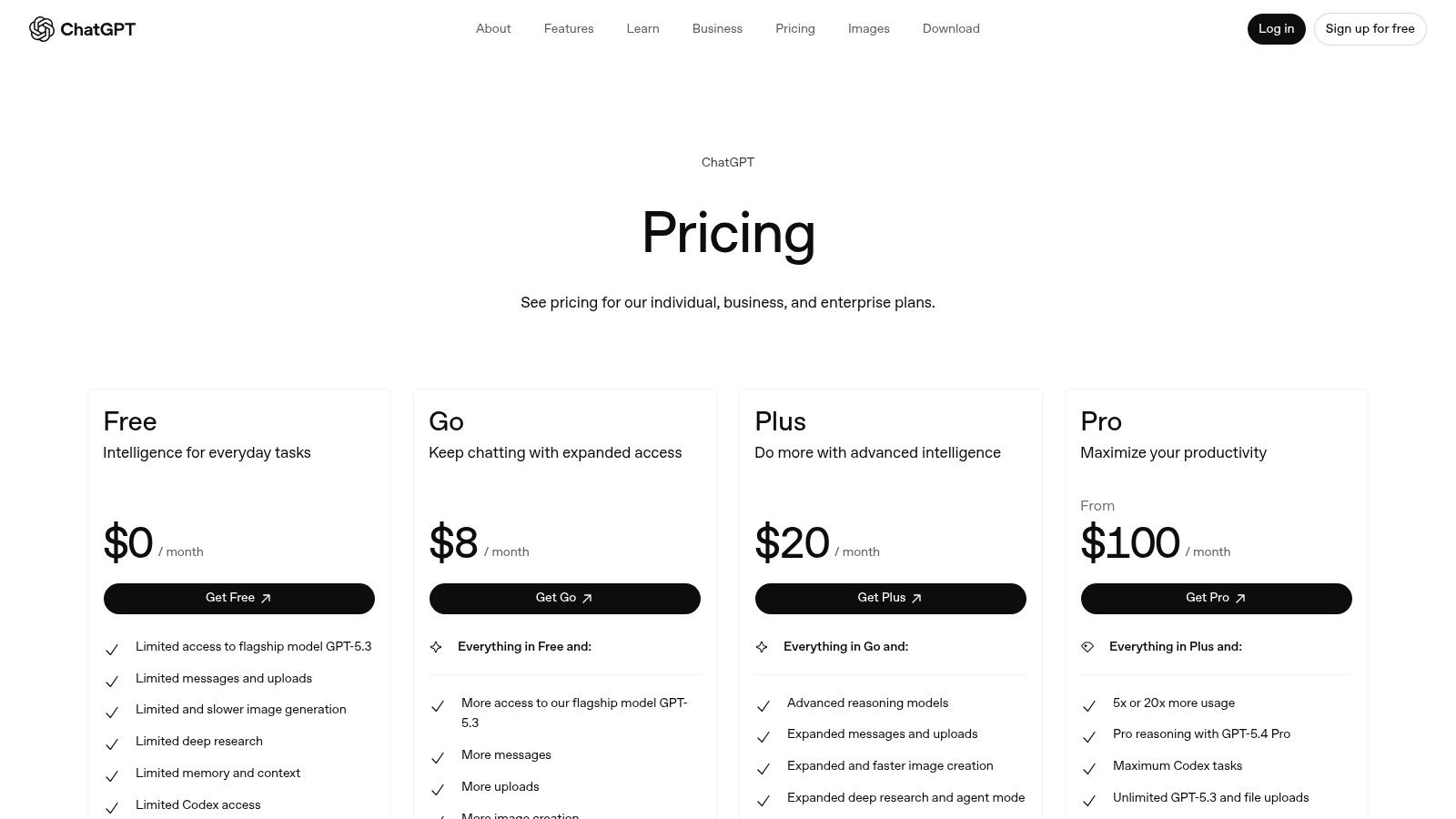
If you only add one general-purpose AI tool this year, ChatGPT is still the default starting point for a lot of small businesses. That’s not because it’s perfect. It’s because it covers a lot of ground before you need a specialist.
Research reviewed by Pluralsight describes ChatGPT as one of the core tools in essential AI stacks for SMBs, with use cases spanning customer support automation and content creation, and availability across free and professional pricing tiers in a market that now includes at least 15 specialized business analytics AI platforms alone (Pluralsight’s business analytics AI tools overview).
The upside is obvious. One interface can help with writing, summarizing, basic data analysis, brainstorming, and draft workflows. For a lean team, that matters.
Where ChatGPT works best
ChatGPT is strongest when the work is messy but still structured enough to prompt well. Think first-draft blog outlines, support macro suggestions, sales email rewrites, meeting summaries, and simple spreadsheet interpretation.
It’s also a practical entry point if you’re still comparing broader categories of AI assistants. You can test multiple use cases before locking into a narrow platform.
What usually works:
- Content velocity: Drafting landing page copy, email variants, and social posts fast.
- Analysis support: Summarizing uploaded documents or pulling patterns from customer feedback.
- Internal enablement: Turning rough SOP notes into cleaner process docs.
Founder’s Take
ChatGPT is often best as a layer, not a system.
That distinction matters. If you ask it to “run marketing” or “handle support,” you’ll get polished output and weak execution. If you use it inside a defined process, it saves real time.
The mistake isn’t using ChatGPT. The mistake is expecting it to replace judgment.
The trade-off is governance. Usage limits vary by plan, and some of the heavier admin and privacy controls sit higher up the stack. For a solo founder, that may be fine. For a team with shared customer data, you need to think past prompting and into permissions, workspaces, and who can publish what.
Use ChatGPT when you need breadth. Don’t use it when you need strict workflow control across a department.
Website: ChatGPT pricing
2. Claude Team
Claude Team is the tool I’d put in front of a founder who writes a lot, reads a lot, and needs an AI assistant that can stay coherent across long context. It tends to feel less scattered when the task is complex reasoning, document-heavy work, or high-stakes writing.
That matters more than people admit. Many small businesses don’t need “more AI.” They need fewer revisions.
Claude Team is designed for small to mid-size groups, with shared context, centralized billing, and governance. In practice, that makes it more useful than a loose collection of individual subscriptions because prompts, projects, and standards don’t disappear into personal accounts.
Where Claude earns its seat
Claude tends to shine in a few specific scenarios:
- Long-form writing: Strategy docs, founder memos, proposals, and thought leadership.
- Document analysis: Reviewing policies, contracts, transcripts, and dense research.
- Collaborative context: Shared projects help teams avoid re-explaining the business every time they open a new chat.
Its connectors and browser integrations also help reduce the copy-paste problem that slows teams down.
Founder’s Take
Claude is often better than broader assistants when the cost of sloppy output is high. A founder writing investor updates, a marketer working on positioning, or an ops lead cleaning up a process document will usually care more about reasoning quality than flashy extras.
But it’s not always the right default.
If your team mainly needs automations, app triggers, and workflow plumbing, Claude won’t replace an automation platform. If your company wants an AI hub embedded into email, spreadsheets, and meetings by default, Microsoft or Google will often be a cleaner fit.
Practical rule: Pick Claude when writing quality and context retention matter more than app ecosystem depth.
Another trade-off is complexity at scale. Once you move beyond a contained team setup and start layering APIs, external connectors, or code-heavy workflows, management gets harder. That isn’t a flaw unique to Claude. It’s what happens when a writing-first assistant starts carrying operational weight.
For small leadership teams, though, Claude Team is one of the more sensible buys because it improves thinking work, not just busywork.
Website: Claude Team pricing
3. Microsoft 365 Copilot for Business
For Office-centric companies, Microsoft 365 Copilot is the least exciting recommendation and often the most correct one. If your staff already works all day in Word, Excel, Outlook, PowerPoint, and Teams, forcing another AI layer on top usually creates friction.
Copilot works because it lives where the work already happens.
Why it fits small business operations
The practical advantage is context. Microsoft ties Copilot to the documents, meetings, email threads, and files your team already uses through the Microsoft environment. That means less switching, fewer duplicate exports, and less “copy this into another app and ask it what happened.”
For a small business, that can matter more than raw model quality.
The strongest use cases are straightforward:
- Outlook triage: Summaries, reply drafts, and inbox cleanup.
- Excel support: Help with formulas, trends, and quick interpretation.
- Meeting follow-through: Turning Teams conversations into usable notes and action items.
- Document production: Drafting proposals, decks, and internal docs from existing material.
Founder’s Take
I like Copilot most for teams that have already standardized on Microsoft and need admin control, compliance options, and predictable deployment. It’s not the most fun tool on this list. It might be the most sensible.
The catch is that licensing can get confusing fast. Some experiences depend on qualifying subscriptions, add-ons, or Azure usage. That’s manageable for an IT-aware company. It’s annoying for a five-person team that just wants to get moving.
There’s also a deeper point people miss. Embedded AI wins when habits are already strong. If your file structure is chaos, your meetings are vague, and your naming conventions are all over the place, Copilot will surface that mess faster. It won’t fix it for you.
That’s why I rarely recommend it as a culture reset tool. I recommend it as a force multiplier for teams that already run on Microsoft discipline.
Website: Microsoft 365 Copilot pricing
4. Google Workspace with Gemini
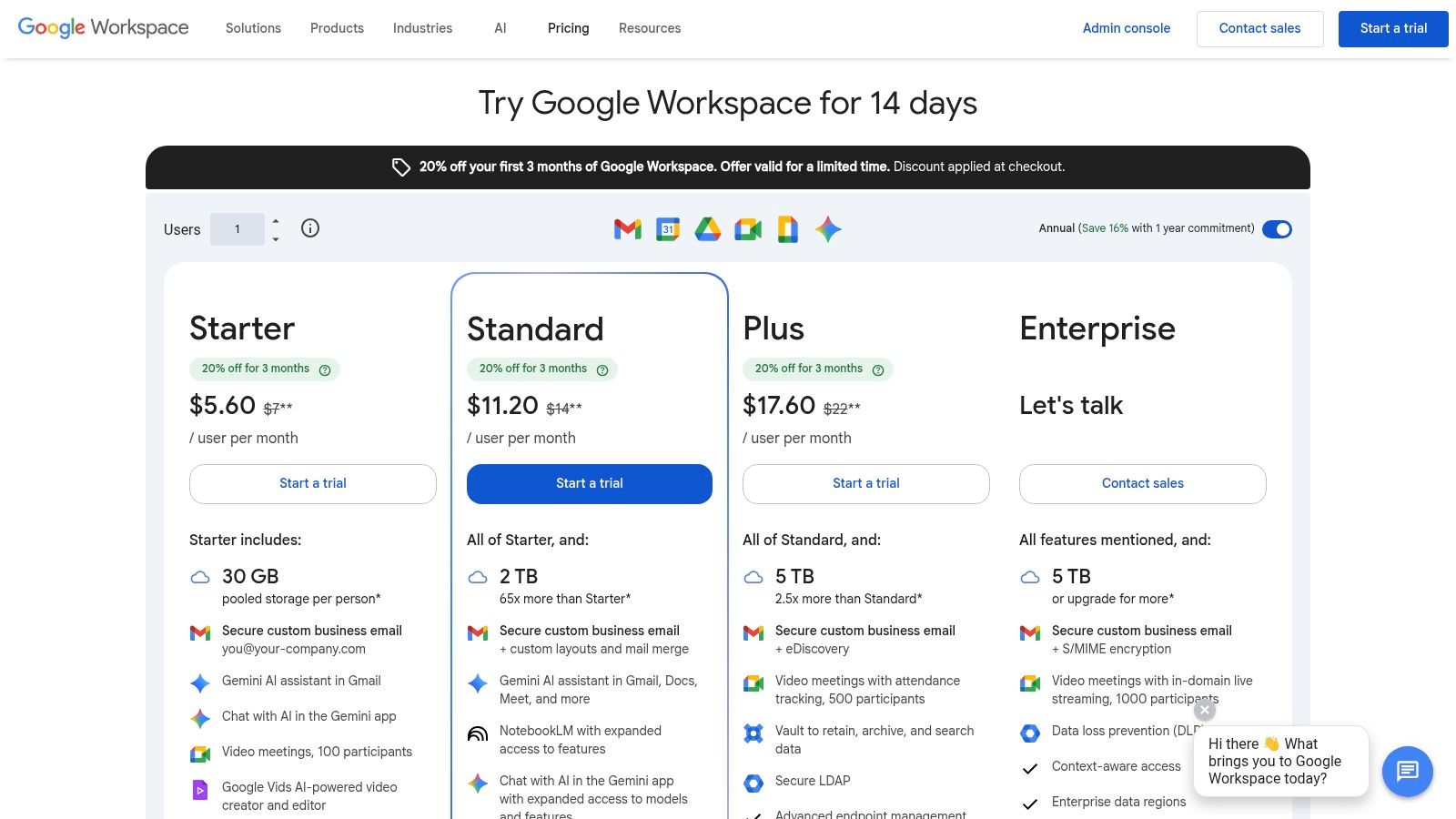
If your business lives in Gmail, Docs, Sheets, and Meet, Google Workspace with Gemini is the cleanest way to bring AI into daily work without adding another app your team has to remember to open.
That simplicity is the product. Not the model.
Where Gemini makes sense
Gemini works best for businesses that already collaborate in Google docs all day and want AI support to feel native instead of bolted on. Drafting in Gmail, summarizing in Docs, helping inside Sheets, and assisting during meetings are all obvious use cases.
This is especially useful for service firms, agencies, and distributed teams that already use Workspace as their operating system.
A few strengths stand out:
- Native drafting: Fast help inside Gmail and Docs.
- Shared collaboration: Team content stays in the same environment.
- Admin control: Workspace console management is familiar for existing admins.
Founder’s Take
Google’s main advantage here isn’t novelty. It’s procurement and adoption. When AI capabilities are bundled into the Workspace setup your company already pays for, rollout gets easier and internal resistance drops.
Still, there are trade-offs. Capability rollout can vary by plan and market. Some features appear in one tier before another. If your team needs absolute clarity on what each seat gets today, verify before you commit.
If your team already works in Google all day, adding a separate AI writing app often solves the wrong problem.
I’d choose Workspace with Gemini over a standalone assistant when speed of adoption matters more than advanced customization. I would not choose it if your core need is multi-step automation between many external apps. That’s a different category.
For the right business, though, Gemini is exactly what good small business software should be. Close to the work. Easy to use. Hard to ignore.
Website: Google Workspace pricing
5. Canva Magic Studio
Most small businesses don’t need a design department. They need decent assets, quickly, without wrecking the brand every time someone opens a template. That’s where Canva Magic Studio earns its spot.
Canva’s AI layer helps non-designers move from blank canvas to usable creative faster than most traditional design tools. For founders and lean marketing teams, that speed matters more than pixel-level perfection.
What it excels at
Magic Write, Magic Design, Magic Edit, Magic Media, and brand tools make Canva useful across a wide span of practical tasks. Social graphics, ad creatives, sales one-pagers, lightweight video edits, resized assets, and rough campaign mockups all happen in one place.
For teams comparing broader AI design tools, Canva is usually the easiest place to start because the learning curve is low and the output is good enough for most weekly marketing work.
A short list of high-value use cases:
- Campaign production: Turn one concept into multiple sizes and formats.
- Brand consistency: Use kits and templates to keep visuals aligned.
- Content repurposing: Refresh existing assets instead of starting over.
Founder’s Take
Canva is one of the best AI tools for small business if the bottleneck is shipping creative consistently. It is not the best tool if your brand depends on high-end custom design or strict creative direction.
That distinction saves money.
The failure mode with Canva is obvious. Teams lean too hard on templates, everything starts to look familiar, and the brand feels generic. The AI can speed production, but it can also speed sameness if nobody applies taste.
What works is a controlled setup. Lock in brand kits. Create a small set of approved templates. Give junior staff room to move inside boundaries.
Operator note: Canva is strongest when one person owns the template system and everyone else reuses it.
That setup turns Canva from a design app into a content engine. Without it, you get visual clutter at scale.
Website: Canva Magic Studio
6. HubSpot
HubSpot is one of the few platforms on this list that can significantly change how a small business runs across marketing, sales, and service, not just speed up one isolated task. That’s why it keeps showing up in serious conversations about the best ai tools for small business.
Research cited earlier places HubSpot among the core tools in essential small business AI stacks, with a marketing automation suite positioned at mid-to-high price points and built around integrated CRM and campaign optimization capabilities. The same body of research notes that the market has expanded across specialized categories, but HubSpot remains one of the foundational picks in practice. Separately, the SBA highlights that AI helps small businesses analyze their own business data, compare operations to peers, and identify gaps or advantages in decision-making workflows, which is exactly the kind of operational shift a CRM-centered platform can support without relying on guesswork.
Where HubSpot really pays off
HubSpot works best when customer data is scattered and follow-up is inconsistent. Its AI features sit on top of CRM, marketing automation, sales workflows, and service functions, so the value comes from having one data model across all of them.
That unified setup helps with:
- Lead handling: Enrichment, routing, and sales notes.
- Marketing execution: Content assistance, email support, and campaign optimization.
- Service workflows: Shared customer context across teams.
If you’re evaluating broader AI CRM tools, HubSpot deserves serious consideration because the CRM isn’t an add-on. It’s the center of gravity.
Founder’s Take
HubSpot is often worth it when your business has outgrown duct-taped spreadsheets and disconnected apps. It’s less compelling if you only need one narrow feature.
That is the main trade-off. HubSpot can reduce operational mess, but pricing tends to climb as seats, contacts, and advanced hubs expand. Small teams underestimate that.
My rule is simple. Don’t buy HubSpot for AI copy or email generation. Buy it because you need one place to run revenue operations, then let the AI features improve the workflow you already care about.
Website: HubSpot
7. Shopify Magic and Sidekick

Ecommerce operators should be skeptical of general AI advice. A lot of it ignores the fact that online stores already have a workflow engine. Product pages, merchandising, customer questions, email, and imagery all live close to the cart. Native tools matter more here.
That’s why Shopify Magic and Sidekick are practical picks for merchants.
Best use cases for merchants
Shopify’s AI tools handle the repetitive parts of store management that consume time. Product descriptions, image cleanup, campaign drafts, chat assistance, and store help through Sidekick all fit the daily rhythm of a small commerce team.
The appeal is simple. You don’t need to bolt on a separate writing tool, image helper, and store assistant just to maintain a catalog.
Shopify Magic is especially useful for:
- Catalog work: Product copy and image background edits.
- Email support: Faster campaign drafts and subject lines.
- Store operations: Sidekick helps with setup, merchandising, and routine questions.
Founder’s Take
I trust native commerce AI more than generic assistants for store operations because the context is better. A standalone chatbot may write a fine product description, but Shopify already understands the structure of your store.
That said, native doesn’t always mean complete. Some features continue to expand, and capability can vary across devices and languages. If your team runs heavily on mobile or needs a polished multilingual workflow, test before you depend on it.
The biggest practical win is reduced switching. Merchants lose more time to tool sprawl than they think. If Shopify can handle enough of the work inside the same environment, your team stays focused on merchandising and conversion instead of process overhead.
Website: Shopify Magic
8. Intercom Fin AI Agent
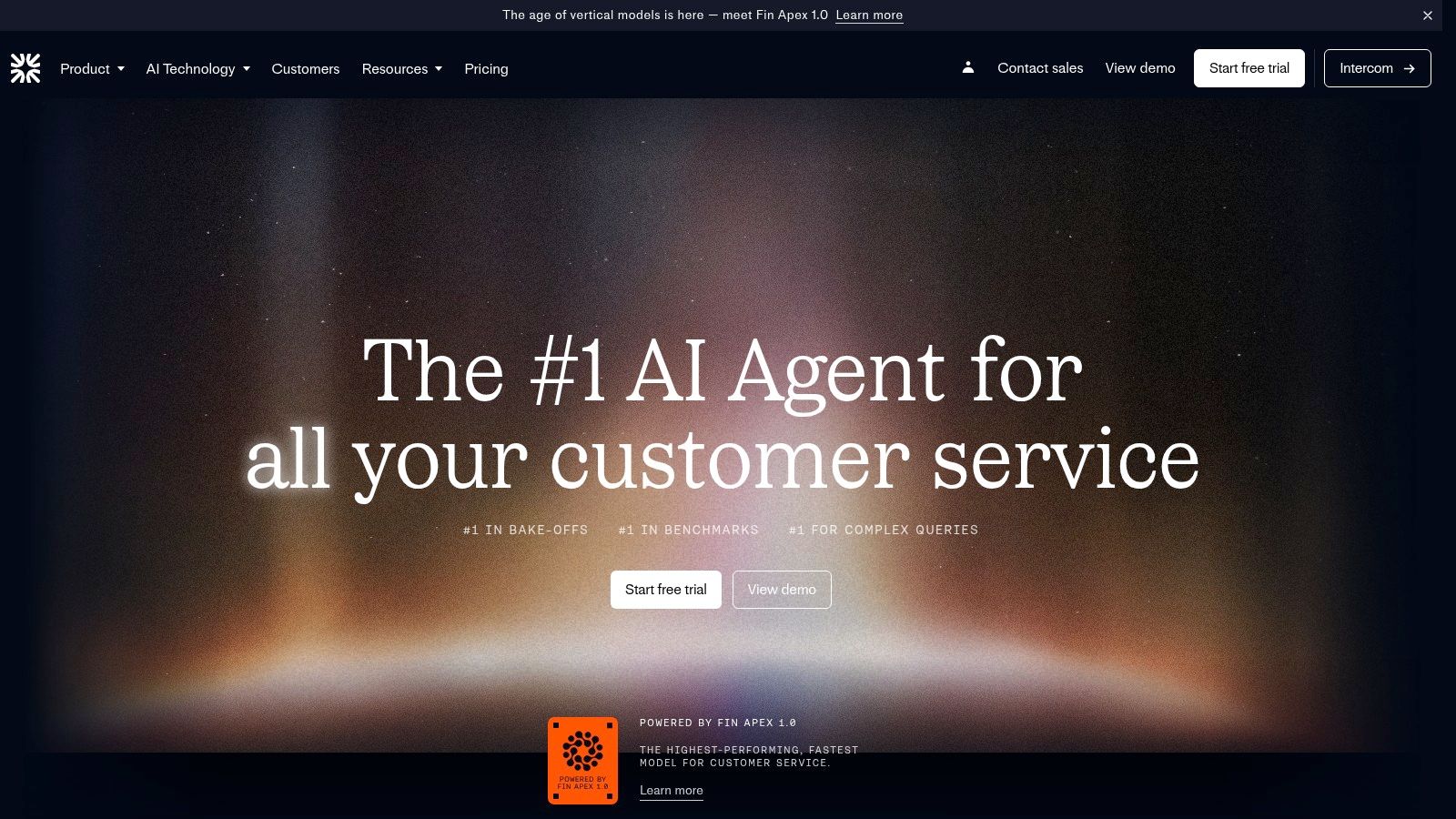
If support volume is growing faster than headcount, Intercom Fin is the kind of tool that gets serious attention. Not because “AI support” is trendy, but because support teams break when every new customer adds another layer of repetitive tickets.
Fin is built to resolve inquiries across chat, email, social, and voice. It can work with Intercom’s broader stack or operate more independently, which gives it more flexibility than older chatbot systems.
What determines success
Here’s the part vendors gloss over. AI support agents are only as good as the content behind them. Help center quality, policy clarity, response boundaries, and escalation logic matter more than the demo.
That’s why I like Intercom Fin in businesses that already have decent documentation and a team willing to maintain it.
What it does well:
- Ticket deflection: Handles repetitive inbound questions.
- Cross-channel support: More useful than web chat alone.
- Performance visibility: Admin guardrails and analytics help teams monitor output.
Founder’s Take
Intercom’s pricing model aligns cost with successful resolutions, which is smarter than paying for vague “AI seats.” But variable spend also means you need discipline. If support volume spikes or your setup is loose, monthly costs can move with it.
The bigger issue is implementation. Founders often assume AI support works out of the box. It doesn’t.
A useful comparison point comes from Freshdesk’s Freddy AI Agent, which has been reported to resolve up to 80% of customer service queries autonomously, with a starting price of $19 per month on its Growth plan billed annually (Missive’s Freshdesk summary). That benchmark is a reminder that the ceiling can be high when the system is trained on the right knowledge base and routine support patterns.
Don’t launch an AI support agent until your help content is clearer than your human replies.
If you can meet that standard, Fin becomes compelling. If you can’t, it will expose the mess.
Website: Intercom Fin AI
9. Zapier
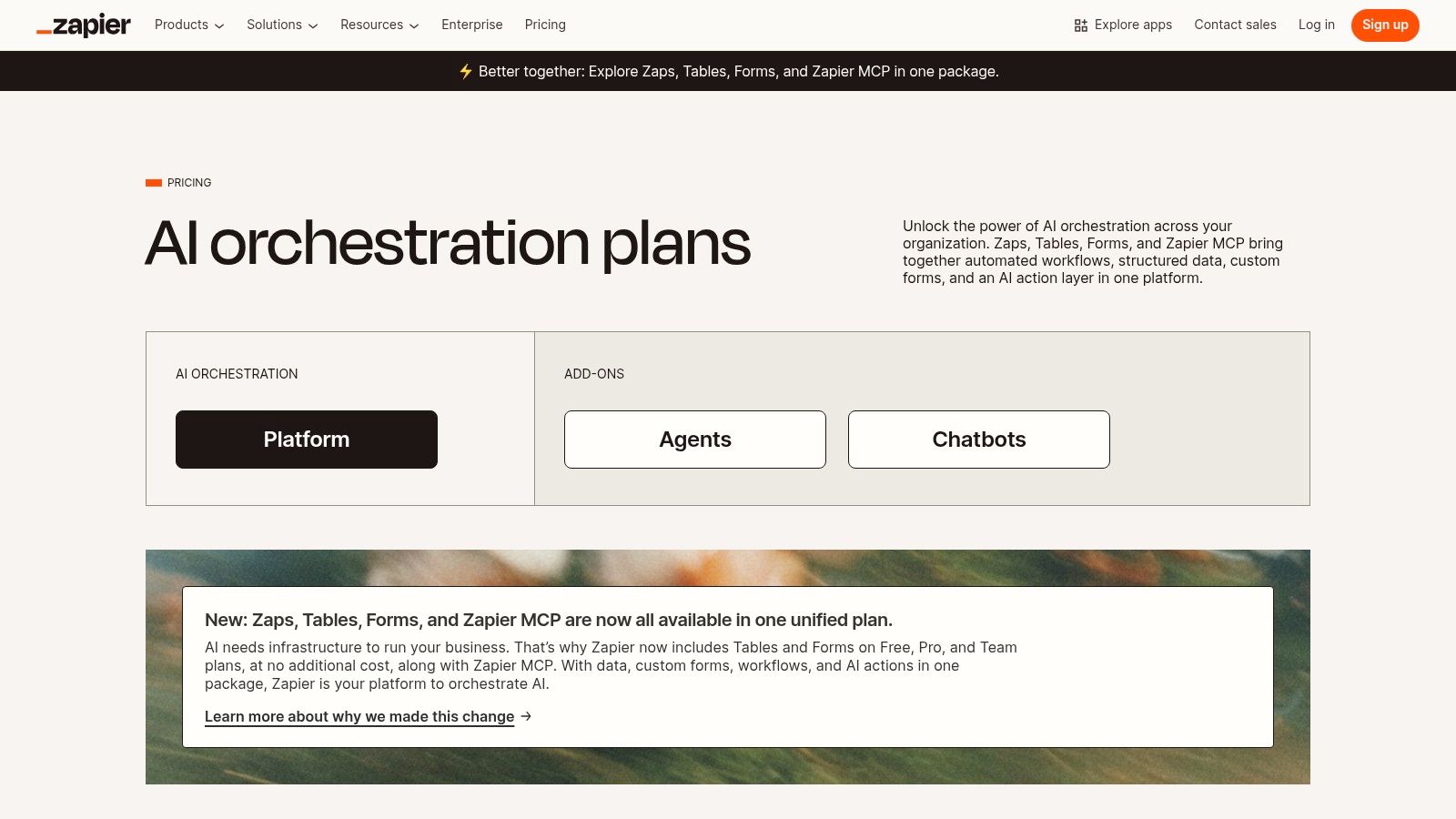
Zapier is the tool I recommend when a founder says, “We already have enough software, but none of it talks to each other.” That is the primary use case: integration debt.
For many small businesses, the fastest AI win isn’t better writing. It’s moving data automatically between forms, CRM, email, spreadsheets, support tools, and internal alerts.
Why Zapier keeps making the shortlist
Zapier combines no-code automations, data handling, forms, chatbots, and newer agent-style workflows in one platform. The key advantage is speed. You can connect systems without waiting on engineering.
That makes it one of the most practical AI automation tools for operators who need results this quarter, not after a custom build.
Common high-value workflows include:
- Lead routing: Send form submissions to CRM, Slack, and email instantly.
- Ops cleanup: Sync records across tools so teams stop re-entering data.
- AI steps in workflows: Add summarization, categorization, or response generation inside automations.
If your main use case is campaign orchestration, this pairs well with a broader look at best marketing automation software for small business.
Founder’s Take
Zapier is excellent for prototyping and dangerous when nobody owns it.
That sounds harsh, but it’s true. Small companies often create dozens of automations, then forget what fires where, which fields map to what, and why duplicate records keep appearing. Automation debt is real.
The good version of Zapier is tightly scoped. One owner. Clear naming. Fewer but more important workflows.
I wouldn’t use Zapier as the long-term backbone for every mission-critical process in a complex company. I would absolutely use it to remove repetitive admin work and validate what should be automated before investing in something heavier.
Website: Zapier pricing
10. Notion with Notion AI
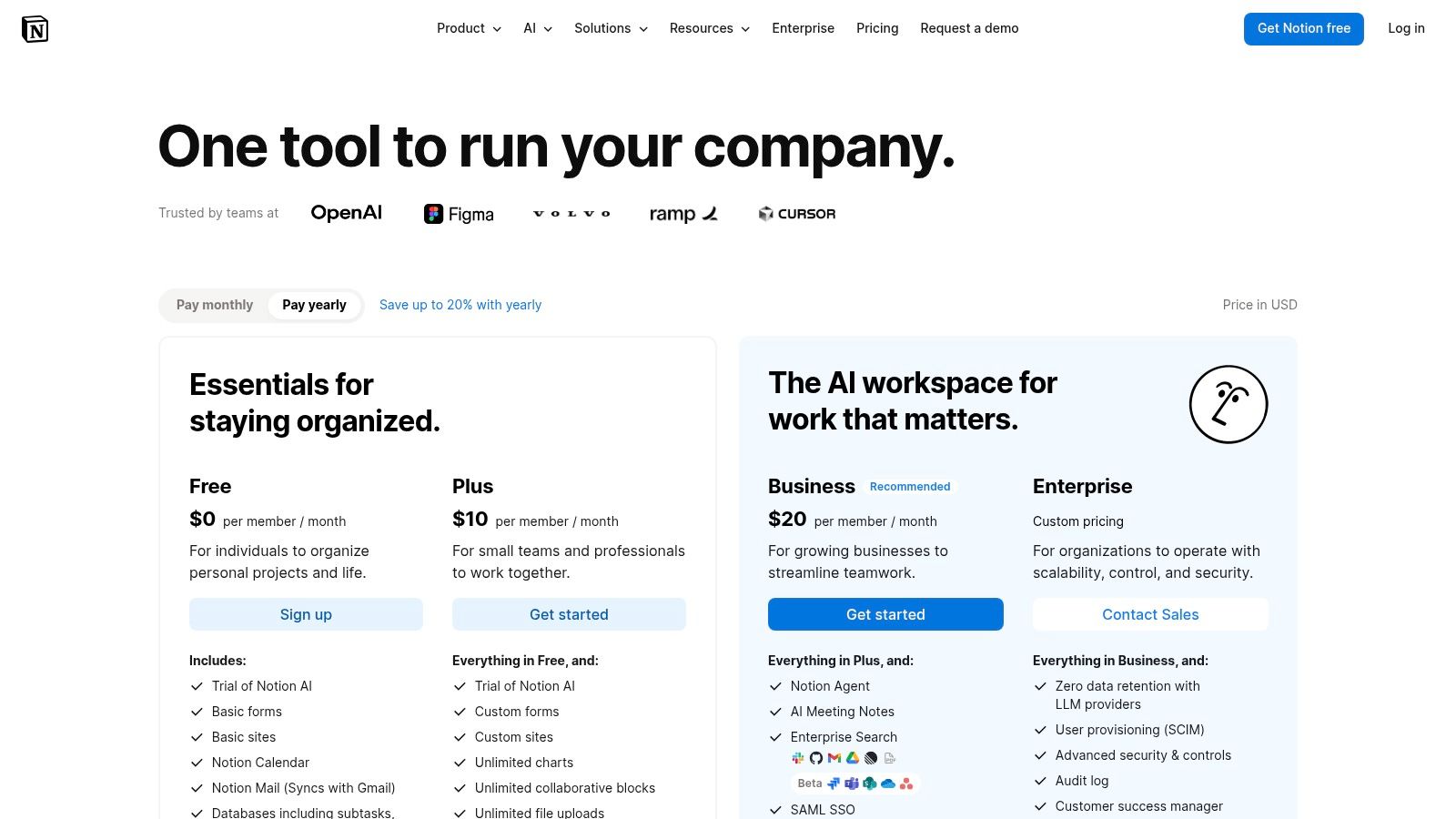
Notion becomes valuable when your business has knowledge everywhere and clarity nowhere. Docs in one tool. Meeting notes in another. SOPs in someone’s head. Tasks in three places. That is the mess it can effectively fix.
With Notion AI layered in, the workspace becomes more than a wiki. It becomes a working system for writing, organizing, retrieving, and automating knowledge.
Where Notion pulls ahead
Notion is strongest for businesses that need one home for operating knowledge and project coordination. AI helps with summaries, drafting, translation, meeting notes, research, and increasingly agent-driven task support.
For teams exploring broader AI productivity tools, Notion stands out because it ties AI to the documents and databases people already maintain.
It’s particularly useful for:
- SOP management: Turn scattered process notes into living documentation.
- Meeting capture: Summaries and action items stay attached to projects.
- Knowledge retrieval: Teams can search and ask questions against internal content.
Founder’s Take
Notion is one of the best ai tools for small business if your biggest problem is operational memory. It’s a weaker choice if your team hates structured documentation.
That’s the tension. Notion rewards good information architecture. If your workspace is thoughtful, AI can surface the right context and make the whole company faster. If your workspace is random, AI just helps you search a prettier junk drawer.
The best rollout I’ve seen is narrow at first. Start with one department. Build a clean structure for projects, SOPs, and meeting notes. Then expand.
The worst rollout is company-wide enthusiasm with no naming rules, no ownership, and no page standards. That creates instant clutter.
Website: Notion pricing
Top 10 AI Tools for Small Business, Comparison
| Tool | Core features | UX / Quality | Value / Pricing | 👥 Target audience | ✨ / 🏆 Unique selling point |
|---|---|---|---|---|---|
| ChatGPT (OpenAI) | Text, images, data analysis, Projects, custom GPTs | ★★★★★ | 💰 Free → Team / Enterprise; limits vary by plan | 👥 Founder, Marketer, Ops | ✨ All‑in‑one assistant + large GPT ecosystem 🏆 |
| Claude Team (Anthropic) | Long‑context chat, Claude Code, Projects, connectors | ★★★★☆ | 💰 Transparent team pricing (seat tiers) | 👥 Marketer, Ops, Founder | ✨ Strong long‑context reasoning; clear team billing |
| Microsoft 365 Copilot for Business | In‑app Copilot for Word/Excel/Teams, Graph integration | ★★★★☆ | 💰 Add‑on to M365; often annual commitments | 👥 Ops, Dev, Founder | ✨ Deep native Office integration 🏆 |
| Google Workspace with Gemini | AI in Gmail/Docs/Sheets/Meet, side‑panel assists | ★★★★☆ | 💰 Bundled in Workspace Business/Enterprise | 👥 Ops, Marketer, Founder | ✨ Native AI in Google workflows |
| Canva Magic Studio | Magic Write/Design/Edit, brand kits, media gen | ★★★★★ | 💰 Free → Pro/Teams; some AI gated by tier | 👥 Marketer, Founder | ✨ Fast on‑brand visual creation 🏆 |
| HubSpot (AI across CRM) | AI content, prospecting, agents, CRM insights | ★★★★☆ | 💰 Scales with seats, contacts, hubs | 👥 Marketer, Sales, Ops | ✨ Unified CRM + AI for go‑to‑market teams |
| Shopify Magic & Sidekick | Product copy, image edits, email AI, Sidekick assistant | ★★★★☆ | 💰 Merchant features vary by Shopify plan | 👥 Founder, E‑commerce Marketer | ✨ Commerce‑native AI for stores |
| Intercom Fin AI Agent | Resolution‑based AI agent, multi‑channel support, analytics | ★★★★☆ | 💰 Pay‑per‑successful‑resolution model | 👥 Ops, Support Lead | ✨ Outcome‑aligned pricing; ticket deflection 🏆 |
| Zapier (AI + Automation) | No‑code Zaps, AI chatbots, 8k+ integrations, Agents | ★★★★☆ | 💰 Free → task‑based paid plans | 👥 Ops, Founder, Dev | ✨ Fast AI + automation without engineering |
| Notion with Notion AI | AI writing, meeting notes, Agents, Enterprise Search | ★★★★☆ | 💰 Free → Business; some credit‑metered features | 👥 Ops, Founder, Project Manager | ✨ Single workspace + AI Agents for SOPs and projects |
The Right Tool is a Strategy, Not a Purchase
Adopting AI isn’t about buying software. It’s about changing how work moves through your business.
This aspect is often missed by many roundup posts. They compare features when they should be comparing bottlenecks. A founder doesn’t need “the most advanced model.” They need fewer hours wasted on quoting, lead follow-up, support repetition, internal handoffs, or content production.
Start there.
If your team lives in Office, Microsoft 365 Copilot is the obvious candidate because it shortens work inside tools people already know. If customer data is scattered and follow-up is inconsistent, HubSpot is usually the stronger move because CRM discipline beats isolated AI tricks. If your systems are fragmented, Zapier may produce the fastest return because workflow friction compounds every day.
The same logic applies across the rest of the list. Canva helps when creative production is the bottleneck. Shopify Magic helps when catalog work and store operations are dragging. Intercom Fin helps when support volume is stretching the team. Notion helps when the company keeps relearning the same lessons because knowledge is buried.
That’s why my advice is counter-intuitive. Don’t roll out multiple new AI platforms at once.
Most small businesses can’t absorb that much change cleanly. One new tool affects process, permissions, training, naming conventions, and accountability. Add three at once and nobody knows which one is helping, which one is failing, or where the workflow broke.
Use one tool per quarter if you can. That pace sounds slow. It’s usually faster in practice.
Pick a single pain point. Define the before state clearly. Then decide what “better” looks like in plain business terms. Fewer support tickets reaching humans. Faster proposal turnaround. Cleaner lead handoff. Less manual reporting. Better campaign output with fewer revisions.
Then test the tool in a contained environment. Founders often skip a step at this point. They buy software before setting an owner. That’s backwards. Every AI rollout needs someone responsible for setup quality, prompt standards, permissions, review rules, and what happens when output is wrong. Without ownership, even good tools create noise.
The second thing to watch is tool sprawl. A lot of businesses don’t have an AI problem. They have a stack problem. Too many overlapping products. Too many half-finished experiments. Too many subscriptions that sounded smart in isolation.
If that sounds familiar, simplify before you add.
There’s also one underserved issue worth flagging. Privacy and compliance rarely show up in “best AI tools” lists, yet they matter for any small business handling customer data. If you work in a regulated category or you’re worried about where prompts and files go, treat governance as part of product fit, not a legal footnote. For some companies, that will push you toward tools with stronger admin controls or more tightly managed ecosystems instead of the most flexible standalone option.
And if your first challenge is figuring out what category to evaluate, a discovery layer can help. Oryndex is one option for browsing vetted AI products by use case, category, and workflow so you can narrow the field before signing up for another trial.
The right AI stack should feel boring after a while. That’s a good sign. It means the tool has moved from novelty to infrastructure. It’s doing work, saving time, and staying out of the way.
If you’re still sorting through categories and don’t want to wade through vendor noise, try Oryndex. It’s a curated AI tool discovery engine built for founders and operators who want to evaluate practical fit by workflow, not hype.