
The 12 Best Figurative Language Finder Tools of 2026

Matic Pogladič
02 April 2026
What is the best figurative language finder? A figurative language finder is an AI tool that automatically scans text to detect expressions like metaphors, similes, and idioms. The best one for you depends on your goal: quick checks, deep editing, or developer integration.
Identifying metaphors, similes, and idioms in text used to be a manual, time-consuming task. It demanded a deep read and a sharp eye. Now, you can automate this process. These tools save significant time for editors, marketers, and developers. They really work.
This guide provides a detailed analysis of the top platforms available in 2026. We move past marketing claims to give you an honest assessment based on real-world testing. I’ve found that many tools excel at finding basic clichés but struggle with nuanced metaphors, a critical distinction for anyone building a serious AI stack. A 2022 study by researchers at the University of Edinburgh found that even advanced models misidentified complex metaphors up to 40% of the time, so tool quality varies wildly.
You will find a ranked list of specialized AI tools and broader writing assistants that serve this function. Each review includes core features, ideal use cases, pricing, and direct links with screenshots to help you quickly evaluate which solution fits your specific project. Whether you are refining marketing copy, training an NLP model, or simply improving your writing, this curated list will help you select the right figurative language finder for the job. Let's get started.
1. Crosspostify – Figurative Language Checker
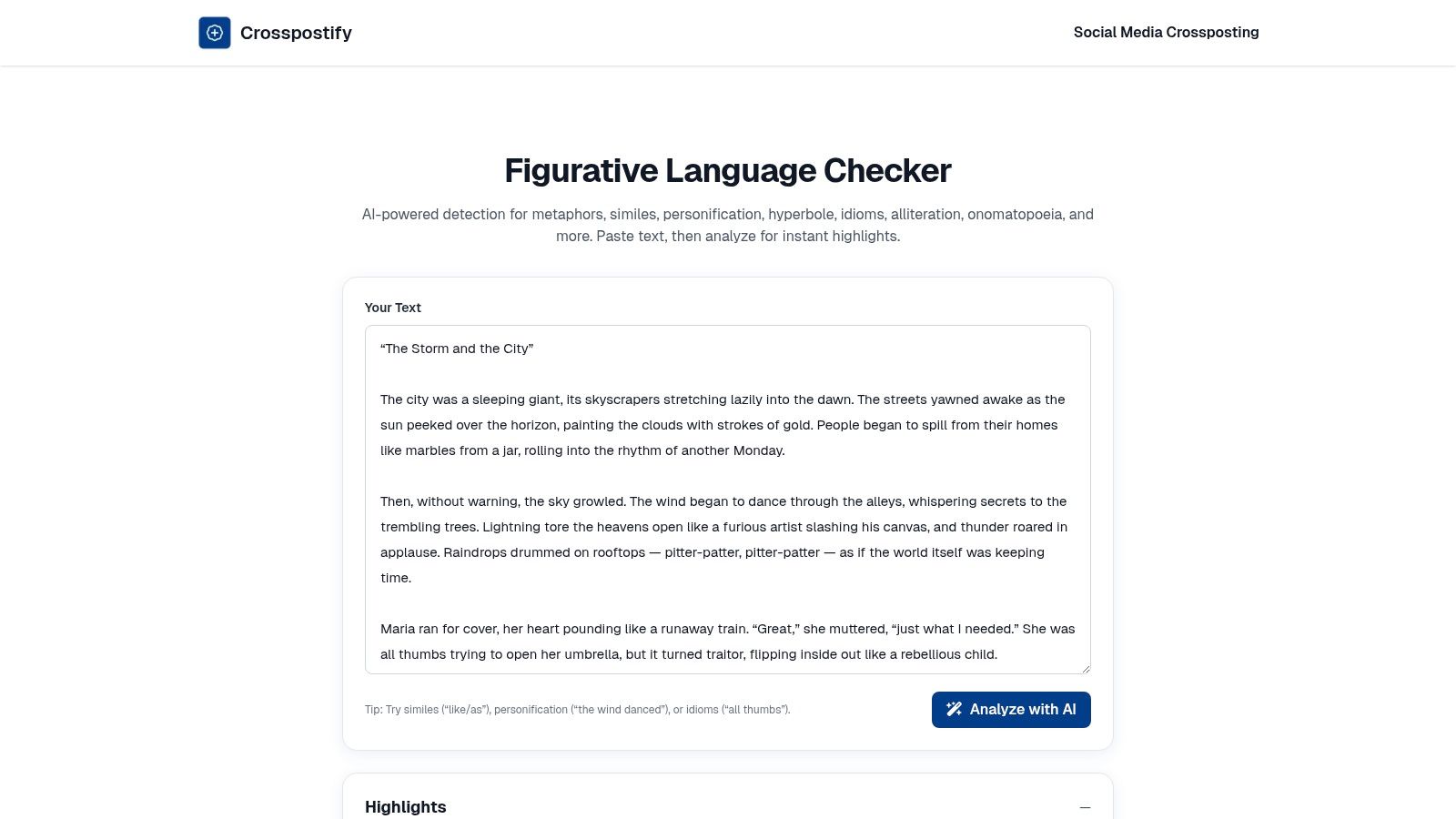
Crosspostify’s Figurative Language Checker is an excellent starting point for anyone needing a quick, no-fuss analysis. This free web tool excels at speed and simplicity. You just paste your text, and it instantly highlights potential figurative devices, categorizing them with a handy summary dashboard. It is a fantastic tool for a quick check.
Its primary advantage is the breadth of its detection. While many free tools focus on just one or two types, Crosspostify identifies eight: metaphor, simile, personification, hyperbole, idiom, alliteration, onomatopoeia, and oxymoron. This makes it a surprisingly powerful figurative language finder for zero cost.
Core Features
- Broad Device Detection: Identifies eight distinct types of figurative language.
- Instant Analysis: Provides immediate color-coded highlights directly in your text.
- Summary Dashboard: Displays a clean count for each detected device type.
- No Signup Required: Accessible for immediate use without creating an account.
Ideal Use Case & Limitations
This tool is perfect for students needing to check homework, teachers creating lesson examples, or writers looking for a first-pass edit to gauge the creative density of their prose. Its heuristic-based approach means it is not foolproof. It can sometimes miss subtle metaphors or flag phrases that are only borderline figurative. Think of it as a helpful first-pass assistant, not a definitive final judge.
Practical Tips
For best results, analyze text in smaller chunks, like a few paragraphs at a time, rather than an entire document. This helps you focus on the flagged instances. It lets you evaluate the context more accurately.
- Website: Crosspostify Figurative Language Checker
- Pricing: Free
- Access: Web-based, no registration needed.
2. LingoBright – Figurative Language Calculator
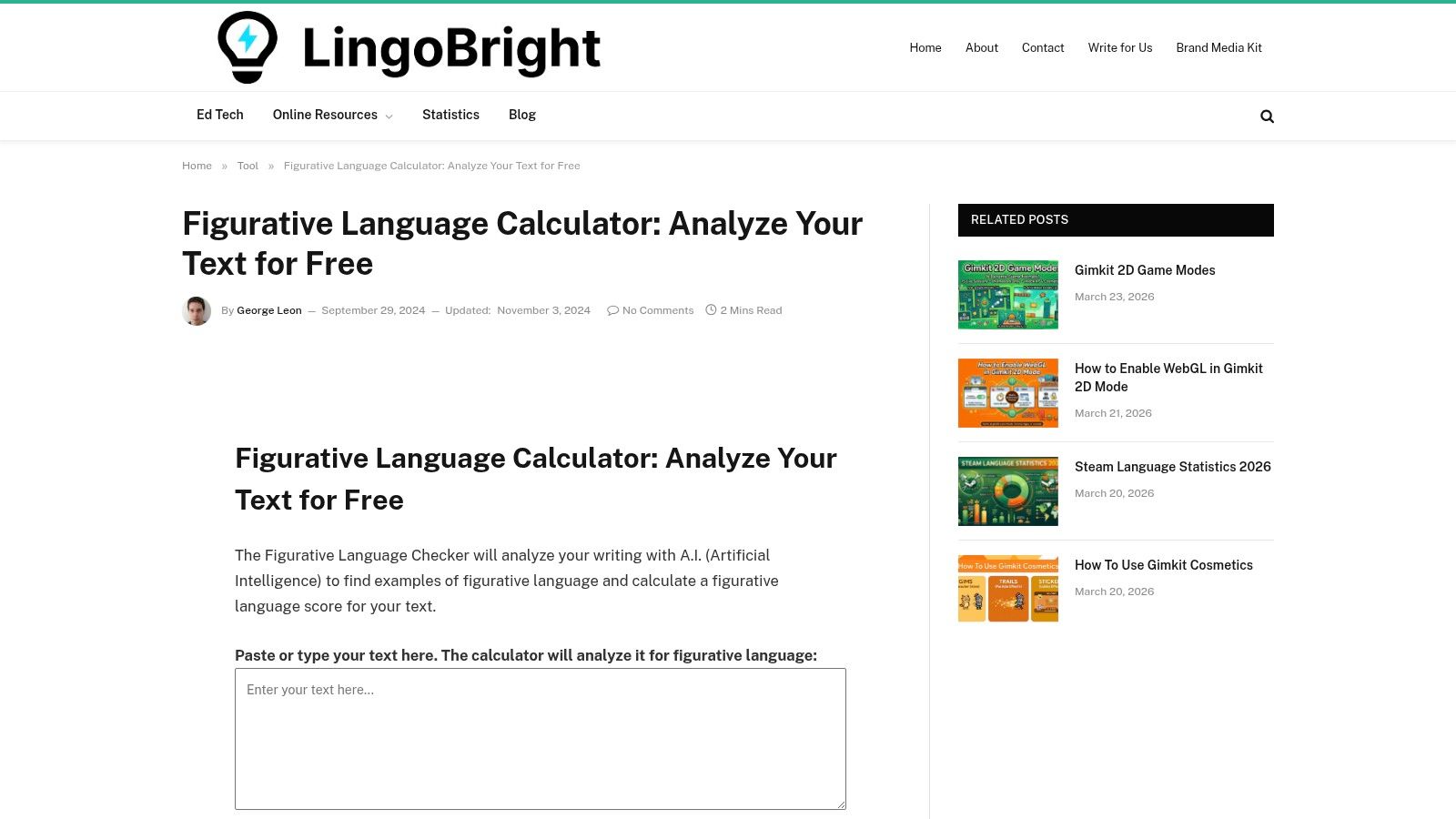
LingoBright’s Figurative Language Calculator takes a uniquely educational approach. It positions itself as a tool for students and creators, providing not just detection but also at-a-glance feedback and explanations. You paste your text, and the AI checker identifies common devices while also generating a “figurative language score.” This gives you a quick metric for creative density.
Its main draw is this blend of analysis and learning. While it identifies six common types including metaphor, simile, and personification, its standout feature is the educational context provided with the results. This makes it a great figurative language finder for users who want to understand why a phrase was flagged, moving beyond simple identification.
Core Features
- Device Identification: Detects metaphor, simile, personification, hyperbole, alliteration, and onomatopoeia.
- Figurative Language Score: Quantifies the density of figurative language in a text.
- Educational Explanations: Provides definitions and context alongside flagged results.
- Simple Interface: Offers a straightforward paste-and-analyze workflow for quick checks.
Ideal Use Case & Limitations
This calculator is perfectly suited for a classroom setting or for writers new to literary devices. The scoring and explanations provide clear, actionable feedback for learning. However, like many free AI tools, its model is a black box with limited transparency on accuracy. It can struggle with highly nuanced metaphors or misinterpret literal phrases, especially in complex prose. It serves best as a learning aid, not an authoritative editing tool.
Practical Tips
Use the "figurative language score" as a personal benchmark. Write a passage, check the score, then revise it to be more or less figurative and see how the score changes. This is a great exercise. It helps develop creative control.
- Website: LingoBright Figurative Language Calculator
- Pricing: Free
- Access: Web-based, no registration needed.
3. GPT Seeks Tool – Figurative Language Checker
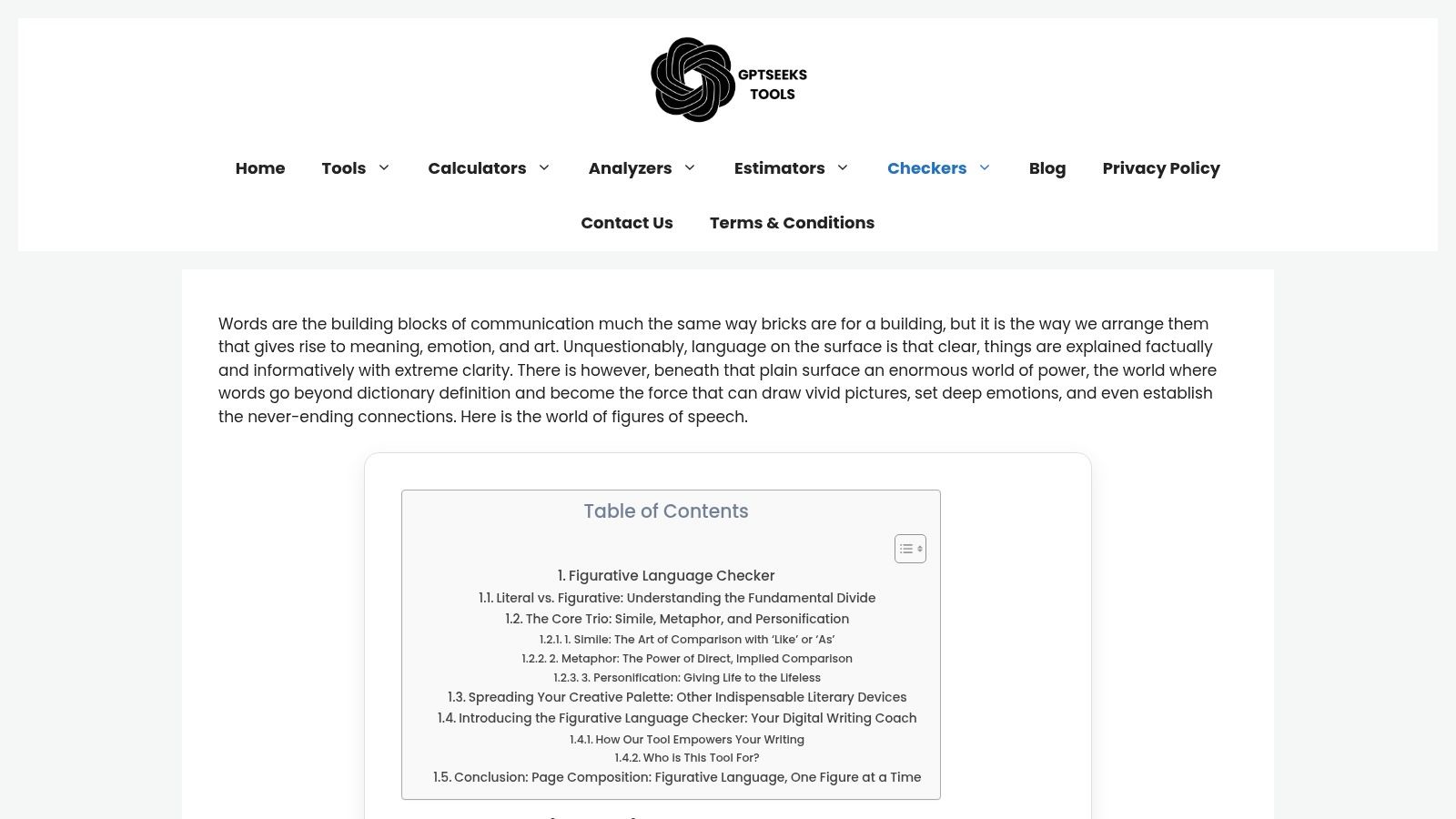
GPT Seeks Tool’s Figurative Language Checker is built for clarity and educational value. While it operates in a crowded field of general tool aggregators, its focused approach on the "big three" literary devices makes it a solid choice for quick, targeted checks. It is simple and direct.
This checker specializes in identifying similes, metaphors, and personification, presenting results with clean, color-coded highlights. This intentional focus makes it an effective figurative language finder for students just beginning to learn these concepts or for writers wanting to quickly spot their most common creative flourishes. It removes the noise of more obscure devices. It hones in on what matters for core analysis.
Core Features
- Focused Detection: Counts and highlights similes, metaphors, and personification.
- One-Click Analysis: Instant processing with no installation or signup needed.
- Color-Coded Feedback: Each device type is assigned a distinct color for easy identification.
- Educational Guidance: Includes simple definitions of the devices it checks for.
Ideal Use Case & Limitations
This is an excellent tool for classroom settings. Teachers can use it to create examples, and students can use it to verify their understanding of similes, metaphors, and personification without getting overwhelmed. Its primary limitation is its narrow scope. If you need to find alliteration, hyperbole, or idioms, you will need a different tool. It is a specialist, not a generalist.
Practical Tips
Use this checker to teach the foundational differences between a simile ("like" or "as") and a metaphor. Pasting a paragraph and seeing the different color highlights provides an immediate visual lesson that is far more impactful than a textbook definition alone.
- Website: GPT Seeks Tool Figurative Language Checker
- Pricing: Free
- Access: Web-based, no registration needed.
4. ClickaTools – Figurative Language Checker
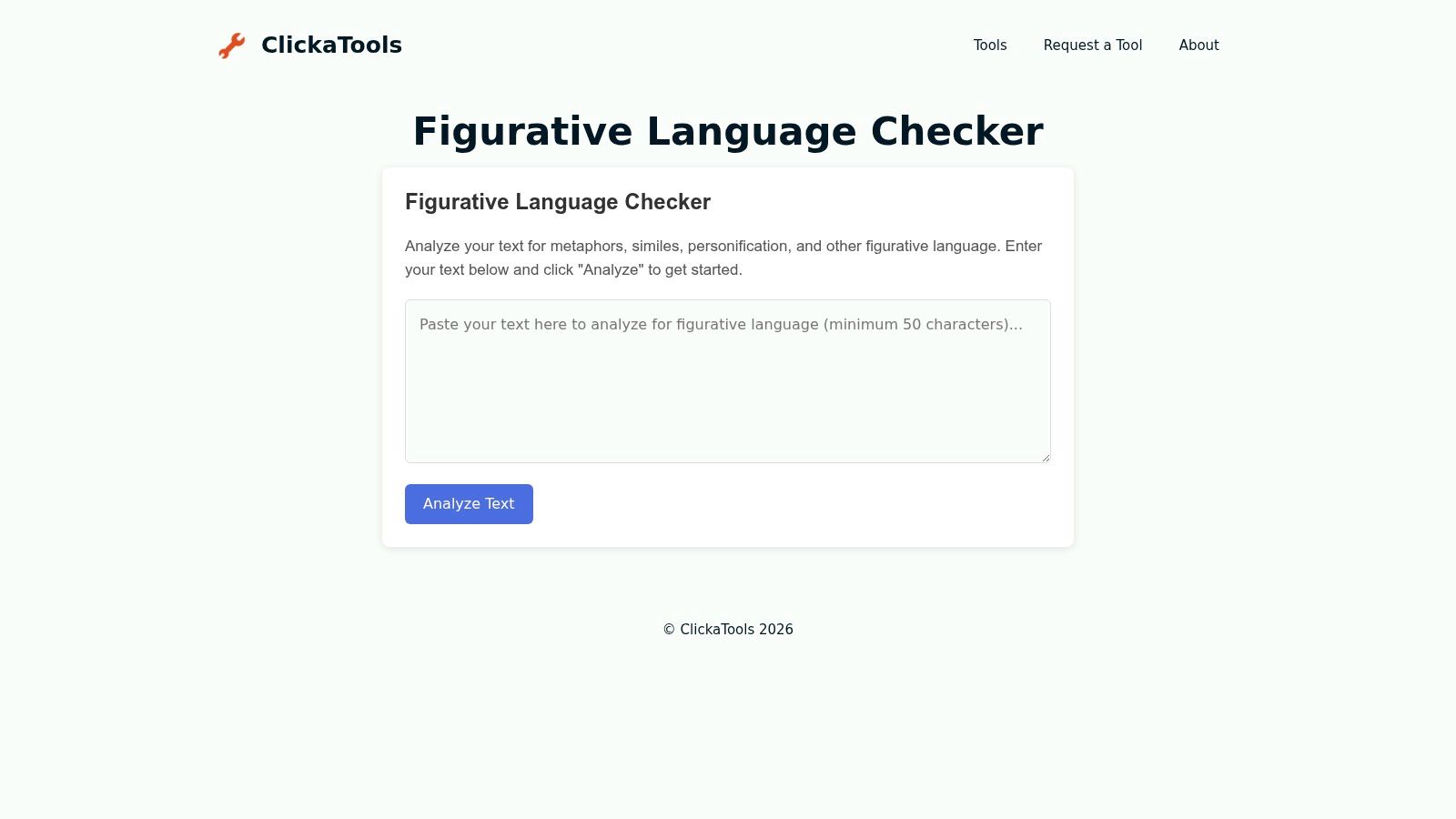
ClickaTools offers a lightweight and data-centric approach to analyzing figurative language. This free utility is less about providing rich contextual explanations and more about delivering quick, quantitative feedback. You paste your text, and it returns hard numbers: device counts and, most uniquely, a density metric. This is a very useful approach for writers.
What sets ClickaTools apart is its emphasis on metrics. While other tools highlight text, ClickaTools provides a summary that includes a "density" score, showing the percentage of your text that contains figurative devices. This makes it an excellent figurative language finder for authors tracking their stylistic choices across revisions.
Core Features
- Quantitative Summary: Provides total counts for detected devices.
- Density Metric: Calculates the percentage of figurative language in the text.
- Device Breakout: Separately identifies similes, metaphors, personification, and hyperboles.
- Zero-Friction Use: No account or login is needed for immediate analysis.
Ideal Use Case & Limitations
This tool is built for the revision process. It's perfect for a novelist who wants to ensure their creative prose isn't becoming too dense or for a content writer aiming to inject more flavor into a dry article. Its main limitation is the minimal interface. The tool does not provide deep explanations or highlight the text, which means you have to trust its counts without seeing the specific instances it flagged. It is a data-point generator, not an educational guide.
Practical Tips
Use the density score as a revision benchmark. For example, analyze a chapter, make edits, and re-analyze to see if you have successfully increased or decreased the figurative language as intended. This quantitative feedback loop is its greatest strength.
- Website: ClickaTools Figurative Language Checker
- Pricing: Free
- Access: Web-based, no registration needed.
5. UndetectAI – Figurative Language Checker
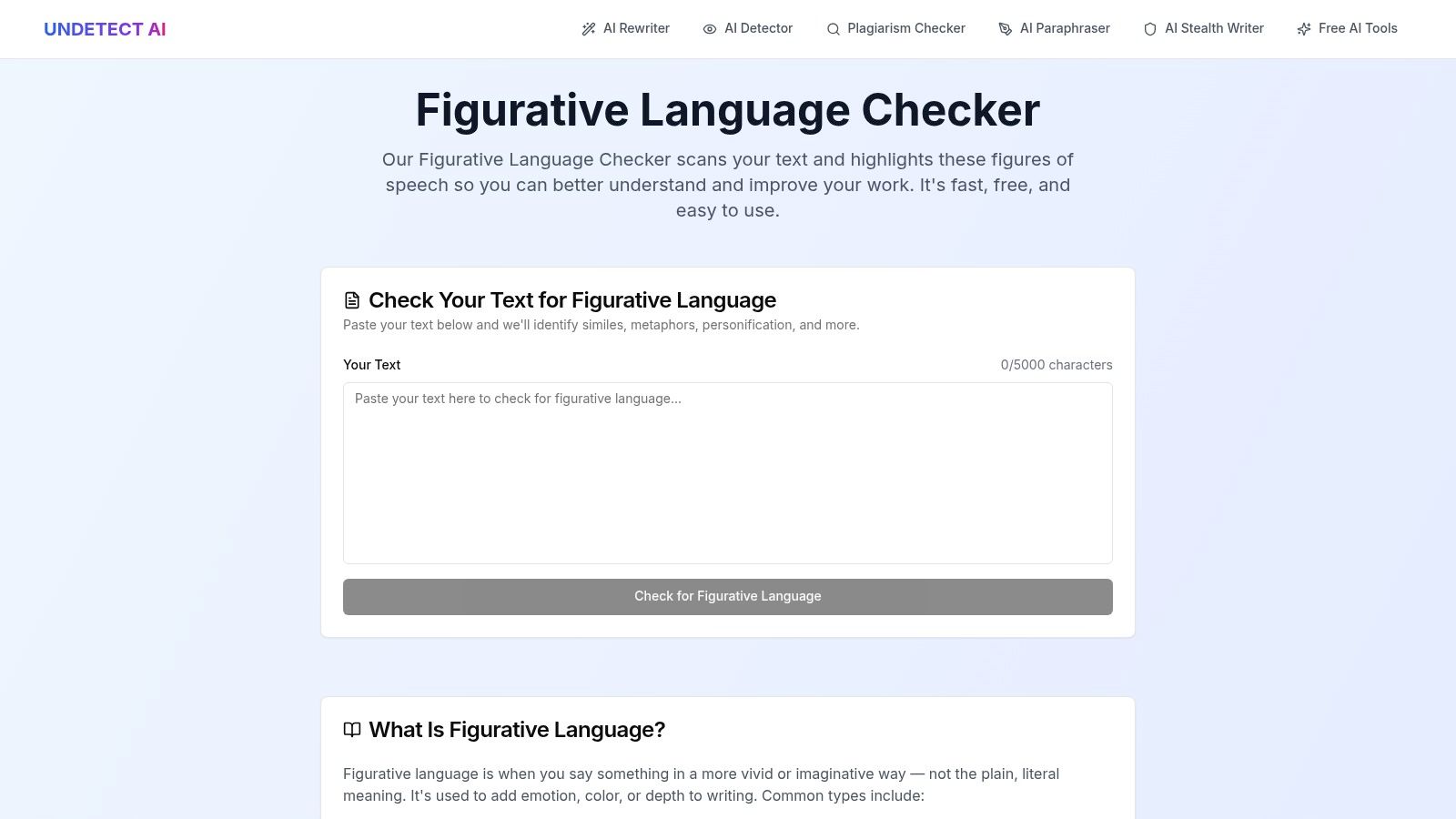
UndetectAI's Figurative Language Checker is a straightforward, education-focused tool ideal for quick analysis. Offered by a writing tool vendor, this free checker excels at providing clear, instant results for a core set of literary devices. You simply paste your text. It quickly highlights figurative language. It is a great resource.
The tool’s design is geared toward students, teachers, and editors. It focuses on detecting similes, metaphors, personification, hyperbole, and some common idioms. Its direct approach makes it a solid figurative language finder for users who need a fast, no-signup check with an educational angle. It does its job well.
Core Features
- Key Device Detection: Identifies similes, metaphors, personification, hyperbole, and some idioms.
- Instant Results: Processes text up to 5,000 characters and provides immediate highlights.
- Educational Guidance: Offers examples and definitions, which is useful for learners.
- No Signup Needed: The tool is free to use without requiring an account.
Ideal Use Case & Limitations
This checker is perfectly suited for teachers preparing lesson plans or ESL learners wanting to understand common English expressions. Editors can also use it for a rapid first pass on a manuscript. Because it is part of a larger marketing site for a paid product, its development may not be the primary focus. The tool’s accuracy model is not transparent, so it may miss nuanced examples or incorrectly flag certain phrases. Treat it as a helpful learning aid. Not a definitive analytical engine.
Practical Tips
Use this tool to generate examples for classroom discussion. For instance, you could paste a student's paragraph, review the flagged items together, and discuss why the AI identified them.
- Website: UndetectAI Figurative Language Checker
- Pricing: Free
- Access: Web-based, no registration needed.
6. Idiomator – Multilingual Idiom Resource & Extractor
Idiomator offers a highly specialized approach by concentrating exclusively on idioms, a frequent and often tricky form of figurative language. Instead of a generalist tool, it serves as a multilingual idiom dictionary combined with a conceptual 'idiom extractor'. This focus makes it an invaluable resource for language learners, translators, and writers who need to confirm the precise meaning and usage of idiomatic phrases across different languages. It is a targeted solution.
Its core strength lies in its educational and multilingual framework. By providing a browsable, open-database of idioms in English, Spanish, Hindi, and more, it aids in localization and helps ESL students grasp cultural nuances. This specificity makes it a unique figurative language finder for anyone grappling with idiomaticity, a common stumbling block in both learning a new language and ensuring natural-sounding prose.

Core Features
- Multilingual Idiom Dictionary: Browse and understand idioms in English, Spanish, Hindi, Telugu, and more.
- Idiom Extractor Concept: Designed to help users identify potential idiomatic phrases within a body of text.
- Education-Oriented: A primary goal is to assist in teaching and learning idiomatic expressions.
- Open Database: Encourages community contributions to expand its multilingual idiom library.
Ideal Use Case & Limitations
This platform is perfect for ESL teachers creating lesson plans, localization experts translating marketing copy, or writers double-checking that an idiom they've used ("barking up the wrong tree," for example) fits the context correctly. Its main limitation is its narrow scope. The extractor's functionality is still developing and it will not find metaphors, similes, or other devices. Think of it as a specialist consultant for idioms, not a general practitioner for all figurative language.
Practical Tips
Use the dictionary function to explore variations of an idiom you are unsure about. For the extractor, inputting text where you suspect an idiom exists can help confirm your intuition. It might also reveal phrases you overlooked.
- Website: Idiomator
- Pricing: Free
- Access: Web-based, no registration needed.
7. ProWritingAid – Cliché Finder (within Writing Reports)
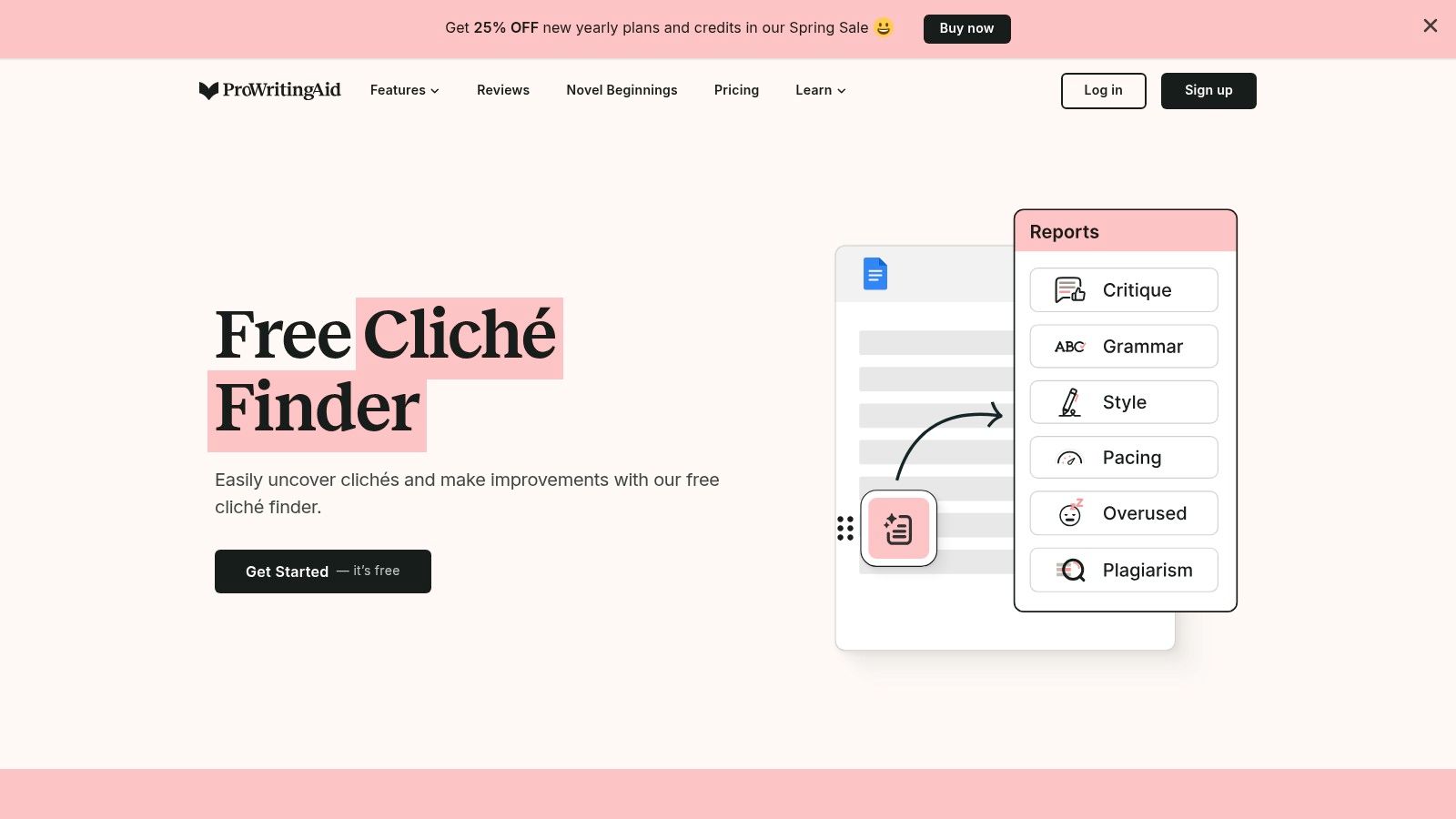
ProWritingAid takes a professional-grade approach, embedding its analysis within a powerful, full-featured writing suite. While not a standalone tool, its Clichés report is a highly effective figurative language finder for writers looking to polish their prose by identifying and replacing overused expressions. It scans for tired phrases. These are a form of figurative language that has lost its impact.
This tool shines for long-form writers and professionals who need more than a quick check. It is part of an ecosystem with over 25 distinct writing reports, covering everything from style and alliteration to pacing and sensory details. The sheer breadth of analysis is its key differentiator, placing it firmly in the professional editing category.
Core Features
- Dedicated Clichés Report: Specifically flags overused figurative phrases and clichés.
- 25+ Writing Reports: Includes checks for alliteration, style, echoes, and more.
- Broad Integrations: Works with Google Docs, Word, Scrivener, and web browsers.
- Freemium Model: The free tier allows testing the Clichés report on short texts.
Ideal Use Case & Limitations
ProWritingAid is ideal for authors, editors, and content teams who require deep, context-aware editing within their existing workflow. The integrations are its strength. However, its free version is limited to short passages (around 500 words), pushing serious users toward a premium subscription for full document analysis. It is a complete assistant, unlike single-purpose web tools.
Practical Tips
Use the Clichés report in conjunction with the Alliteration and Style reports. This combination helps you not only remove weak figurative language but also identify and refine stronger, more original creative devices in your text for a balanced effect.
- Website: ProWritingAid Cliché Finder
- Pricing: Freemium; Premium starts from $30/month (or less with annual plans).
- Access: Web-based, desktop apps, and various integrations.
8. StoryToolz – Cliché Buster
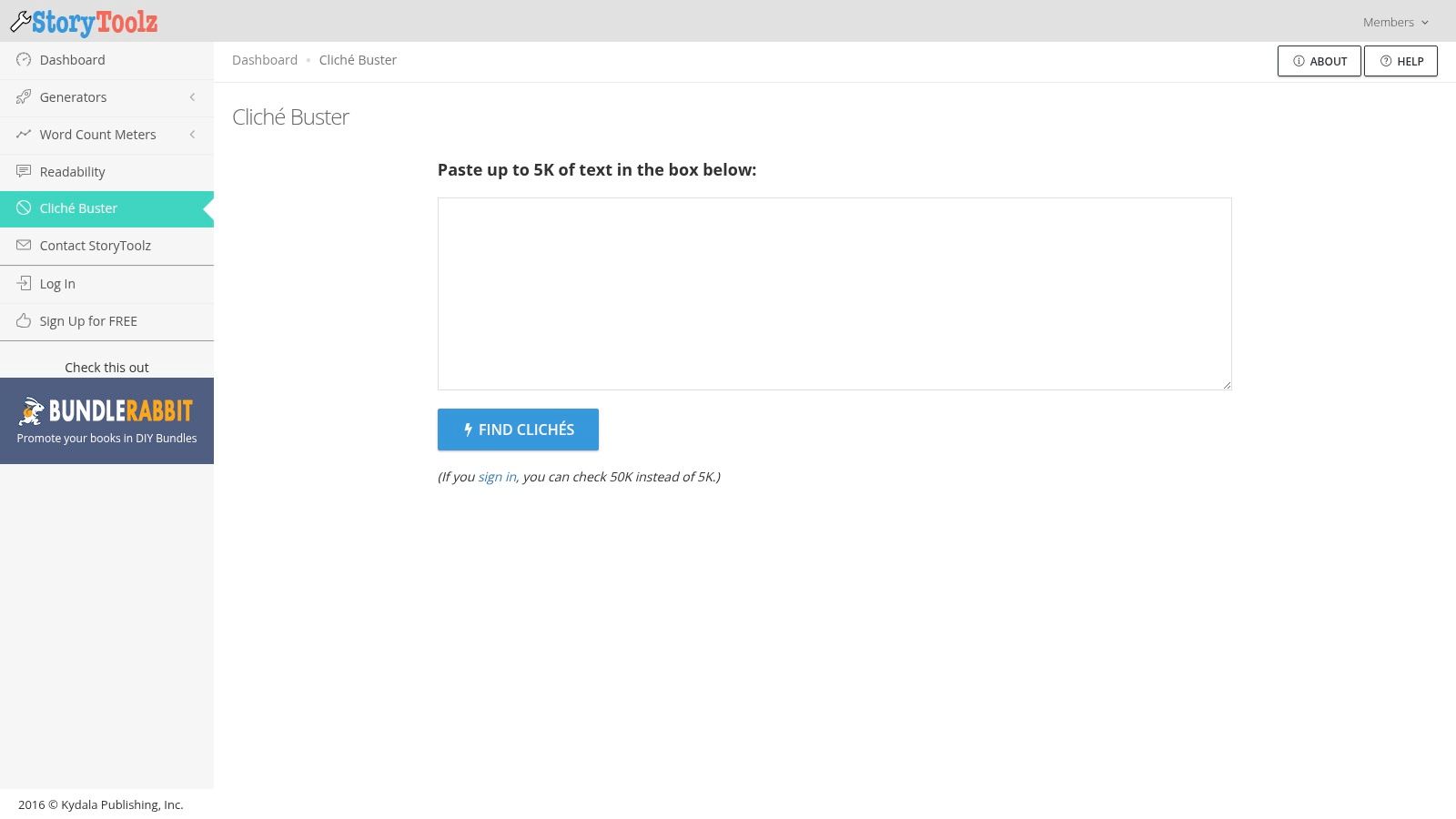
While idioms are a form of figurative language, their overuse can lead to stale writing. StoryToolz’s Cliché Buster directly targets this issue, acting as a specialized scanner to weed out tired phrases. It compares your input against its internal dictionary of nearly 2,700 common clichés and highlights them for review. It is a simple, direct approach.
This tool’s strength is its transparency. The creator openly explains the risk of false positives, where a non-cliché phrase might be flagged due to shared wording. This makes it a great educational resource for understanding the limitations of simple dictionary-based analysis, a common method in many basic text tools. It is an effective figurative language finder for a very specific purpose: cliché removal.
Core Features
- Cliché Dictionary: Scans text against a documented list of approximately 2,674 clichés.
- Transparent Process: The site explains its matching method and potential for false positives.
- Generous Limits: Allows up to 5,000 characters for guests and 50,000 for registered users.
- Simple Highlighting: Identified clichés are clearly marked for easy spotting.
Ideal Use Case & Limitations
This tool is perfect for writers, editors, and students who want to perform a quick "sanity check" on their prose to ensure originality. It's particularly helpful for identifying and replacing overused expressions in essays, blog posts, and fiction. However, its dictionary-matching approach lacks contextual understanding. It cannot distinguish between a genuine cliché and a phrase that just happens to contain the same words, so manual review of its findings is essential. This is a common challenge for many tools in the broader category of aids for creative writing.
Practical Tips
Use this tool as a second-to-last step in your editing process, just before your final proofread. Since it flags potential issues without suggesting alternatives, your creative energy is better spent on this task after the main structure and narrative are already in place.
- Website: StoryToolz Cliché Buster
- Pricing: Free
- Access: Web-based, increased limits with free registration.
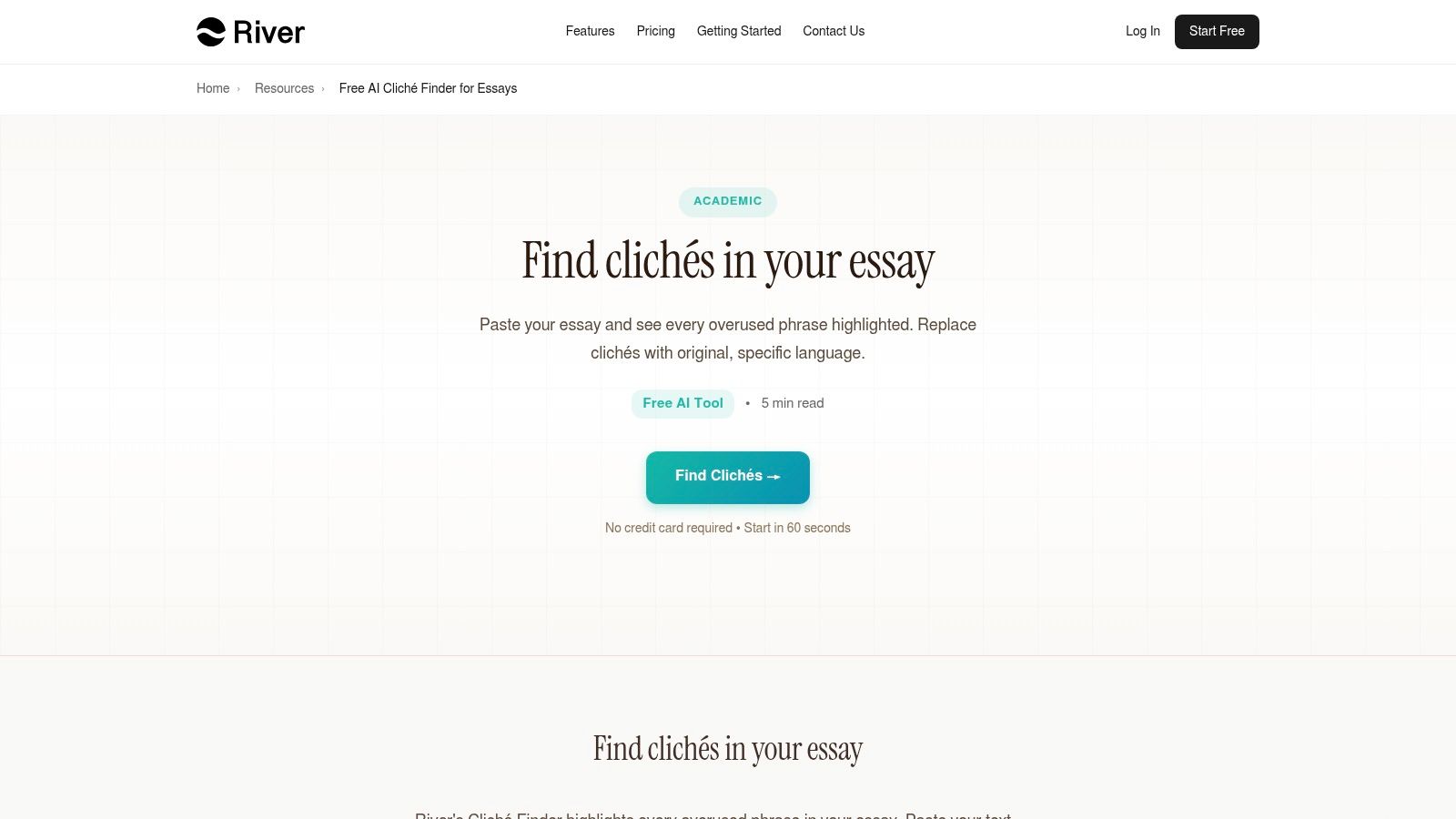
9. River Editor – Free AI Cliché Finder for Essays
River Editor's Cliché Finder takes a different approach by focusing on a specific type of figurative language: the cliché. While not a broad-spectrum analyzer, it is exceptionally good at its niche. It targets overused phrases common in academic and admissions essays, helping students refine their writing to be more original and impactful. This tool is built with a pedagogical purpose. It teaches writers why clichés weaken their arguments. It is a fantastic resource for targeted improvement.
Its standout quality is its laser focus on the admissions essay context. Instead of just flagging any idiom, it identifies phrases like "made me who I am today" or "a blessing in disguise," which are notorious red flags for admissions officers. This makes it an invaluable figurative language finder for anyone navigating the competitive world of college or scholarship applications. The tool provides clear, actionable advice for replacing tired expressions with specific, personal details.
Core Features
- Targeted Cliché Detection: Specializes in flagging clichés and idioms common in academic and application essays.
- Educational Guidance: Offers explanations for why a phrase is weak and suggests how to improve it.
- Simple Paste-and-Go Interface: Analyze between 50 and 5,000 words instantly with no signup.
- Specific Focus: Optimized for admissions-style writing, making it a unique editing asset.
Ideal Use Case & Limitations
This tool is perfect for high school students writing college essays, applicants for graduate programs, or anyone seeking to eliminate stale phrasing from their formal writing. Its primary limitation is its narrow scope. It will not identify metaphors, similes, or personification unless they happen to be part of a cliché. It should be used as a specialized polisher for clarity and originality, not as a comprehensive figurative language detector.
Practical Tips
Use River Editor as the final step in your essay editing process. After you have checked for grammar and structure, run your text through this tool to catch any lingering clichés that might undermine your voice. Pay close attention to its suggestions for adding specific examples.
- Website: River Editor Cliché Finder
- Pricing: Free
- Access: Web-based, no registration needed.
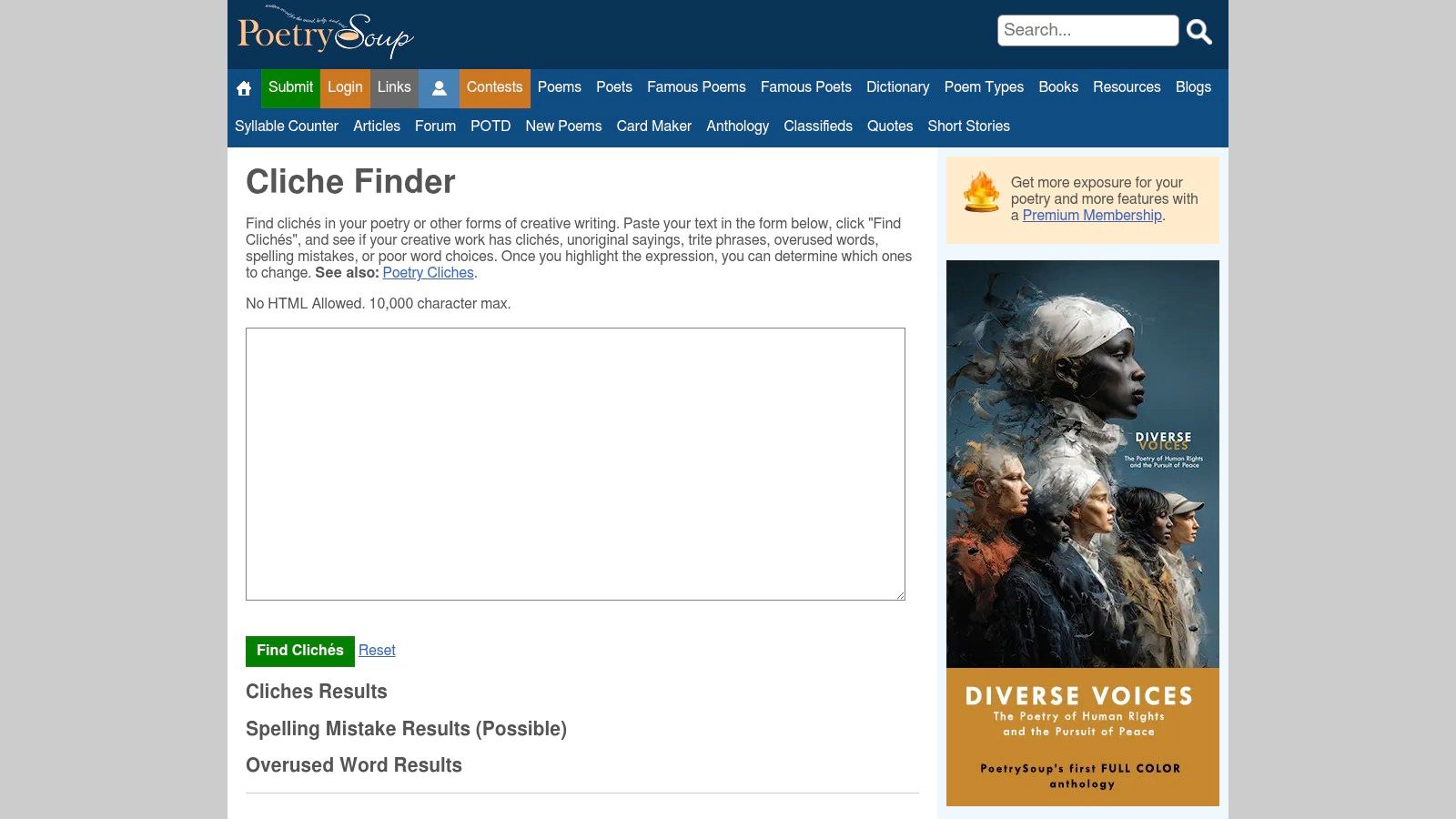
10. ClicheFinder.net – Cliché Finder
While not a traditional figurative language tool, ClicheFinder.net serves a vital, related purpose: purging your writing of overused expressions. It’s a specialized instrument designed to identify and highlight clichés, which are often metaphors or idioms that have lost their impact through overuse. This free tool is incredibly straightforward. Paste your text, click the button, and it instantly flags tired phrases. It is a necessary evil.
Its strength lies in its singular focus. By concentrating only on clichés, it acts as a perfect second pass after a broader analysis, ensuring your creative expressions are fresh, not fatigued. This makes it an essential part of any serious writer's editing process and a useful, if indirect, figurative language finder by helping you spot what to avoid.
Core Features
- Cliché Highlighting: Instantly flags overused phrases directly in your text.
- Algorithmic Detection: Uses a dictionary of known clichés combined with its own algorithm.
- Minimalist Interface: Simple paste-and-go functionality with no distractions.
- Zero Friction: No account, registration, or payment is required for use.
Ideal Use Case & Limitations
This tool is perfect for bloggers, copywriters, and creative writers who want to polish their final drafts and ensure their language feels original. It is the digital equivalent of a seasoned editor sighing, "you can do better than that." Its dictionary-based approach, however, means it can miss newer or more subtle clichés. Think of it as a helpful guardrail. It is not a complete solution.
Practical Tips
Use ClicheFinder.net after you've completed your creative and structural edits. Run your text through it as a final "freshness check" to catch any lazy phrases that slipped through. Don't blindly accept every suggestion; sometimes a cliché is used intentionally for effect.
- Website: ClicheFinder.net
- Pricing: Free
- Access: Web-based, no registration needed.
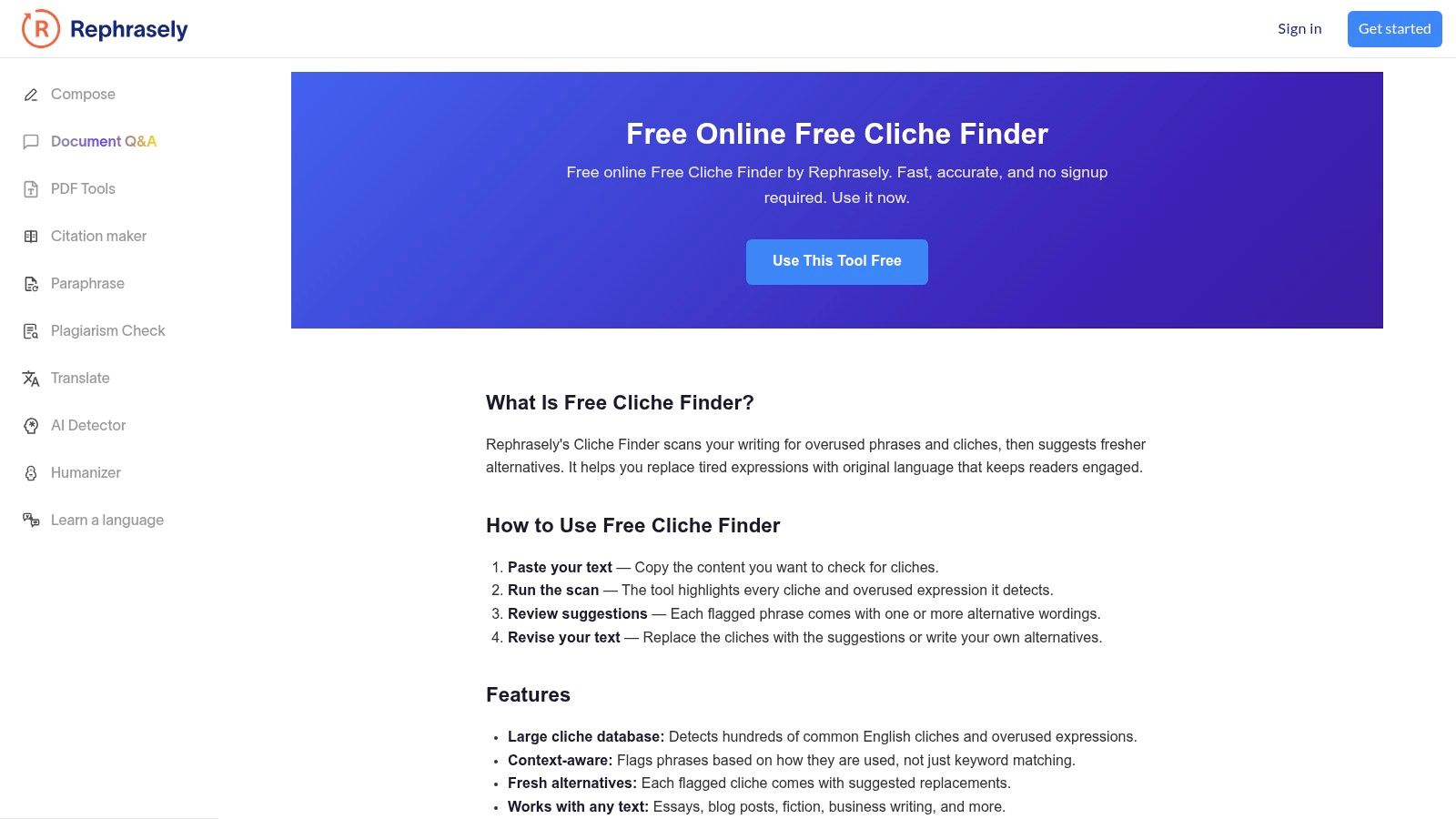
11. Rephrasely – Free Cliché Finder
While not a direct figurative language detector, Rephrasely’s Free Cliché Finder is a vital tool for writers looking to refine their prose. Its core function is to identify and flag overused phrases, which often overlap with tired metaphors and idioms. You paste your text, and the tool highlights clichés, offering instant rewrite suggestions to make your writing fresher and more original. It is an excellent final-pass editor.
This tool’s value lies in its specific focus. By targeting clichés, it helps writers eliminate weak figurative language, making it an indirect but powerful figurative language finder for purification purposes. The immediate, actionable suggestions are perfect for marketers, students, and content creators who need to quickly improve the impact of their copy. It sharpens your creative edge.
Core Features
- Cliché Identification: Highlights overused and unoriginal phrases in your text.
- Rewrite Suggestions: Provides instant, one-click alternatives for flagged clichés.
- Context-Aware Analysis: Claims to go beyond simple keyword matching for better accuracy.
- Unlimited Use: No stated word limits or usage caps, and no signup is necessary.
Ideal Use Case & Limitations
Rephrasely is ideal for writers in the final editing stages who want to polish their work and ensure originality. It is particularly useful for blogging, ad copy, and academic essays where fresh language is key. Its primary limitation is its narrow scope. It will not identify original metaphors or personification; it only targets phrases that have lost their impact through overuse. Think of it as a creative writing sharpener. Not a broad-spectrum analyzer.
Practical Tips
Use this tool after you have run your text through a broader figurative language detector. First, identify the creative devices you have used, then use Rephrasely to check if any of them have devolved into clichés. This two-step process ensures both creativity and originality.
- Website: Rephrasely – Free Cliché Finder
- Pricing: Free
- Access: Web-based, no registration needed.
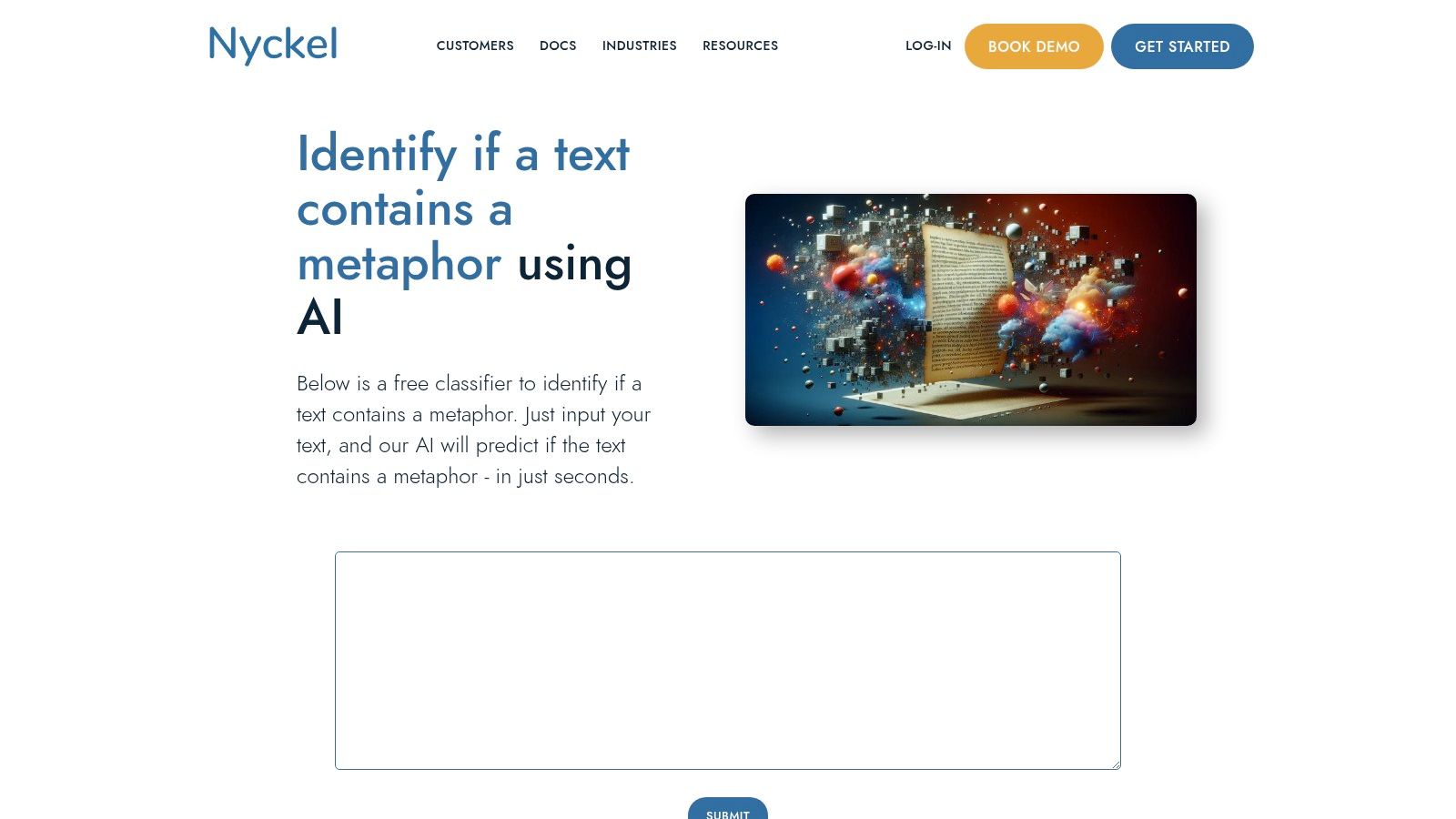
12. Nyckel – Pretrained "Contains a Metaphor" Classifier (API + Demo)
Nyckel moves beyond simple text analysis and into the realm of production-grade integration. It offers a pretrained machine learning model specifically designed to classify whether a piece of text contains a metaphor. This is not for a quick homework check. This is for developers building applications.
Its main strength is its focus on API-first delivery, allowing builders to embed metaphor detection directly into their products, content moderation workflows, or large-scale textual analysis pipelines. The platform provides a simple browser demo to test its capabilities and a clear path to get API keys for scalable use. It's a specialized figurative language finder for technical applications.
Core Features
- Pretrained Metaphor Classifier: A focused model that returns a binary result (metaphor/no-metaphor) with a confidence score.
- API Access: Production-ready API for integrating metaphor detection into software applications.
- Custom Training: Allows users to train their own classifiers on custom datasets for other figurative language types.
- Integration Options: Supports direct API calls and connections through platforms like Zapier.
Ideal Use Case & Limitations
Nyckel is built for developers, data scientists, and product managers who need to programmatically identify metaphorical language. Think of analyzing customer feedback for sentiment or enriching a content database. The primary limitation is its binary nature. The default model only flags the presence of a metaphor, not its specific location or type. Expanding this requires developer effort to train new models, a core part of modern NLP solutions.
Practical Tips
Use the free web demo to test the model's accuracy on your specific type of text before committing to an API integration. If you need to detect similes or other devices, you can use Nyckel’s platform to train a custom model with your own labeled examples.
- Website: Nyckel "Contains a Metaphor" Classifier
- Pricing: Free demo and free tier for API access; paid plans for higher volume.
- Access: Web-based demo and API.
Figurative Language Finder — 12-Tool Comparison
| Tool | Core features ✨ | Target audience 👥 | Unique edge & price 🏆💰 | Quality / UX ★ |
|---|---|---|---|---|
| Crosspostify – Figurative Language Checker | ✨ Detects many device types, instant in-text highlights, per-type counts | 👥 Writers, teachers, editors | 🏆 Broad device coverage; 💰 Free, no signup | ★★★★☆ — fast, may over-flag |
| LingoBright – Figurative Language Calculator | ✨ Identifies common devices, gives a figurative-language score + explanations | 👥 Students, creators, classrooms | 🏆 Score + educational notes; 💰 Free | ★★★☆☆ — beginner-friendly |
| GPT Seeks Tool – Figurative Language Checker | ✨ Counts/highlights similes, metaphors, personification; color-coded | 👥 Students, teachers, light analysis | 🏆 Color-coded clarity; 💰 Free, one-click | ★★★★☆ — very easy to use |
| ClickaTools – Figurative Language Checker | ✨ Totals & density metrics, breakout by device, lightweight UI | 👥 Editors, revision-focused writers | 🏆 Data-style summaries for revision; 💰 Free | ★★★☆☆ — minimal, fast checks |
| UndetectAI – Figurative Language Checker | ✨ Detects several devices, instant results, examples & guidance | 👥 Students, teachers, ESL learners | 🏆 Educational guidance; 💰 Free (part of vendor site) | ★★★★☆ — clear, quick |
| Idiomator – Multilingual Idiom Resource & Extractor | ✨ Multilingual idiom DB + idiom extractor, community contributions | 👥 ESL learners, localizers, teachers | 🏆 Focused idiom coverage; 💰 Free, open DB | ★★★☆☆ — niche, evolving extractor |
| ProWritingAid – Cliché Finder (Writing Reports) | ✨ Dedicated clichés report within 25+ writing checks; integrations | 👥 Authors, teams, professional editors | 🏆 Comprehensive suite & integrations; 💰 Freemium → Paid premium | ★★★★☆ — robust, limited free tier |
| StoryToolz – Cliché Buster | ✨ Scans ~2,674 clichés, explains false-positive risks | 👥 Fiction writers, teachers | 🏆 Transparent behavior notes; 💰 Free (login extends limits) | ★★★☆☆ — simple dictionary matching |
| River Editor – Free AI Cliché Finder for Essays | ✨ Essay-focused cliché detection, replacement guidance | 👥 Students, admissions coaches | 🏆 Tailored to essays + step-by-step fixes; 💰 Free | ★★★★☆ — pedagogical, essay-optimized |
| ClicheFinder.net – Cliché Finder | ✨ Phrase dictionary + algorithm highlights clichés | 👥 Bloggers, copywriters, quick editors | 🏆 Very quick, minimal friction; 💰 Free | ★★★☆☆ — fast but dictionary-limited |
| Rephrasely – Free Cliché Finder | ✨ Flags clichés and suggests alternatives, unlimited use | 👥 Marketers, students, quick rewriters | 🏆 Unlimited free suggestions; 💰 Free | ★★★★☆ — practical, vendor-bundled |
| Nyckel – Pretrained "Contains a Metaphor" Classifier (API + Demo) | ✨ Pretrained metaphor classifier, confidence score, API + training | 👥 Developers, founders, product teams | 🏆 Production-ready API + custom training; 💰 API pricing (paid) | ★★★★☆ — scalable, binary outputs |
Choosing Your Finder: From Quick Checks to Integrated Workflows
The journey to finding the right figurative language finder ends here, but your implementation journey is just beginning. We've analyzed everything from simple, free cliché busters like StoryToolz to powerful, API-driven solutions like Nyckel’s metaphor classifier. The core takeaway is clear. Your choice depends entirely on your specific workflow, technical skill, and desired outcome. There is no single "best" tool for everyone.
For marketers and content creators needing a quick audit, browser-based tools like Crosspostify’s checker offer immediate value without any setup. You paste your text. You get results. It is a straightforward process designed for speed. However, for editors and academic users, a more robust solution like ProWritingAid provides deeper analysis, integrating cliché detection within a full suite of writing reports. This integrated approach is far more efficient than jumping between multiple single-purpose websites.
Developers and product leaders face a different calculation. The decision isn't just about finding metaphors; it’s about what to do with them. Do you need a tool for a one-off data cleaning project, or are you building a feature that requires a scalable, reliable API? For the latter, a customizable machine learning model or a dedicated API like Nyckel’s is the only logical path. This allows you to build figurative language detection directly into your applications, NLP pipelines, or content management systems. The upfront effort is higher, but the long-term automation potential is significant. I once spent a week trying to jury-rig a web scraper for a free tool to process a large dataset. A single API call would have done the job in minutes. The lesson was expensive but valuable.
Ultimately, selecting a figurative language finder comes down to balancing three key factors:
- Accuracy vs. Scope: Does the tool find a wide range of figures of speech, or does it excel at one specific type, like clichés or metaphors? A general tool might miss subtle examples, while a specialized one provides precision.
- Integration vs. Simplicity: Do you need a simple copy-paste interface for occasional checks, or do you require an API that can be integrated into your existing software stack for continuous, automated analysis?
- Cost vs. Customization: Are you operating on a zero budget, or can you invest in a paid tool that offers higher accuracy, better support, and more advanced features like model training?
Start by defining your primary use case. Pinpoint your biggest friction point. Is it catching overused phrases in blog posts, or is it programmatically analyzing user reviews for sentiment expressed through metaphors? Once you have that answer, revisit the tools in this list. Your ideal solution is waiting. The power is no longer just in writing eloquently; it's in understanding language at scale.
Searching for the right AI tools can be a job in itself. Oryndex centralizes the search, offering a curated and searchable library of AI solutions for developers, marketers, and founders. Instead of sifting through countless websites, find the perfect tool for your next project, including advanced NLP and content analysis solutions, at Oryndex.