
Krisp Noise Cancellation: The 2026 Guide for Flawless Audio

Matic Pogladič
31 March 2026

Krisp is an AI-powered application that filters your audio in real time. It acts as a smart layer between your microphone and your meeting software to isolate your voice and eliminate all background noise. This ensures you are the only thing people hear on a call.
For anyone working remotely or in a busy office, that is a necessity.
What Is Krisp and Why Does It Matter?
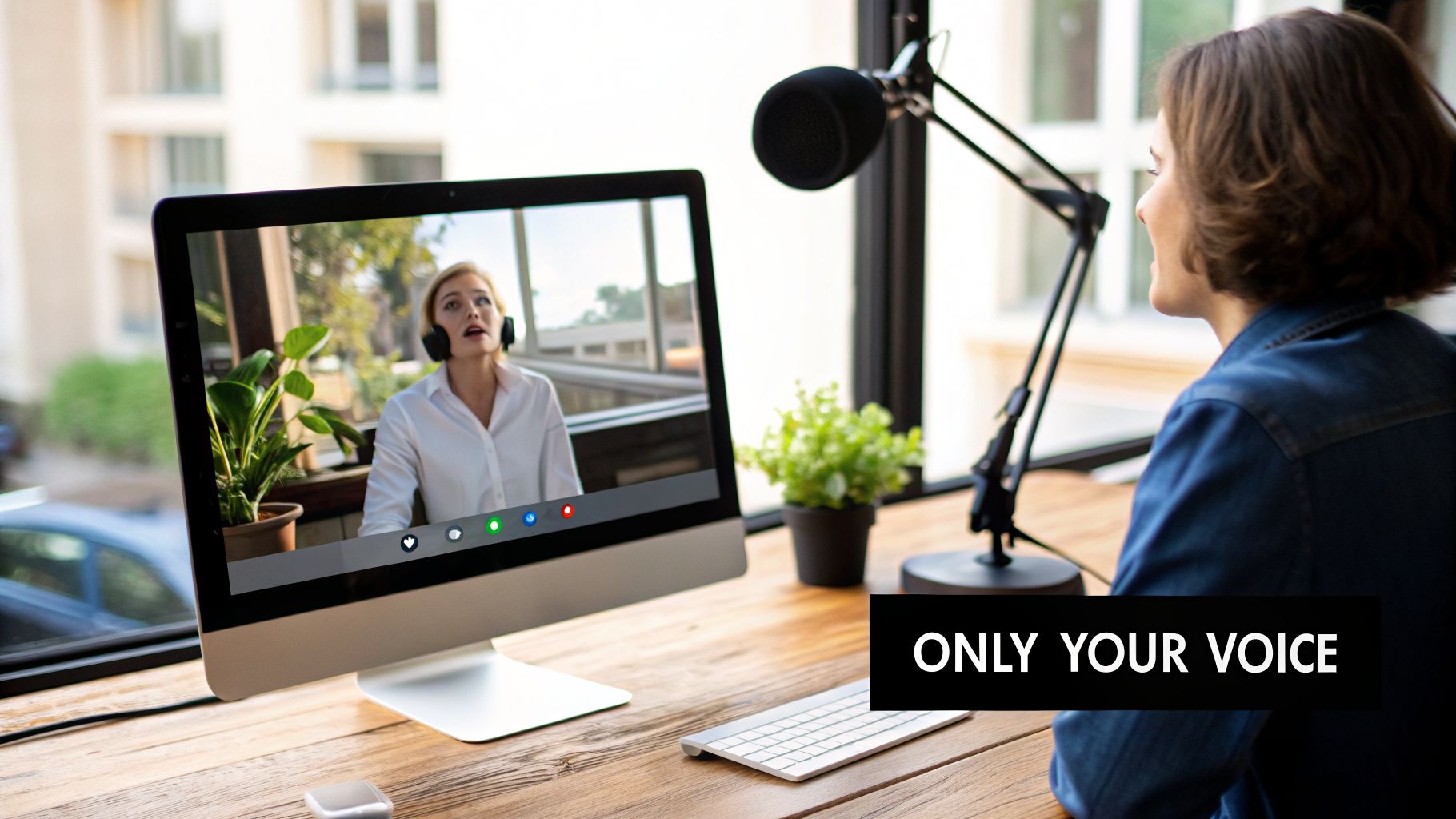
Picture this scenario. You are on a crucial call with a potential investor, and your neighbor decides it is the perfect moment to start a major construction project. Or maybe the dog starts barking wildly. We have all been there. These moments do not just interrupt the flow; they can make you appear unprofessional and unprepared.
This is the exact problem Krisp was designed to solve. But it is not just another noise gate or a simple filter. This is deep learning put to practical use.
To give you a clear overview, here’s a quick summary of what Krisp brings to the table.
Krisp AI at a Glance
| Feature | Description | Performance Metric |
|---|---|---|
| Noise Cancellation | Removes background noises (e.g., clicks, barking, traffic) from your microphone's audio stream in real time. | Eliminates over 1,000 noise types. |
| Voice Cancellation | Filters out other human voices in the background, ensuring only your voice is transmitted. | Isolates the primary speaker's voice with high fidelity. |
| Echo Cancellation | Removes room and acoustic echo, preventing the other person from hearing their own voice back. | Works on both sides of the call. |
| Local Processing | All audio processing happens directly on your device, not in the cloud. | 100% on-device processing ensures privacy. |
This table highlights how Krisp provides a complete audio clarity solution. It moves beyond simple noise reduction. All while prioritizing user privacy.
How Krisp Intelligently Cleans Your Audio
At its core, Krisp uses a sophisticated AI model trained on thousands of hours of audio. This immense dataset has taught the system to perfectly distinguish the nuanced patterns of human speech from nearly every other imaginable sound.
Think of it as a highly trained bouncer for your audio stream.
- Your voice is the VIP on the list and gets waved right through.
- Everything else, like keyboard clatter, cafe chatter, and sirens, is politely but firmly stopped at the door.
This is not just marketing hype. I once had a major investor demo completely salvaged by Krisp when my smoke alarm decided to start its low-battery chirp. No one on the other end heard a thing. Because the processing happens locally on your machine, it is incredibly fast and, more importantly, completely private.
It's More Than Just Muting the Background
Here is where Krisp truly separates itself from the competition. Many noise-cancellation tools are overly aggressive. They cut out background sounds, but they also tend to crush your voice in the process, leaving you sounding robotic, distant, or compressed.
Krisp’s AI is trained to do the opposite. It surgically removes the noise while preserving the natural tone and richness of your voice. You still sound like you.
For founders, operators, and distributed teams, this makes a huge difference. It means every single call, demo, and team sync is free from audio distractions without sacrificing professionalism. You gain clarity without losing that human element.
The goal is not absolute silence, but perfect clarity. Krisp’s ability to isolate your voice while maintaining its natural quality is what sets it apart. It removes the distractions without removing the humanity from the conversation.
Ultimately, Krisp solves a fundamental problem in how we work today. With teams spread across cities and continents, clear communication has become a non-negotiable part of daily operations. By making sure your voice is heard perfectly every time, Krisp eliminates a major source of friction. It lets everyone focus on what matters.
How Krisp Creates Such Impressive Voice Clarity
So, how does Krisp manage to silence a barking dog or a bustling café with such precision? It’s not just a simple filter. The real power comes from a sophisticated AI model built on Deep Neural Networks (DNNs), which are complex algorithms trained to function a lot like the human brain.
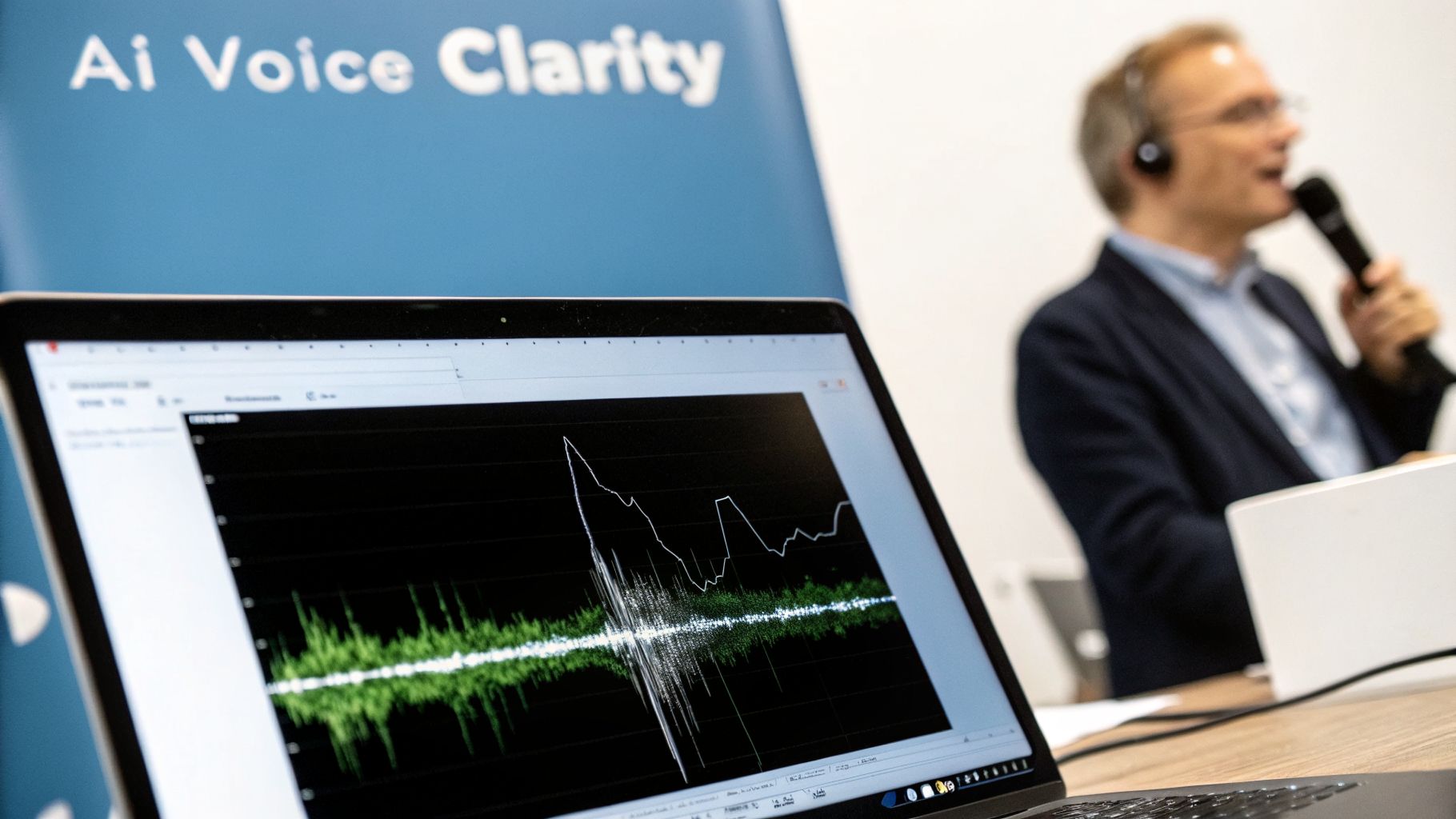
Think of it as putting an AI through an incredibly intense listening bootcamp. The model was fed thousands of hours of audio, covering everything from crystal-clear speech to every distracting sound you can imagine. Keyboard clatter. Crying babies. Street traffic. Through this massive training data, the AI learned to pinpoint the unique acoustic patterns of the human voice, becoming an expert at separating it from everything else.
This allows the model to make near-instant predictions. It isolates your voice and lets it pass through while actively suppressing the rest. It’s a fundamentally different approach than old-school noise gates that just cut out low-volume sounds.
The Power of Local Processing
This brings us to a critical point for any modern tool: data privacy. This is one area where Krisp’s design philosophy really stands out.
All audio processing for Krisp’s noise cancellation happens locally on your device. Your voice data is never uploaded to a server, stored in the cloud, or used for analysis. This commitment to on-device processing means your conversations stay private. Period.
Running the AI locally also delivers a huge performance benefit. There is virtually no lag. The noise is stripped out in real-time, so conversations feel natural and do not suffer from awkward delays.
A Dual Model for Total Audio Control
Where the technology gets truly impressive is in its dual-model system, a design that goes far beyond basic background filters. The SDK powering this offers best-in-class performance, achieving its separation of voice and noise with a minimal 15ms latency. That figure has helped the company attract significant attention and funding, as noted by sources like TechCrunch.
Here’s a breakdown of how the two models work in tandem:
- Noise Cancellation (NC): This is the first layer. It tackles all non-human background sounds. Think of it as the bouncer that blocks keyboard clicks, air conditioners, and construction noise from getting into your call.
- Background Voice Cancellation (BVC): This second model solves a problem anyone in an open office or co-working space knows well: nearby conversations. The BVC model is smart enough to identify other people's voices and mute them, ensuring only your voice is heard.
This two-pronged approach is what makes Krisp so effective in the real world. It does not just clean up your audio. It essentially creates a virtual sound booth around you, no matter where you are. If you’re curious how this stacks up against other tools, you can explore our full guide on noise cancellation solutions to compare features.
Measuring Real-World Performance and Productivity Gains
Talk is cheap. Any software can promise a better experience, but as founders and operators, we need to see tangible results. The true value of Krisp’s noise cancellation isn’t just about sounding a bit clearer. It is about how that clarity impacts the bottom line in messy, real-world situations.
Take, for example, a massive call center with 40,000 employees. They did not adopt Krisp for fun; they did it to cut down on noise complaints and improve agent performance. The outcome was straightforward. Clearer communication led directly to a better customer experience and more efficient operations. That is a measurable win.
The sudden shift to remote work during the pandemic put this to the ultimate test. As teams scattered to their homes, the need for clean audio was not a luxury, it was a necessity. This is why Krisp exploded from zero to over 600 paying enterprise customers in just one year. The market had an urgent problem, and Krisp was the solution. You can dig into the specifics of this market shift in recent reports on the online audio noise reduction system market.
The ROI of Sounding Like You Mean Business
For startups and smaller teams, the return on investment from Krisp is immediate. It is not just a nice-to-have gadget; it’s a core part of your operational toolkit that sharpens your professional image from day one.
Think about it. Fewer miscommunications mean less time spent repeating yourself and fixing preventable mistakes. Meetings become shorter and more decisive, giving your team back valuable time for deep work. Every external call, from a critical sales demo to that first investor pitch, sounds consistently professional. It makes your entire operation sound organized.
Here is a thought that might seem counter-intuitive. The goal is not perfect, sterile silence. The real magic of Krisp's AI is its ability to isolate your voice while preserving its natural human quality. Many filters make you sound robotic and distant, but Krisp keeps the richness and tone that build trust and connection.
This focus on natural voice clarity is what makes it feel less like a tool and more like an invisible advantage. It just works. It quietly removes one of the biggest frustrations of remote work.
Tying Clarity to a Productivity Boost
While it can be tricky to calculate a precise dollar-for-dollar ROI, you can easily see its impact on key business activities. Consider where Krisp delivers measurable value every single day:
- Sales and Demos: A sales rep can confidently take a call from a noisy conference floor or their home office without a screaming toddler derailing the conversation. This flexibility means more opportunities to connect with prospects.
- Customer Support: When agents are not battling background noise, they can provide clearer instructions and sound more empathetic. This directly improves customer satisfaction scores and helps resolve issues faster.
- Team Collaboration: For distributed teams, clear audio means fewer interruptions during important syncs. Critical brainstorming and planning sessions stay on track, which keeps projects moving forward.
By eliminating a constant, low-level source of stress from every conversation, Krisp frees up mental energy for the work that actually matters. It's one of those essential tools that quietly makes the whole team more effective. For more ideas on this, check out our other guides on productivity tools for modern teams.
How to Weave Krisp Into Your Daily Workflow
The real beauty of Krisp lies in how easily it slots into your existing setup. It is designed to function as a virtual audio device. Think of it as a smart filter that sits between your actual microphone and whatever app you are using. This clever design is what makes it so universally compatible.
Getting it running is incredibly simple. You download and install the app, and once it's active, your computer suddenly sees a new microphone and speaker option.
Selecting Krisp in Your Favorite Apps
Now, you just need to tell your communication apps to use Krisp. In Zoom, for instance, you would pop into the audio settings and choose "krisp Microphone" and "krisp Speaker" from the dropdowns. The process is identical for Google Meet, Slack, and just about any other tool you can think of.
You only have to do this once per app. After that, it just works. It’s a classic "set it and forget it" tool that runs quietly in the background.
This screenshot shows a typical audio settings panel. You would click the dropdown menus for your microphone and speaker, and simply select Krisp.
That one small tweak reroutes all audio through Krisp's AI. The app intercepts the raw sound, scrubs it clean, and then passes the crystal-clear result to everyone else on your call.
Troubleshooting Common Setup Snags
While the setup is usually seamless, you might hit a small bump. If Krisp does not appear as an audio option right after installation, the oldest trick in the book almost always works. Just restart the Krisp app and your meeting software. This forces them to re-scan for available audio devices.
Most other issues are just as easy to fix. Here are a few I've seen pop up:
- No Audio at All: The most common culprit is only selecting Krisp for your microphone or your speaker, but not both. Make sure it's set for both input and output in your meeting app.
- Voice Sounds Robotic or Muffled: Check that the "Remove Noise" toggle is actually switched on inside the main Krisp application. Sometimes it can be selected in Zoom but disabled in the app itself.
- High CPU Usage: This is uncommon on modern machines, but if your computer feels sluggish, start by closing any background apps you don't need. You can also turn off the speaker-side noise cancellation if you only care about cleaning your own audio.
Because Krisp integrates with over 800 different communication apps, it effectively adds a universal layer of clarity to your entire digital toolkit. If you're looking to pair it with other great software, our complete guide to video conferencing tools is a great place to find your perfect setup.
Krisp vs. Competitors: A Direct Comparison
So, how does Krisp actually stack up against the noise cancellation built right into apps like Zoom or Microsoft Teams? While those native filters have certainly gotten better, Krisp still holds a clear edge. Think of it as a dedicated specialist versus a generalist feature built into a larger platform.
You can hear the difference almost immediately. The built-in filters are decent at handling predictable, low-level background noise. The hum of an air conditioner. A distant fan. Where they fall apart is with sudden, sharp sounds. A dog barking, your mechanical keyboard clacking away, or a siren wailing past your window can often slip through. Krisp’s AI was specifically trained on thousands of hours of these chaotic, real-world noises, allowing it to surgically remove them without making your voice sound robotic.
This simple setup process is one of its biggest selling points. You install it once, and it just works across all your apps.
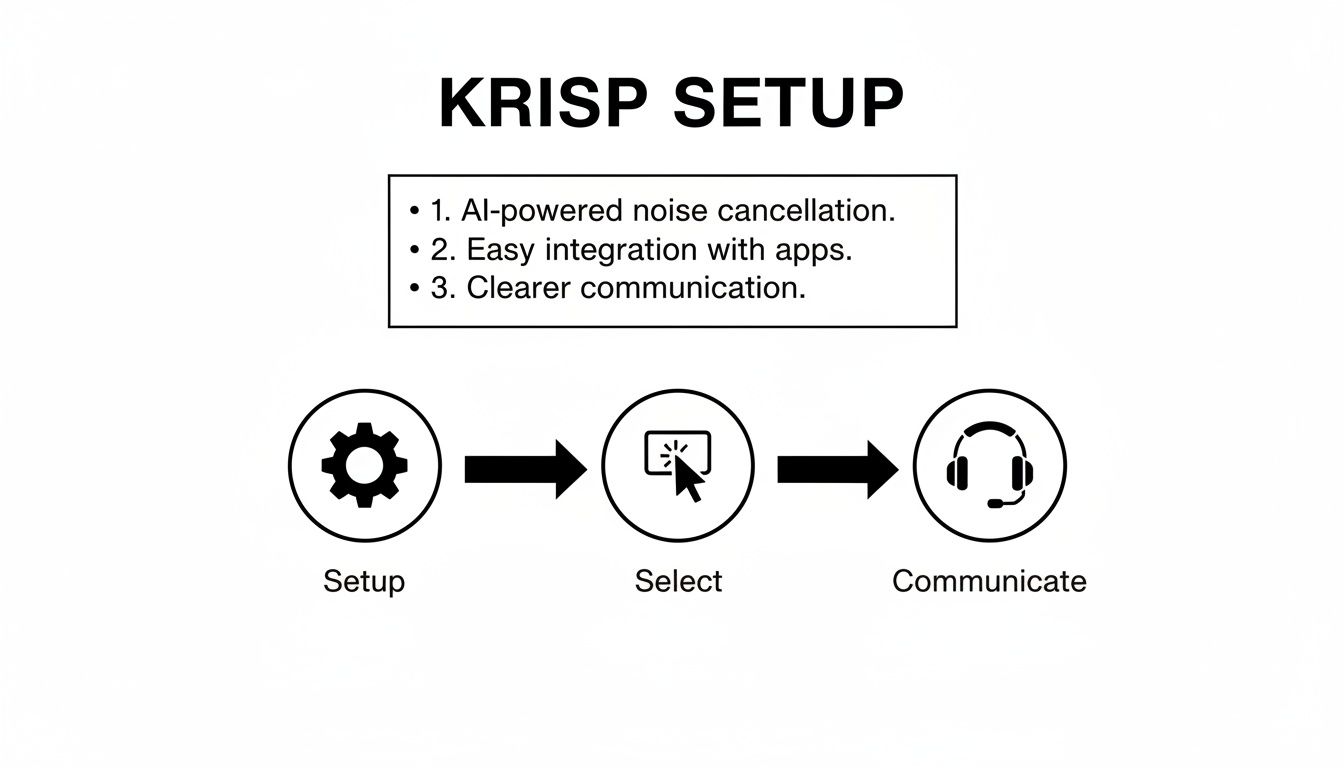
As the graphic shows, its power lies in its simplicity and universal application. This is a key reason so many teams adopt it.
Is Krisp Better Than Zoom's Noise Cancellation?
For anyone who relies on clear communication for their job, the answer is a firm yes. While Zoom’s “High” suppression setting is aggressive, it often comes at a cost. It can clip the beginning or end of your sentences and leave your voice sounding thin and overly processed. Krisp’s real talent is preserving the natural, rich tone of your voice, which is crucial for building rapport on a sales call or leading a team meeting effectively.
Plus, Krisp has a killer feature that native solutions just can't match. Background Voice Cancellation. It actively identifies and removes the sound of other people talking nearby. This is absolutely critical for anyone working in an open office, a busy home with family around, or a shared coworking space.
This demand for pro-level audio is fueling serious market growth. Recent forecasts show the noise cancellation software sector is set to grow by an impressive USD 1.9 billion between 2023 and 2029, with Krisp Technologies positioned as a dominant player. You can find more analysis on this market trend at einpresswire.com.
A Head-to-Head Feature Breakdown
To put things in perspective, let’s look at a direct comparison. This table breaks down how Krisp stacks up against the most common alternatives you are likely considering.
Krisp vs. Native and Software Alternatives
| Feature | Krisp | Native App Solutions (Zoom/Teams) | NVIDIA Broadcast |
|---|---|---|---|
| Suppression Quality | Excellent; handles sudden and variable noises effectively. | Good for constant, low-level noise; struggles with irregular sounds. | Excellent; but requires specific hardware. |
| CPU Usage | Low; optimized for minimal impact on most machines. | Minimal; integrated directly into the application. | High; requires a powerful NVIDIA RTX GPU to run smoothly. |
| Compatibility | Universal; works with over 800 apps. | Limited to its specific platform (e.g., Zoom only works in Zoom). | Works with most apps but is hardware-dependent. |
| Key Differentiator | Background Voice Cancellation and universal compatibility. | Convenience and zero cost. | AI-powered video effects (e.g., background blur, eye contact). |
The takeaway here is pretty clear. Native, built-in solutions are fine for casual chats. But for professionals and teams where audio clarity has a direct impact on business outcomes, a dedicated tool like Krisp is a far more reliable and powerful solution.
NVIDIA Broadcast is a very strong competitor, but its biggest limitation is that it only runs on specific NVIDIA RTX graphics cards. Krisp’s hardware-agnostic design makes it a much more accessible and scalable choice for organizations with diverse hardware.
A great tool that pairs well with Krisp is an AI meeting assistant for automated notes, like Fireflies.ai. If you want to see how that works, check out our detailed review of Fireflies.ai.
Is Krisp Worth the Investment for Your Team?
For any team that lives on calls and values clear, professional communication, the answer is a resounding yes. Krisp is one of those rare tools that solves a universal problem with almost no friction. It is less of a software purchase and more of an investment in pure clarity.
The benefits are not just theoretical; they show up immediately. Fewer "Can you repeat that?" moments mean less wasted time and fewer misunderstandings. Meetings become shorter and more focused, and every client-facing call projects an image of competence and polish.
It’s not just another nice-to-have app. In a world where your team is spread out, clear audio is a competitive edge. It cuts down on the small, daily frictions that slow everyone down, allowing your team to communicate with authority.
So, what is the final verdict? Krisp feels like an essential utility for any modern business. It’s a simple, powerful change that delivers an immediate and noticeable improvement across the entire organization. The ability to sound professional from anywhere, a busy home, a coffee shop, a coworking space, is a real differentiator.
Of course, any tool that processes audio naturally brings up questions about security. Understanding how these tools handle your data is critical. To dig deeper into this, our guide on Privacy & Compliance solutions offers valuable context for building a tech stack that is both effective and secure.
Frequently Asked Questions
When people first hear about Krisp, a few key questions always come up. Let's tackle them head-on so you know exactly what to expect when it comes to privacy, performance, and features.
Does Krisp record or store my audio?
No, Krisp does not record or store your audio. Krisp was built on the principle that all audio processing happens 100% on your local device. This is the most important question and the answer is a firm no.
Your voice never travels to a server for analysis. It is processed right there on your computer and then sent to your meeting app. This on-device approach means your conversations stay yours. Private and secure. It is a fundamental part of their design.
Will Krisp Slow Down My Computer?
It’s easy to assume that powerful AI needs a powerful machine, but Krisp is surprisingly lightweight. The software is highly optimized to have a minimal footprint on your CPU.
You can run it in the background during long video calls without a second thought. It will not cause that frustrating lag or fan noise you might get from other resource-hungry apps. It just works.
A common misconception is that powerful AI requires a powerful computer. Krisp proves that optimized software can deliver professional-grade results without draining your system's resources, making it accessible for everyone on your team.
Is Krisp Free to Use?
Yes, you can get started for free. Krisp has a free plan that gives you a daily allowance of noise-free minutes. It’s the perfect way to try it out and see the magic for yourself on a few important calls.
For those who are constantly on calls, like remote workers, sales teams, or support agents, the paid plans are the way to go. Upgrading gets you:
- Unlimited noise cancellation across all your apps.
- Team management features to handle multiple users.
- Centralized billing for simple, one-off payments.
This makes it easy to scale from a single user to an entire company without any headaches.
Can Krisp Remove Other People's Voices?
Yes, and this feature is incredibly useful. It is called Background Voice Cancellation, and it is specifically trained to isolate your voice from other conversations happening around you.
Think about it. The chatter in a busy café. Your family talking in the next room. Colleagues sitting right next to you in an open office. Krisp can filter them out, ensuring your clients or teammates only hear you. It is extremely effective in real-world messy environments.
At Oryndex, we help you find the best AI tools to build and scale your business. Stop wading through endless vendor websites and get curated, practical recommendations. Discover your next essential tool at https://oryndex.co.