
10 Best AI Tools for Content Creation for 2026

Matic Pogladič
13 April 2026

Most lists of the best ai tools for content creation make the same mistake. They rank shiny features instead of asking a harder question: where does this tool save real work inside a content workflow? The best choice depends on the job. Jasper is strong for brand-controlled writing, Surfer helps shape search-focused articles, Canva speeds up design, and Descript is one of the fastest ways to turn recordings into publishable clips.
That’s the practical answer.
Most “best of” posts are affiliate pages with screenshots and recycled claims. This isn’t that. The tools below are useful because they remove bottlenecks that show up every week in real teams: blank-page drafting, SEO coordination, creative production, video editing, training content, and repurposing. I’m also skeptical of the usual advice to buy one all-in-one suite and force your team into it. That creates new friction.
The better approach is narrower. Pick the tool that does one expensive job well, then connect it to the rest of your stack.
ChatGPT still anchors many writing workflows. In 2025, it led AI tool adoption for content creation with 66% usage among content professionals, while Google’s Gemini was at 32%, according to Kontent.ai’s survey of professional AI tool use in 2025. That matters because many teams don’t need novelty first. They need a reliable baseline for ideation, outlines, rewrites, and summaries.
If your focus is social distribution after creation, this guide pairs well with these best AI social media management tools.
1. Jasper
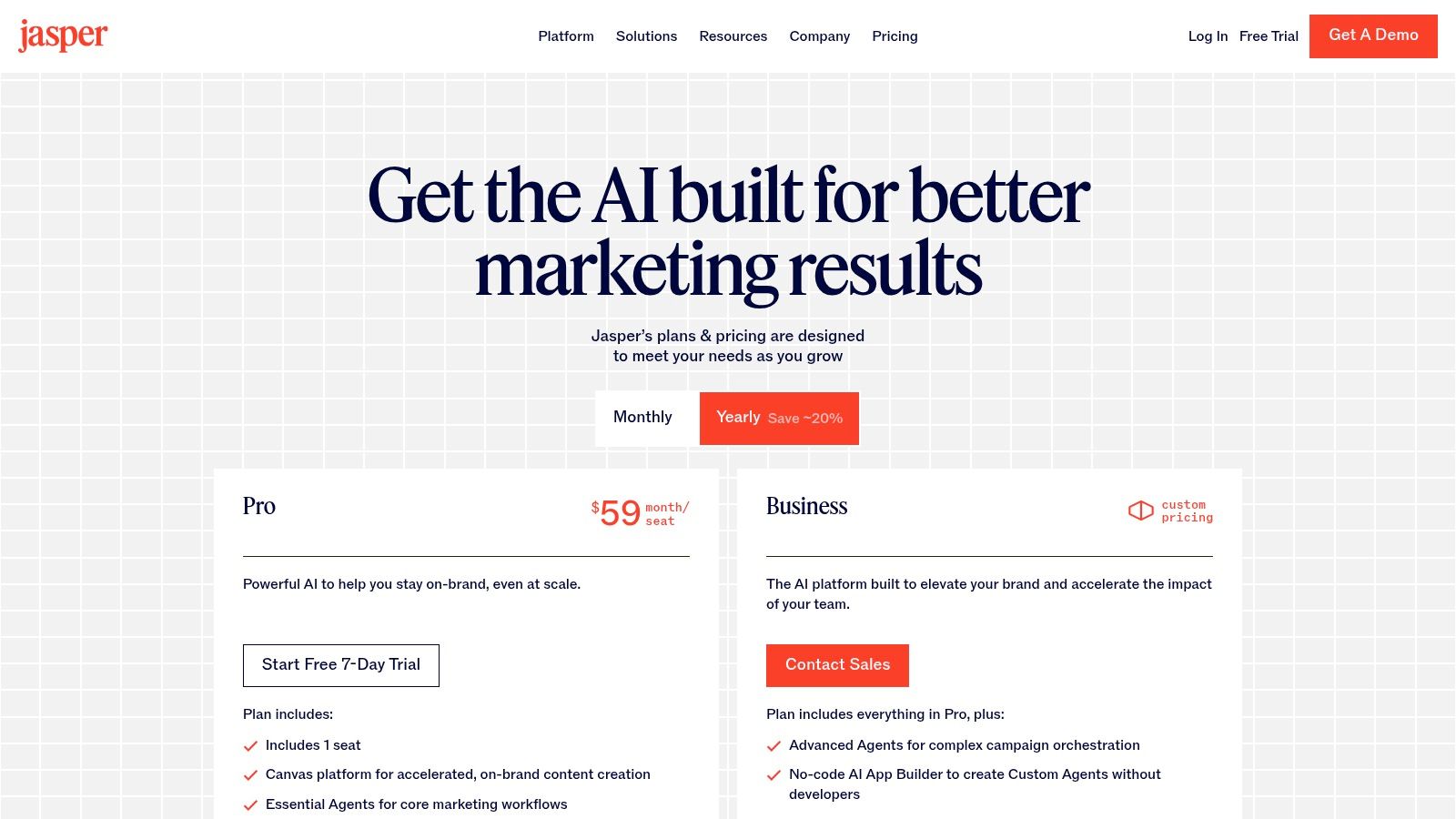
Jasper is the tool I point teams toward when the main problem isn’t writing speed. It’s brand drift. A generic chatbot can produce decent drafts, but once multiple people are creating landing pages, nurture emails, product copy, and social posts, tone starts slipping fast.
Jasper was built for that exact mess.
Its strength is structure. You get brand voice controls, templates for common formats, collaboration features, admin controls, and a browser extension that makes drafting less dependent on a single app. That matters for teams writing in docs, CMS fields, ad managers, and internal tools instead of one neat workspace.
Where Jasper earns its keep
Jasper stands out in 2025 roundups because it offers over 50 AI templates for blog posts, campaigns, and brand voice maintenance, as noted by Neotype.ai’s review of AI tools for content creation. In practice, templates are only useful when they reduce repeat decisions. Jasper does that better than broad-purpose chat tools.
What works well:
- Brand control: Better for teams that need copy to sound consistent across channels.
- Collaboration: More practical than passing prompts around in Slack.
- Marketing formats: Product pages, email sequences, campaign copy, and long-form drafts feel native to the product.
What doesn’t:
- Solo creator economics: If you only need occasional drafts, it can feel like too much software.
- Higher-tier lock-in: The more advanced controls matter most to teams, not individuals.
Practical rule: If your review cycle is mostly “make this sound like us,” Jasper is worth testing before adding more writers or more prompts.
One counter-intuitive point: Jasper isn’t best when you want total creative freedom. It’s best when you want controlled variation. That’s a different use case, and a more valuable one for most businesses.
2. Copy.ai
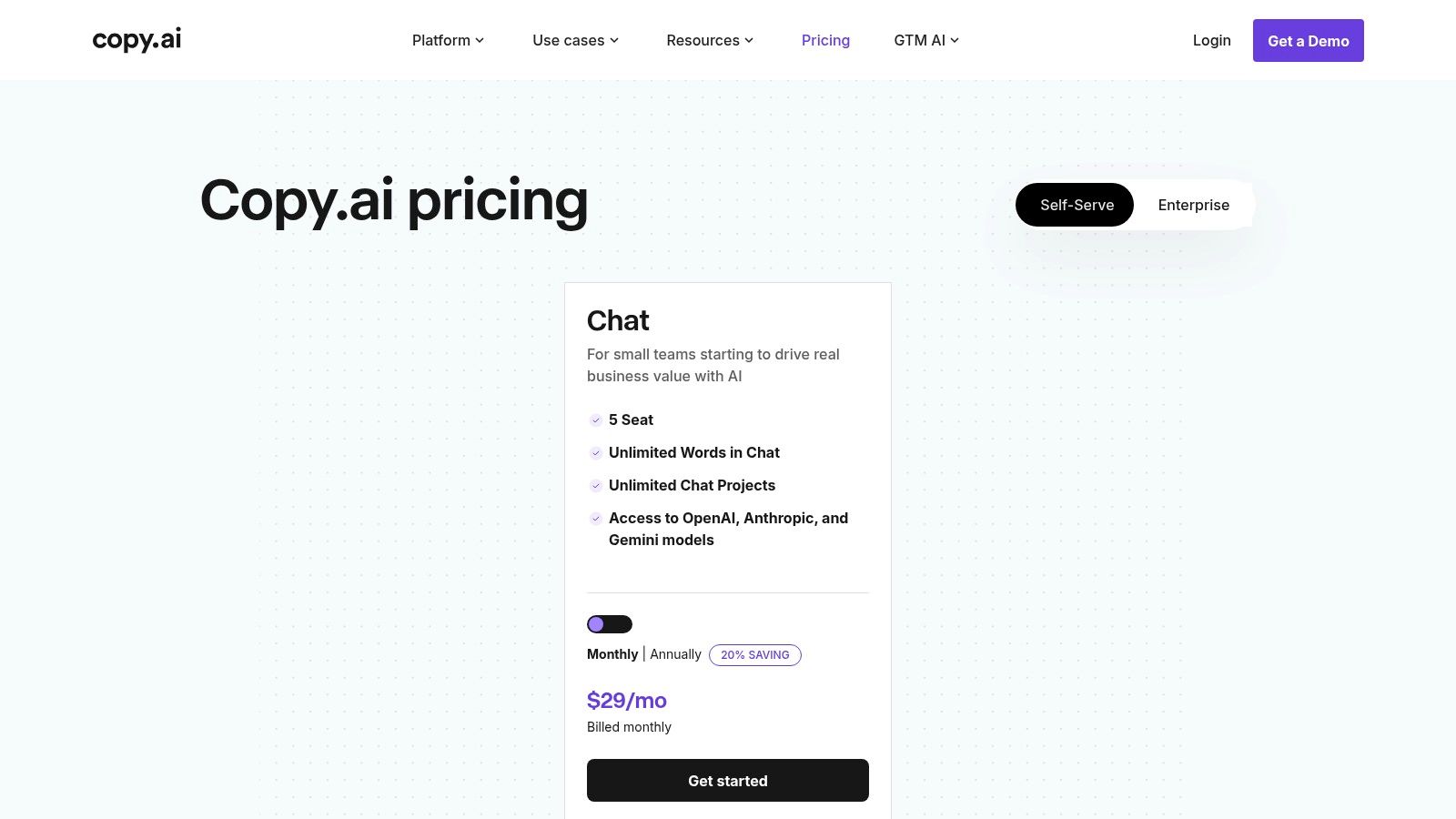
Copy.ai becomes useful when your team keeps repeating the same content process. Keyword brief. Outline. angle options. first draft. repurpose for email. turn into social snippets. If that sounds familiar, Copy.ai’s workflow approach is the point.
A lot of writing tools stop at generation. Copy.ai is more interesting when you treat it like a process builder.
Best for repeatable pipelines
Its workflow builder helps chain steps together so your team isn’t starting from scratch every time. That’s useful for content operators managing recurring campaigns, product launches, or editorial systems where the steps are known, even if the topic changes.
Good fits:
- Repeatable marketing operations: Weekly SEO articles, lifecycle emails, SKU copy, social derivatives.
- Faster team onboarding: New hires can follow the workflow instead of learning by osmosis.
- Project organization: Better than loose prompt docs and disconnected chats.
Trade-offs matter here.
- Input quality still drives output: Weak briefs produce bland drafts.
- Setup time is real: The first useful workflow takes thought.
- Brand voice won’t maintain itself: You still need a source of truth.
Many teams make a mistake here. They assume workflow automation fixes strategy problems. It doesn’t. It only scales whatever process you already have, good or bad.
The best use of Copy.ai isn’t “write for me.” It’s “make our repeatable content process less fragile.”
That’s a meaningful difference. If your team already knows how to produce solid content and just needs consistency, Copy.ai can help codify that method. If you don’t have a method yet, the tool won’t create one for you.
3. Writesonic
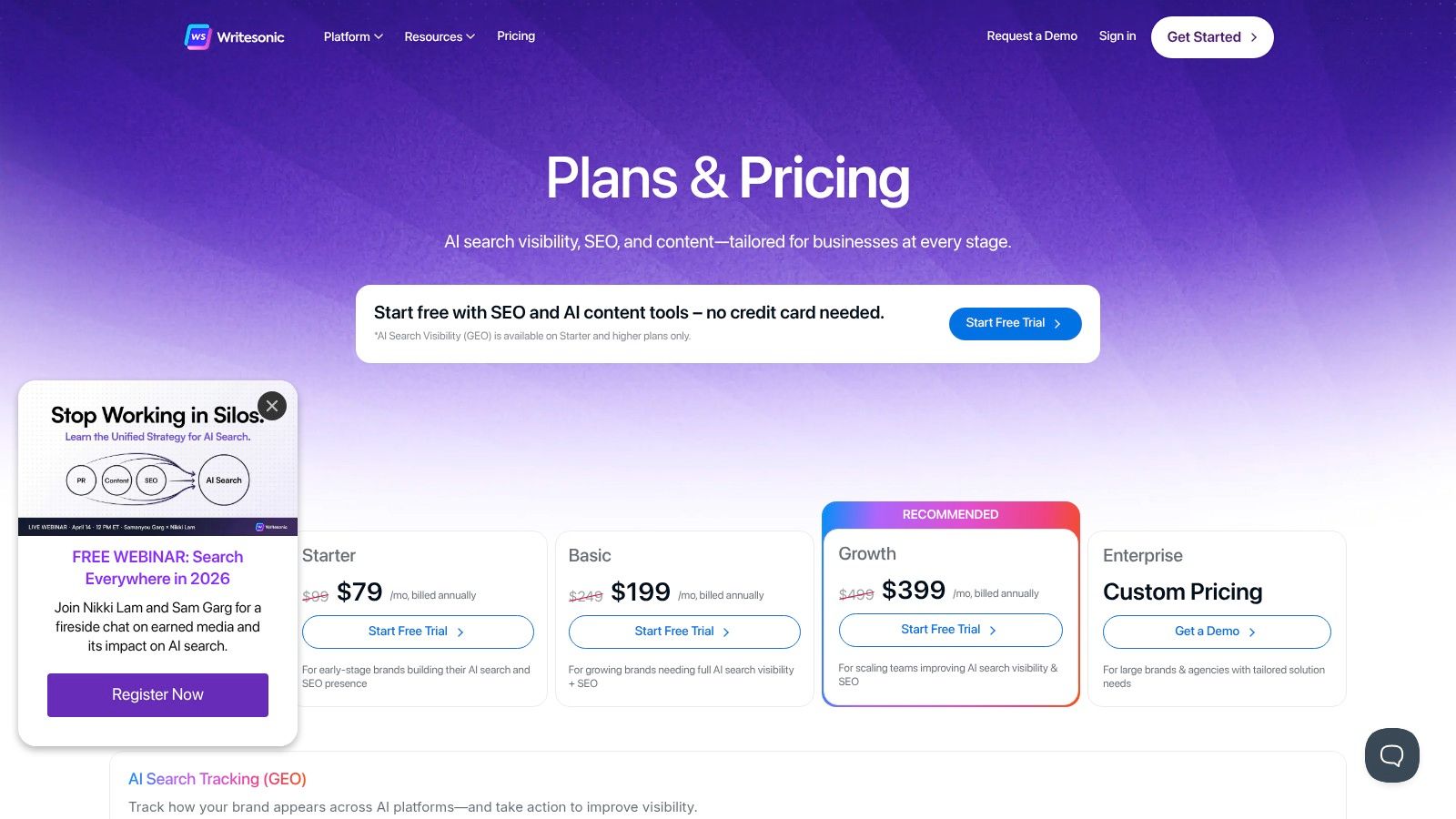
Writesonic is aimed at marketers who want one place for article drafting, SEO-aware planning, and search visibility support. It’s not the most elegant category in software because these “all-in-one for content marketers” products can become cluttered fast. Still, Writesonic has a real audience because it connects writing with discoverability more directly than many plain text generators do.
That’s useful when the content team owns traffic goals, not just publishing.
Where it fits in a content stack
Writesonic works best for teams that want SEO context close to the writing process. You can shape articles around search intent, use blog generation with SEO inputs, and keep supporting tools close by instead of bouncing across separate products all day.
What stands out:
- SEO-aware drafting: Better than starting with a blank document and checking optimization later.
- Planning plus writing: Helpful for small teams without a dedicated SEO lead.
- Chat assistant layer: Useful for quick rewrites and alternate angles.
Where it gets messy:
- Tier differences matter: Capabilities and limits can vary enough by plan that you need to map your workflow before buying.
- Human editing still decides outcomes: Search-focused tooling can improve structure, but it won’t rescue weak insight or commodity copy.
The global market behind these tools is no longer niche. The AI-powered content creation tools market reached US$2.5 billion in 2025 and is projected to reach US$9.2 billion by 2033, with a CAGR of 17.58% during 2026 to 2033, according to DataM Intelligence’s AI-powered content creation tools market report. That growth explains why more products now try to cover planning, generation, and optimization in one layer.
Writesonic is part of that trend. Whether that’s a plus or a minus depends on how much complexity your team can absorb.
4. Surfer
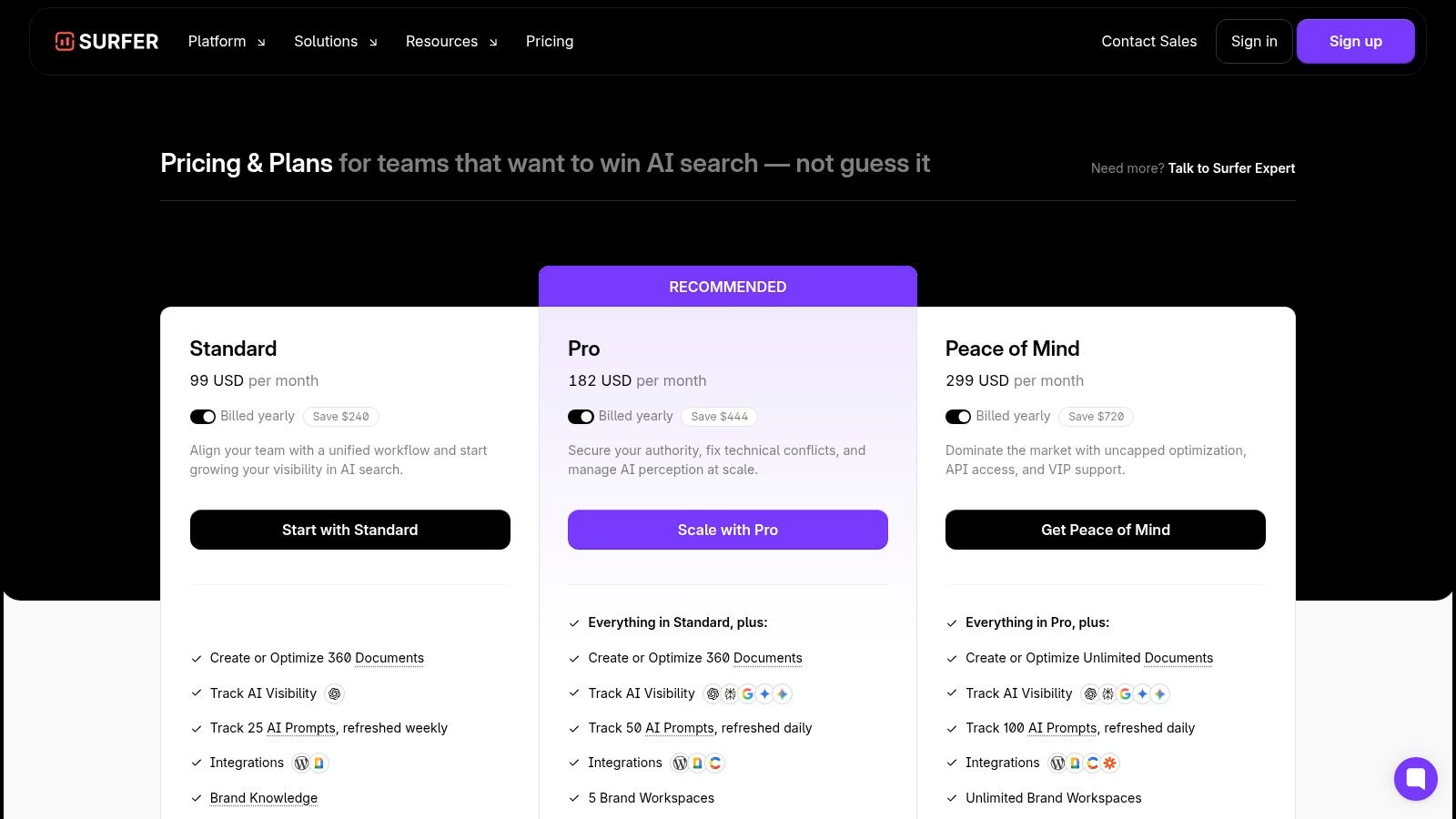
Surfer is one of the few tools on this list that changes how people write while they’re writing. That can be good or bad. For disciplined SEO teams, it sharpens execution. For inexperienced writers, it can lead to over-optimization and awkward copy if they follow every prompt too strictly.
Used well, though, Surfer solves a real production problem. It gives writers concrete feedback inside the draft instead of handing SEO review off to someone else later.
Best when SEO is part of production, not an afterthought
Surfer’s Content Editor, topic guidance, internal linking support, and visibility tracking make it valuable for teams that publish at volume and need a consistent optimization process. It’s helpful when a strategist creates the outline and a writer executes against a defined search goal.
Useful strengths:
- Real-time optimization guidance: Writers don’t need to guess what “SEO-friendly” means.
- Content maintenance: Helpful for updating pieces that already rank but are slipping.
- Team visibility: Easier to keep briefs and execution aligned.
Weak spots:
- Learning curve: Non-SEOs can mistake scoring for strategy.
- Process dependency: It works best when keyword selection and page intent are already sound.
A bad Surfer workflow looks like this: choose a term, chase the score, publish, and hope. A good one starts with search intent, internal competition, and a point of view worth ranking.
Surfer helps with execution. It doesn’t replace editorial judgment.
That’s why I rarely recommend it as the first tool a founder buys. It becomes much more valuable once you’re publishing regularly and need a repeatable way to keep content quality and search alignment from drifting apart.
5. Canva Magic Studio
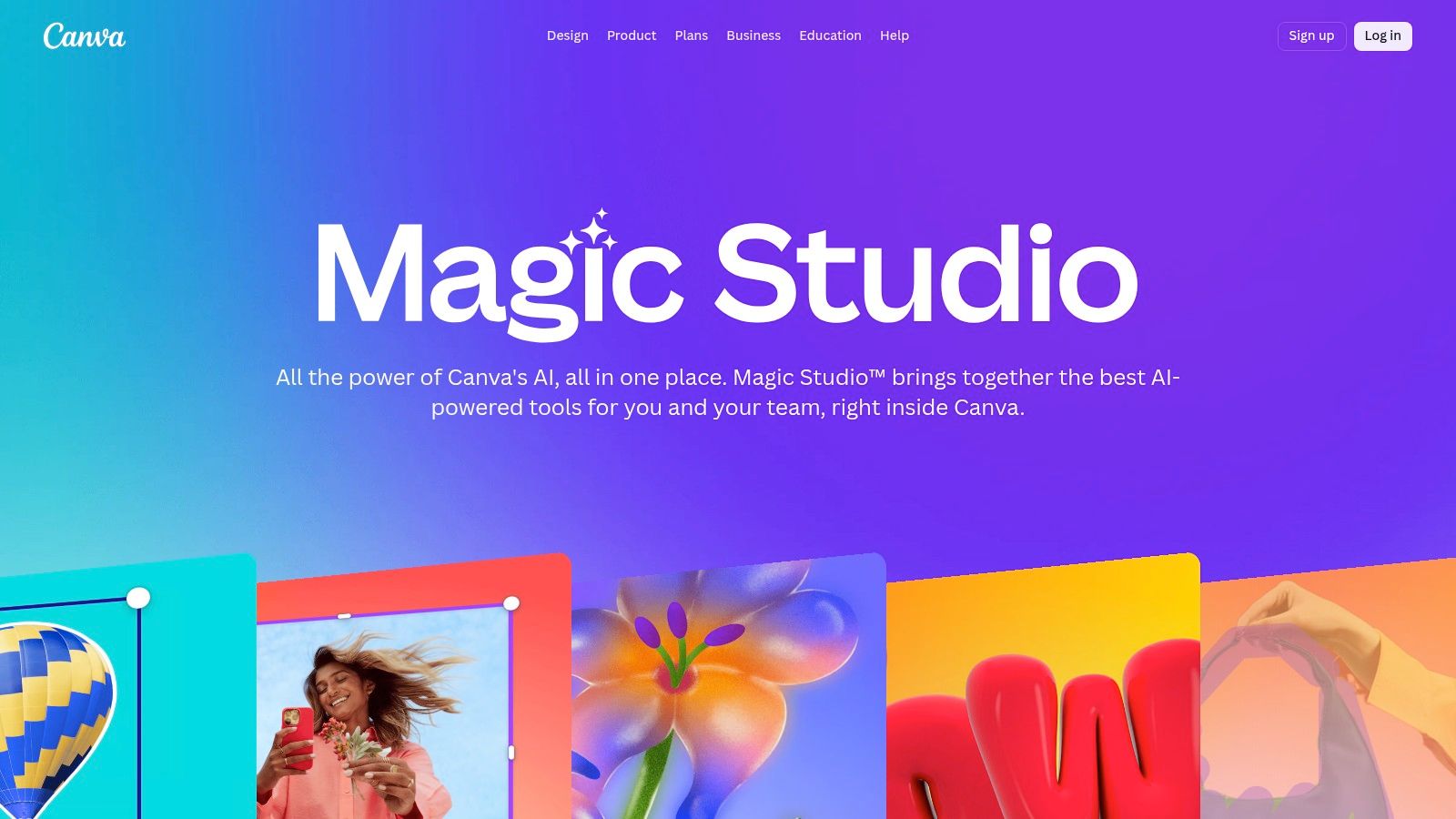
Canva Magic Studio wins on one thing many teams underestimate. It removes handoff delay. If your writer can draft copy, generate a visual starting point, adjust a template, and export a usable asset without waiting on a designer, production speed changes immediately.
That’s why Canva stays in real stacks long after teams outgrow beginner tools.
Fastest route from idea to asset
Magic Write, Magic Design, image editing, video features, templates, and brand kits all live in the same environment. For non-designers, that’s the essential product. Not isolated AI tricks. A single workspace where rough ideas become social graphics, decks, ad creatives, lead magnets, and lightweight videos quickly.
Where Canva shines:
- Cross-functional speed: Founders, marketers, and ops people can all use it.
- Brand libraries: A practical way to keep logos, colors, templates, and approved assets in one place.
- Multi-format output: One campaign concept can become several asset types fast.
Where it falls short:
- Precision design work: You’ll want Adobe or Figma for tighter control.
- AI independence: Magic features are helpful, but they don’t replace taste.
The most useful setup I’ve seen is simple. Use Canva as the visual assembly layer, not the creative brain. The messaging should come from your copy system. The approved assets should come from your brand kit. Canva handles fast production.
If a founder asks me for one tool to reduce content bottlenecks this week, Canva is near the top of the list. Not because it’s the most advanced. Because it gets used.
6. Adobe Firefly
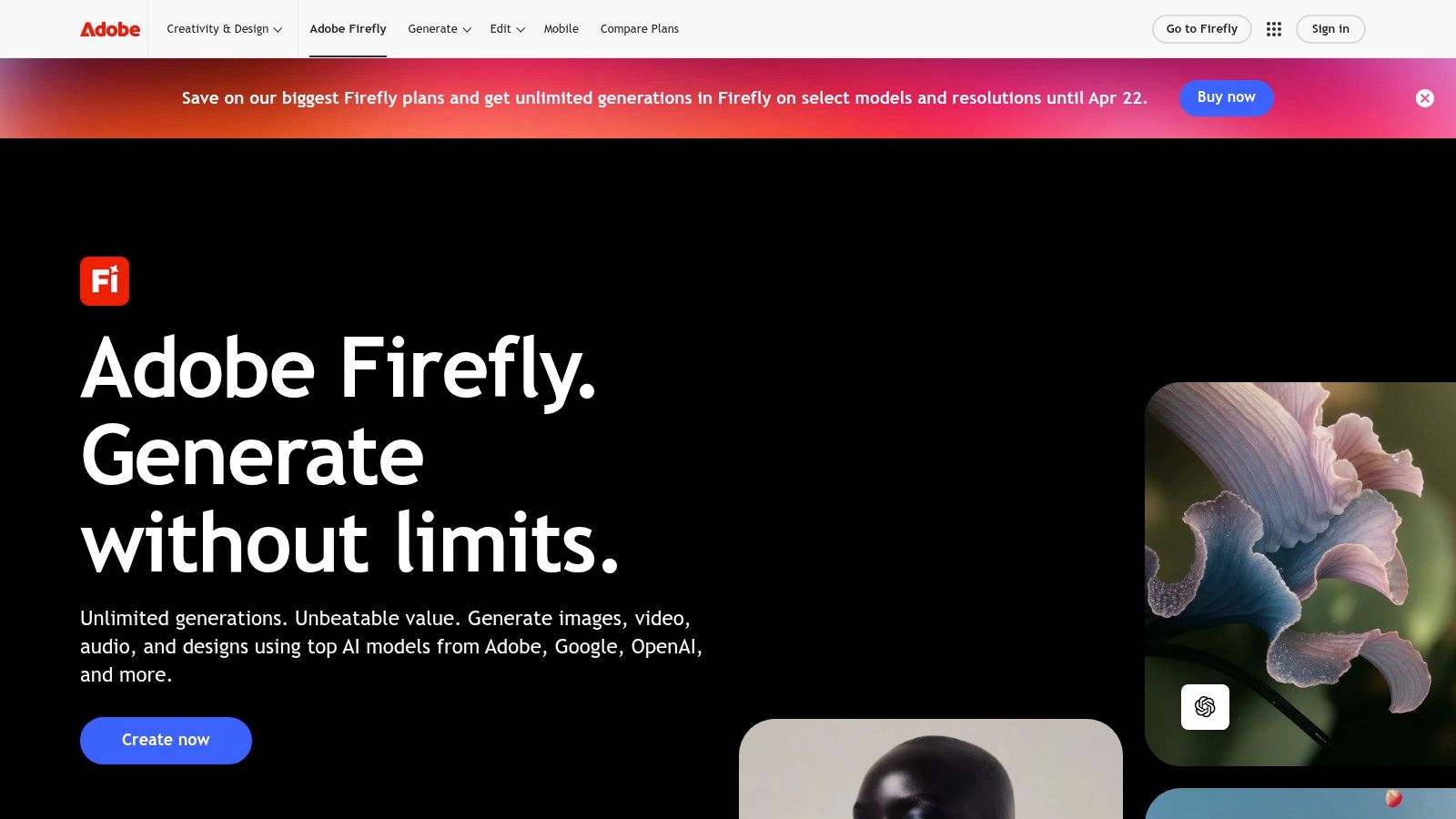
Adobe Firefly makes the most sense when your team already lives in Adobe. If that’s not your environment, Firefly can feel heavier than necessary. If it is, the value is obvious. Generative image, vector, fill, expand, and emerging video features sit close to the tools designers already use every day.
That lowers friction in a way standalone generators don’t.
Better for production teams than casual creators
Firefly’s appeal is less about novelty prompts and more about controlled creative work inside Photoshop, Illustrator, and related Adobe workflows. Teams making campaign assets, composites, visual revisions, and fast concept variations care more about editability than pure generation.
Strong use cases:
- Asset refinement: Extending backgrounds, removing distractions, adjusting layouts.
- Creative iteration: Generating concepts that can be pulled into professional production.
- Enterprise comfort: Commercial-use posture matters more in larger organizations.
Limitations are real:
- Cost can feel high for light use: If you only need occasional images, simpler tools are easier to justify.
- Credit systems confuse buyers: You need to understand how usage maps to your workflow.
Firefly isn’t the tool I’d give a solo founder making social images on weekends. It’s the tool I’d give a creative team that already has files, layers, deadlines, and approval loops.
That distinction matters. A lot.
7. Descript
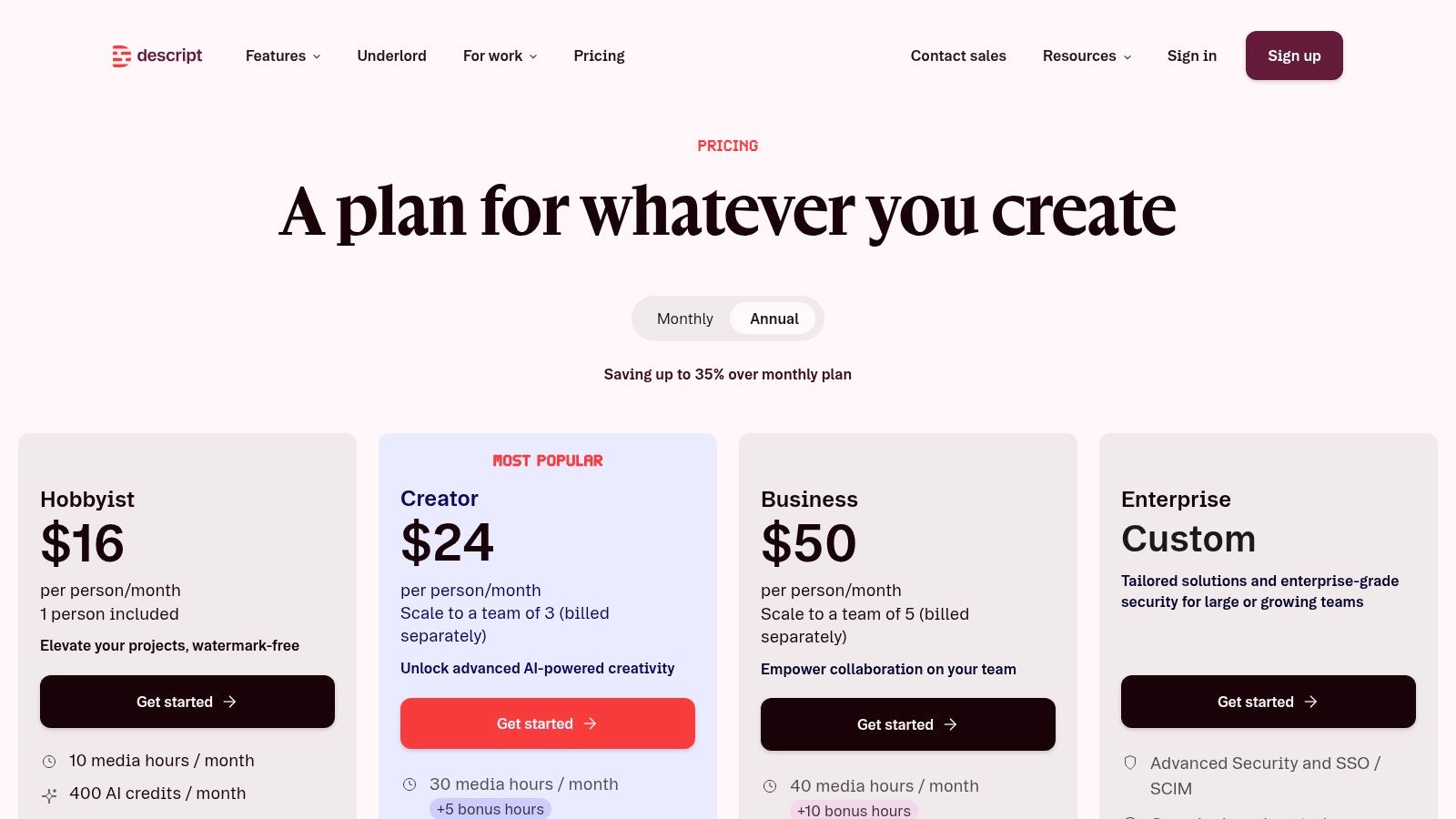
Descript is one of the most practical AI content tools because it attacks a painful bottleneck. Editing. Not ideation. Not strategy. Editing the messy middle after a recording exists.
If you make webinars, demos, podcasts, founder updates, customer interviews, or tutorial videos, Descript can save a lot of low-value production time.
The transcript-first workflow is the point
Editing by transcript changes who can participate in production. A marketer who would never touch a timeline can cut filler, tighten sections, rearrange sequences, clean audio, and pull clips with much less friction. For lean teams, that matters more than any flashy AI trick.
Useful features include transcript-based editing, screen recording, audio cleanup, stock media, templates, and voice tools like Overdub.
What works:
- Rough-cut speed: Fast for talking-head content and educational videos.
- Repurposing: Strong for turning long recordings into shorter clips.
- Voice fixes: Helpful when you need small script corrections without a full re-record.
What doesn’t:
- Complex editing: Advanced multi-layer video work still belongs in dedicated editors.
- Plan mechanics: Some AI-heavy features depend on credits and usage limits.
“If your content starts as a recording, optimize the edit path before you optimize the prompt.”
That sounds basic, but teams miss it all the time. They obsess over AI writing tools while spending far more time cleaning up audio and cutting clips by hand.
For technical teams, Descript is strong. It’s one of the easiest ways to turn product walkthroughs, onboarding calls, or internal training sessions into reusable content without a full post-production setup.
8. Runway
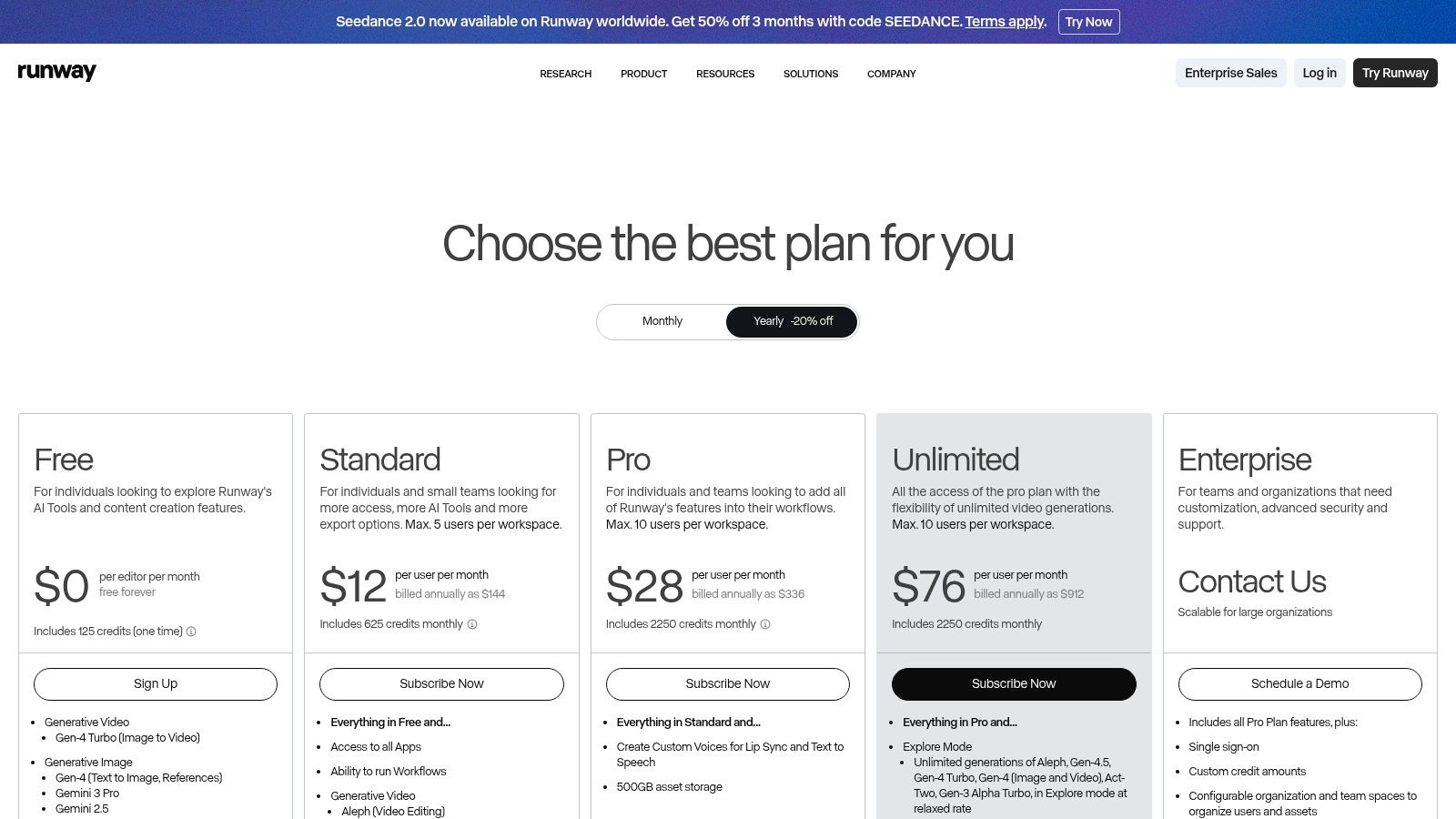
Runway is for teams that need motion content but don’t have a full production pipeline for every idea. That’s where it earns attention. You can move from concept to visual prototype fast, test ad ideas, generate explainer scenes, and create campaign materials that would otherwise stall in pre-production.
It’s powerful. It’s also easy to misuse.
Best for concept generation and fast iteration
Runway’s text-to-video, image-to-video, stylization, background removal, motion tools, and editing features make it useful for creative experiments and lightweight commercial work. The key is understanding that generation is only the start.
Strong fits:
- Creative prototyping: Mood pieces, ad concepts, visual explorations.
- Lean teams: Helpful when you need motion output without a full video crew.
- Speed over polish: Good for testing ideas before investing in full production.
Weak spots:
- Output curation: You still need taste and post-production judgment.
- Usage-based cost pressure: Heavy experimentation can get expensive quickly.
I wouldn’t build a whole video program around raw generated output alone. But I would absolutely use Runway to shorten the time between “we have an idea” and “we have something testable.”
That’s enough to justify it.
9. Synthesia
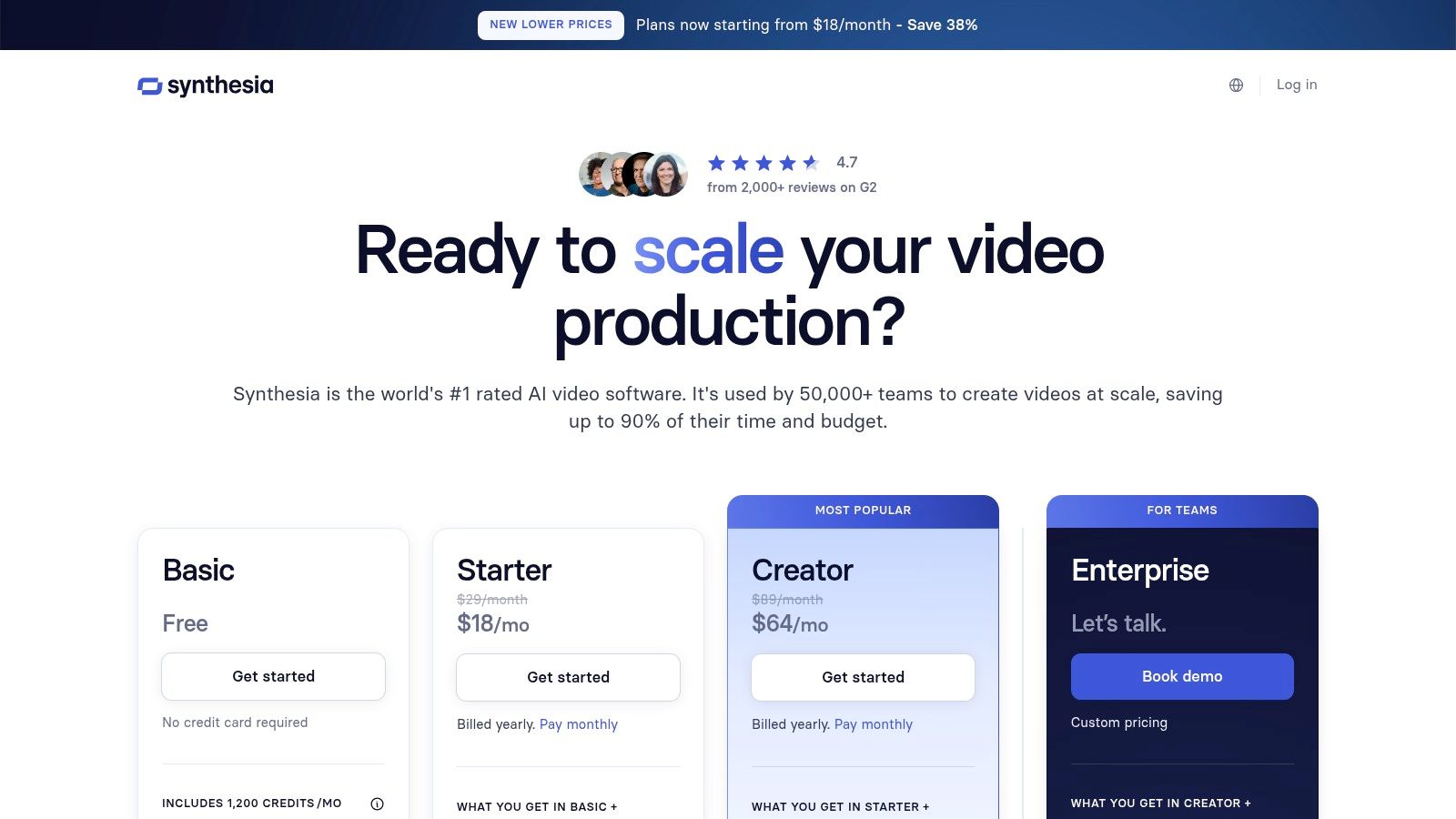
Synthesia solves a specific operational problem. You need video, but you do not need a studio, a camera setup, scheduling, retakes, or on-camera staff every time something changes.
That’s why it’s so effective for training, onboarding, internal comms, explainers, and product education.
Where avatar video makes business sense
Synthesia offers script-to-video creation, stock and custom avatars, multilingual support, collaboration tools, and governance features on higher plans. It’s strongest in environments where clarity and repeatability matter more than cinematic personality.
Good use cases:
- Training libraries: Internal enablement, compliance, SOPs, onboarding.
- Product explainers: Simple feature walkthroughs and how-to content.
- Localization: Useful when the same message needs to exist in many languages.
Less ideal:
- Brand aesthetics with a human, handmade feel: Some brands won’t like the avatar style.
- High-emotion marketing: Avatar delivery can feel too uniform for certain campaigns.
A lot of teams dismiss avatar video because they compare it to polished studio content. That’s the wrong comparison. The right comparison is often “Will this information ever become video at all if we have to film it manually?” In many companies, the answer is no.
That’s why tools like Synthesia stick. They make neglected content types possible.
10. Midjourney

Midjourney is one of the strongest image-generation tools for concept work, campaign visuals, mood boards, thumbnails, and stylized creative directions. It’s not the easiest product for every team because the workflow has felt more native to prompt enthusiasts than to typical marketing operators.
Still, image quality keeps people coming back.
Excellent for visual ideation, less ideal for structured team ops
Midjourney shines when the brief is open enough for exploration. It’s good at finding interesting visual territory fast. That makes it useful in early campaign development, creative brainstorming, and asset ideation where precision matters less than range.
Pros that matter:
- Strong visual output: Great for concepting and standout imagery.
- Community learning curve: Plenty of prompt examples and shared workflows.
- Campaign support: Useful for thumbnails, hero image direction, and social concepts.
Cons worth noting:
- Workflow fit: Discord-centric habits won’t suit every company.
- Operational governance: It’s not the cleanest choice for teams that need structured approvals and asset systems.
If your team needs more polished image generation for people and portraits, this guide on a realistic AI photo generator is a useful companion read.
Midjourney is also a reminder that the best ai tools for content creation aren’t always the easiest tools. Sometimes the best output comes from a product with a less conventional workflow. Whether that trade-off is worth it depends on your team’s tolerance for experimentation.
Top 10 AI Content Creation Tools Comparison
| Tool | Core features | Quality (★) | Price / Value (💰) | Target (👥) | Unique strength (✨ / 🏆) |
|---|---|---|---|---|---|
| Jasper | Brand voice & style guides, templates, team workflows, Chrome ext. | ★★★★☆ | 💰💰💰 | 👥 Startups & SMB teams | ✨Brand consistency across channels, 🏆enterprise controls |
| Copy.ai | Workflow builder (chain steps), templates, collaboration | ★★★★☆ | 💰💰 | 👥 Marketers & content teams | ✨Repeatable AI pipelines, fast ramp with templates |
| Writesonic | SEO-aware article generation, site audits, Chatsonic assistant | ★★★★☆ | 💰💰 | 👥 SEO / content marketers | ✨SEO-first drafting & discoverability tools |
| Surfer | Content editor w/ NLP suggestions, topic discovery, visibility tracker | ★★★★☆ | 💰💰💰 | 👥 SEOs & content ops | 🏆Data-driven on-page guidance & visibility tracking |
| Canva Magic Studio | Magic Write/Design, image & video tools, brand kits & templates | ★★★★☆ | 💰💰 | 👥 Non-designers & social teams | ✨Fast post-ready creatives, strong template ecosystem |
| Adobe Firefly | Text→image/vector/video, Generative Fill, Adobe app integration | ★★★★☆ | 💰💰💰 | 👥 Creative teams in Adobe ecosystem | 🏆Tight integration with Photoshop/Illustrator, commercial clarity |
| Descript | Transcript-based video/audio edit, Overdub voice, audio cleanup | ★★★★☆ | 💰💰 | 👥 Podcasters & video creators | ✨Edit-by-transcript + Overdub speeds production |
| Runway | Text/image→video gen, green-screen removal, motion tracking | ★★★★☆ | 💰💰💰 | 👥 Video creators & ads teams | ✨Rapid text-to-video ideation, active model updates |
| Synthesia | Avatar video, multilingual dubbing, brand kits, SCORM/SSO | ★★★★☆ | 💰💰💰💰 | 👥 L&D, enterprise comms | 🏆Scale training & explainers without on-camera talent |
| Midjourney | Prompt-based image gen, upscaling, community-driven workflow | ★★★★★ | 💰💰 | 👥 Creators & designers (concept art) | ✨High-quality stylized renders, large prompt community |
How to Choose Your AI Content Stack
The fastest way to waste money on AI tools is to buy them one at a time and hope they somehow turn into a system. That produces the same mess. Too many subscriptions, no clear workflow, assets split across apps, and constant rewrites to fix tone and formatting.
Start with the job that is slowing the team down.
A founder trying to ship landing pages and investor updates has a different problem from a content marketer chasing search traffic. A developer making product tutorials has a different problem from an L&D lead producing training videos. Tool choice should follow that constraint, not the weekly hype cycle.
I use a simple filter. Pick the primary bottleneck first, then build the smallest stack that removes it.
If writing throughput is the issue, start with one writing tool and define where human review happens. If search performance is the issue, add an SEO layer such as Surfer after the draft workflow is stable. If a key bottleneck involves turning webinars, demos, or podcasts into usable clips, prioritize Descript or Runway before touching another blog generator. Teams get better results when they fix the production bottleneck in order, instead of buying overlapping tools in three categories at once.
Stack cost matters, but coordination cost matters more. GetBlend’s review of AI content tools makes a useful point here. Teams rarely evaluate the full cost of a stack, including overlap between tools and the time spent managing handoffs. That is why feature-by-feature comparisons miss the core decision.
A few practical starting points work well.
For founders, Jasper plus Canva is enough. Jasper handles repeatable copy tasks that need a consistent voice. Canva covers fast design work for social posts, decks, one-pagers, and simple campaign assets. That pair is limited, but productive.
For marketers, Surfer plus Copy.ai makes sense when the goal is repeatable SEO execution. Surfer gives structure to briefs, outlines, and on-page edits. Copy.ai is useful when the team needs workflow templates for recurring campaigns, product marketing tasks, or content ops requests.
For developers and technical teams, Descript and Synthesia solve different problems. Descript is better for editing walkthroughs, product demos, and internal recordings that need cleanup and repurposing. Synthesia is better when the business needs consistent training or onboarding videos without booking talent, recording new takes, and re-editing every update.
Then set a source of truth for brand and claims.
That step gets skipped all the time. Brand voice settings inside individual tools help, but they do not create control across the whole workflow. IMPACT’s discussion of AI tools and brand voice consistency points to the same issue. Once copy moves through multiple tools, drift shows up fast in positioning, phrasing, examples, and even factual claims. One place needs to hold the approved messaging, product language, proof points, and no-go terms.
Smaller stacks perform better in practice. Every added tool creates another handoff, another prompt style, and another place for context to get lost. The right stack is the one your team can run repeatedly without confusion.
If you want a cleaner way to compare categories during research, Oryndex is one directory some operators use to sort tools by use case instead of browsing another generic roundup.