
10 Best ElevenLabs Alternatives for Lifelike TTS (2026)

Matic Pogladič
16 April 2026

Everyone chases the most human sounding demo voice. That’s usually the wrong buying lens. The best elevenlabs alternatives for lifelike tts are the ones that fit your latency target, deployment model, team skills, and budget, with Cartesia standing out for pure lifelike quality, Inworld AI TTS-1.5 Max for realtime agents, and Azure or Polly for enterprise infrastructure fit.
Popular advice overweights “wow” factor and underweights shipping risk. I learned that the painful way on a voice agent build where the best sounding model in a playground fell apart once we pushed it into a live turn-taking flow. Latency mattered more than nuance. We swapped to a less romantic choice and the product got better fast. Perfect is the enemy of shipped.
If you’re also comparing adjacent voice stacks, this direct comparison between Vocuno and ElevenLabs is useful context.
What follows is a practitioner’s list, not a feature dump. I’m grouping tools by how teams buy and implement them: unified developer APIs, hyperscaler infrastructure, creator studios, enterprise platforms, and self-hosted stacks. That’s the key decision. Not just “which voice sounds nicest in a sample clip.”
1. OpenAI TTS (gpt-4o-mini-tts / TTS API)
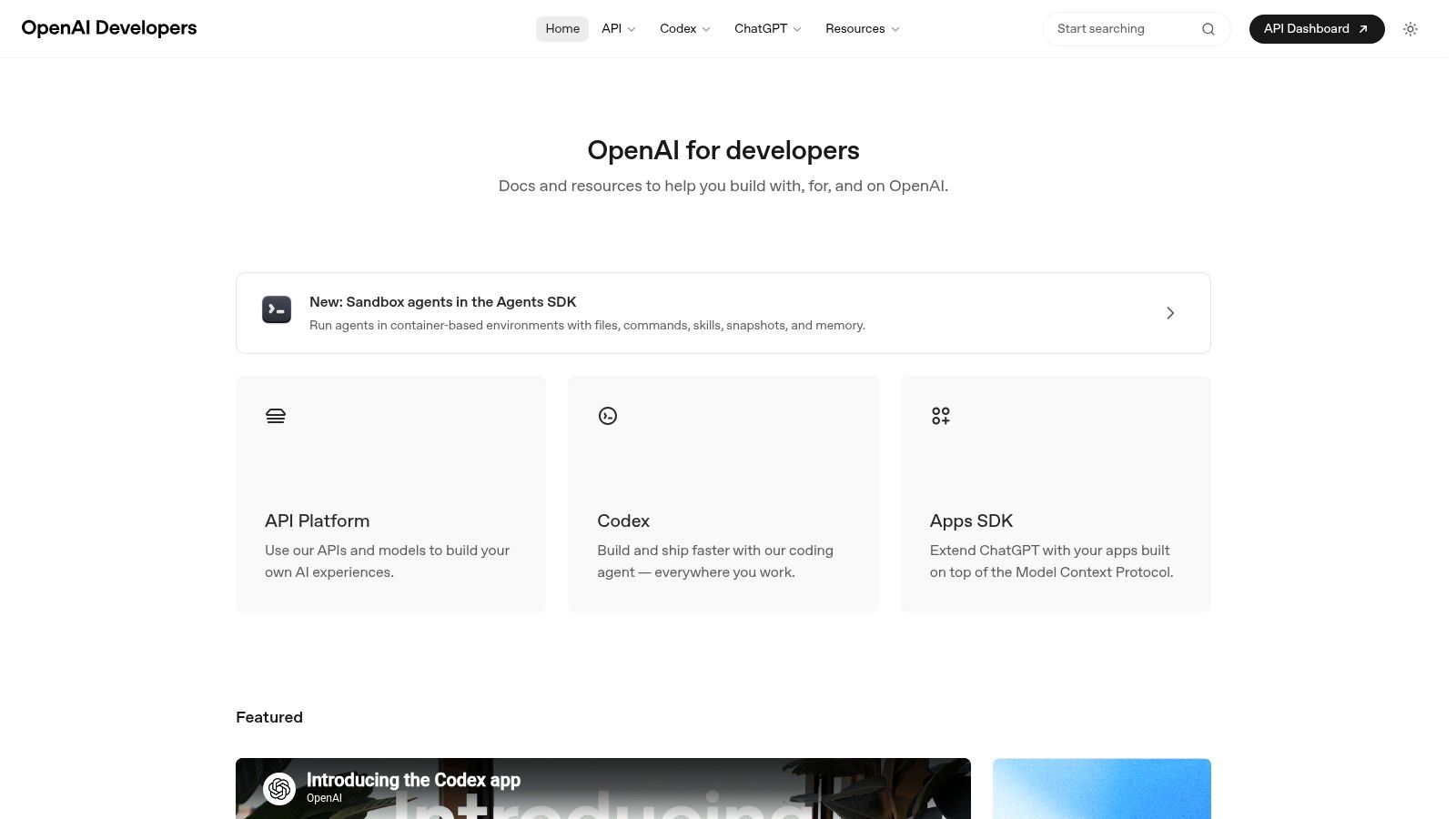
Website: OpenAI Developers
If your app already uses OpenAI for prompts, tool calls, or multimodal flows, OpenAI TTS is the cleanest operational choice. That doesn’t automatically make it the most lifelike option in the market. It does make it one of the easiest to ship.
That matters.
A key advantage is architecture simplicity. One auth model, one SDK family, one billing relationship, one set of logs, and fewer glue layers between your LLM output and your spoken response. For solo builders and lean product teams, that often beats adding a specialist TTS vendor too early.
Where it fits best
OpenAI TTS works well in product UIs, assistants, reading experiences, and lightweight voice agents where the spoken output is part of a broader OpenAI stack. I especially like it when the same team owns prompt design and frontend experience, because iteration stays tight.
A practical build pattern looks like this:
- LLM response generation: Produce short, speech-friendly text instead of long written paragraphs.
- Audio streaming: Start synthesis as soon as the first stable partial response is ready.
- Fallback path: Cache key prompts like onboarding lines and error messages so the app still feels responsive under load.
If you’re exploring adjacent tools in the category, Oryndex’s text to speech directory is handy for quick side-by-side discovery.
Trade-offs that show up in production
The biggest downside is planning cost. Token-based billing is powerful, but it’s harder to estimate than plans built around characters or minutes. Finance teams don’t love fuzzy forecasts.
Voice selection can also feel narrower than creator-first studios. That’s fine for product audio. It’s less ideal for a marketing team that wants a huge library of prebuilt voices and a browser editor.
Practical rule: If your team wants one vendor for text generation and speech, OpenAI is often the fastest route to production. If your team wants voice variety first, look elsewhere.
Counter-intuitive opinion: “all in one” is underrated. Builders spend too much time chasing marginal voice gains and not enough time reducing integration complexity.
2. Microsoft Azure AI Speech (Neural TTS)
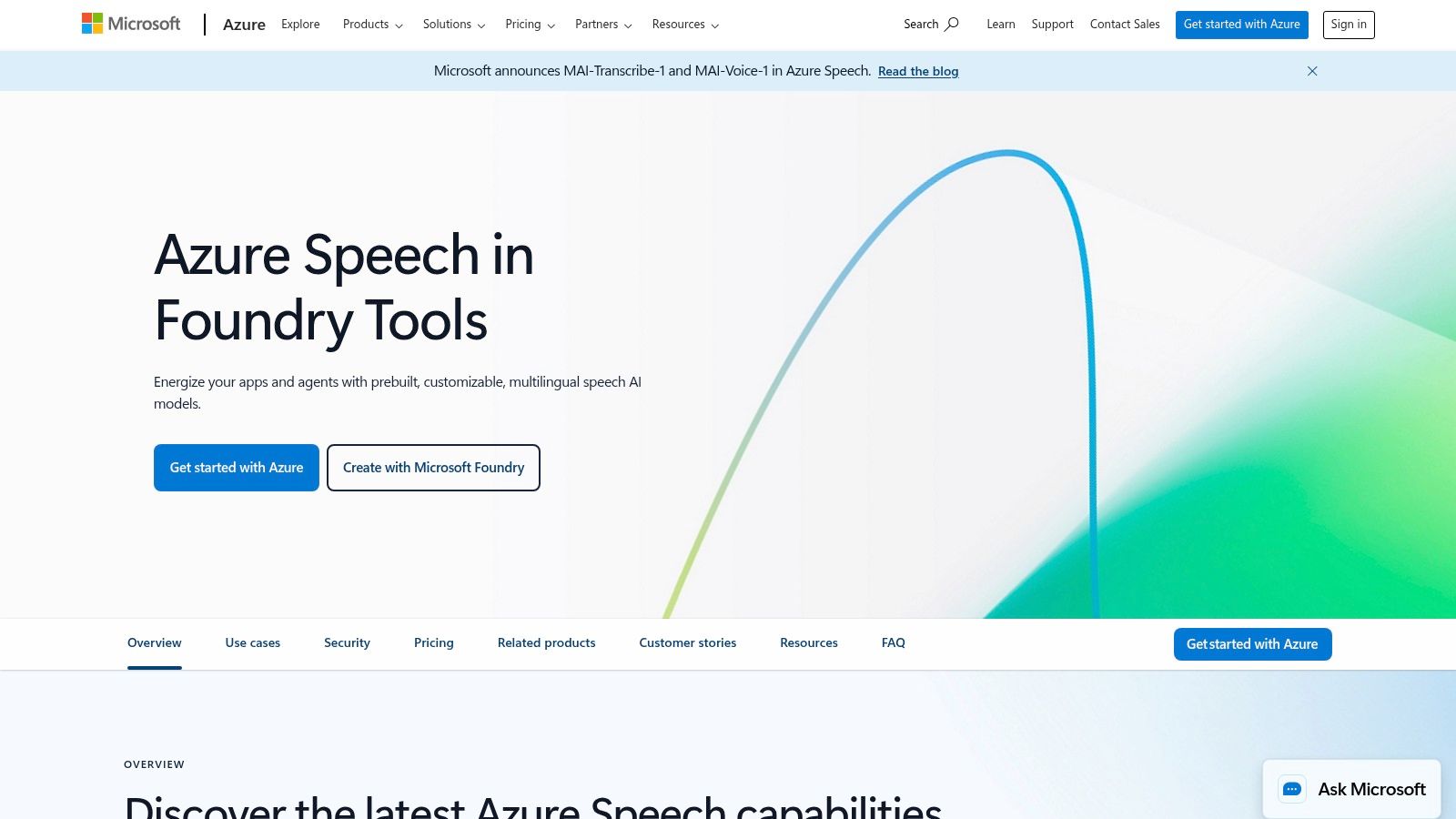
Website: Microsoft Azure AI Speech
Azure AI Speech makes the most sense after the voice demo stage, once security review, region requirements, and identity controls start shaping the tool choice. In this guide’s use-case framing, Azure sits firmly in the hyperscaler API bucket. It is strongest for teams that already run product infrastructure on Microsoft and want TTS to fit existing ops, not create a new vendor exception.
I usually recommend Azure to enterprise product teams, contact center groups, and internal platform owners. The reason is simple. The hard part is rarely generating audio. The hard part is getting legal, security, and IT to approve how that audio is generated, stored, and accessed.
Where Azure fits best
Azure is a practical option for businesses that need speech inside an existing Microsoft stack. If your team already uses Entra ID, Azure storage, private networking, and regional deployment controls, Speech is easier to approve than a creator-first studio.
Common fit examples:
- Enterprise training stack: Generate narration for onboarding or compliance modules, store audio in Azure Blob Storage, and manage access through existing identity policies.
- IVR and contact center workflows: Use SSML for pacing and pronunciation, then connect output to telephony systems and bot flows.
- Internal product audio: Add spoken summaries or alerts to business apps without handing another external SaaS provider customer data.
The feature set reflects those workloads. Lexicons and SSML matter a lot in production because brand names, medication terms, legal phrases, and internal acronyms get misread fast if you skip pronunciation control.
For teams also comparing consumer-facing voice tools with looser moderation models, this review of FakeYou text to speech alternatives and trade-offs is a useful contrast.
Trade-offs that show up during implementation
Custom Neural Voice is the headline feature, but the operational detail matters more than the headline. Access is approval-based, and that changes planning. Teams cannot assume they will collect a few samples, upload them, and ship a cloned voice the same week.
That friction is intentional. It reduces abuse risk and forces clearer ownership around consent, voice rights, and review processes. For regulated teams, that is often a benefit. For a small creative team trying to test ten character voices in a browser by Friday, it feels slow.
The other real trade-off is developer experience versus voice polish. Azure gives teams a lot of control over deployment and configuration, but the workflow is more infrastructure-heavy than creator studios like LOVO or Murf. You get more knobs for compliance, networking, and integration. You also accept more setup work.
Recommended stacks by team type
Azure is not the best choice for every buyer. It is the best choice for specific teams with specific constraints.
- Microsoft-first enterprise team: Azure AI Speech + Blob Storage + Functions + Entra ID
- Customer support automation team: Azure AI Speech + Bot Framework + telephony provider + monitoring in Azure
- Procurement-heavy organization: Azure AI Speech inside existing cloud agreements and security controls, instead of adding a separate voice vendor
If your priority is emotional delivery for ads, entertainment, or creator-led content, specialist platforms usually sound better out of the box. If your priority is getting TTS approved, deployed in the right region, and maintained by the same team that already runs your cloud stack, Azure is often the cleaner decision.
For IVR, training narration, and enterprise product audio, governance and integration usually matter more than having the most dramatic voice demo.
3. Google Cloud Text-to-Speech
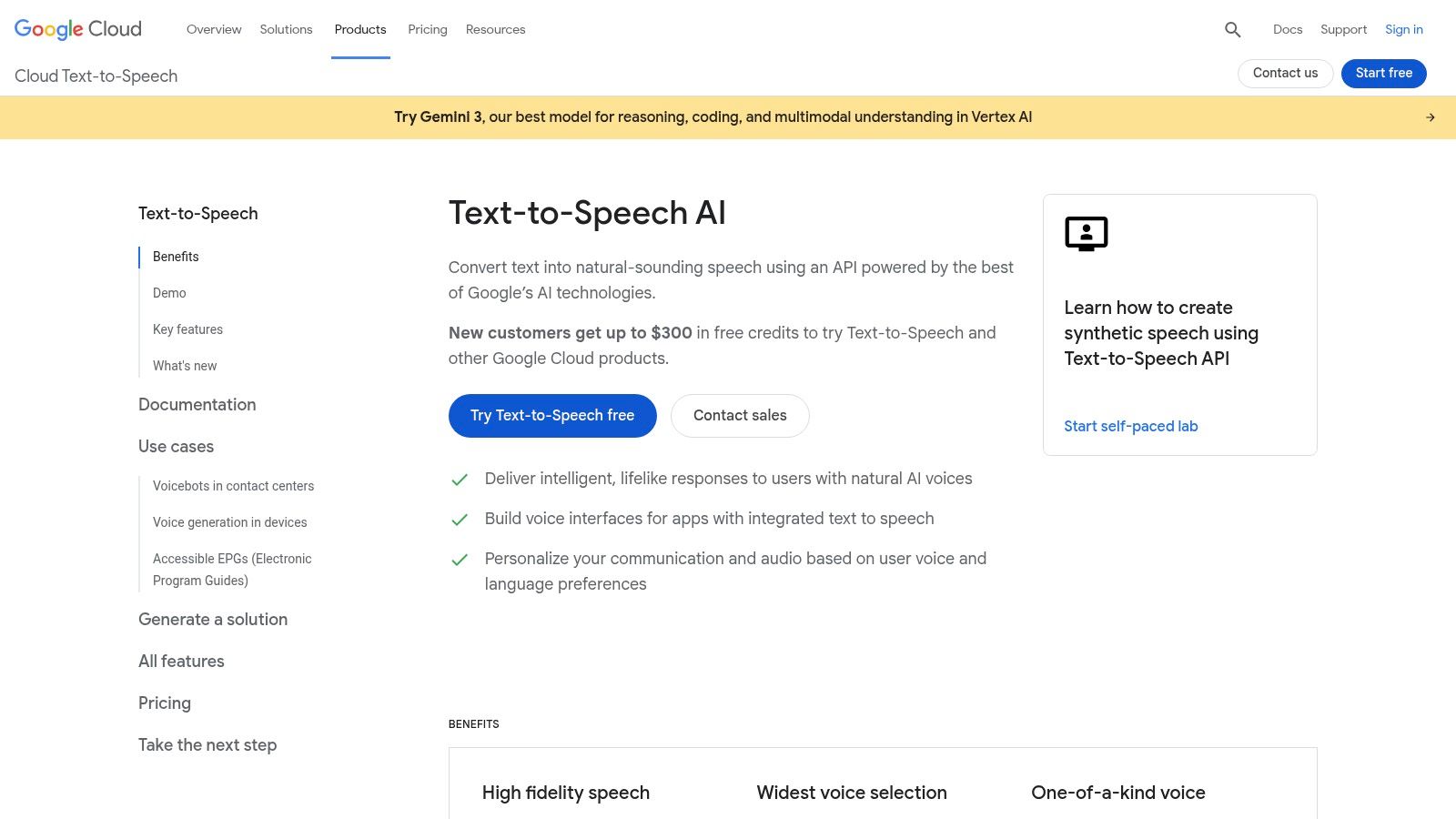
Website: Google Cloud Text-to-Speech
Google Cloud Text-to-Speech is rarely the flashiest demo on a shortlist. It still makes a lot of production shortlists because it solves a boring but expensive problem well. Teams need speech output that fits their existing cloud stack, handles multiple languages cleanly, and does not create a new procurement or security review.
That makes Google a strong fit in the hyperscaler API category of this guide.
I recommend it for product teams that already run on GCP or have a multilingual roadmap but do not need heavy voice cloning workflows. The value is less about dramatic performance and more about predictable integration. Authentication, storage, logging, IAM, and adjacent services are already there if your team uses Google Cloud.
Where Google Cloud fits best
Google Cloud works well for use cases where speech is one step in a larger pipeline.
A few common stacks:
- Localization team on GCP: Cloud Translation + Text-to-Speech + Cloud Storage + subtitle or asset pipeline
- Learning product: app backend + Text-to-Speech + timed captions + cached audio files in Cloud Storage
- Internal enterprise workflow: document generation + Text-to-Speech + access control through existing Google Cloud policies
That matters more than feature tables suggest. If your engineers already know GCP, implementation time drops because you are adding a service, not adding a new vendor and a new operating model.
Practical trade-offs
Google’s voices are usually good enough for product audio, onboarding flows, explainers, and multilingual narration. They are less convincing for character work, brand-heavy ad reads, or projects where vocal style is the product.
That gap shows up fast in testing. A PM hears a polished multilingual sample and signs off. Marketing then asks for warmth, tension, or a distinctive personality, and the team starts compensating with SSML, segmentation, and manual retakes. Google can get you part of the way there, but specialist platforms still tend to win on expressive output.
Cost and workflow are part of the decision too. Google Cloud generally makes more sense when your team wants API-first delivery and usage-based spend inside an existing cloud account. It makes less sense for nontechnical teams that want a browser studio, quick voice direction, and faster creative iteration without engineering help.
Implementation notes that save time
Use SSML from the first prototype, not after approval. Pronunciation issues show up late with product names, acronyms, and place names, and cleanup is tedious once those files are already in QA or localization review.
Cache rendered audio aggressively for repeated prompts. For high-volume apps, that is often the difference between a reasonable cloud bill and a noisy one.
Plan for voice consistency before rollout. Google offers broad language coverage, but voice families can vary in tone across locales. For a global product, test the full set of target languages together instead of approving English first and assuming the rest will match.
4. Amazon Polly (Neural TTS)
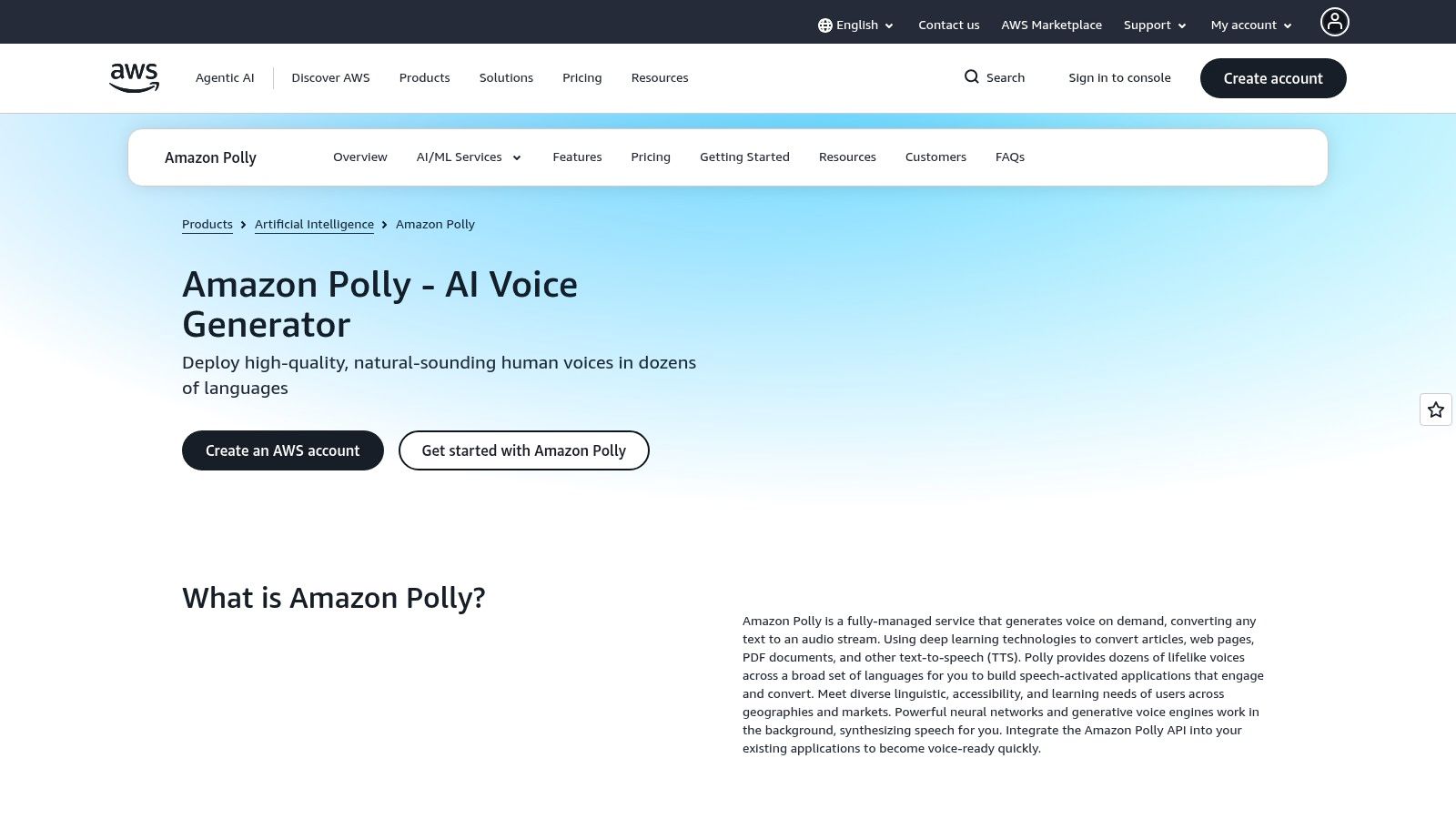
Website: Amazon Polly
Polly is rarely the favorite in a blind audio demo. It still makes a lot of shortlists because audio quality is only one part of the buying decision.
For the hyperscaler bucket in this guide, Polly fits teams that already ship on AWS and want TTS to behave like another infrastructure service, not a separate creative tool. That distinction matters. If your stack already runs through Lambda, S3, CloudFront, IAM, and CloudWatch, Polly is easy to slot into the path you already operate.
Where Polly fits best
Polly makes the most sense for utility speech. IVR prompts, transactional narration, internal tools, accessibility overlays, training modules, and voice features that need predictable uptime usually fit well here. The voices are good enough for many production cases, and the operational side is often better than adding another vendor with its own auth model, dashboard, billing minimums, and review process.
I have seen this choice save more engineering time than a better-sounding demo ever did.
The practical advantage is the integration stack. A common setup is simple: app sends text to Polly, stores the rendered file in S3, puts CloudFront in front of it, and caches aggressively so repeated prompts do not trigger synthesis costs again. For contact center teams already using Amazon Connect, the case is even clearer because voice generation stays inside the same AWS estate.
If you are comparing Polly against a more creator-oriented option such as ElevenLabs voice generation platform, the key question is not "which sounds best?" It is "does voice quality drive conversion, or does operational simplicity drive delivery?"
The trade-off you hear quickly
Polly usually loses on expressiveness.
That shows up fast in branded ads, character voices, and scripts that need emotional range. Teams can improve output with SSML, pacing control, and careful text segmentation, but there is a ceiling. If the voice itself is part of the product experience, specialist platforms still tend to give marketing and content teams more room to direct the read.
Polly wins a different argument. It keeps procurement, security review, observability, and deployment simpler for teams already committed to AWS. For a small product team, that can matter more than marginal gains in vocal style.
Implementation notes that matter in production
Use SSML early, especially for numbers, acronyms, names, and support scripts. Polly can sound solid on plain text, then stumble on product terms once real content shows up.
Pre-render common prompts instead of generating everything on demand. For onboarding flows, help centers, or repeated UI narration, caching in S3 cuts both latency and cost.
Test your exact delivery chain, not just the voice sample. MP3 settings, playback device quality, and telephony compression can flatten differences between vendors. In phone-based workflows, Polly often holds up better than teams expect because the channel itself removes a lot of nuance.
For buyer type, Polly sits firmly in the enterprise platform and hyperscaler camp, not the creator studio camp. Choose it if your team is strongest in cloud ops and backend delivery. Skip it if your success depends on fast creative iteration by nontechnical users.
5. Resemble AI
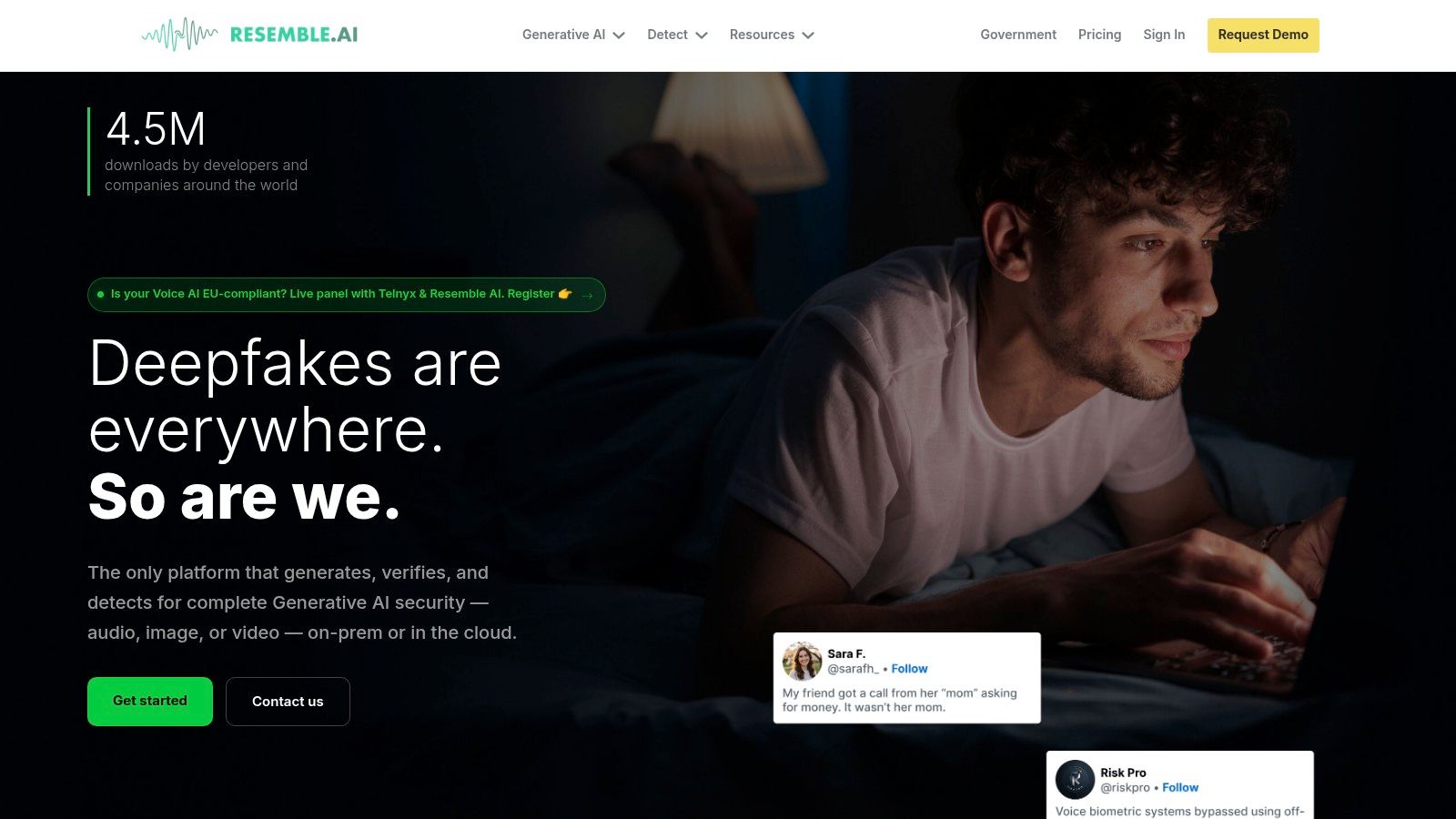
Website: Resemble AI
A lot of teams shopping for ElevenLabs alternatives are solving the wrong problem. They ask for "more realistic TTS" when the actual requirement is controlled voice cloning, approval workflows, and a way to prove where an audio asset came from after it ships.
Resemble AI fits that second category. I would place it in the enterprise platform bucket, with some overlap into creator and media workflows, because the product is built around voice identity management as much as speech generation.
That changes both the buyer and the integration stack.
Teams already experimenting with cloned voices on ElevenLabs alternatives for voice cloning and TTS usually look at Resemble when they need to move from demos into governed production. The appeal is not just the generated audio. It is the surrounding controls: cloned voices, speech-to-speech workflows, watermarking, and tools aimed at misuse detection.
Those features matter in gaming, media, branded assistants, and customer-facing products where a copied voice can create legal or brand risk. If your team has legal review, security review, or talent licensing in the loop, Resemble makes more sense than a plain text-to-speech API.
The trade-off is complexity. Resemble asks for a clearer operating model than a hyperscaler API or a lightweight creator studio. Someone on the team needs to define who can create voices, who can approve outputs, how source recordings are stored, and what gets generated live versus pre-rendered.
Cost evaluation also takes more work. Pricing is less friendly to quick self-serve testing, which can slow down small teams that just want to compare a few voices over a weekend. For larger teams, that friction is often acceptable because governance and provenance are part of the purchase decision.
A practical fit looks like this:
- Branded voice products: Apps, games, or assistants that need one recognizable voice across channels and releases.
- Risk-sensitive deployments: Workflows where watermarking, monitoring, or misuse controls matter as much as audio quality.
- Voice platform consolidation: Teams replacing a narrow TTS tool with a stack that also covers cloning and speech transformation.
Skip it if your main need is low-cost narration from plain text. In that case, the extra controls become admin overhead, and a simpler API or studio will get you to production faster.
6. WellSaid Labs
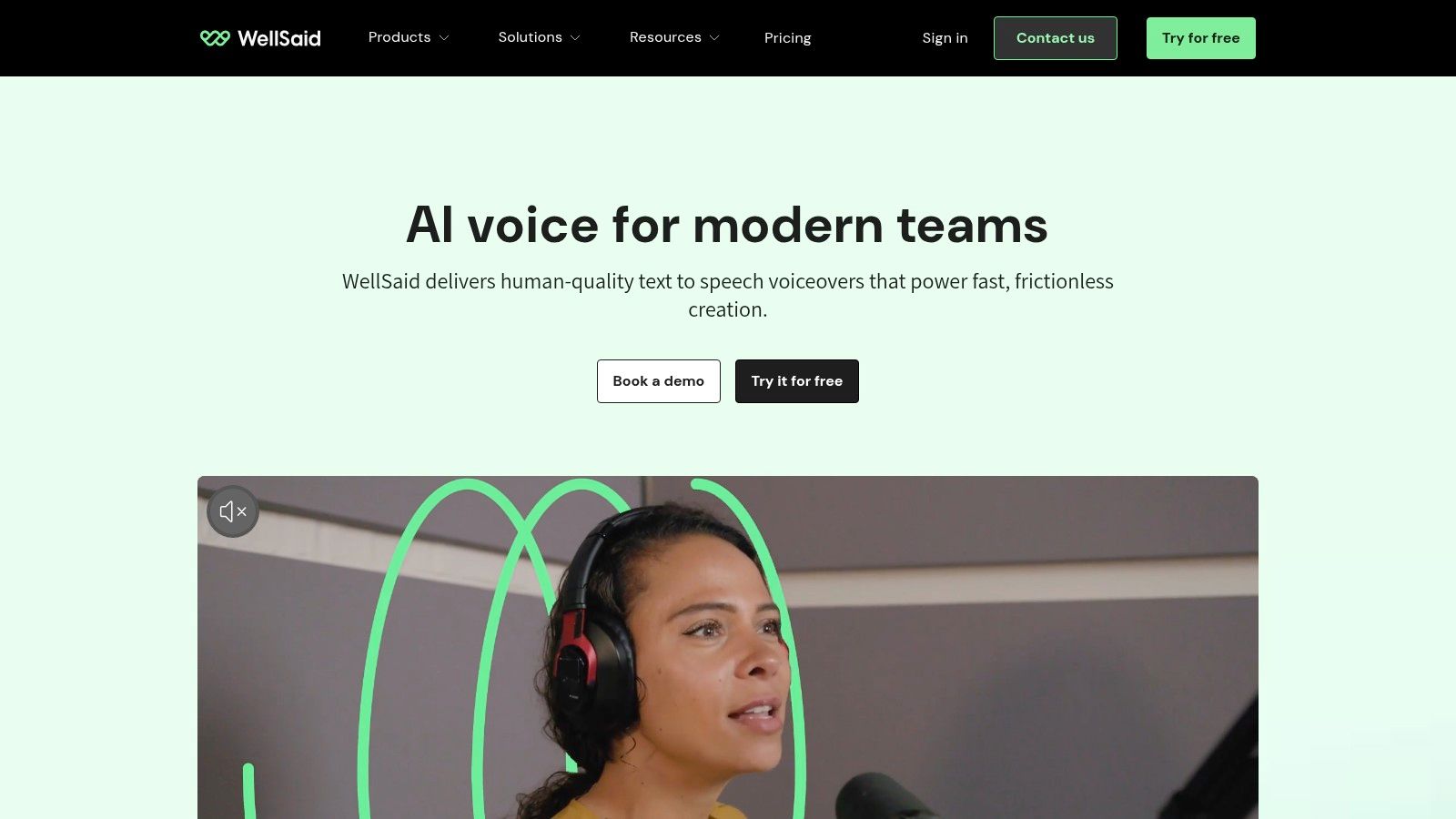
Website: WellSaid Labs
WellSaid Labs fits a different buying decision than ElevenLabs. I group it under enterprise platforms for teams that need repeatable narration for training, onboarding, product education, and internal communications, not broad experimentation with voice styles.
That distinction matters in practice.
If your workflow starts with instructional designers, marketers, or enablement managers in a browser, WellSaid usually makes more sense than an API-first stack. The value is not maximum expressiveness. The value is getting consistent, polished narration that holds up across 20, 50, or 200 modules without turning every revision into an audio cleanup project.
Best for learning and business content
WellSaid is strongest when clarity beats personality. Course libraries, compliance refreshers, sales enablement videos, and explainer content all benefit from a voice that stays steady from lesson to lesson. Teams replacing freelancers or patchwork studio workflows often care more about predictability, approval speed, and licensing clarity than emotional range.
That is why this tool shows up so often in L&D evaluations, as noted earlier in the article.
I would also put it on the shortlist for content teams that already produce narrated training or brand education alongside other media workflows. If that sounds familiar, it pairs naturally with a broader stack of AI tools for content creation, especially when the same team owns scripts, slides, and final video assembly.
What to watch before buying
The trade-off is flexibility. WellSaid is less attractive for teams that need deep API control, aggressive multilingual expansion, or voice output tuned for dynamic product experiences. If your developers want to generate speech inside apps, trigger TTS from backend events, or support lots of language variants, the hyperscaler options earlier in this guide are usually easier to slot into an existing cloud stack.
Cost can also look high if you evaluate it like a commodity TTS API. That is the wrong comparison. Compare it to the time spent coordinating voice actors, fixing inconsistent reads, re-recording small script edits, and routing approvals through video editors. In those environments, the browser-first workflow can save real production time.
One practical rule helps here. If the job is corporate narration that needs to sound polished every time, WellSaid is a strong fit. If the job is a realtime assistant, character voice, or developer-driven speech layer inside software, choose something else.
7. LOVO (Genny)
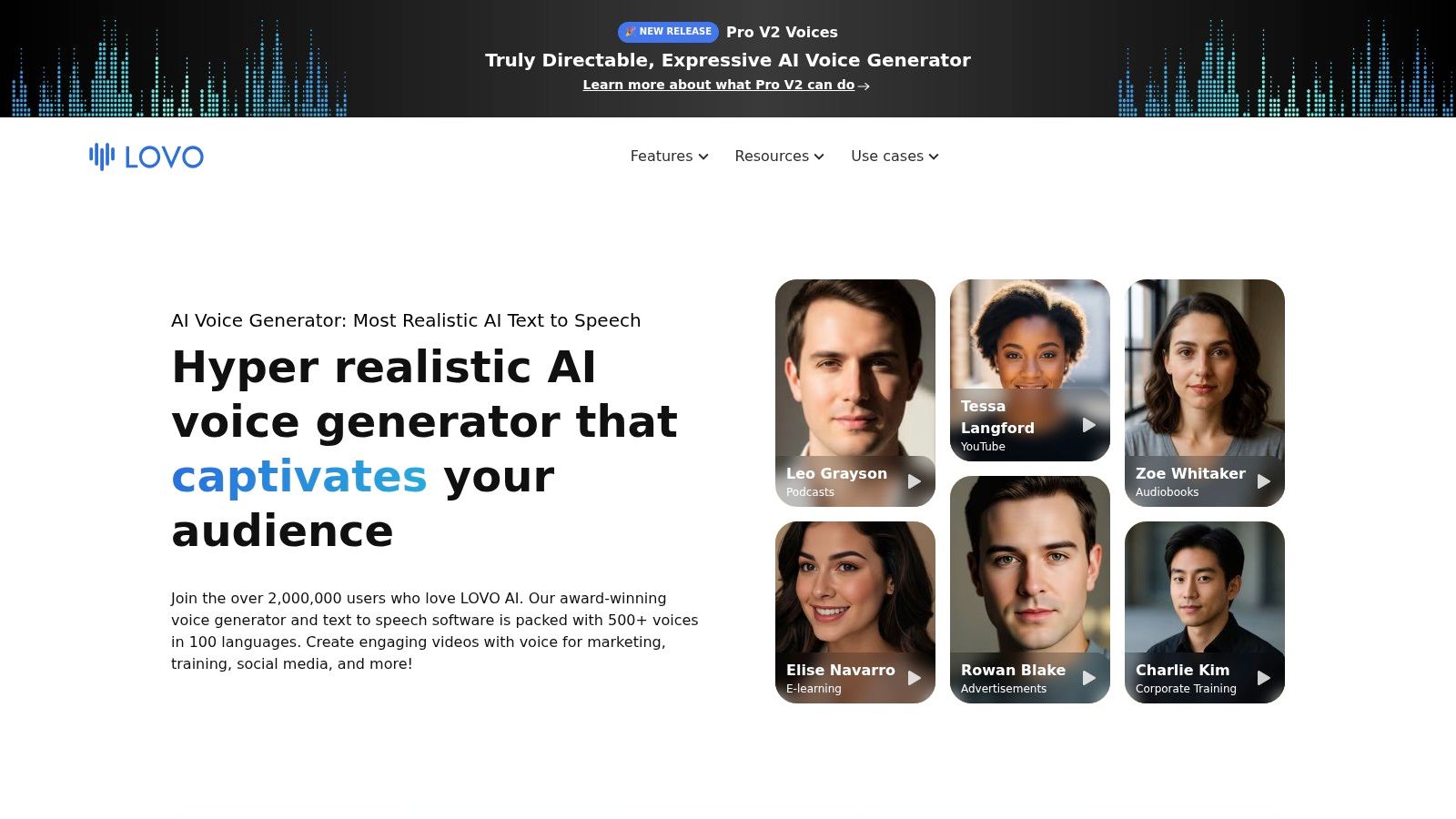
Website: LOVO AI
A better voice model does not always produce a better workflow. LOVO is a good example. It makes more sense as a creator studio for teams shipping narrated content every week than as a narrow TTS API for engineers building speech into products.
That distinction matters in this guide because LOVO belongs in the creator studio bucket, not the hyperscaler or enterprise platform bucket. If your team already works in scripts, timelines, captions, and approvals, Genny can reduce tool switching and speed up publishing. If your stack starts with backend services, queues, and app events, the extra studio layer can feel like overhead.
The practical win is production speed. Marketing and content teams can write copy, generate voice, line up visuals, and export without handing work across three separate tools. That usually saves more time than chasing a small gain in raw voice quality.
It also fits teams experimenting with adjacent formats such as short-form ads, narrated demos, and AI voice cloning tools, where the same person often owns scripting and final asset assembly.
Where LOVO fits best
LOVO is strongest when the buyer is a content team, not a platform team. I would shortlist it for brand marketers, social teams, course creators, and smaller in-house studios that need acceptable voice quality plus editing workflow in one product.
The integration stack is straightforward. Typical setup looks like this: scripts from Google Docs or Notion, assets from Canva or Adobe, voice and timing in Genny, then final distribution to YouTube, LinkedIn, paid social, or an LMS. That is a very different buying decision from choosing Azure, Google Cloud, or Polly for app-level speech generation.
Cost should be evaluated the same way. Compare it to the labor of coordinating voice edits, subtitle fixes, and video revisions, not to the cheapest per-character API.
Where it can frustrate technical teams
LOVO is less attractive for low-latency product experiences, backend-triggered speech generation, or environments with strict infrastructure control. Developers who want direct programmatic control, predictable API-first deployment, and easier alignment with an existing cloud stack usually get there faster with the hyperscalers earlier in this guide.
There is also a scope question. All-in-one tools help when one team owns the whole content pipeline. They become less efficient when copy, engineering, localization, and product all need different controls.
A simple rule works here. Choose LOVO if your bottleneck is content production. Skip it if your bottleneck is application architecture.
8. Murf.ai
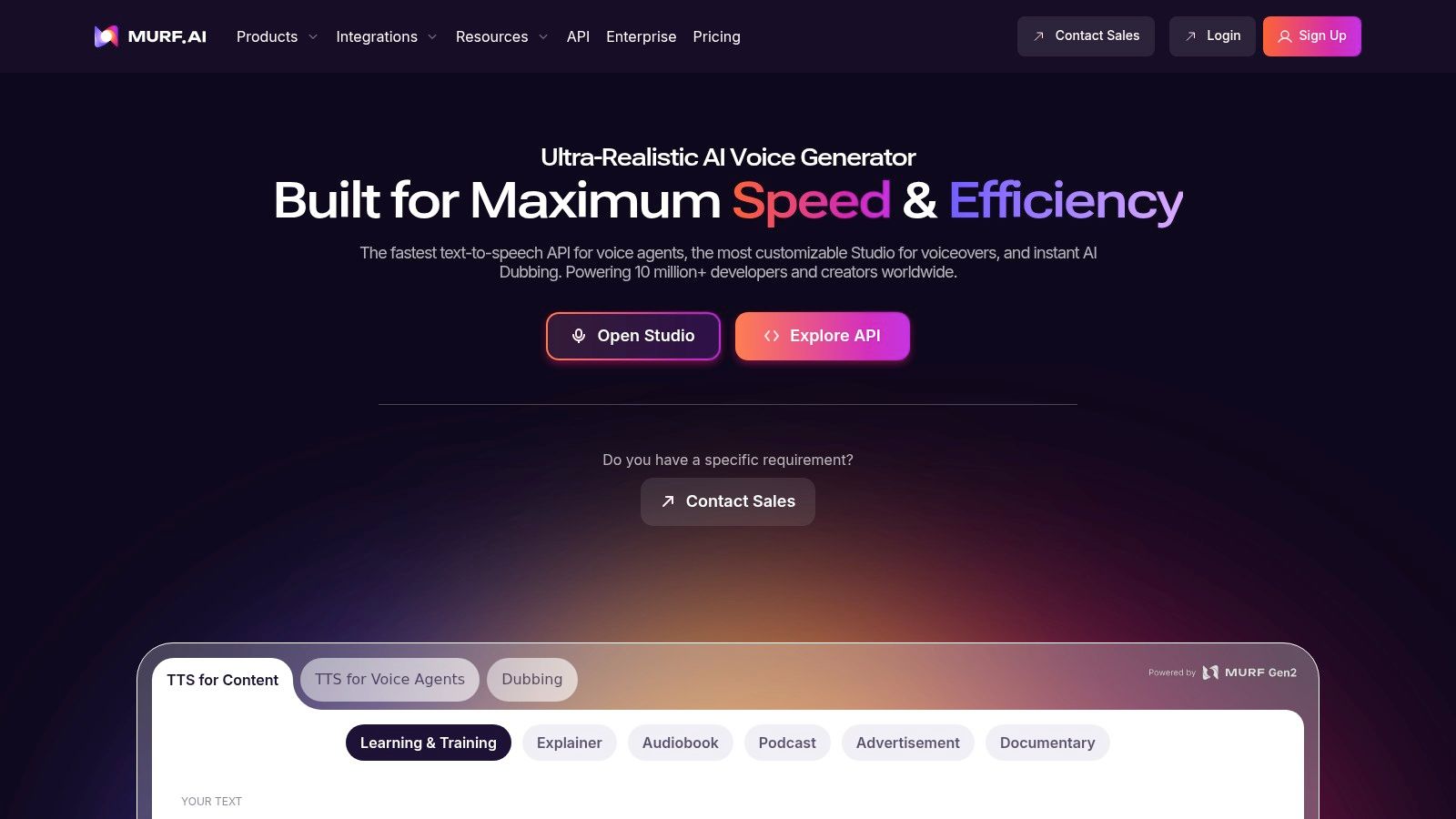
Website: Murf AI
Murf is the kind of TTS product that wins when the primary constraint is team throughput, not model experimentation or infrastructure control. I would put it in the creator-studio bucket for businesses that need polished narration fast and have no interest in wiring up another API service.
That distinction matters. Buyers comparing every tool to ElevenLabs often miss the operational question. Are you trying to build speech into a product, or are you trying to ship training videos, sales decks, demos, and internal explainers every week? Murf is far stronger in the second scenario.
Where Murf fits best
Murf works well for marketing teams, enablement leads, L&D managers, and operations teams that need one place to write, generate, revise, and export voice content. The value is not just the voice output. The value is that a non-technical owner can handle timing, script changes, and approvals without opening a ticket for engineering.
That makes Murf a practical middle option in this guide. It is less API-centric than Azure, Google Cloud, or Polly. It is also less creator-personality-driven than some voice cloning products. Teams that are still evaluating adjacent voice cloning tools often start here because the workflow is easier to operationalize across a small business team.
A typical stack looks like this:
- Script in Google Docs, Notion, or PowerPoint
- Voice generation and scene timing in Murf
- Export to video editor, LMS, webinar deck, or sales demo flow
- Publish through YouTube, internal training portals, or outbound enablement content
That stack tells you who this product is for. It is a content workflow purchase.
Trade-offs that show up in real use
Pronunciation control still needs manual work, especially for product names, acronyms, industry jargon, and regional terms. Murf is not unusual there, but teams often underestimate the review pass required to get narrated business content production-ready.
The other trade-off is architectural fit. If your roadmap includes real-time voice agents, backend-triggered generation at scale, or deeper observability around usage and latency, Murf can become a side tool instead of the core platform. At that point, the hyperscaler APIs or a more developer-first vendor usually fit better.
Cost should be judged the same way. Compare Murf to the hours spent coordinating copy revisions, re-record requests, and simple training video updates. If your team values a faster production loop more than the lowest per-character price, Murf makes sense.
Choose it when the bottleneck is business content creation with light technical involvement. Skip it when the bottleneck is product integration or infrastructure design.
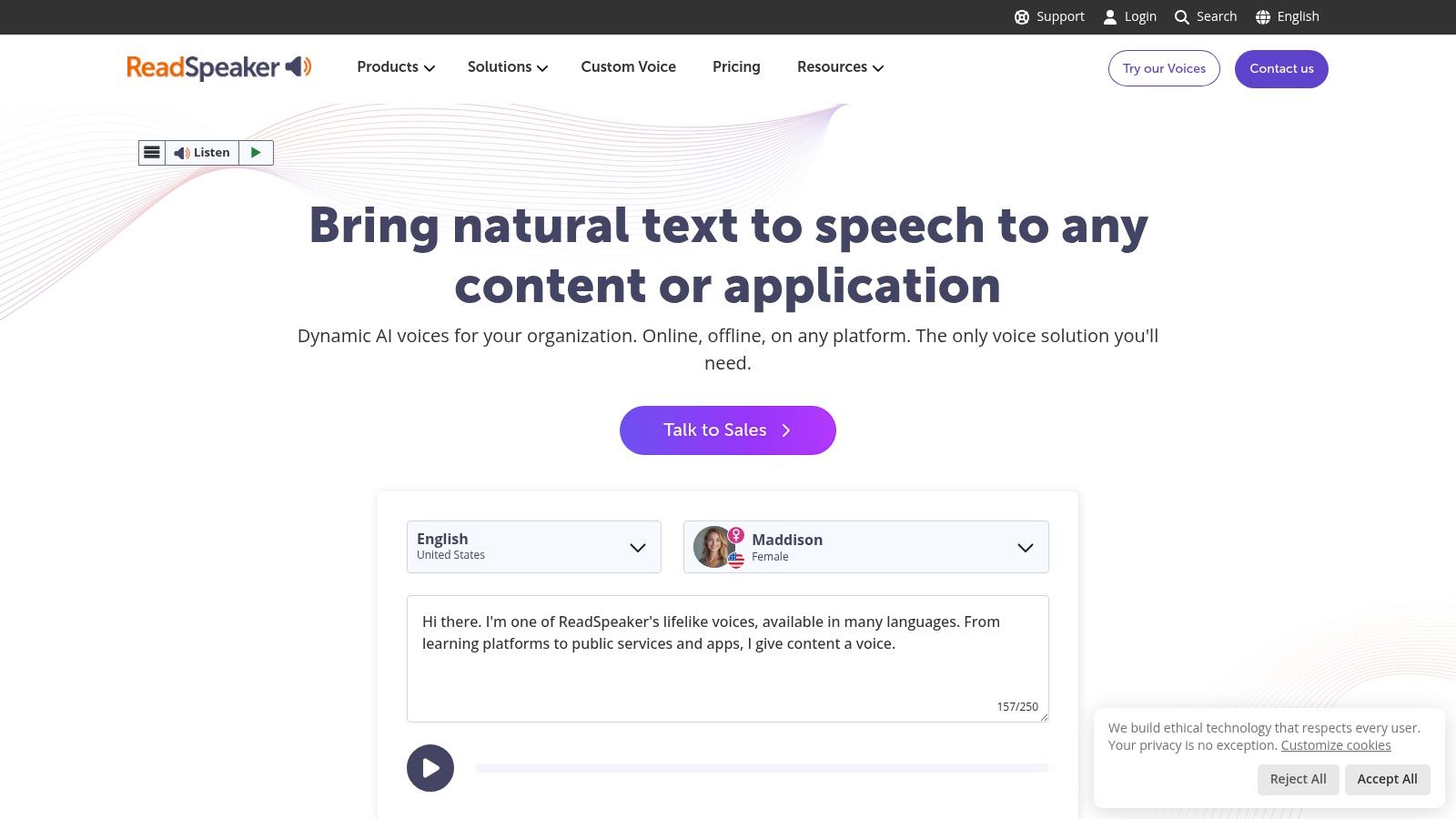
9. ReadSpeaker
Website: ReadSpeaker
ReadSpeaker is the veteran on this list. If your buyer lives in education, government, automotive, publishing, or accessibility-heavy environments, that maturity matters more than trendiness.
It has seen the ugly requirements before.
Where ReadSpeaker makes sense
This is a strong option when deployment flexibility matters. Cloud API is one thing. On-prem, embedded use cases, institutional rollout support, and custom voice arrangements are another.
That makes ReadSpeaker useful for organizations that don’t buy software the same way startups do. They want procurement clarity, support footprint, and deployment options that match institutional constraints.
The custom voice angle is especially relevant in sectors that care about brand control and ownership terms, not just output quality.
Why some teams skip it
Quote-based sales motion is slower than self-serve tools. If you’re an indie builder or early-stage startup, that can be a deal-breaker. You usually want to test quickly, not start a procurement thread.
ReadSpeaker is also a poor fit if your main goal is experimental voice cloning or creator-style content production. That’s not where it wins.
It wins when the question changes from “Can this sound great?” to “Can this support our deployment model, governance expectations, and long-term accessibility obligations?”
That’s a very different question. And for the right buyer, it’s the right one.
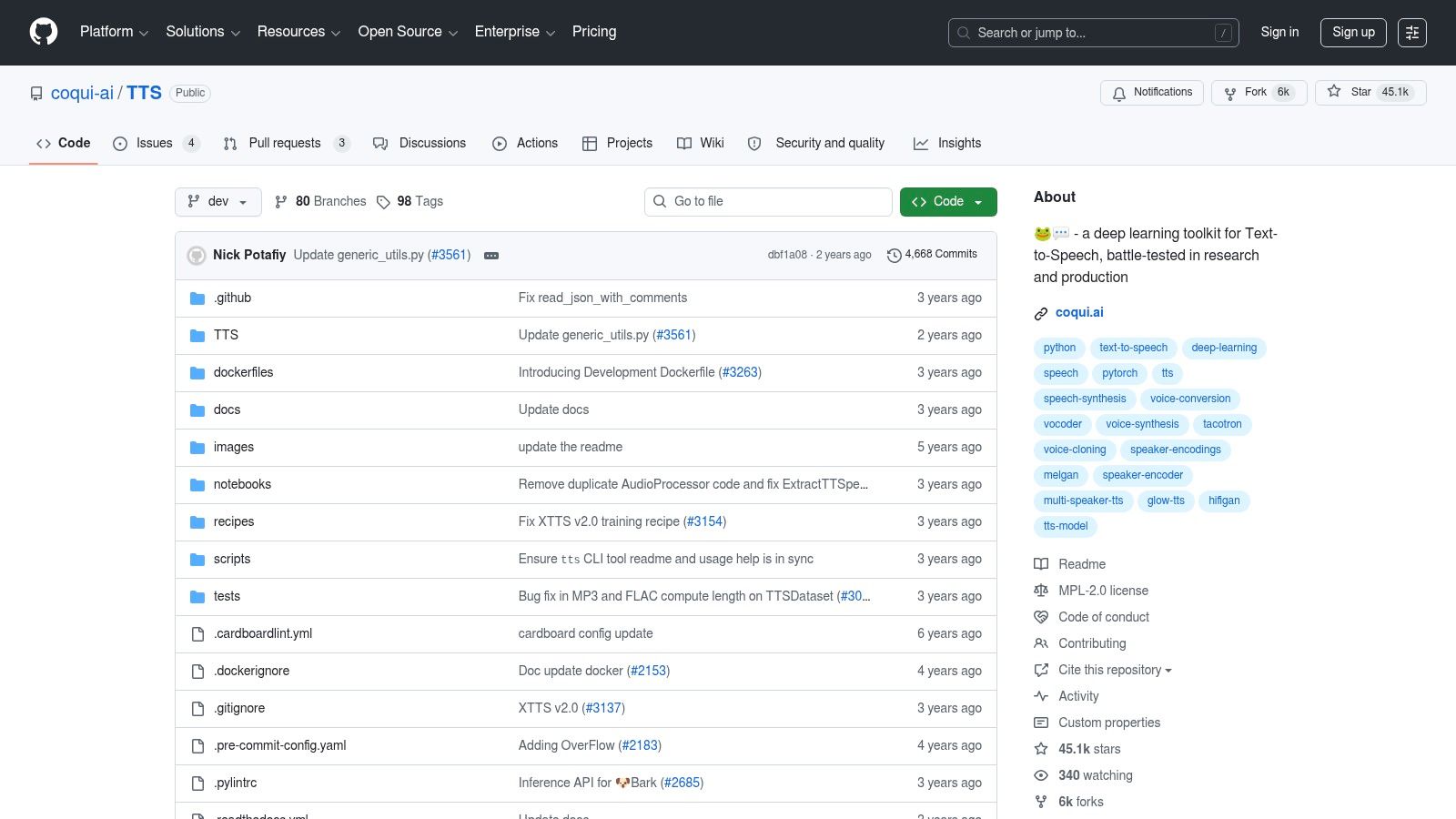
10. Coqui TTS (open-source, self-hosted)
Website: Coqui TTS on GitHub
Coqui belongs in a different bucket from the hosted tools above. This is the self-managed option for teams that want model control, data control, and infrastructure control, and are willing to carry the operational work that comes with that decision.
That distinction matters.
If your shortlist is organized by business use case, Coqui fits technical teams building privacy-sensitive products, internal systems, offline deployments, or language workflows that do not map cleanly to a commercial API. It is less a drop-in ElevenLabs replacement than a build-your-own speech stack. For the right team, that is a feature. For the wrong team, it becomes a side project that delays the product.
Where Coqui makes sense
Coqui is attractive when sending text to a third-party API creates legal, security, or product constraints. Self-hosting gives you control over where inference runs, how logs are handled, which models are used, and how aggressively you customize output.
It also fits teams with an existing ML or platform stack. If you already run GPU workloads on Kubernetes, use Docker in production, or have engineers comfortable with Python model serving, Coqui is much easier to justify. The integration path is usually straightforward: app backend to queue, queue to inference service, inference to object storage or streaming layer. The hard part is not getting audio out. The hard part is keeping latency, reliability, and deployment complexity within reason.
What the pricing page does not show
There is no SaaS bill for the model itself, but there is still a bill.
You pay in GPU time, engineering hours, monitoring, model evaluation, storage, and incident response. You also need to decide who owns versioning, fallback behavior, and abuse controls if users can generate speech at scale. Those costs are manageable for an infrastructure-capable team. They are expensive for a founder who only wanted cheaper audio generation.
That is why Coqui works best for teams that already know their stack. A common pattern is Python or FastAPI for inference serving, Redis or RabbitMQ for job handling, Docker for packaging, and S3-compatible storage for generated files. If your team is stronger in no-code tools, frontend work, or simple REST integrations, a hosted API usually gets you to production faster and cheaper.
A developer-focused analysis from NerdyNav on open-source AI voice options makes the same broader point. Open-source voice systems can be compelling, but the economics only work if you account for maintenance and operations, not just license cost.
Self-hosted TTS is usually a control decision first, and a cost decision second.
That is the practical way to evaluate Coqui. Choose it if your business needs local deployment, model-level control, or a custom pipeline your team can support. Skip it if you need fast testing, predictable uptime without DevOps overhead, or a simple API your product team can wire up in an afternoon.
Top 10 Lifelike TTS Alternatives, Quick Comparison
| Provider | Core features / Capabilities | Quality / UX (★) | Pricing & Value (💰) | Target audience (👥) | Standout / Unique (✨🏆) |
|---|---|---|---|---|---|
| OpenAI TTS (gpt-4o-mini-tts) | Real-time streaming, SSML controls, SDKs, unified LLM+TTS | ★★★★★, natural, low-latency | 💰 Token-based usage, flexible but harder to estimate | 👥 Founders/builders using OpenAI; voice agents, media apps | ✨ Unified LLM + TTS, realtime streaming; 🏆 best for interactive agents |
| Microsoft Azure AI Speech | Hundreds of Neural/Neural HD voices, Custom Neural Voice, containers & VNET | ★★★★★, enterprise-grade, broad language coverage | 💰 Complex enterprise pricing; gated custom voices | 👥 Enterprises, IVR, regulated industries | ✨ Custom Voice + regional hosting & compliance; 🏆 enterprise governance |
| Google Cloud Text-to-Speech | WaveNet/Neural2/Studio voices, SSML, word timepoints, GCP integration | ★★★★☆, reliable; Studio voices high-end | 💰 Transparent per-character pricing; predictable | 👥 GCP teams; apps needing predictable costs & timestamps | ✨ Word timepoints & multiple voice families |
| Amazon Polly (Neural TTS) | Neural voices, SSML & lexicons, tight AWS service integration | ★★★★, stable and well-documented | 💰 Competitive pay-as-you-go | 👥 AWS-native teams, contact centers, serverless apps | ✨ Native Lambda/S3/Connect workflows; reliable at scale |
| Resemble AI | Rapid & high-fidelity voice cloning, S2S, watermarking, on‑prem options | ★★★★☆, excellent cloning & fidelity | 💰 Quote/credits-based; custom enterprise packages | 👥 Enterprises needing provenance, legal/compliance controls | ✨ Watermarking + deepfake detection; 🏆 strong provenance story |
| WellSaid Labs | Curated pro voices, studio web app, enterprise licensing | ★★★★☆, broadcast-ready US English | 💰 Premium pricing; clear commercial licensing | 👥 L&D, training, marketing teams | ✨ Studio editor + commercial rights for content |
| LOVO (Genny) | Subscription hours, voice cloning, timeline video editor & captions | ★★★★, creator-friendly, emotional TTS | 💰 Hour-based subscriptions, predictable for creators | 👥 Marketers, creators, small teams producing video | ✨ Integrated video timeline & SFX workflow |
| Murf.ai | Web studio, brand lexicons, team collaboration, PPT/Slides workflows | ★★★★, accessible for non-technical teams | 💰 SMB-friendly plans (details in-app) | 👥 SMB content teams, presenters, explainer creators | ✨ Brand pronunciation tools + presentation integrations |
| ReadSpeaker | speechCloud API, custom voice builds, on‑prem/embedded SDKs | ★★★★, deep enterprise support & reliability | 💰 Quote-based institutional pricing | 👥 Education, automotive, public sector & institutions | ✨ Custom-voice IP terms & multiple deployment models |
| Coqui TTS (open-source) | Open-source models, training/finetuning workflows, self-hostable | ★★★★, highly customizable; infra-dependent | 💰 No per-char fees; infra & ops cost to self-host | 👥 Developers, ML teams wanting control & privacy | ✨ Self-hostable open-source stack; 🏆 zero vendor lock-in |
Your Next Step From Evaluation to Execution
Picking an ElevenLabs alternative gets easier once you stop searching for a universal winner. TTS choices break down by operating model, not by a single quality score.
I’d make the decision from the stack outward.
If your team already builds on one vendor and wants the fewest integration surfaces, start with the unified developer option. OpenAI TTS is the obvious fit there. If security review, procurement, regional hosting, and existing cloud contracts drive the project, the hyperscalers usually win. Azure, Google Cloud, and Amazon Polly are rarely the most exciting demos, but they are often the easiest tools to get approved and deployed inside larger organizations.
A different buyer should choose differently. Creator teams shipping ad variations, product videos, or training clips usually move faster in LOVO or Murf because the editor is part of the product. Enterprise content teams with licensing review, voice approvals, and audit requirements should spend more time on Resemble AI, WellSaid Labs, or ReadSpeaker. Teams that need full control over data, models, and runtime should only pick Coqui if they are ready to run inference infrastructure, monitor performance, and own support themselves.
That use-case split matters more than another feature checklist:
- Unified developer stack: OpenAI TTS for teams that want one API family across generation and speech.
- Hyperscaler APIs: Azure, Google Cloud, and Polly for organizations that care about governance, procurement alignment, and predictable infrastructure.
- Creator studios: LOVO and Murf for marketing and content teams that need to publish without waiting on engineering.
- Enterprise voice platforms: Resemble AI, WellSaid Labs, and ReadSpeaker for licensing control, approvals, and institutional deployment.
- Self-hosted open source: Coqui for ML-heavy teams that prefer control over convenience.
The practical evaluation path is short. Pick two vendors from the category that fits your business, then wire each one into a thin test flow that matches production. For a voice agent, that means streaming, interruption handling, and first-byte latency. For training content, it means pronunciation on your real glossary, export workflow, revision speed, and approval handoff. For a customer-facing app, it means usage-based cost, caching strategy, fallback behavior, and what happens when a region or model is unavailable.
This is also where weak evaluations fall apart. A polished sample paragraph hides pronunciation failures, queueing delays, and awkward retries. Real integration work exposes them fast.
Cost needs the same treatment. Monthly plan pages are only a starting point. The number that matters is cost per delivered minute, per generated asset, or per active user session, depending on the product. I usually model at least three scenarios: expected usage, a launch-month spike, and the ugly case where users regenerate audio more often than planned. That exercise often changes the shortlist more than the voice demo does.
If you want one simple rule, use the tool that matches your team’s bottleneck. Choose OpenAI or a hyperscaler if engineering speed and stack fit matter most. Choose LOVO or Murf if non-technical publishing speed is the blocker. Choose Resemble, WellSaid, or ReadSpeaker if review, governance, and licensing are the hard part. Choose Coqui only if vendor dependence is a larger risk than operating your own speech system.
Two prototypes are enough.
You will learn more from one afternoon of shipping a real test than from another week of vendor comparison pages.
If you’re building an AI stack and want less noise in the evaluation process, Oryndex is worth bookmarking. It’s a curated discovery engine for founders, builders, and operators who want vetted AI tools, practical categories, and faster shortlisting without getting buried in vendor hype.