
10 AI Tools for Business Growth in 2026

Matic Pogladič
19 April 2026
The common advice gets the sequence wrong. Teams start with writing assistants because they are easy to trial, easy to demo, and easy to justify. In practice, the bigger gains usually come from systems tied to pipeline, support, retention, and fulfillment, where AI can shape decisions and throughput instead of adding more output to review.
That is the standard for this list. These are tools operators can put into production, measure, and combine into working stacks. A SaaS team will need a different mix than an ecommerce brand or a B2B service firm, and that distinction matters. Genuine upside rarely comes from one app. It comes from how CRM, outbound, support, automation, and channel tools reinforce each other.
For teams still sorting through the market, a curated AI tools directory for evaluating software categories can save time before you book demos or start migrations.
The broader shift is real, but the useful question is narrower. Which tools fit your business model, your workflow, and your data constraints right now? That is the lens here. Practical deployments, clear trade-offs, and stack recommendations that can produce compounding returns once the pieces are connected.
1. Oryndex
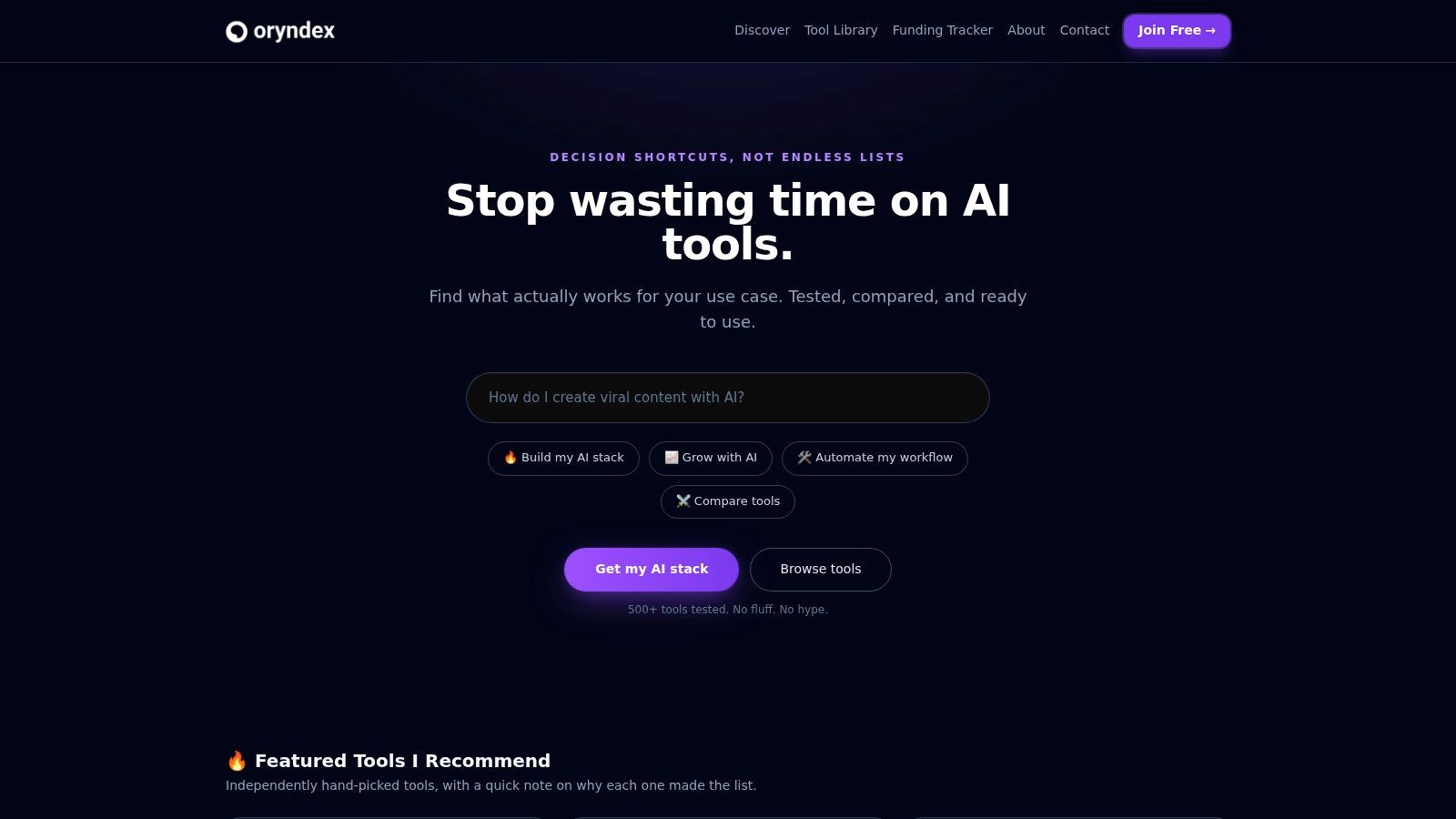
Oryndex solves a problem most founders underestimate until they’ve wasted a few weeks on demos. Discovery is work. Shortlisting is work. Separating polished landing pages from tools that teams use in production is also work.
This directory is useful because it behaves more like an operator’s research layer than a generic roundup site. You can browse practical categories, scan concise use cases, and get enough context to decide whether a tool deserves a trial. That sounds simple. It isn’t.
What stands out is the mix of human curation and market signals. Oryndex includes an editor’s shortlist alongside traffic-ranked tools based on Similarweb snapshots, which gives you two different lenses. One shows conviction. The other shows demand.
Why it works early in the buying process
For small teams, this matters more than people admit. You usually don’t need a perfect answer first. You need a credible shortlist fast, especially when your stack touches marketing, support, analytics, onboarding, and compliance at once.
Oryndex covers more than 500 tools across categories like AI assistants, developer tools, data extraction, video creation, documentation, email marketing, privacy and compliance, and training and onboarding. If you want to browse the live library directly, start with the Oryndex tool directory.
That breadth is useful, but its primary value is compression. Instead of opening twenty tabs and trying to reverse engineer each vendor’s positioning, you can ask in plain English and get a tighter set of options.
Practical rule: Use Oryndex to build the shortlist, not to make the final buying decision. Discovery and validation are different jobs.
Trade-offs and best use cases
I like Oryndex most at the top of the funnel, when a team knows the problem but not the vendor set. It’s especially strong for founders, operators, and lean marketing teams that don’t have dedicated procurement or research staff.
Pros and cons are straightforward:
Best for speed: Human curation plus leaderboard signals help you prioritize what to test first.
Best for breadth: Categories are practical, not academic, so the browsing experience maps to real work.
Best for clarity: Short tags, ratings, use cases, and traffic context make comparison easier.
Less useful for exhaustive procurement: A curated library is still a curated library. Some strong niche tools won’t be included yet.
Popularity can distort fit: High traffic can signal awareness, not suitability for your budget, region, or workflow.
There’s also a strategic angle here. An underserved part of the market is AI for training and onboarding, where many directories still lag behind operational reality. That gap matters because teams often buy tools faster than they build capability around them. Oryndex is well positioned to surface more of that category over time.
2. HubSpot
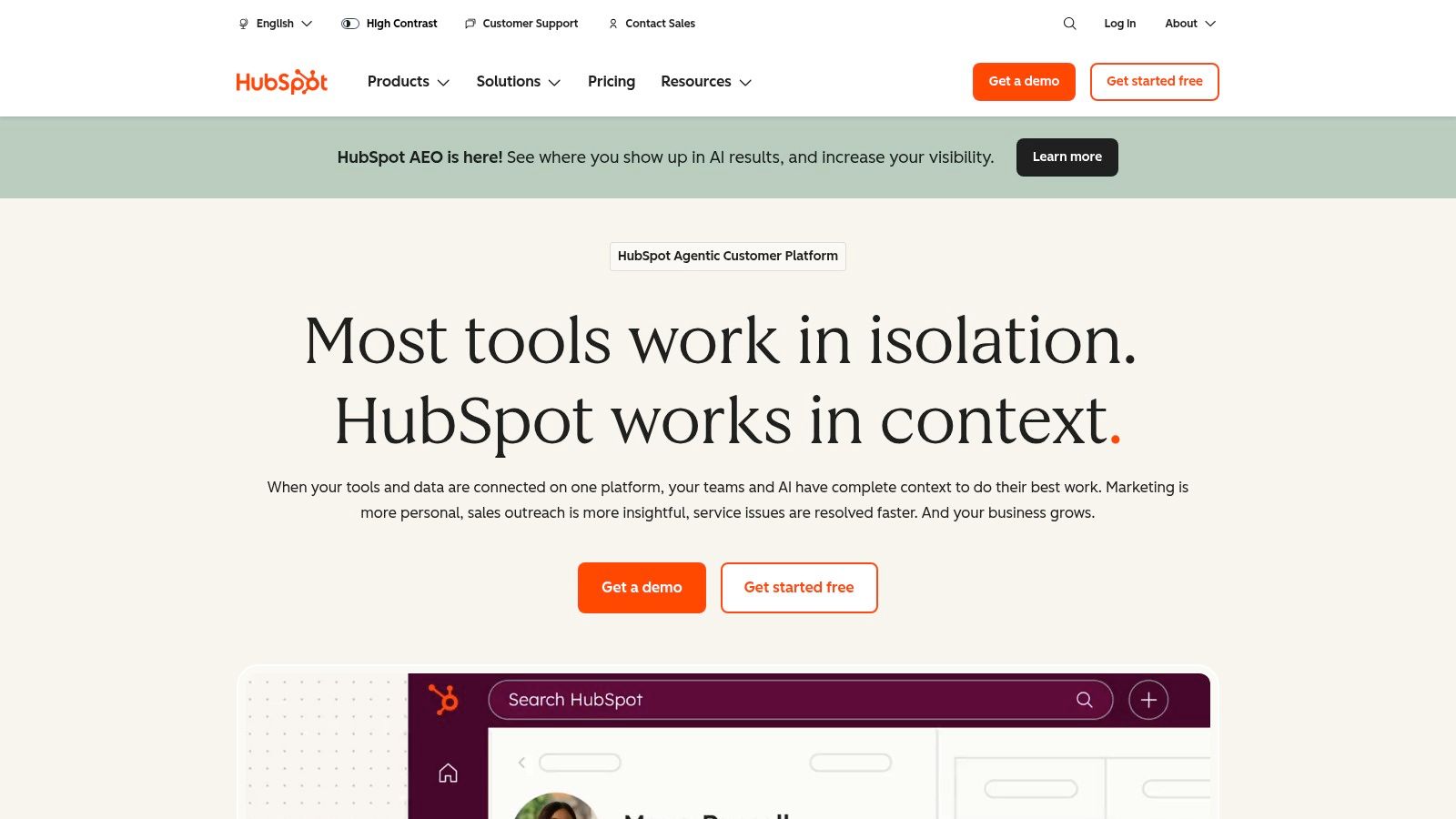
HubSpot is the tool I’d pick when growth starts to break because information lives in five systems and nobody trusts attribution. It isn’t the flashiest AI product on this list. That’s partly why it works.
Its strength is the CRM-centered model. Marketing, sales, and service can operate from the same record, and the AI features sit inside the workflows people already use instead of forcing another app into the stack. That reduces friction fast.
Where HubSpot earns its keep
HubSpot makes the most sense when you want campaign execution, lead management, pipeline visibility, and service history tied together. If your team is bouncing between spreadsheets, email tools, and disconnected automations, the platform effect matters more than any single AI feature.
The upside is operational coherence:
- Single customer record: Better handoff between marketing, sales, and service.
- Embedded AI assistance: Drafting, summarizing, and workflow support happen in context.
- Governance controls: Useful once multiple teams and regions start touching the same system.
The downside is familiar to anyone who has scaled a CRM. Costs rise with contacts and seats, and the admin burden is real. HubSpot is easy to start. It isn’t always easy to run well at scale.
The teams that get the most from HubSpot usually simplify around it. The teams that get the least often keep buying side tools that recreate the same data in parallel.
A practical mistake I see often is using HubSpot only as a form capture and email engine. That undershoots the product. If you’re buying it, use it as the operating system for lifecycle growth.
3. Jasper
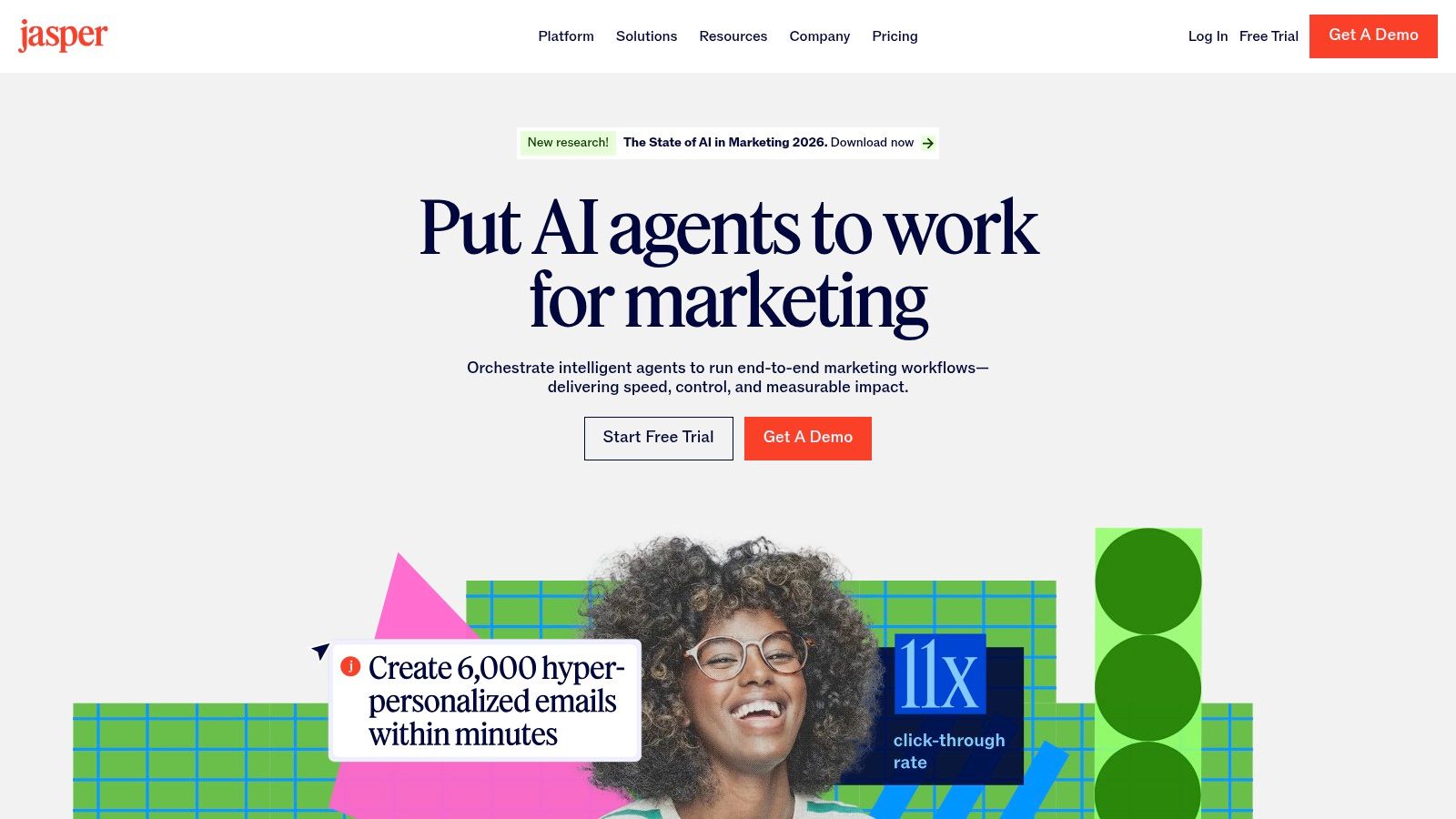
Jasper earns its place when content quality starts breaking under team scale. One writer can keep a voice consistent with discipline and taste. Ten people producing landing pages, emails, ads, and enablement content across regions usually cannot.
That is the primary use case.
Jasper is less about raw text generation and more about controlled production. Brand voice settings, product context, campaign workflows, and collaboration features help marketing teams produce more without turning every draft into a cleanup project for one overworked editor. Generic chat tools can draft fast. They struggle once brand rules, approvals, and repeatability matter.
Where Jasper actually pays off
The best Jasper buyers already know what they want to say. They have positioning, claims they can defend, offers that convert, and at least some editorial process. In that environment, Jasper shortens the distance between brief and usable draft.
I would not buy it for pure volume. I would buy it to reduce inconsistency.
That distinction matters even more in the recommended AI stacks this article is pushing. For a SaaS company, Jasper works well with HubSpot and Zapier when the goal is to turn product launches, lifecycle campaigns, and sales enablement into a repeatable system. For a B2B services firm, Jasper paired with HubSpot can keep case studies, nurture emails, and proposal support materials aligned to one message instead of drifting by writer.
For adjacent options, Oryndex also has a solid roundup of AI tools for content creation.
Trade-offs that matter
Jasper makes more sense for a team than for a solo operator trying to keep software spend low. The controls are the point, and controls only pay for themselves when several contributors are involved.
- Strong fit for multi-person marketing teams: Shared brand and product context cuts revision cycles.
- Useful for campaign systems: Teams can produce emails, ads, landing page copy, and supporting assets from the same messaging base.
- Less attractive for low-cost content production: If the goal is cheap first drafts, lighter tools can cover a lot of the same ground.
The common mistake is buying Jasper before the company has clear messaging. The tool can enforce a voice, but it cannot invent a sharp one. If positioning is still unstable, do the strategy work first. Then use Jasper to scale what already works.
4. Copy.ai
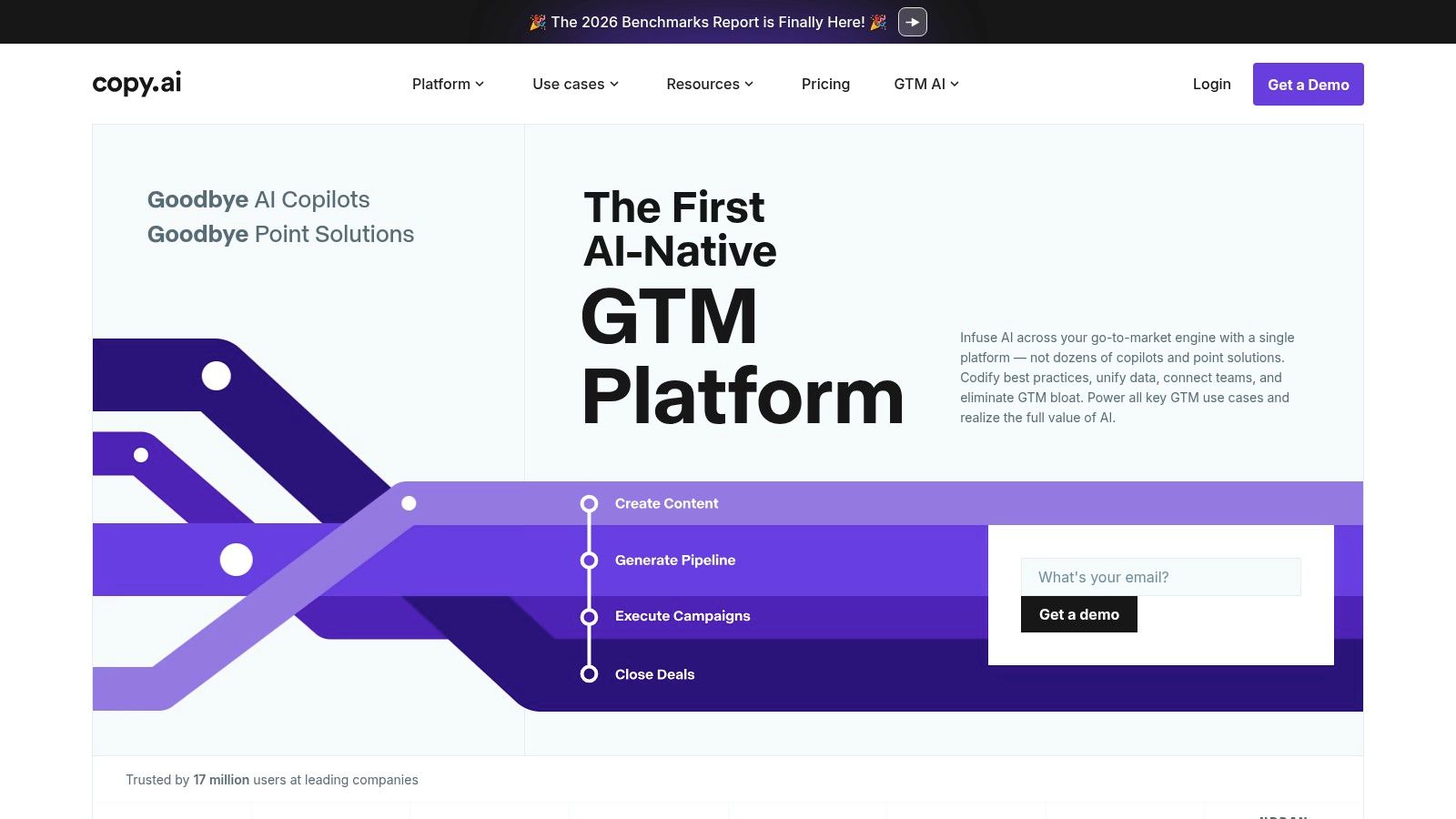
Copy.ai sits in a different lane from Jasper. It’s not just trying to help you write. It’s trying to automate repetitive go-to-market work around writing, like prospect research, outbound sequencing, and task-driven workflows.
That makes it appealing for lean revenue teams. If your growth motion depends on a small number of people doing prospecting, messaging, and follow-up at once, the workflow layer is the point.
Best fit for GTM operations
Copy.ai is useful when your bottleneck isn’t “we need blog posts.” It’s “we need more executed sales and marketing motions without hiring another coordinator.” The credits model can be a little annoying at first, but it also forces teams to think about volume and process, which isn’t always bad.
I’d use it for structured GTM tasks such as:
- Prospect research support: Summarizing accounts before outreach.
- Sequence drafting: Generating first-pass outbound messages.
- Workflow handoffs: Turning research into action without copying data manually.
Where teams get into trouble is expecting strategic judgment from it. Copy.ai can speed production. It won’t rescue a weak offer or poor segmentation.
Another watchout is credit sprawl. If people run workflows casually without a clear owner, usage gets messy. This is a common issue with self-serve AI products in general. They feel cheap until they become infrastructure.
5. Apollo.io
Apollo.io earns its keep when revenue teams need more booked conversations, not more tabs open.
For B2B teams running outbound, the primary benefit is operational control. Apollo combines contact data, enrichment, sequencing, call tasks, and activity tracking in one place, so reps spend less time exporting lists, cleaning records, and logging work after the fact. That matters if your pipeline depends on consistent execution rather than one great AE having a strong quarter.
It also fits the broader shift from AI experiments to deployed systems. Databricks found that organizations registered 1,018% more production AI models year over year from February 2023 to March 2024. Sales teams feel the same pressure. Tools have to support daily workflow, not just produce an impressive demo.
Where Apollo helps most
Apollo works best as part of a B2B growth stack, especially for SaaS and service businesses that need a repeatable outbound motion. A practical stack might pair Apollo for targeting and sequencing, HubSpot for CRM and pipeline visibility, and Jasper or Copy.ai for first-draft messaging support. That combination creates compounding returns because targeting, message production, and follow-up all improve together.
I would use Apollo for work like this:
- Prospect sourcing and enrichment: Build tighter account lists without bouncing between vendors.
- Outbound execution: Run sequences, task queues, and call workflows from one interface.
- Manager visibility: Standardize activity and review what reps are sending.
If you're evaluating adjacent categories, Oryndex has a useful email marketing software directory for comparing tools that support follow-up and lifecycle touchpoints around outbound.
What to watch before rollout
Apollo creates problems when teams treat volume as strategy. Buying access to a large database does not fix a weak ICP, poor offer framing, or sloppy segmentation. It just helps you send bad outreach faster.
The failure pattern is predictable. Revenue leaders centralize Apollo, reps pull broad lists, AI drafts generic copy, and reply rates fall because the message has no real buying signal behind it.
A better setup is narrower. Define a small set of segments, map pain points by role, and use Apollo to enforce process discipline. Used that way, it can replace a pile of point tools and make outbound more measurable. Used poorly, it becomes an efficient way to burn through domains and attention.
6. Klaviyo
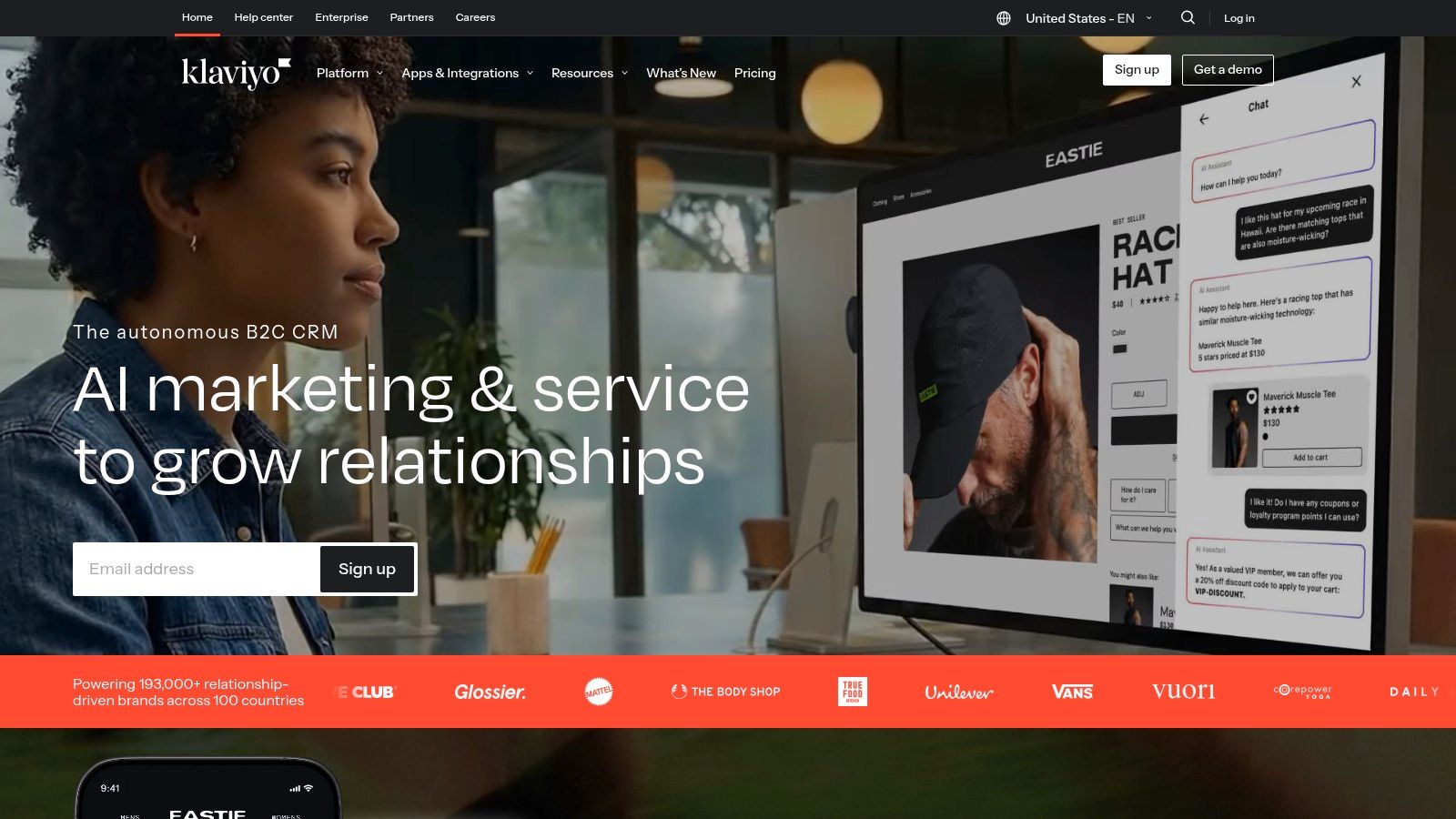
Klaviyo earns its place in a growth stack for a simple reason. In ecommerce, retention often produces cleaner margins than acquisition, and Klaviyo sits close to the purchase data that drives retention decisions.
The AI features matter, but they are not the main reason to buy it. The key benefit arises from tying campaigns, flows, segments, and revenue reporting to how shoppers interact with the site. Browse behavior, cart activity, purchase history, predicted next order date, and channel engagement can all feed the same system. That makes the tool more useful than generic email platforms that bolt AI writing onto weak commerce data.
That distinction matters in practice. Good ecommerce teams do not just send more messages. They build a system that reacts to customer intent faster than the store changes.
Where Klaviyo actually drives growth
Klaviyo is strongest for brands that already have enough traffic and order volume to benefit from tighter lifecycle orchestration. Welcome flows, cart recovery, replenishment reminders, win-back sequences, VIP segments, and post-purchase cross-sell campaigns all perform better when the underlying customer data is clean and current.
This is also where the article's stack approach matters. Klaviyo rarely produces its best results alone. Pair it with Shopify for storefront and order data, use Shopify Magic for merchandising support, and connect Zapier where ops handoffs still break. That setup creates compounding returns because targeting, timing, creative production, and follow-up all improve together.
If you're comparing options around this category, Oryndex maintains a useful directory of email marketing tools.
Common failure points
Klaviyo usually disappoints for teams that confuse automation with strategy. One pattern is blunt segmentation, where every subscriber gets the same discount-heavy cadence until unsubscribe rates climb. The other is flow sprawl. A team builds fifteen automations, nobody audits them, and half the logic breaks after a catalog or theme change.
A better operating model is tighter:
- Start with revenue-critical flows: Welcome, browse abandonment, cart abandonment, post-purchase, and win-back usually deserve attention first.
- Use AI for speed, not judgment: Draft subject lines, variation testing, and campaign starting points are helpful. Offer strategy, send timing, and segmentation rules still need human review.
- Limit segment complexity: If the lifecycle manager cannot explain the rule set in plain English, the segment is too hard to maintain.
- Assign clear ownership: Someone should review flow performance, suppression logic, and deliverability every month.
Klaviyo can become a serious retention engine. It can also become an expensive broadcasting tool with better reporting. The difference comes down to data hygiene, merchandising coordination, and whether the team treats lifecycle marketing as a revenue function instead of a design task.
7. Intercom + Fin AI Agent
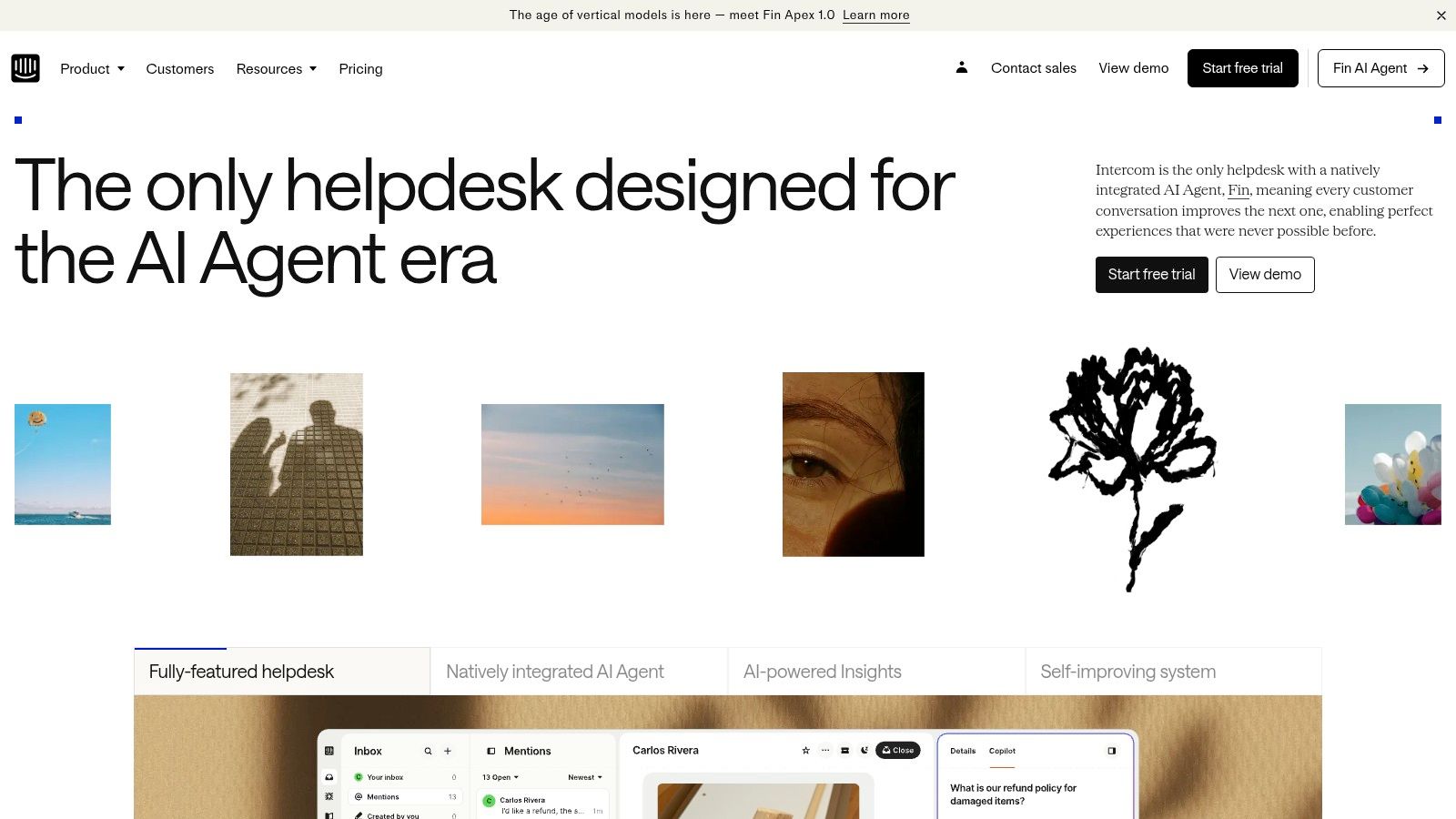
Support software rarely gets framed as a growth tool. That is a mistake.
Intercom with Fin AI Agent earns its place in an AI stack because support quality shapes activation, retention, and expansion. If users hit friction during onboarding, billing, or setup, revenue feels it fast. Teams that treat support as a back-office function usually see the consequences later in churn reports.
Fin is also easier to evaluate than many AI add-ons because its pricing is tied to resolutions. That model will not suit every finance team, but at least the buyer can connect spend to workload removed and tickets handled.
Where the pairing works
Intercom has a practical edge over standalone AI support layers. The inbox, help content, routing logic, and human handoff already live in the same system. Fin benefits from that context instead of forcing a team to bolt AI onto a fragmented support process.
The operational fit is important, as customer service is already one of the clearer uses for AI in business. Buyers should judge it on containment rate, escalation quality, and time recovered by agents. Novelty is irrelevant here.
Support AI performs well when the knowledge base is current, permissions are well scoped, and escalation rules are explicit. Miss any of those, and answer quality drops quickly.
Real-world trade-offs
This stack needs active management. Teams still have to clean up help articles, monitor where Fin resolves versus where it frustrates users, and budget for both platform seats and AI-driven resolution costs. If support and finance do not agree on what a good outcome looks like, adoption gets messy.
It fits best in a few cases:
- SaaS companies with repetitive product and account questions: Good for onboarding, billing, permissions, and feature FAQs.
- B2B services firms with a defined client support motion: Useful when the same request patterns show up across accounts.
- Teams with solid documentation: Fin gets better when the source material is clear, current, and structured.
The weak spot is predictable. Bad documentation produces bad automation.
As part of a recommended AI stack, Intercom plus Fin works best alongside tools upstream and downstream from support. For a SaaS business, that might mean HubSpot for lifecycle data, Intercom for support execution, and Zapier for routing product signals into the right workflows. Used together, those systems do more than cut ticket volume. They reduce time-to-value and give the team capacity back where growth happens.
8. Shopify Magic + Sidekick

Shopify Sidekick is the kind of product that makes more sense the busier a store gets. A merchant already lives inside Shopify admin. So an assistant that understands store context, can write ShopifyQL queries, answer operational questions, and take actions in the same environment has an obvious advantage.
No integration tax. That’s the point.
Why built-in often beats best-of-breed
For merchants, context usually beats feature depth. A brilliant AI dashboard outside the commerce platform often loses to a competent assistant with direct access to orders, products, discounts, fulfillment settings, and roles.
That’s why I’d rather see a store use Sidekick well than buy three disconnected “AI for ecommerce” apps too early. Native permissions and data access matter more than most demos admit.
A few practical wins:
- Fast answers inside admin: Good for merchandising and ops questions.
- Native action-taking: Useful when the assistant can do, not just suggest.
- Role-based controls: Important once several people run the store.
The trade-off is scope. Shopify’s built-in AI is strongest if Shopify is already your center of gravity. If your stack is heavily customized, advanced needs may still push you into partner apps.
9. Google Ads Performance Max
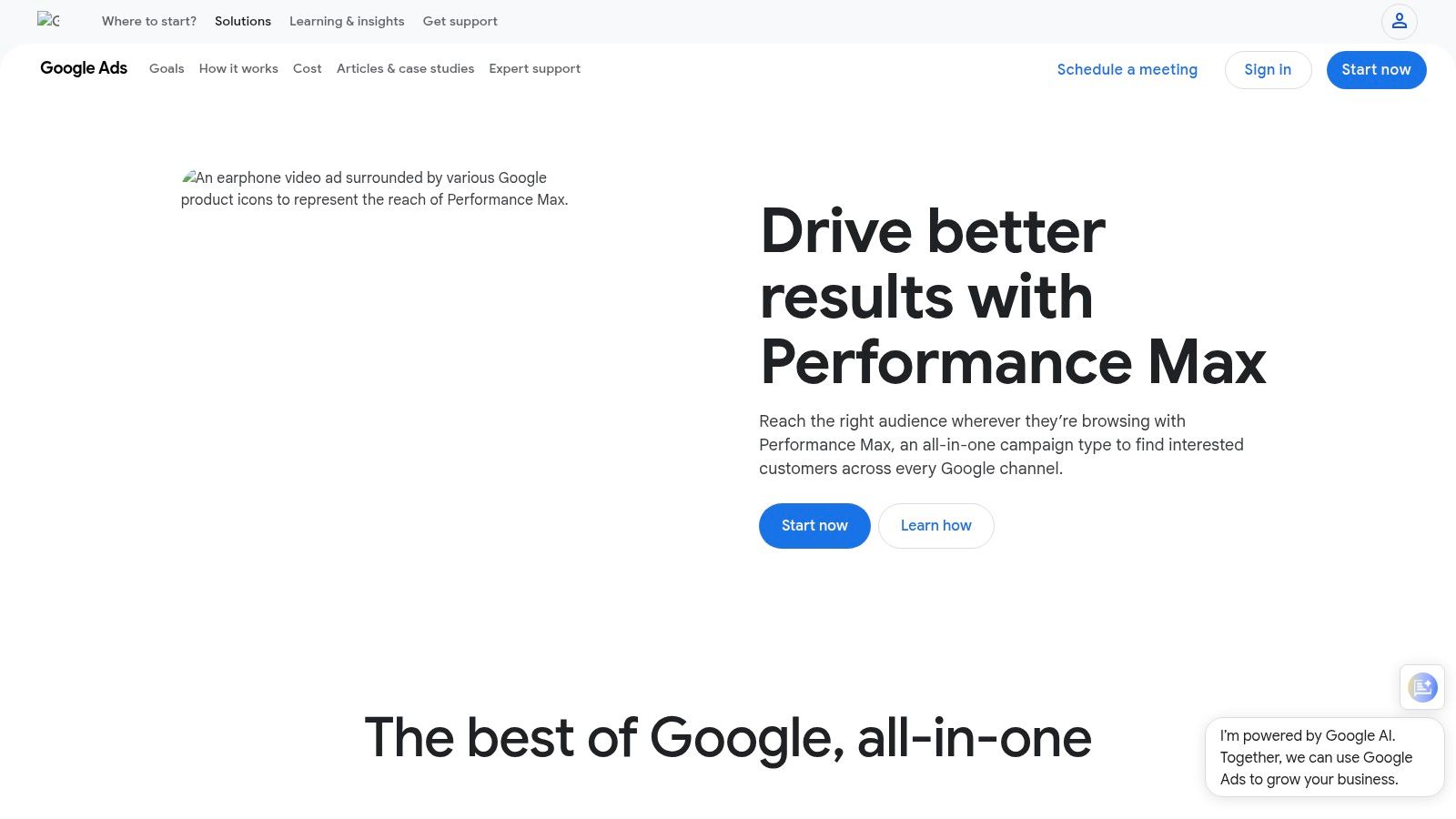
Google Ads Performance Max is useful for one reason above all. It lets a team buy across Google inventory through one AI-driven campaign type tied to conversion goals.
That can be powerful. It can also be sloppy if you don’t feed it strong inputs.
Where it shines and where it frustrates
Performance Max works best when your tracking is clean, your creative is solid, and you already know what a qualified conversion looks like. In that situation, it can extend reach across Search, YouTube, Display, Discover, Gmail, and Maps without forcing separate campaign builds for each channel.
Where operators get burned is control. You give up some channel-level visibility in exchange for automation. That’s a fair trade if the account is well structured. It’s a bad one if you’re still guessing.
I wouldn’t put a beginner team straight into full automation without guardrails. Audience signals, exclusions, creative quality, and conversion definitions all matter. AI media buying still reflects the quality of the account setup behind it.
10. Zapier
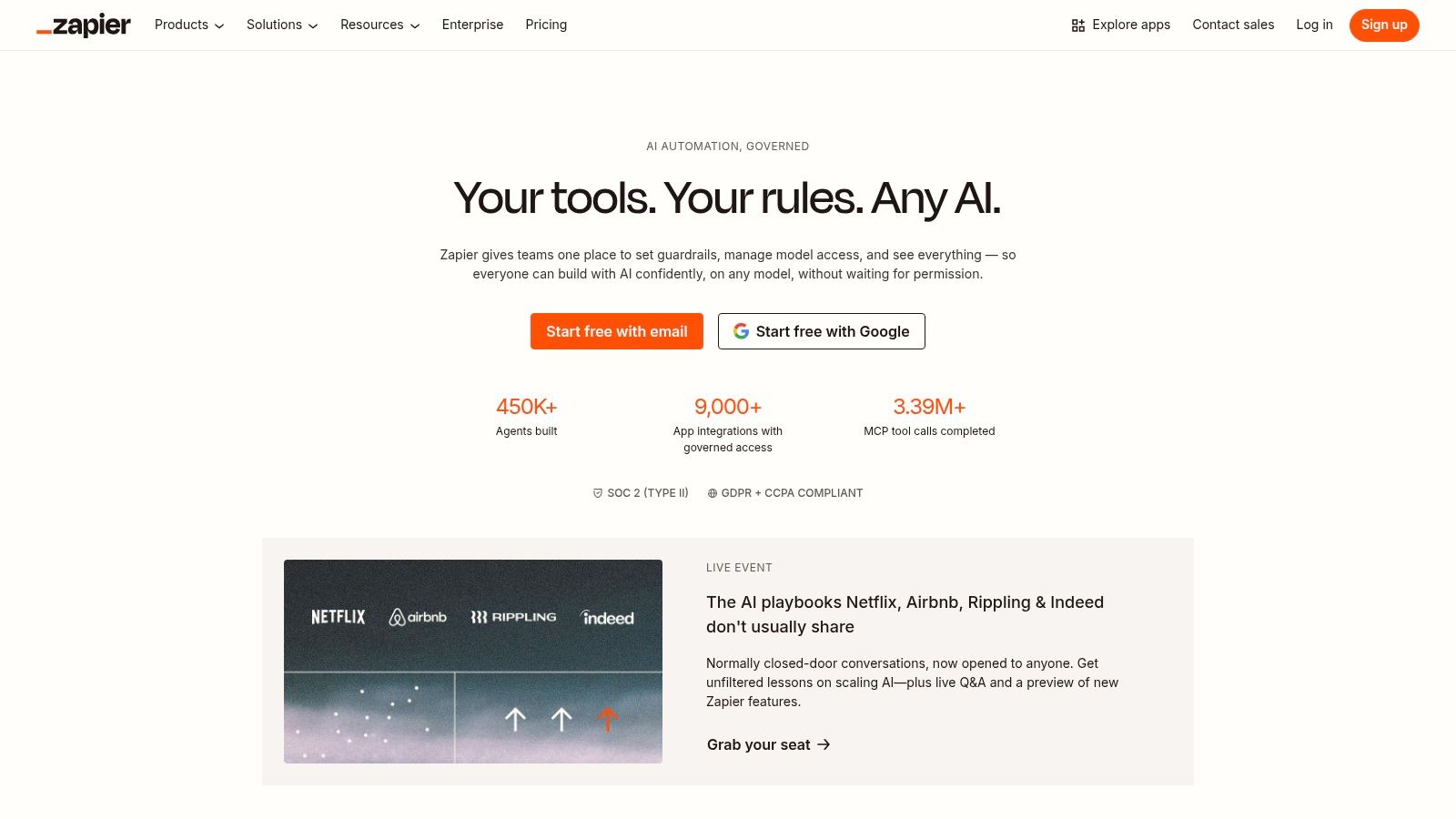
Zapier usually creates more real business value than the flashier products on this list. It handles the unglamorous work that determines whether your stack behaves like a system or a pile of subscriptions.
That distinction matters.
A writing assistant can help a team produce more. A support bot can deflect tickets. A CRM can store pipeline data. None of that compounds if lead data stalls in forms, lifecycle events never reach the email platform, or qualified conversations fail to trigger follow-up tasks. Zapier fixes that operational gap faster than almost any other tool a small team can buy.
Why Zapier matters in an AI stack
Zapier is what makes the "recommended stack" idea practical. For a SaaS company, it can pass trial signups from forms into HubSpot, notify sales in Slack, enrich records, and trigger onboarding sequences. For ecommerce, it can connect Shopify, Klaviyo, support events, and internal alerts. For B2B services, it can move inbound leads into the CRM, create proposal tasks, and keep delivery handoffs from slipping.
That matters because the best tools for growing a business rarely produce their full return on their own. The gains show up when each tool passes context to the next one.
For teams building those connections, Oryndex’s roundup of AI tools for business automation is a useful next read.
Practical limits
Zapier is built for speed, not always for final-state architecture. At higher volume, direct API work, native integrations, or heavier automation platforms can lower cost and reduce failure points. Still, for startups and SMBs, waiting for perfect infrastructure usually means waiting too long.
I use Zapier when the priority is getting a process live this week, learning where the bottlenecks are, and replacing pieces later if scale demands it.
- Best for fast implementation: You can launch and test workflows without asking engineering to stop roadmap work.
- Best for stack coordination: It works well when you use several specialized tools and need them to share data.
- Weaker at large-scale backend automation: Task usage, branching logic, and maintenance overhead can rise quickly.
If a business already has solid point tools but weak operations between them, Zapier is often the most impactful fix on the list.
Top 10 AI Tools for Business Growth Comparison
| Tool | Core features ✨ | Quality ★ | Value & Pricing 💰 | Target 👥 | Unique selling point |
|---|---|---|---|---|---|
| Oryndex 🏆 | Curated AI directory, NL search, editor’s shortlist + traffic leaderboard ✨ | ★★★★☆ | 💰Free to browse & subscribe | 👥Founders, builders, operators | 🏆 Operator-led curation + traffic-ranked shortlists for fast shortlist building |
| HubSpot | CRM + embedded Copilot, campaign orchestration, reporting ✨ | ★★★★ | 💰Seat/contact pricing; Pro/Enterprise tiers | 👥Growth, sales & service teams | ✨Unified data model with governance for scaling teams |
| Jasper | Brand‑trainable content, agents & templates for campaigns ✨ | ★★★★ | 💰Pro (solo) / Business (team, annual) | 👥Marketing teams & brands | ✨Strong brand-voice controls and campaign templates |
| Copy.ai | Chat + multi-model access, GTM Workflows (credits) ✨ | ★★★ | 💰Credits-based workflows; tiered seats | 👥Small growth & marketing teams | ✨Practical GTM automation recipes beyond content |
| Apollo.io | 230M+ contacts, AI enrichment, sequences & dialer ✨ | ★★★★ | 💰Free tier + credits & add‑ons | 👥B2B SDRs, sales ops | ✨Verified contact database + integrated outreach stack |
| Klaviyo | Ecommerce CRM, AI subject lines, event-driven segmentation ✨ | ★★★★ | 💰Profile-based pricing; free starter | 👥Ecommerce merchants | ✨Deep storefront integrations for lifecycle lift |
| Intercom + Fin AI Agent | AI per‑outcome agent, copilot, analytics add‑ons ✨ | ★★★★ | 💰Seats + per‑resolved‑outcome AI pricing | 👥Support & CS teams | ✨Usage-aligned AI pricing focused on deflection & CSAT |
| Shopify Magic + Sidekick | Context-aware admin assistant, ShopifyQL, native actions ✨ | ★★★ | 💰Included with Shopify plans | 👥Shopify merchants & ops | ✨Native data access & admin actions, zero setup for merchants |
| Google Ads – Performance Max | AI-driven unified campaigns across Google inventory ✨ | ★★★★ | 💰Spend-based; needs conversion tracking | 👥Performance marketers & advertisers | ✨Single campaign for Search, YouTube, Display, Discover, Gmail, Maps |
| Zapier | 8,000+ connectors, automation, AI Agents & Tables ✨ | ★★★★ | 💰Task/usage-based; scalable tiers | 👥Ops, growth & no-code builders | ✨Fast cross‑tool prototyping and AI orchestration without engineering |
Your Next Move From Tools to Strategy
The biggest mistake in AI adoption isn’t choosing the wrong vendor. It’s choosing a tool before defining the process it’s supposed to improve. That sounds obvious, but teams skip it all the time. They buy a writing assistant before they fix lead routing. They buy a support bot before they clean the help center. They buy analytics copilots before naming the owner of the dashboard.
That’s why I challenge the most popular advice on ai tools for business growth. Content creation shouldn’t be your first move. Automation should. The first question isn’t “Which AI tool should we buy?” It’s “Where does work slow down, repeat, or get dropped?”
When I’ve seen AI adoption stick, the pattern is boring in the best way. A team maps one critical path, usually lead flow, support triage, lifecycle messaging, or onboarding. Then they simplify the handoffs. Then they add AI at the points where judgment is lightweight and repetition is high. That’s what scales.
A practical starting sequence looks like this:
- First, fix the process: Document how a lead, customer, or request moves through the business.
- Then, connect the systems: Use a workflow tool to move data between forms, CRM, email, support, and reporting.
- Then, add AI in context: Put AI where it can summarize, draft, route, segment, or answer based on real business data.
- Then, measure behavior: Watch how the team uses the tool, not just whether a feature was turned on.
This sequence is less exciting than “deploy AI across the company.” It works better.
If you run SaaS, the stack often starts with HubSpot, Intercom, and Zapier. That gives you a CRM spine, support automation, and cross-tool workflow control. Add Jasper when the content engine is mature enough to need governance, not before.
If you run ecommerce, I’d usually think in terms of Shopify Sidekick, Klaviyo, Performance Max, and Zapier. Native commerce context plus retention plus acquisition plus automation gives you a tighter loop than buying separate AI point tools in every department.
If you run B2B services or outbound-led growth, Apollo, HubSpot, Copy.ai, and Zapier often make more sense. The ultimate win comes from turning prospect data, outreach, follow-up, and CRM hygiene into one repeatable system. Not from sending more emails.
There’s also a more human lesson that gets missed. Teams need AI literacy, not just AI access. One of the more underserved areas in this category is upskilling and onboarding. When companies ignore that, tools underperform because nobody knows when to trust the outputs, when to override them, or how to fold them into daily work. Buying software is easy. Changing habits isn’t.
So start smaller than you think. Pick one revenue-adjacent process. Tighten the workflow. Add the minimum viable AI layer. Watch where people still work around the system. Then improve it.
That’s how durable growth stacks get built. Not through hype. Through operational fit.
If you want a faster way to build that shortlist, Oryndex is a strong place to start. It cuts through vendor noise with curated recommendations, practical categories, and real-world discovery paths for founders, operators, marketers, and ecommerce teams that need an AI stack they can use.