
10 Best AI Productivity Tools for 2026

Matic Pogladič
14 April 2026

The best AI productivity stack is usually boring on paper. It sits inside the tools your team already uses, respects your permissions model, and removes repeat work without adding another place to check.
That is the filter for this list.
The shortlist is organized by job function, not novelty, because AI adoption fails in predictable ways. Teams buy a clever assistant, then discover the actual constraint is not model quality. It is where the work lives, who can access it, what data it can touch, and whether the output can move into the next step without manual cleanup. In practice, that is why Microsoft Copilot, Zapier, Otter.ai, Notion AI, and Slack AI matter more than another standalone chatbot tab.
I have made the expensive mistake of testing too many point tools in isolation. The pattern is consistent. Value comes from the workflow wrapper, the integration layer, and the admin controls. A strong model inside a weak system still creates copy paste work. An adequate model inside the right system often saves more time.
This guide takes a stricter approach. We use Oryndex market data to rank the field, then narrow it to an editor's shortlist that is worth piloting. If you want a broader view of the category before choosing a stack, Oryndex also tracks AI Assistant tools by category. If your workflow is spreadsheet-heavy, it also helps to read an in-depth comparison of Excel AI vs Copilot. For teams evaluating options beyond the default chatbot, this list also pairs well with these powerful ChatGPT alternatives.
Use this section as a buying lens: choose the system that fits the job, then choose the AI inside it.
1. Microsoft Copilot for Microsoft 365
If your company already runs on Word, Excel, Outlook, Teams, and PowerPoint, Microsoft Copilot is the cleanest way to add AI without forcing a platform shift.
That’s the pitch. Less disruption.
Microsoft Copilot for Microsoft 365 works best when your documents, calendars, chats, and permissions already live inside Microsoft 365. In that setup, it can draft inside Word, help analyze spreadsheets, summarize email threads, and turn meeting context into recaps and follow-ups across Teams and Outlook.
Where it actually earns its keep
The strongest use case is routine office work that already has a home in Microsoft. Quarterly updates. Internal briefs. Spreadsheet cleanup. Inbox triage. Slide drafting.
Instead of pasting content into a separate chatbot, teams stay inside the app where the work already lives. That sounds minor until you deploy at scale. It changes adoption.
For teams exploring adjacent assistants, Oryndex keeps a practical list of options in its AI Assistant directory.
Practical rule: Copilot is most useful when your company is already standardized on Microsoft 365. If half the org lives in Google Workspace and the other half lives in Microsoft, rollout gets messy fast.
Trade-offs to know before buying
Copilot’s biggest advantage is also its biggest limitation. It is tied to Microsoft’s stack.
That means:
- Best fit: Enterprises and SMBs that are already all-in on Microsoft 365
- Strongest workflows: Document drafting, spreadsheet analysis, email summarization, meeting recap
- Main downside: Feature access varies by license, and rollouts can shift over time
I also wouldn’t position Copilot as a replacement for specialized spreadsheet tools if finance or operations teams need deeper analysis flows. In practice, it’s an excellent generalist inside Office, not a silver bullet for every analytical task. If spreadsheets are the main decision point, this in-depth comparison of Excel AI vs Copilot is worth reviewing before you commit.
2. Google Workspace with Gemini for Workspace
Some teams don’t need a new system. They need Gmail, Docs, Sheets, and Meet to get less tedious.
That’s where Google Workspace with Gemini makes sense. For Google-first organizations, the value is simple: AI is embedded into apps people already open all day, so drafting, rewriting, recaps, and analysis happen in place instead of in a side tool no one remembers to use.
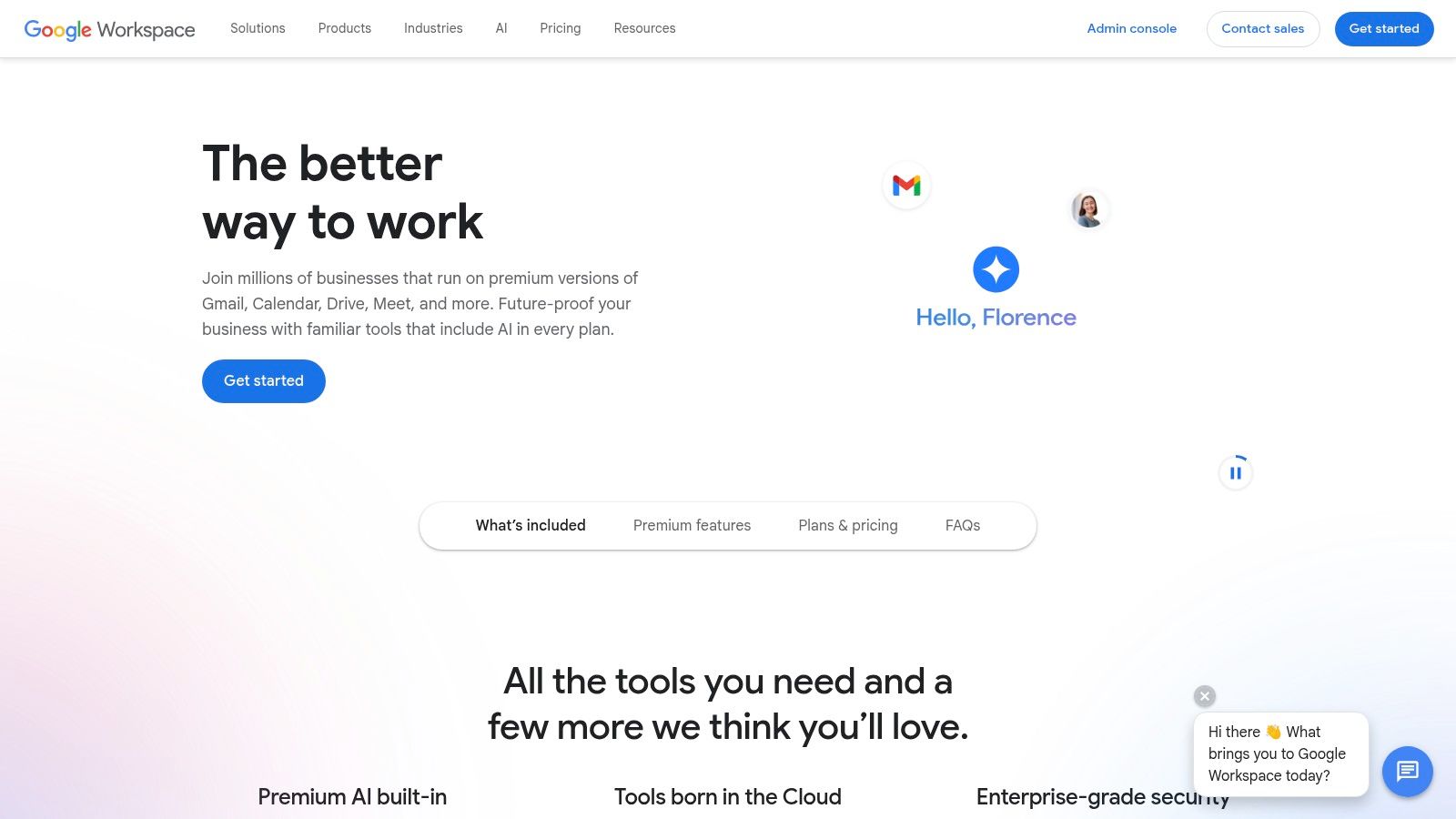
Best for Google-native teams
Gemini inside Workspace is strongest in communication-heavy environments. Think client services teams in Gmail, content teams in Docs, operators cleaning up Sheets, and managers living in Meet and Drive.
The practical win is fewer handoffs:
- Gmail help: Drafting and inbox assistance
- Docs support: Rewriting, summarizing, and first drafts
- Sheets use: Table generation and lightweight analysis
- Meet value: Recaps and meeting context
If your company already has strong Google Workspace habits, Gemini feels natural quickly. If not, the AI won’t fix weak documentation discipline on its own.
The real drawback
Google’s issue isn’t usefulness. It’s consistency across tiers and rollouts.
Features can vary by plan, and not every team gets the same experience at the same time. That creates friction for admins trying to train users on workflows that may look different across accounts. It’s manageable, but it’s real.
My contrarian take is that Google-first teams often overbuy standalone AI writing tools before they fully use what’s already inside Workspace. Usually that’s backward. Exhaust the native layer first. Then add point solutions where the workflow still breaks.
3. Notion with Notion AI
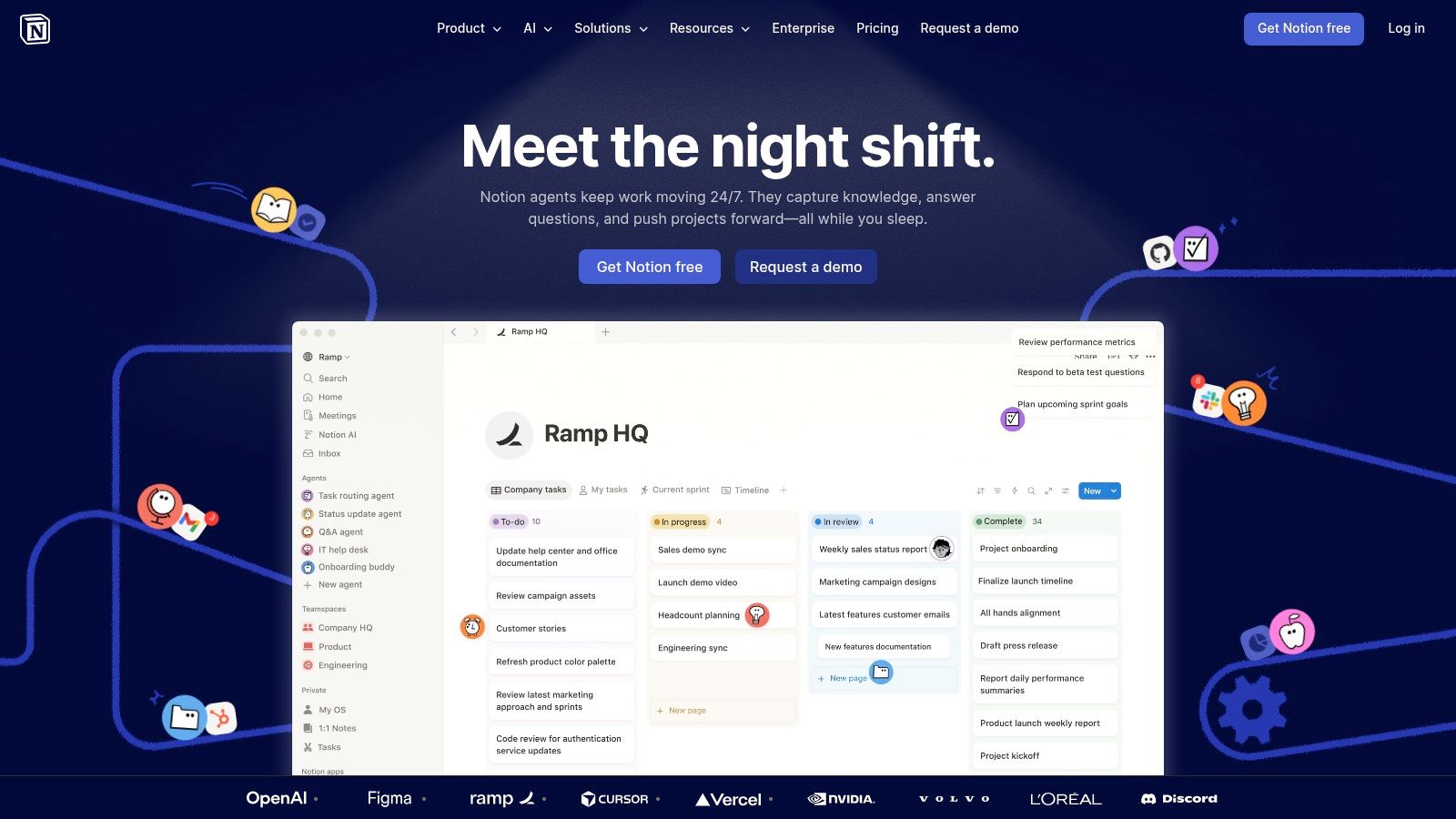
Notion earns its place in an AI productivity stack when documentation is already part of how the company runs. It is strongest for teams that need one layer for docs, meeting notes, project context, and lightweight databases, then want AI inside that existing system instead of in yet another app.
Notion with Notion AI is less about flashy generation and more about operational cleanup. It helps teams rewrite rough notes, summarize long pages, extract action items, and keep institutional knowledge usable over time. That matters more than one-off drafting.
Why it works in practice
The teams that get the most from Notion AI usually already have a working documentation habit. In that setup, AI speeds up the boring parts that tend to decay first.
Common wins include:
- Wiki maintenance: Condense long pages and refresh stale documentation
- Research intake: Standardize notes from user calls, interviews, and market reviews
- Database operations: Classify records, tag entries, and clean up repetitive fields
- Process documentation: Turn rough operator notes into SOPs people can follow
For teams comparing options around docs and structured workflows, Oryndex’s Documentation category helps narrow the field, and its Automation & Agents category is useful if you need AI to trigger actions beyond the page itself.
The trade-off operators feel later
Notion scales well until workspace design gets sloppy.
That is the primary risk. Flexible pages and databases let teams move fast early, but they also create hidden maintenance costs. I have seen workspaces with five versions of the same tracker, conflicting properties across databases, and docs that look polished but are impossible to trust. AI can summarize that mess. It cannot fix weak information architecture.
Pricing is the other filter. Notion AI is usually easy to justify when Notion is the company’s operating layer. It is much harder to justify when the workspace is mostly personal notes and scattered team docs. In that case, the AI add-on often papers over weak process instead of improving it.
4. Slack with Slack AI and Slackbot upgrades
Slack is one of those tools that either runs your company or barely matters at all.
There isn’t much middle ground.
If your team makes decisions in channels, loses context in threads, and spends half the day asking for updates, Slack with its AI layer can be a real productivity lift. Summaries, notes, and contextual retrieval solve a real problem in high-message environments.
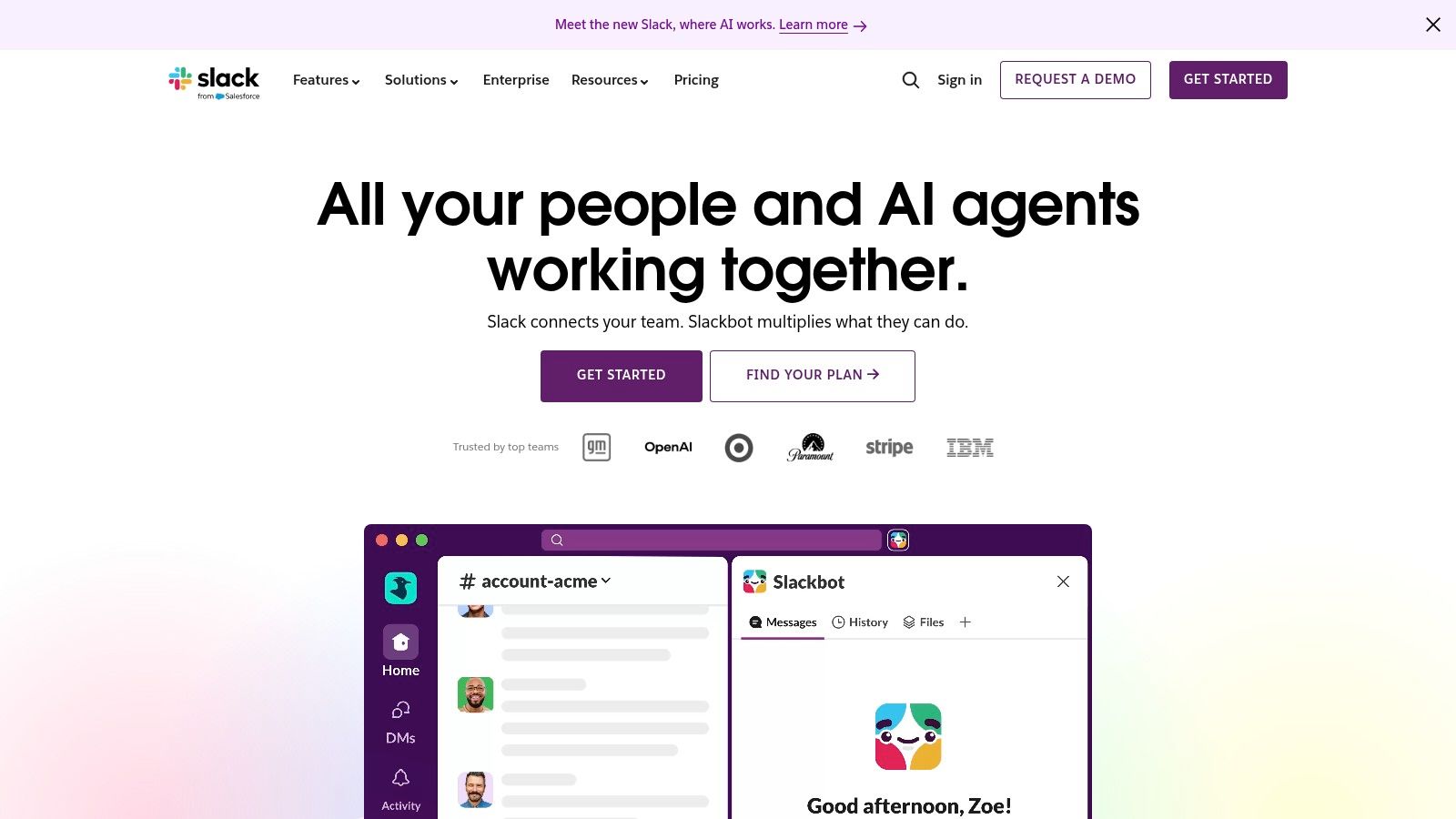
The best use case is chaos
Slack AI works best when communication volume is high enough that people routinely miss things. In those cases, thread summaries and channel recaps are not cosmetic features. They are navigation tools.
That’s especially true for:
- Cross-functional launches
- Support or incident channels
- Fast-moving product discussions
- Distributed teams spanning time zones
If your team doesn’t already live in Slack, Slack AI won’t create good communication habits. It only helps you recover context faster.
What doesn’t work as well
Slack AI isn’t where I’d start for a small team with low message volume. The value depends on how much useful context already exists in Slack.
It’s also easy to overestimate what channel summaries can do. They reduce reading load. They don’t fix poor decisions made in fragmented channels, unclear naming conventions, or messages posted without ownership.
My bias here is simple. Use Slack AI to compress communication overhead, not as a substitute for process design.
5. Zapier with AI actions, chatbots, and MCP integrations
Zapier is the connective tissue in an AI stack.
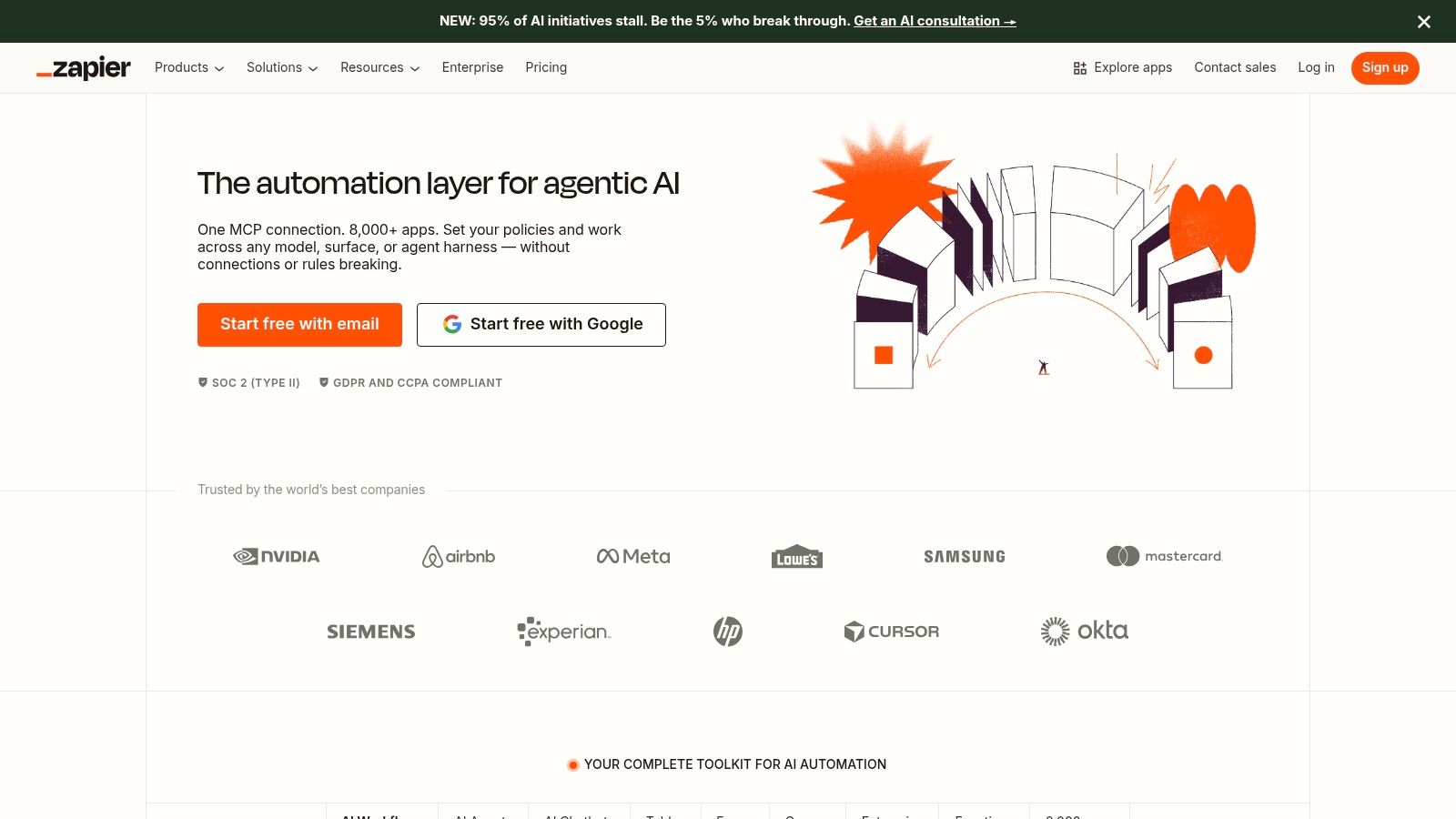
Zapier earns its place because it solves a problem the flashier tools usually ignore. Work breaks at the handoff points. Notes sit in one app, leads in another, approvals in a third, and no one wants to file a ticket just to move data between them. Zapier lets ops teams build those handoffs themselves, then add AI steps for classification, drafting, extraction, and routing where they help.
Why it belongs in almost every shortlist
A lot of productivity tools look strong in isolation. Few hold up once they have to pass work cleanly to the rest of the stack.
That is where Zapier keeps showing up in real deployments. Coursera’s guide to AI productivity tools points to the integration problem directly and notes that Zapier supports 8,000+ apps, which is the practical reason it keeps making editor shortlists. In Oryndex terms, this sits squarely in the Automation and Agents layer. It is less about having one more AI assistant and more about wiring the assistants, systems of record, and communication tools into a usable operating model.
For stack discovery beyond Zapier itself, Oryndex organizes this category under Automation & Agents.
Where teams get burned
The failure mode is rarely setup. It is sprawl.
A team starts with one useful automation. Then it adds filters, branching logic, AI enrichment, fallbacks, retries, formatting steps, and exception paths. Six weeks later, nobody is sure why a record failed, who owns the zap, or why task usage jumped.
The pattern is predictable:
- Early win: one workflow removes manual copy-paste work
- Scale-up: more teams rely on it and add edge-case logic
- Operational drag: debugging gets slower, task consumption rises, and fragile flows become hard to trust
Zapier can be cost-effective at the start, but task-based pricing punishes messy architecture. My rule is simple. Use AI steps where judgment or text handling matters, and keep everything else deterministic. If a workflow touches revenue, customer data, or reporting, build the boring version first. Reliable automation beats clever automation almost every time.
6. Airtable with Airtable AI
Airtable is what many teams wish spreadsheets were.
Structured. Flexible. Still familiar.
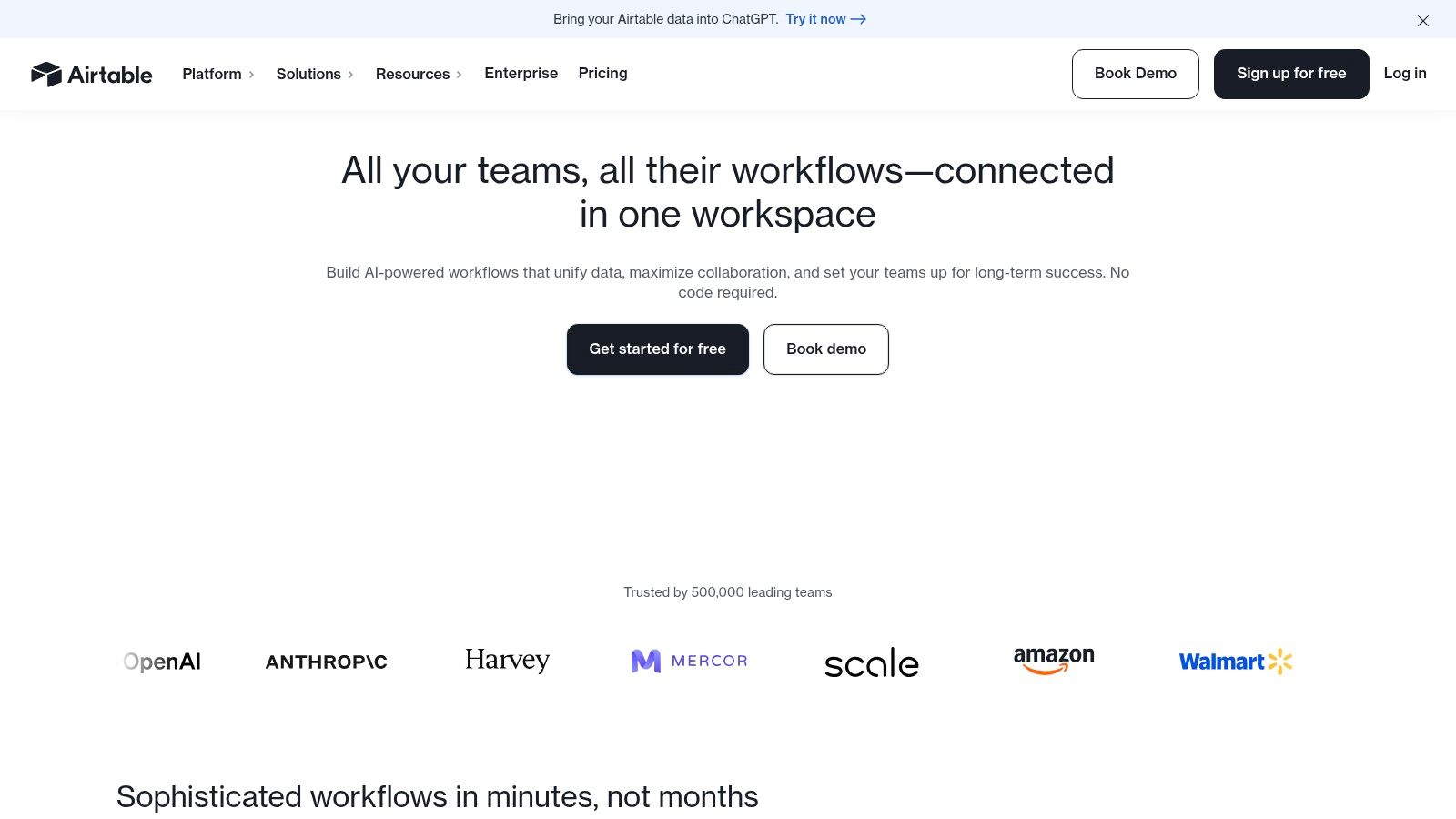
Airtable with Airtable AI is strong for operational work where records need enrichment, routing, and lightweight internal tooling. It’s especially useful when rows are not just data, but units of work. Leads, support tickets, content ideas, product requests, partner records.
A better fit than people think
Airtable AI shines in repetitive categorization and record-level analysis. Teams can classify submissions, analyze documents attached to records, enrich entries, and trigger downstream automations.
That’s a practical advantage in:
- Content operations
- Voice-of-customer pipelines
- Support triage
- Go-to-market tracking
The interface layer also matters. Airtable’s built-in Interfaces let non-technical stakeholders interact with structured data without touching the messier base design underneath.
The cost and governance issue
Airtable often looks simple at first and turns into a quasi-database with no owner. That’s risky.
The AI layer adds another watchpoint because usage is credit-based. If a team starts running enrichment or file analysis across large sets of records without guardrails, costs can surprise you. The tool is best when one person owns the schema and treats the base like a product, not a shared dumping ground.
7. ClickUp with ClickUp AI or Brain
ClickUp makes sense when a team wants work, documentation, and planning in the same operating system.
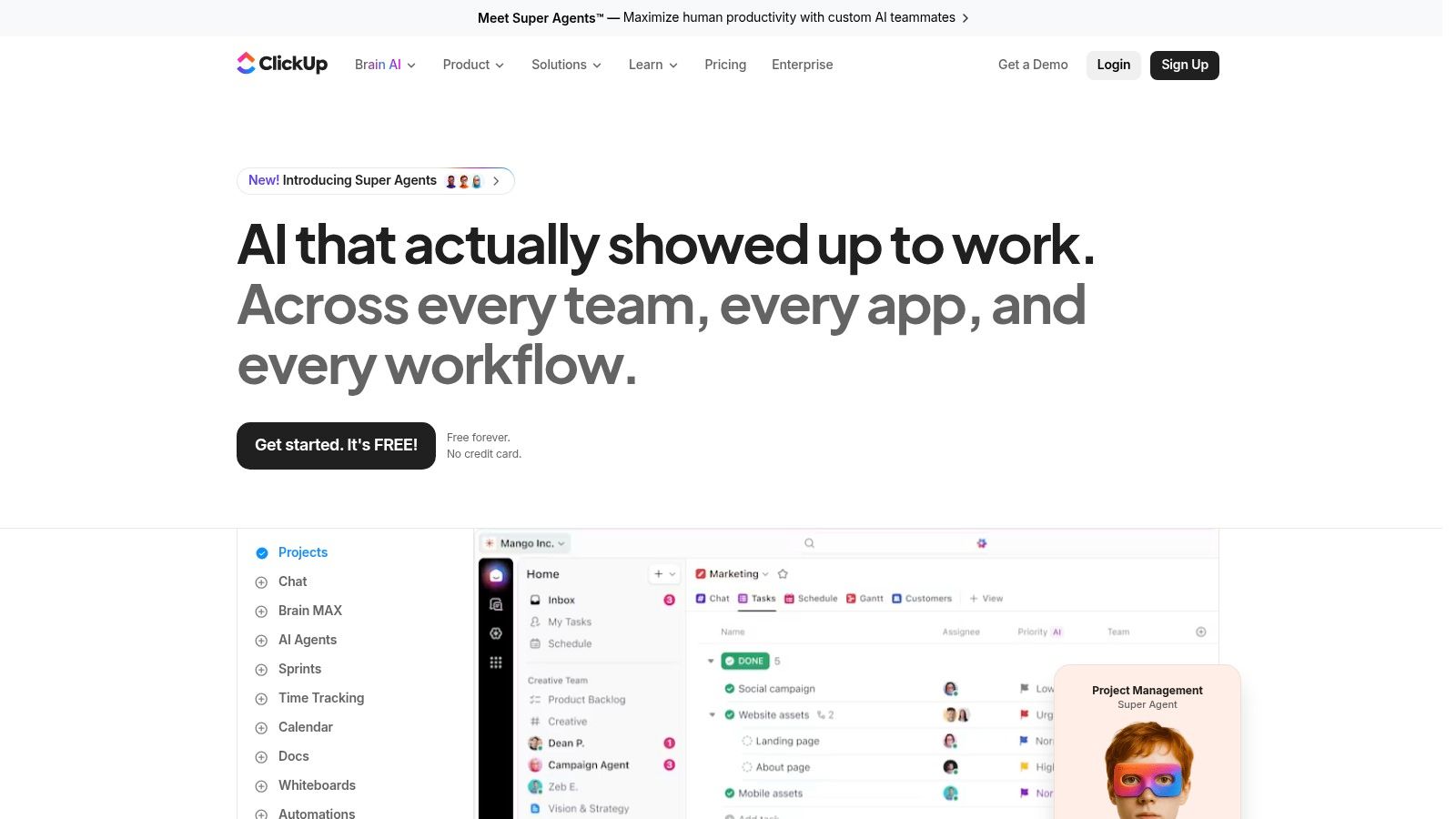
ClickUp with its AI layer is a good fit for teams that run a lot of cross-functional work and are tired of copying context between docs, task managers, and status updates. It can summarize threads, draft project briefs, turn notes into tasks, and help teams keep execution tied to the original plan instead of scattering it across tools.
Best for teams with process complexity
ClickUp earns its place in an AI productivity stack when the problem is coordination, not just note-taking. Product teams, agencies, PMO functions, and operations groups usually see the upside first because they already manage handoffs, deadlines, approvals, and recurring workflows in one place.
That matters more than raw feature count. In our shortlist approach, this is the work-management pick for teams that want AI inside execution, not sitting off to the side as a separate assistant. If your stack also depends on meeting capture, pair it with tools in Oryndex’s transcription and meeting capture category rather than forcing ClickUp to cover every input channel.
The real trade-off
ClickUp is powerful because it is configurable. That is also why deployments go sideways.
A messy ClickUp workspace creates a specific failure mode. Too many Spaces, duplicate task types, vague statuses, and docs that nobody trusts. Once that happens, the AI layer starts summarizing clutter instead of helping people make decisions. I have seen teams blame the tool when the underlying problem was weak system design.
Operator note: ClickUp succeeds when one person owns the workspace design. Without that, every department creates its own logic and the promised “single source of truth” disappears.
The practical advice is simple. Start with a narrow operating model, define what belongs in docs versus tasks, lock naming conventions early, and resist the urge to turn on every view and template in month one. Teams that do this well get a useful command center. Teams that do not get a very expensive maze.
8. Grammarly for teams and enterprises
Grammarly is not glamorous. That’s part of the appeal.
It fixes a category of problem that hurts teams every day: unclear writing, inconsistent tone, and sloppy drafts moving too fast into customer-facing channels.
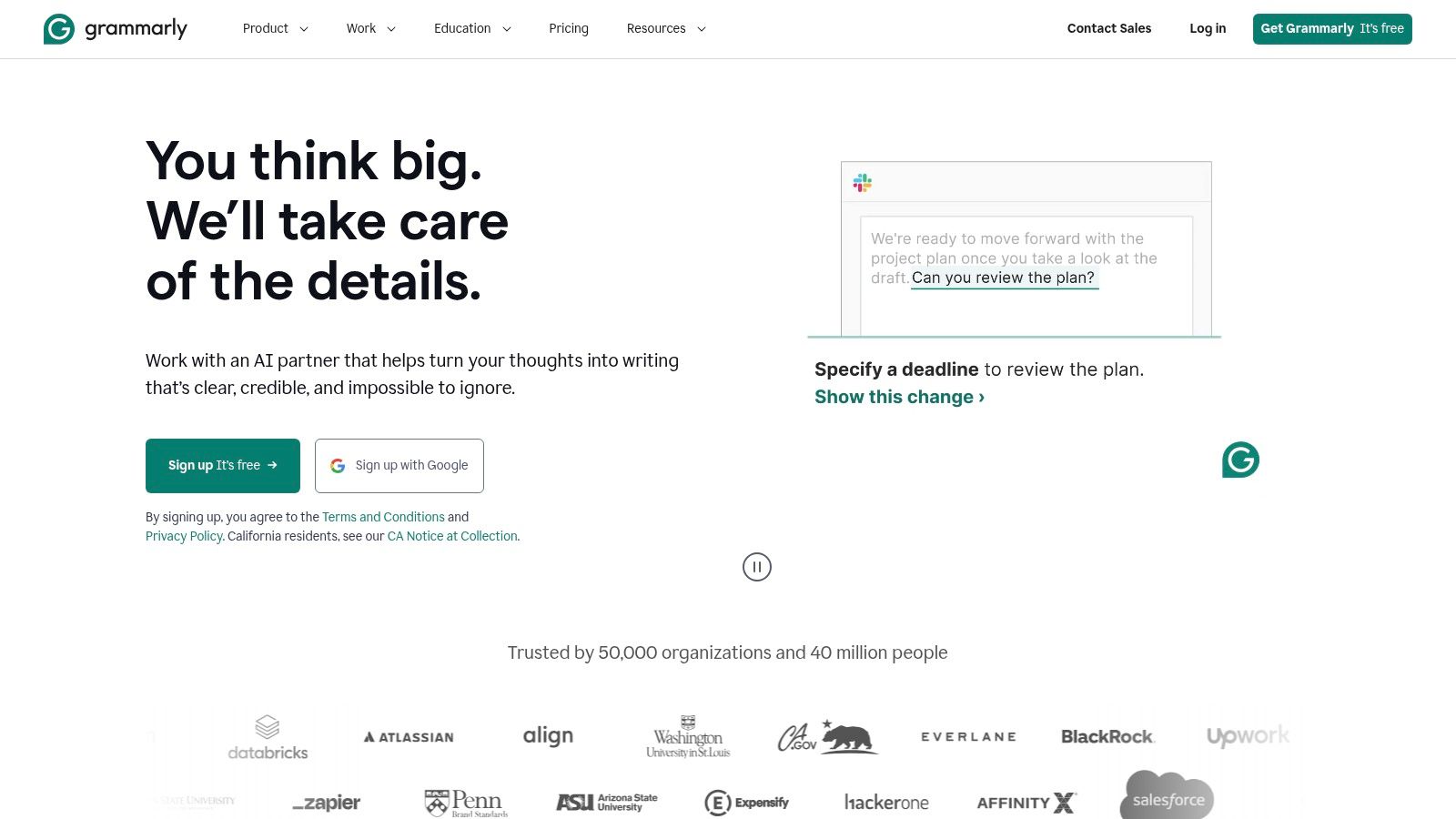
Grammarly remains one of the most practical AI productivity tools for organizations that write constantly across sales, support, marketing, and operations.
Why it still makes sense
Grammarly’s value is immediate because it doesn’t ask teams to change behavior much. People keep writing where they already write, and Grammarly improves the output through rewrites, clarity suggestions, tone adjustments, and style controls.
That makes it especially useful for:
- Sales teams sending high-volume outreach
- Support teams working in queue-based communication
- Marketing teams protecting brand voice
- Ops teams writing internal docs that others need to follow
If you’re comparing neighboring writing tools, Oryndex groups them in Content Creation.
The catch
Grammarly can overcorrect.
That’s not a bug so much as a deployment issue. If you don’t tune style guidance and train people to reject weak suggestions, writing starts sounding flattened and generic. The tool is at its best when it sharpens communication without sanding off the voice.
My counter-intuitive opinion here is that Grammarly often creates more value for support and sales than for brand marketing. Marketers usually know how to edit. Support reps and account teams need speed with consistency.
9. Otter.ai and OtterPilot
If your team sits in a lot of meetings, transcription is one of the fastest ways to cut admin drag.
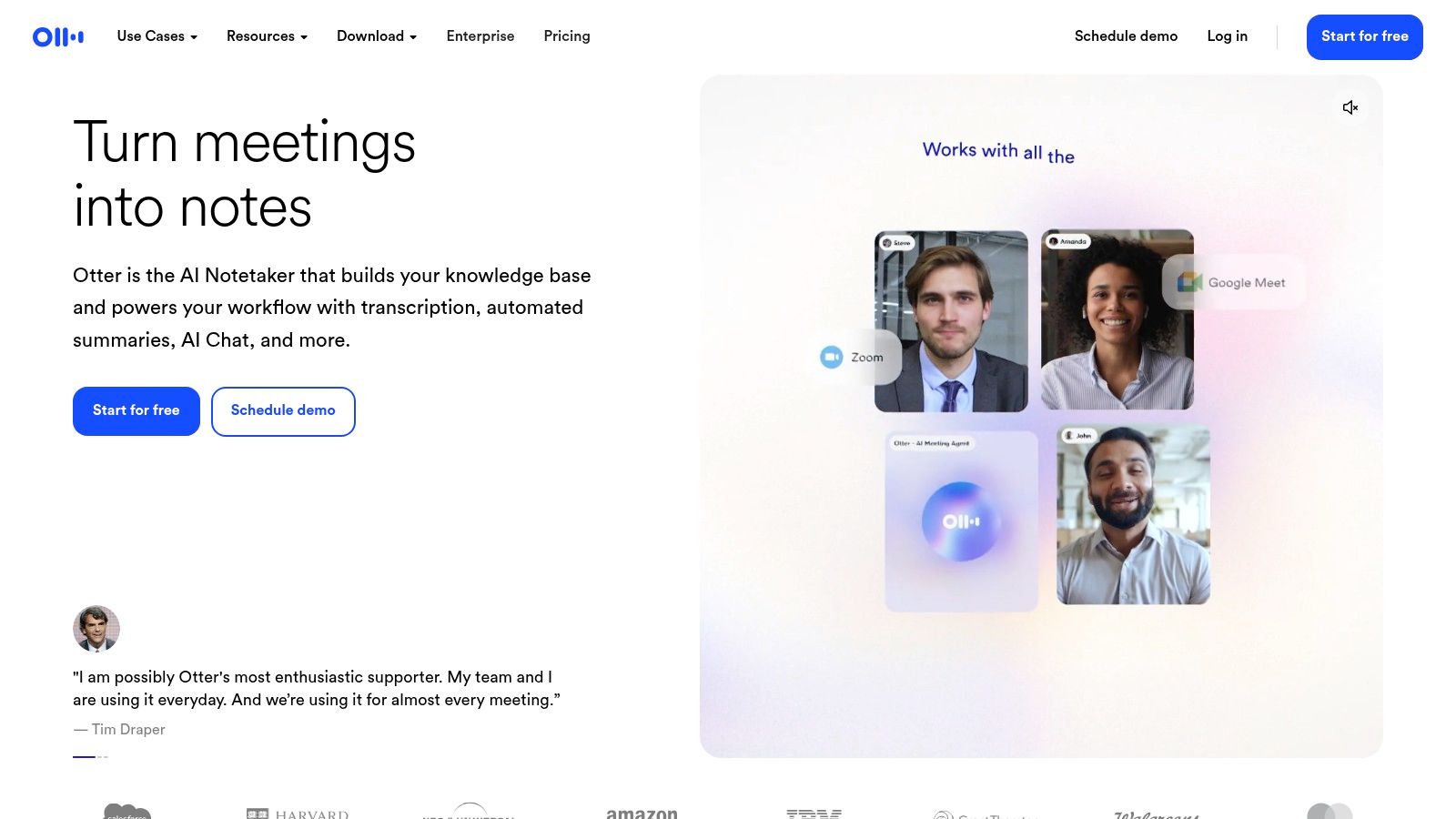
Otter.ai earns its place in an AI productivity stack because it solves a narrow problem well. It captures conversations, generates summaries, and gives teams a searchable record across Zoom, Meet, and Teams. The setup is light, which is a real advantage in companies that do not have time for a long rollout.
Where Otter pulls its weight
Otter works best for teams that need reliable meeting recall more than advanced meeting analytics. That makes it a practical fit for:
- Sales calls
- Hiring interviews
- Product discovery
- Client check-ins
- Internal planning meetings
In the Oryndex-style view of an AI stack by job function, Otter fits the capture and documentation layer. It is the tool you add when account managers forget action items, recruiters need searchable interview notes, or product teams want to revisit exact customer language instead of relying on someone’s memory.
Teams comparing options in this category can browse Oryndex’s transcription tag.
Limits that matter
Otter is strongest at recording, summarizing, and retrieval. Teams looking for deep call scoring, rep coaching, or highly customized CRM updates will hit the ceiling quickly.
That trade-off is often acceptable. A lot of SMBs do not need a full revenue intelligence platform. They need clear notes, action items, and a transcript people can search later without asking, “Who wrote that down?”
The operational risk is privacy and permissions. Auto-join settings, attendee visibility, and sharing defaults need a deliberate review before broad rollout. If you skip that step, the time savings are real, but so is the chance of exposing the wrong conversation to the wrong people.
10. Superhuman
Superhuman is one of the few AI productivity tools that makes sense only after a cost threshold is crossed. If a role runs through email, the time savings stack up fast. If not, this is premium software looking for a problem.
Superhuman belongs in the communication layer of an AI stack for operators, executives, recruiters, founders, and sales leaders who spend a meaningful part of the day triaging, replying, and clearing inbox backlog. The product is less about AI novelty than execution speed. Its value comes from tighter keyboard control, faster inbox processing, and AI assistance that reduces small decisions over hundreds of messages.

Why the right users keep paying for it
Superhuman changes email behavior more than it changes email content. AI features such as summaries and draft assistance help, but the bigger advantage is throughput. Split inboxes, shortcuts, reminders, and triage workflows cut the friction that slows down standard mail clients.
That trade-off matters.
In a function-based AI stack, Superhuman is a specialist tool, not a default company-wide rollout. It earns its place when response time affects revenue, hiring velocity, investor communication, or customer trust. Teams using Oryndex-style rankings to compare broad productivity suites against narrower point solutions should treat Superhuman as the opinionated pick for high-volume email operators, not the universal winner.
Who should pass
Skip it if email is not a primary work surface. Skip it if the team will ignore shortcuts and use it like a slightly nicer version of Gmail or Outlook. In those cases, the gains usually do not justify another paid seat.
My rule is simple. Buy Superhuman for people whose inbox speed affects outcomes. Everyone else is better served by a standard mail client, better routing rules, and cleaner communication habits.
Top 10 AI Productivity Tools Comparison
| Tool | Core features | UX / Quality | Value & Pricing | Target audience | Unique selling points |
|---|---|---|---|---|---|
| Microsoft Copilot for Microsoft 365 | In‑document drafting, Excel analysis, Teams recaps, Graph‑grounded permissions | ★★★★☆ | 💰 Add‑on license to M365 (varies by plan) | 👥 Enterprise & Microsoft‑first orgs | ✨ Deep native integration, Graph‑aware, 🏆 Enterprise security & governance |
| Google Workspace with Gemini for Workspace | Side‑panel assist, Gmail/Docs/Sheets/Meet AI, admin controls | ★★★★☆ | 💰 Tiered in Workspace; staged rollouts | 👥 Google‑first teams, collaborative orgs | ✨ Seamless Workspace UX, broad app coverage, 🏆 Google ML backbone |
| Notion (with Notion AI) | Docs + databases, drafting, summarizing, DB assistance | ★★★★☆ | 💰 Freemium + AI add‑ons / tiered entitlements | 👥 Startups, ops, knowledge teams | ✨ Unified wiki + DBs, flexible workflows, 🏆 Ideal for docs & playbooks |
| Slack (with Slack AI) | Channel/thread summaries, huddle notes, enhanced Slackbot | ★★★★☆ | 💰 Feature availability depends on plan; phased rollouts | 👥 Teams living in chat, fast‑moving orgs | ✨ Real‑time context retrieval, quick recaps, 🏆 Collaboration hub |
| Zapier (with AI actions) | No‑code automations, AI steps, chatbots, wide connectors | ★★★★☆ | 💰 Subscription + task‑based billing (can spike) | 👥 Founders, ops, non‑engineers automating workflows | ✨ Massive connector catalog, rapid prototyping, 🏆 Automation first |
| Airtable (with Airtable AI) | Spreadsheet‑DB, record classification, AI automations, Interfaces | ★★★★☆ | 💰 Tiered plans + AI credits (credit‑based usage) | 👥 Ops, content, GTM pipelines, PMs | ✨ Visual Interfaces & Field Agents, 🏆 Operational data workflows |
| ClickUp (with ClickUp AI/Brain) | Tasks, docs, meeting notes, AI drafting & summaries | ★★★★☆ | 💰 Tiered pricing + Super Credits (cost‑plus AI) | 👥 Teams wanting integrated PM + docs | ✨ All‑in‑one work hub, configurable spaces, 🏆 Wide feature coverage |
| Grammarly (for teams & enterprises) | Grammar, tone, rewrites, enterprise style guides | ★★★★★ | 💰 Team/Enterprise subscriptions; strong ROI for writers | 👥 Sales, support, content, comms teams | ✨ Brand style guides & cross‑app coverage, 🏆 Proven uplift in writing quality |
| Otter.ai (OtterPilot) | Auto meeting notes, live transcripts, summaries, slide capture | ★★★★☆ | 💰 Freemium + paid tiers (meeting‑centric) | 👥 Sales, product, hiring, teams needing transcripts | ✨ Auto‑join & searchable transcripts, 🏆 Fast low‑friction meeting capture |
| Superhuman (email client with AI) | AI replies, summarization, keyboard workflows, triage tools | ★★★★★ | 💰 Premium subscription; higher cost | 👥 Founders, execs, power users | ✨ Speed‑first UX, keyboard shortcuts, 🏆 Best for inbox efficiency and response time |
From Tools to Systems Choosing Your Stack
The best AI stack is usually smaller than teams expect.
Teams get into trouble when they shop by demo instead of by workflow. Start with the bottleneck. Find the task that burns time every week, touches multiple people, and breaks when someone forgets a step. Then choose the tool that reduces that friction inside the system you already run.
That matters because the market is crowded and getting more crowded. Grand View Research estimates the global AI productivity tools market reached approximately USD 8.8 billion in 2024 and projects growth to USD 36.4 billion by 2033 at a 15.9% CAGR, with virtual assistants holding the largest 25.4% revenue share in 2024, according to Grand View Research’s market report. More products will not fix a weak process. Clear selection criteria will.
A practical stack is easier to design by job function than by category page. Knowledge work needs a home base. Repetitive admin needs automation. Meetings need capture and retrieval. For a small team, that often points to Notion for internal knowledge, Zapier for workflow glue, and Otter.ai for meeting records. It is a workable starting point because each tool owns a clear job.
Teams already standardized on Microsoft 365 or Google Workspace should commit to the suite before layering on specialist tools. Copilot and Gemini are rarely perfect, but native integration usually beats a pile of disconnected assistants. The trade-off is depth. Suite tools cover a lot of common tasks well enough, while standalone products often win on one narrow workflow. That is a good reason to add them selectively, not everywhere.
Process stability matters more than novelty.
AI productivity gains show up when a tool is used repeatedly inside a defined workflow, not when five people test ten apps for two weeks and never change how work moves. That is why ownership matters. Someone has to decide where prompts live, who checks outputs, what gets automated, and what still needs human review.
Reliability decides whether a pilot becomes an operating habit. Teams tend to spend too much time on drafting quality and not enough on error handling, access control, and ROI tracking. Vetted Outsource’s analysis of AI productivity tools makes that point well in its discussion of monitoring and measurement gaps. The primary drawback in many stacks is not weak model output. It is fragile handoffs between tools.
Enterprise adoption points in the same direction. Market.us research on the AI productivity tools market notes that large enterprises account for a majority of market share, and it highlights the rapid paid growth of GitHub Copilot inside organizations. The lesson is straightforward. Products with a tight fit to an existing workflow tend to last longer than broad tools with vague ownership.
General-purpose assistants still matter, as noted earlier in this article, but they are the top layer, not the operating model. They help with drafting, research, and quick synthesis. They do not replace a knowledge base, an automation layer, or a system for capturing decisions.
Oryndex is useful for this part of the process because it supports stack design, not just discovery. You can search by use case, compare tools by function, check the leaderboard, and use the editor’s shortlist to cut through recycled recommendations. That is a better way to build an AI stack. Start with the job, rank the options by fit, and keep the system simple enough to survive real work.
If you’re trying to build an AI stack without drowning in vendor hype, Oryndex is a smart place to start. It helps founders, builders, and operators find vetted tools by real use case, compare categories quickly, and move from “we should use AI” to a working stack that supports execution.