
Best AI Tools for Social Media Marketing

Matic Pogladič
15 April 2026

Most articles about ai tools for social media marketing make the stack sound like the answer. In practice, the stack is often the problem.
Teams do not struggle because they lack features. They struggle because ideas live in one tool, drafts in another, approvals in Slack, publishing in a scheduler, and reporting in a separate dashboard. Add the wrong AI product to that setup and you do not save time. You create one more place for work to stall.
That is the filter I use after 15 years building automated marketing systems. I do not start with feature lists. I start with workflow pressure points. If content volume is high but approvals are slow, the right tool looks different than it does for a lean team that needs faster caption drafts or better post timing. A strong pick should fit the way your team plans, creates, reviews, publishes, and reports without forcing everyone to relearn the job.
I have seen expensive platforms fail for a simple reason. They looked efficient in a demo and added friction in production. In one agency setup, an all-in-one system replaced almost nothing because the existing review process already worked. The software added extra clicks, confused ownership, and slowed approvals, so the team stopped using it within weeks.
That is why this guide is organized around workflow fit, not isolated features.
You will see where tools like Hootsuite, Sprout Social, and Buffer make sense if scheduling, collaboration, and reporting need to live together. You will also see where tools like Jasper, Copy.ai, Canva, or Kling earn their place if production is the bottleneck. The goal is not to build a bigger stack. The goal is to choose tools people will still use after the first week.
I also include a practical selection checklist and quick prompts so you can test tools against your current process instead of guessing from marketing pages. That matters more than another long list of AI features.
If you want a broader stack beyond social, this roundup of best AI tools for marketers is also useful. For this guide, the focus stays on social workflows that hold up under real weekly use.
1. Kling | Toolibrary
Buying another all in one social platform will not fix a video bottleneck. If your team already knows how to plan posts, route approvals, and publish on schedule, the gap is often production speed. Kling earns its place there.
Kling focuses on short-form video generation. You can turn prompts into clips, animate still images, adjust aspect ratios, and build scenes with storyboard controls. For teams publishing to TikTok, Reels, and Shorts every week, that is a practical use case, not a novelty.
Where Kling fits in a real workflow
I’d use Kling when the content calendar is already set and static assets exist, but motion content keeps slipping. That usually happens in one of three situations. The designer is overloaded, the editor is shared across other channels, or the social manager is trying to make video in tools built for full production rather than fast iteration.
Kling works best as a production layer inside an existing system. The workflow is simple:
- Start with a defined post angle: Use a product benefit, objection, testimonial, or educational point that is already approved.
- Bring in existing brand assets: Product shots, ad creatives, and still images usually work better than starting from nothing.
- Generate by placement: Build separate versions for vertical feeds and short-video surfaces instead of forcing one export into every channel.
- Review before scheduling: Check for visual glitches, pacing issues, brand mismatches, and lip-sync drift before the file reaches your scheduler.
That review step matters because generative video still produces rough edges. Teams that skip it usually end up with content that looks fast-made in the wrong way.
What Kling does well
Speed is the clear advantage. Kling helps social teams create more visual volume without booking edit time for every post. The storyboard controls also make it easier to shape a sequence with some intent, which is useful when a marketer needs to direct the asset without opening a heavyweight editing suite.
It also works well for repurposing. A campaign that already has product stills, UGC screenshots, headlines, or ad visuals can turn into several short clips quickly. That makes Kling a better fit for ongoing content operations than for brand campaigns that need frame-level precision.
If you are comparing production tools inside a broader marketing automation software stack, this is the checklist I would use:
- Does it reduce time from approved concept to export?
- Can a social manager use it without a video specialist?
- Does the output need light edits or a full repair pass?
- Can your team store prompts and versions so repeatable formats get faster over time?
Trade-offs to watch
Kling is not the tool for strategic messaging, campaign planning, or polished long-form storytelling. It is also a weak fit for regulated categories or brand teams that need exact visual control in every frame. Artifacts happen. Motion can look uneven. Prompts often need two or three passes before the output is usable.
That does not make the tool unreliable. It means the tool needs a process around it.
My rule is simple. Use Kling for visual production once the message is already decided. Do not use it to figure out the message. If your team follows that line, Kling on Toolibrary is worth testing because it can increase video output without forcing you to replace the rest of your workflow.
2. Hootsuite
Buying Hootsuite for AI copy alone is usually a mistake. Teams get value from it when social work is already messy and expensive to coordinate. Publishing, approvals, inbox triage, reporting, and listening all sit in one system, which cuts down the handoffs that slow teams down.
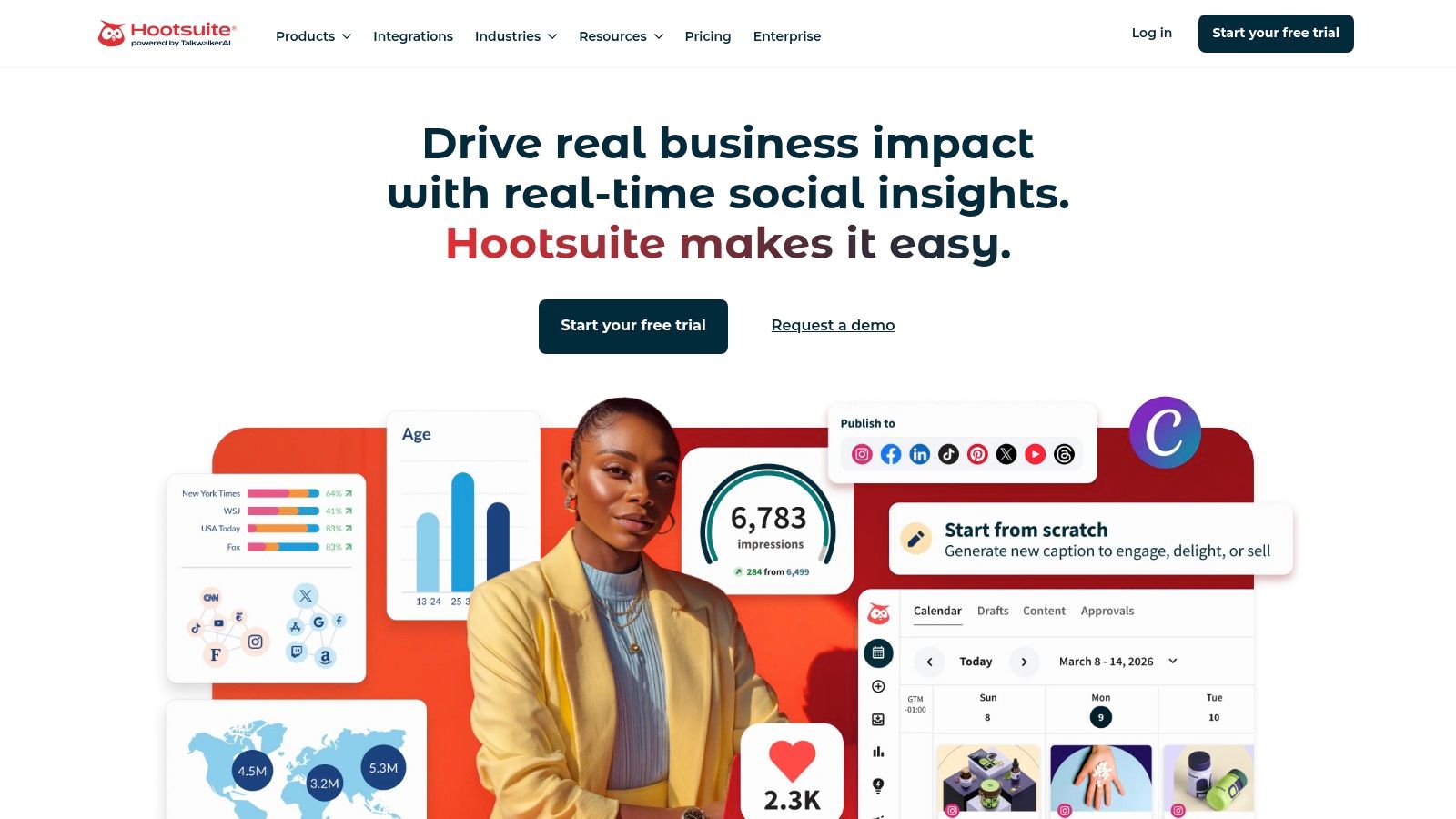
That distinction matters.
I have found Hootsuite works best for teams that already know their bottleneck. If posts are getting approved in email, customer replies are split across native apps, and monthly reporting still requires copying numbers into slides, the platform solves a real operations problem. If the only issue is "we need more post ideas," it is more software than you need.
Where Hootsuite fits in a real workflow
Hootsuite is strongest in environments with multiple stakeholders. Regional marketers, brand leads, support teams, and agencies can work from the same queue instead of building side systems around the scheduler.
Its AI features support that operating model:
- AI-assisted publishing: OwlyWriter helps turn prompts, links, or campaign notes into draft captions faster.
- Inbox workflows: Suggested replies help teams clear routine engagement without writing every response from scratch.
- Listening and summaries: Blue Silk AI helps surface trends and sentiment patterns that would be slow to review manually.
The better way to evaluate Hootsuite is not feature by feature. Check whether it replaces work your team is doing in separate tools. If you are mapping that broader stack, Oryndex has a useful marketing automation tools category for comparing adjacent systems.
Selection checklist
Before you buy, answer these questions:
- Will one shared workspace replace spreadsheets, Slack approvals, or native platform hopping?
- Do you need role permissions and review steps across several people or markets?
- Will your team use listening and inbox tools weekly, not just during launch periods?
- Can you justify the higher tiers once reporting or listening needs expand?
If the answer is yes to three or four of those, Hootsuite is probably in the right category for your team.
Quick prompts to test during a trial
A short trial can tell you more than a feature page. I would test prompts like these:
- "Turn this webinar summary into three LinkedIn posts, one X post, and one Instagram caption."
- "Draft three reply options for a delayed shipping complaint in a professional brand voice."
- "Summarize this week's comment themes and flag any negative sentiment trends."
Those tests show whether the AI speeds up real work or just produces acceptable filler.
Trade-offs to know before you buy
Hootsuite covers a lot, but setup is not light. Permissions need structure. Approval paths need to be designed. The reporting and listening value also tends to show up more clearly on larger plans, which can make the total cost harder to justify for small teams.
That is why I usually point solo operators and very small startups elsewhere. They often need a faster publishing loop, not an operations layer. Hootsuite earns its keep when social has become a coordinated function with enough moving parts to create friction every week.
Used that way, it becomes a system of record for social work. Used the wrong way, it becomes an expensive scheduler with extra tabs.
3. Sprout Social
Buying a bigger social platform does not make a team better. It exposes whether the team already has clear approval paths, reporting standards, and response ownership. That is why Sprout Social tends to work best for companies that already run social as an operating function, not a side task.
Sprout’s AI features make sense because they sit inside daily work. Teams can draft and refine posts in Compose, speed up replies, and connect that activity to reporting and listening instead of bouncing between separate apps. In practice, that matters more than a long feature list. AI is useful when it shortens the handoff from planning to publishing to community management.
Where Sprout stands out is workflow control. I would pick it for teams that need social, support, and brand leads working from the same system with fewer dropped details. The question is not just whether it can write captions. The better question is whether it helps your team move from content request to review to publish to performance readout without rebuilding the process in spreadsheets.
A simple selection checklist helps here:
- Do you have multiple approvers or stakeholders touching posts before they go live?
- Do community managers need reply guidance that stays close to brand standards?
- Do monthly reports need to satisfy leadership, not just the social team?
- Will your team review listening and sentiment data and act on it?
If the answer is yes to at least three, Sprout is in the right conversation.
I also like testing tools with real prompts before committing. For Sprout, use prompts that reflect cross-functional work, not just content generation:
- "Rewrite this product update for LinkedIn, Instagram, and Facebook, keeping the same claim but changing tone by channel."
- "Draft three response options for a customer complaint that needs escalation to support."
- "Summarize the top audience themes from this week and group them into brand, service, and product feedback."
Those tests reveal whether the AI helps your team make decisions faster or just fills boxes with acceptable copy.
The trade-off is cost and complexity. Sprout can get expensive once you add users, listening, or extra modules. It also asks for process discipline. Teams that still approve posts in scattered Slack threads or rarely look at reporting will not get full value from it.
For mid-market brands trying to tighten operations, Sprout can be a strong fit because it connects planning, publishing, engagement, and reporting in one place. If your immediate need is a cleaner publishing foundation before adding more layers, this guide on how to automate social media posts is a better starting point.
If social now touches brand, support, and leadership reporting every week, Sprout Social deserves a serious trial. If not, it is easy to overbuy.
4. Buffer
Buffer is what I recommend when a team needs an AI-assisted publishing system that people will readily use next week, not after a month of setup. That difference matters more than feature volume.
I’ve seen plenty of teams buy a bigger platform too early. They wanted faster content production and cleaner scheduling, but ended up with extra approval layers, underused dashboards, and a tool nobody opened unless posting day forced it. Buffer works better when the actual problem is workflow drag.
Where Buffer fits
Buffer is strongest as a practical operating layer for small teams, founders, consultants, and lean in-house marketers. The AI features are useful, but the bigger win is how they sit inside the daily publishing flow.
You can move from draft to scheduled post without switching tools six times. That sounds minor until you look at where social work gets stuck. Usually it is not strategy. It is rewriting copy for each channel, cleaning up posts before approval, and answering comments fast enough to keep momentum.
Buffer handles that well:
- Draft and revise in place: The AI Assistant is helpful for first drafts, rewrites, and channel-specific variations when the original copy is good but not publish-ready.
- Keep scheduling lightweight: The calendar is easy to configure, which lowers the chance that a team falls back to manual posting.
- Speed up routine replies: AI Replies can help a solo social manager or small support-facing team respond faster without sounding off-brand every time.
If your bottleneck is consistency rather than analytics depth, Buffer is often a better fit than a larger suite. This walkthrough on how to automate social media posts is a good companion if you are trying to tighten the full publishing process.
What I’d test before buying
Buffer is not the tool I’d pick for complex governance, heavy stakeholder reporting, or advanced listening. It is a publishing-first system with useful AI support attached. That can be the right call, or a limitation, depending on how your team works.
A simple selection checklist helps:
- Choose Buffer if one person manages multiple channels, approvals are light, and the main goal is to publish better posts on a reliable schedule.
- Skip Buffer if your team needs layered permissions, deep competitor reporting, or a shared command center for social, support, and leadership.
- Be careful if you expect AI to create finished posts without human editing. Buffer’s AI is better at acceleration than judgment.
I also like pressure-testing tools with quick prompts before committing. For Buffer, I’d use prompts tied to the actual workflow:
- "Rewrite this post for LinkedIn, Instagram, and X, keeping the same offer but adjusting tone and length for each channel."
- "Turn this product note into three post options: one educational, one promotional, and one conversational."
- "Draft five short replies to common customer questions, using a helpful tone and a clear next step."
Those tests show whether Buffer saves actual time or just gives you more text to edit.
For many teams, Buffer is the cleanest upgrade from spreadsheets, reminders, and manual posting. Pick it when adoption speed and day-to-day usability matter more than enterprise depth.
5. Later
Later is the tool I reach for when the primary bottleneck is not publishing. It is keeping visual planning, captions, links, and approvals connected so the team does not lose momentum between draft and post. That matters more than another broad dashboard if Instagram, TikTok, and creator partnerships drive results.
Best for visual workflows that need less handoff
Later fits brands that plan around content themes, product drops, UGC, and creator calendars. The AI Caption Writer and AI Ideas tools help, but the bigger win is operational. The draft, visual preview, scheduling flow, and link-in-bio path sit close together, which cuts down the usual bouncing between a design app, a doc, and a scheduler.
That setup works well for teams running:
- ecommerce campaigns with frequent asset swaps
- creator-led content calendars
- brand accounts where grid appearance still affects performance
- lean approval workflows where the social manager also handles publishing
If your team is comparing creative systems before locking in a process, this design tools category is a useful reference point.
Where Later earns its place
Later is narrower than Hootsuite or Sprout Social, and that is often the right trade-off. You pick it for fit, not for coverage.
Three parts matter in practice:
- Visual planning: The calendar and preview make it easier to spot weak content mix, repeated formats, or an off-brand run of posts before they go live.
- Channel-specific execution: Best Times to Post and platform-oriented workflows are more useful here than in general-purpose schedulers if Instagram and TikTok are priority channels.
- Traffic connection: Link in Bio helps tie social output to product pages, collections, or campaigns without adding another tool to the chain.
I also like how Later matches the way visual teams already work. Designers, creators, and social managers can stay closer to the same operating rhythm instead of forcing everything through a text-first workflow.
Selection checklist
- Choose Later if your team plans visually first and needs scheduling, captions, and link routing to stay in one place.
- Skip Later if stakeholder reporting, social care, or cross-functional governance matter more than creative planning.
- Be careful if your posting volume is high enough that AI credits and plan limits could turn into a cost problem.
Quick prompts to test before you commit
Run a few live workflow tests, not just feature demos:
- "Write three Instagram caption options for this product photo: one creator-style, one brand-voice educational, and one sales-focused."
- "Turn this campaign brief into a one-week content plan with Reels, Stories, and feed posts."
- "Create five Link in Bio CTA variations for a seasonal launch, each aimed at a different audience segment."
Those prompts reveal whether Later reduces production time or just gives your team another place to edit.
The weak spot is depth outside the planning lane. Teams that need long analytics history, layered permissions, or a shared command center for support and leadership will hit the ceiling faster here than in a broader suite. But for visual-first brands, that narrower scope can be a strength. Later keeps the workflow tight, and that usually matters more than feature count.
6. Canva
A lot of teams do not have a content problem. They have a handoff problem. The brief lives in one tool, the design draft in another, approvals happen in chat, and publishing happens somewhere else. Canva earns its place by reducing that churn.
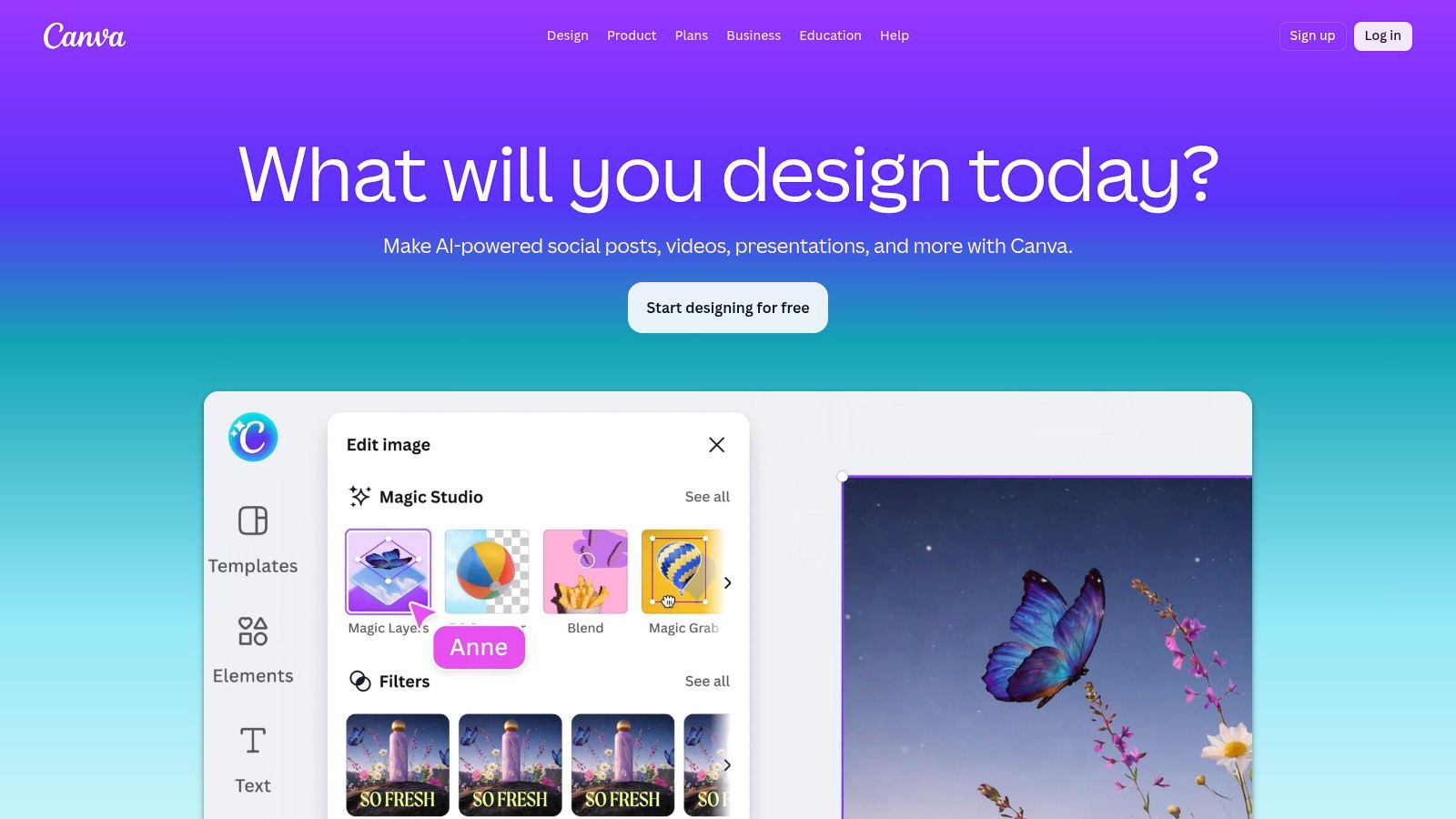
Where Canva fits in a real workflow
Canva works well for social teams that need to move from idea to asset to scheduled post without waiting on a designer for every revision. Magic Design and Magic Write can speed up early drafts, but the bigger win is operational. Brand Kits, shared templates, approvals, and the Content Planner keep creative work inside one system long enough to ship faster and with fewer versioning mistakes.
I have seen Canva work best in teams handling high-frequency asset production, especially when the creative ask is clear and repeatable. That usually includes product promos, event graphics, quote cards, carousels, simple video overlays, and campaign variations for different channels.
For teams comparing adjacent creative options, Oryndex’s design tools category is a useful place to sort tools by use case. If your social team also owns blogs, landing pages, or email assets, this guide to AI tools for content creation helps map where Canva fits and where you may need a second tool.
What Canva does well, and where it stops
Canva improves production speed more than many teams expect. It gives non-designers enough structure to create assets that stay on-brand, which matters more than having dozens of AI features on a pricing page. In practice, stronger visuals often improve social output faster than slightly better caption copy.
The limit is depth. Canva can schedule posts, but it is still a design-first platform. Teams that need social inbox management, approval chains across multiple departments, listening, or serious reporting will still need a dedicated social suite.
That trade-off is why Canva usually makes sense in one of two setups. It can be the creative layer paired with a scheduler such as Hootsuite, Sprout Social, or Buffer. It can also serve as the primary tool for a small team that values fast production over analytics depth.
Selection checklist
- Choose Canva if your bottleneck is asset creation and brand consistency across a small or mixed-skill team.
- Skip Canva if reporting, engagement management, and cross-channel governance matter as much as design speed.
- Be careful if your team mistakes template speed for strategy. Faster production only helps when the creative system is tied to a real content plan.
Quick prompts to test before you commit
Run Canva against live production tasks, not sample templates:
- "Turn this webinar title and three key points into a LinkedIn carousel outline with slide copy."
- "Create three visual directions for this product launch: one minimal, one bold retail-style, and one creator-style."
- "Adapt this Instagram post into a Story sequence and a Pinterest graphic while keeping the same offer and brand style."
Those tests show whether Canva shortens your workflow or just gives the team a nicer editing surface.
For startup teams and in-house social managers who need design speed without constant handoffs, Canva is still one of the more practical options.
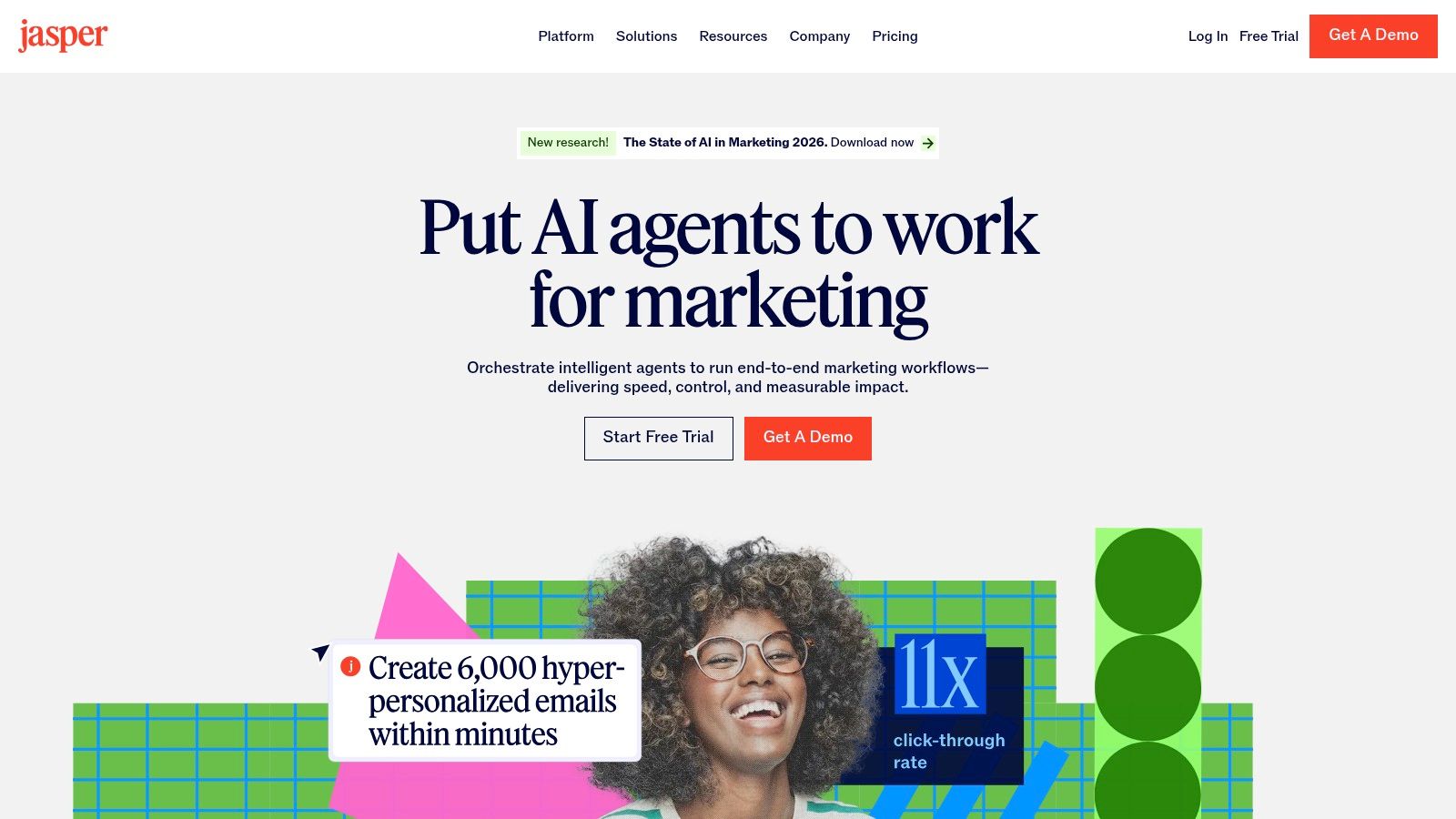
7. Jasper
Buying another social tool will not fix a weak content workflow. Jasper earns its place when the underlying problem is upstream: inconsistent messaging, slow approvals, and too much rewriting between strategy, copy, and publishing.
Best for brand-controlled content production
Jasper works well for teams that need social copy to match a larger campaign system. Its Brand Voice, knowledge grounding, Agents, and Canvas are useful because they support how work flows. Strategy goes in first. Drafts get shaped against approved messaging. Variants come out for different channels, audiences, or stakeholders.
That makes Jasper a better fit for:
- Brand-governed teams: B2B, regulated categories, and in-house teams with layered approvals
- Campaign workflows: Social posts connected to landing pages, emails, paid ads, and launch briefs
- Multi-writer environments: Freelancers, product marketers, and social managers working from the same source material
I would pick Jasper when the handoff between brand, content, and social is the bottleneck. It helps reduce revision loops. That matters more than raw generation speed.
If your social output depends on a wider editorial system, this guide to best AI tools for content creation is a useful companion.
Where it fits in the stack
Jasper belongs in the creation layer, not the execution layer. Teams still need a scheduler such as Buffer or Hootsuite for publishing, approvals, inbox management, and reporting.
That split is often the right setup. I have seen teams get better results by separating copy development from channel operations. Jasper handles message quality and consistency. The social platform handles timing, routing, and measurement.
Selection checklist
- Choose Jasper if your team already has a publishing tool and the bigger issue is inconsistent voice across campaigns.
- Skip Jasper if you want one platform to schedule posts, manage engagement, and report on performance.
- Be careful if your team creates a lot of reactive content. Jasper is stronger for planned campaigns than for fast community-driven posting.
Quick prompts to test before you commit
Use your real campaign inputs, not generic prompts:
- "Using this messaging doc, write three LinkedIn post options for a product launch: one founder-led, one customer-proof focused, and one direct response."
- "Turn this webinar summary into a five-post campaign arc for LinkedIn and X, keeping the same positioning but changing the hook for each post."
- "Rewrite these four social captions to match our brand voice guidelines: clearer point of view, fewer buzzwords, stronger CTA."
Those tests show whether Jasper improves your workflow or just adds another drafting interface.
For teams that need tighter message control across social and the rest of content production, Jasper is a practical choice.
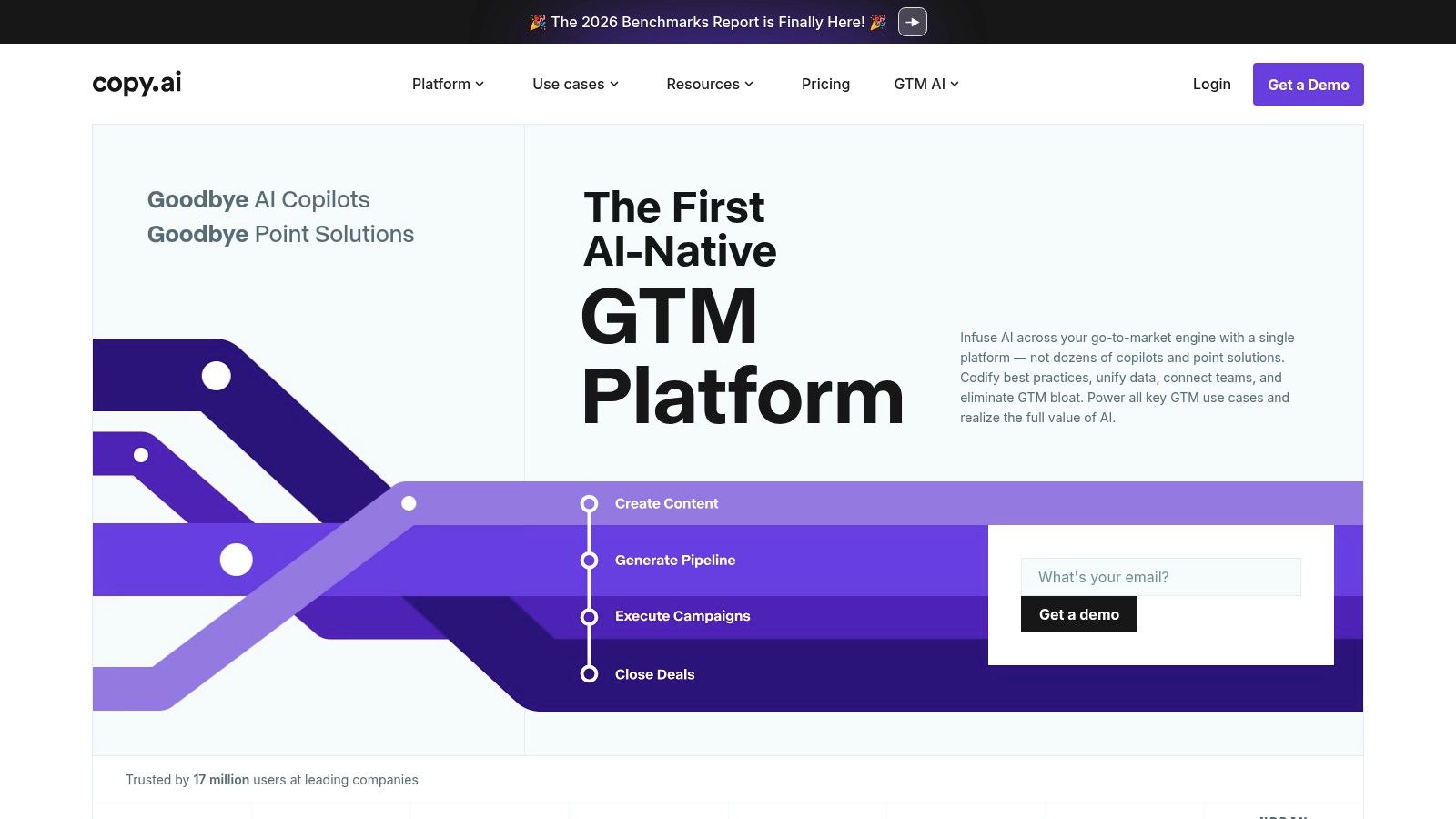
8. Copy.ai
Copy.ai earns its place only if your problem is process, not posting. Teams buy it expecting better captions, then realize its real value is turning a repeatable social workflow into a system with fewer manual handoffs.
Best for repeatable content pipelines
I would pick Copy.ai for a team that already knows its content inputs and outputs. A webinar comes in. The team needs post ideas, platform-specific variants, approval-ready drafts, and a clean handoff into the scheduler every single week. That is where Copy.ai makes sense.
Its strongest use cases are operational:
- turning blogs, webinars, and product updates into social draft batches
- generating multiple caption angles for different audiences
- standardizing first-draft creation across campaigns
- routing approved copy into the next step of your workflow
The multi-model setup helps, but the bigger win is consistency. Instead of asking each marketer to prompt from scratch, you can build a repeatable path from source material to social-ready copy. That matters more than having one more chat box.
Where it gets heavy
Copy.ai asks for setup. Someone has to define the workflow, tighten the prompts, and check output quality often enough that the process does not drift. Small teams with low posting volume usually feel that overhead fast.
It also does not replace your publishing stack. You still need a scheduler, approvals, and channel analytics somewhere else. If you are comparing reporting options or trying to connect content performance back to workflow decisions, it helps to review a broader set of social media analytics and insights tools before adding another layer.
Selection checklist
- Choose Copy.ai if your team runs the same campaign production steps every week and wants fewer manual rewrites and handoffs.
- Skip Copy.ai if you mainly need ad hoc caption help or a simple social scheduler.
- Be careful if no one on the team owns process design. The tool is only as useful as the workflow you configure inside it.
Quick prompts to test before you commit
Use one live asset from your current pipeline:
- "Turn this webinar transcript into six social posts for LinkedIn and X. Keep the core argument consistent, but vary the hook by audience: practitioner, manager, and executive."
- "Using this product update and our brand guidelines, draft three caption options per platform, then label each by funnel stage and CTA type."
- "Take this blog post, extract five proof points, and rewrite them as short social drafts that can be reviewed by legal before scheduling."
Those tests reveal the core question. Does Copy.ai reduce production friction across the whole workflow, or does it just give your team another place to draft copy?
For ops-minded teams that want a more structured content engine, Copy.ai is a practical fit.
9. Flick
Flick earns its place for a simple reason. A lot of social teams do not need another all-in-one platform. They need a tool they can plug into a weekly publishing rhythm without adding reporting overhead, setup debt, or three extra approval steps.
Best for creator-style workflows with a clear publishing cadence
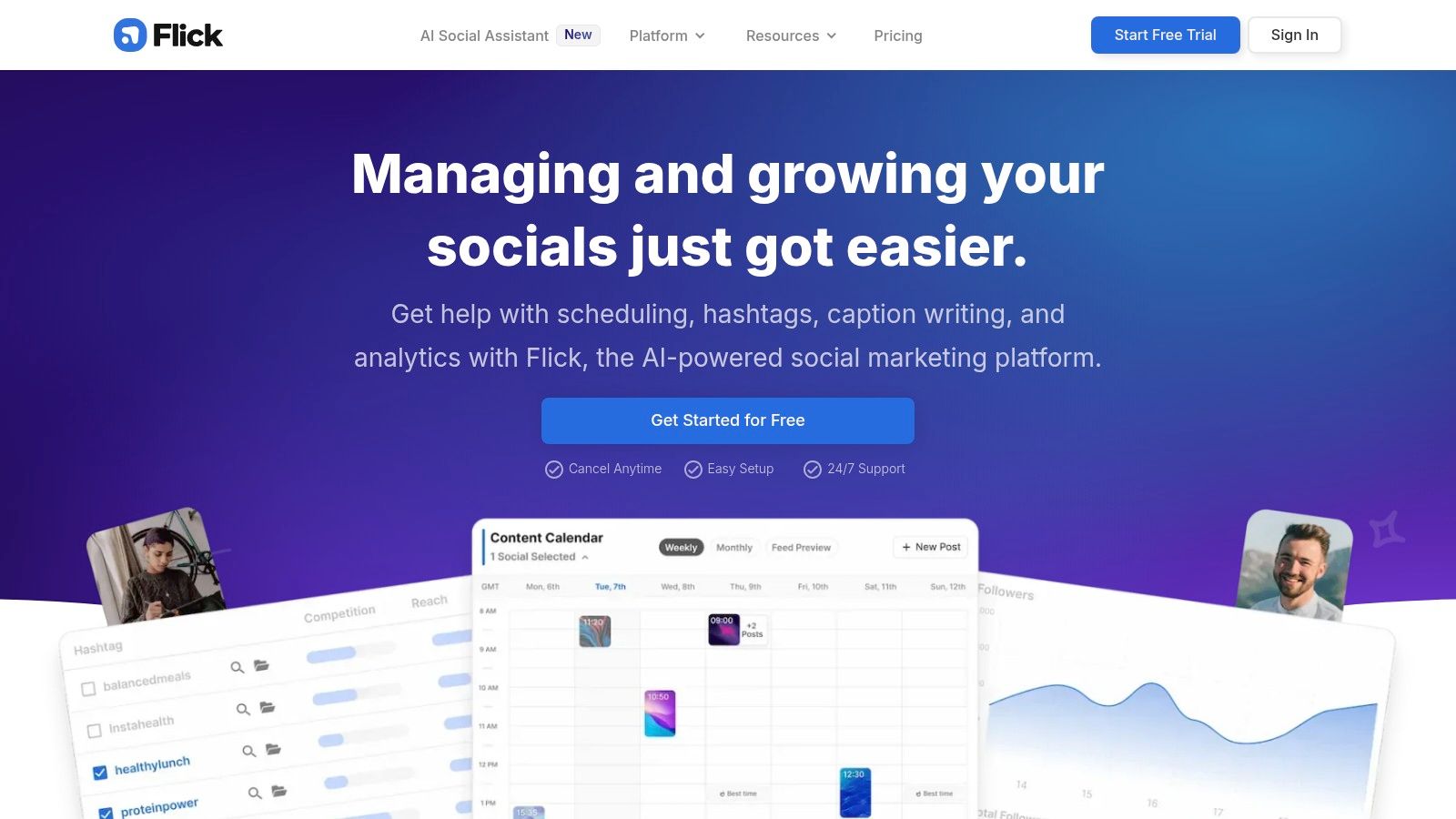
Flick works well when one person, or a very small team, handles ideation, drafting, scheduling, and post-level optimization in the same workspace. That is the appeal. The AI Content Lab, caption support, scheduling tools, feed preview, and hashtag research sit close enough together that the tool can support an an actual content workflow instead of acting like one more disconnected assistant.
I would put Flick on the shortlist for teams like these:
- Instagram-led brands: creators, coaches, service businesses, and smaller ecommerce teams
- Lean social operations: one or two people shipping content every week without a dedicated ops manager
- Hands-on marketers: teams that still test hooks, post formatting, timing, and hashtags manually
That last group matters. Flick is useful when the person publishing also wants fast feedback loops. If the same marketer is writing the caption, checking the visual layout, comparing hashtag options, and scheduling the post, the tool saves time in the places where work usually gets fragmented.
If you are still comparing measurement options around that workflow, review a broader set of social media analytics and insights tools before you add another reporting layer.
Where Flick fits, and where it doesn’t
Flick is a better fit for execution than for executive reporting. If your workflow revolves around content planning and day-to-day posting, it covers the basics well. If your workflow includes client-facing dashboards, cross-brand governance, social care, and multi-team approvals, you will hit the ceiling faster than you would in Hootsuite or Sprout Social.
That trade-off is not a flaw. It is the buying decision.
Teams overbuy social software all the time. They pay for listening, permissions, inbox management, and enterprise analytics, then spend six months using the scheduler and ignoring the rest. Flick goes the other direction. It keeps the stack lighter, which can be the smarter choice if your bottleneck is getting stronger posts out consistently, not managing a large organization.
Selection checklist
- Choose Flick if your content workflow lives on Instagram, TikTok, or LinkedIn and one person owns both creation and publishing.
- Skip Flick if you need deep cross-channel reporting, formal approval chains, or multi-brand stakeholder dashboards.
- Be careful if your team expects AI to replace strategy. Flick can speed up production, but you still need clear positioning, creative judgment, and a testing routine.
Quick prompts to test before you commit
Run these against a real campaign, not a blank document:
- "Draft three Instagram captions for this product photo. Give me one education angle, one proof-driven angle, and one community angle. Keep each under 125 words."
- "Generate five hashtag groupings for this post. Separate them by broad, niche, and intent-driven tags, and explain when to use each set."
- "Turn this LinkedIn post into an Instagram caption and a short TikTok hook. Keep the offer the same, but adjust the tone for each platform."
Those tests reveal whether Flick fits your workflow or just adds another drafting screen.
If your team wins by publishing consistently, iterating fast, and keeping the process tight, Flick is easy to justify.
10. Lately.ai
Publishing more social posts is not the hard part. Building a repeatable system that turns webinars, podcasts, blog posts, and interviews into usable social content without adding another messy handoff is the hard part. Lately.ai is built for that job.
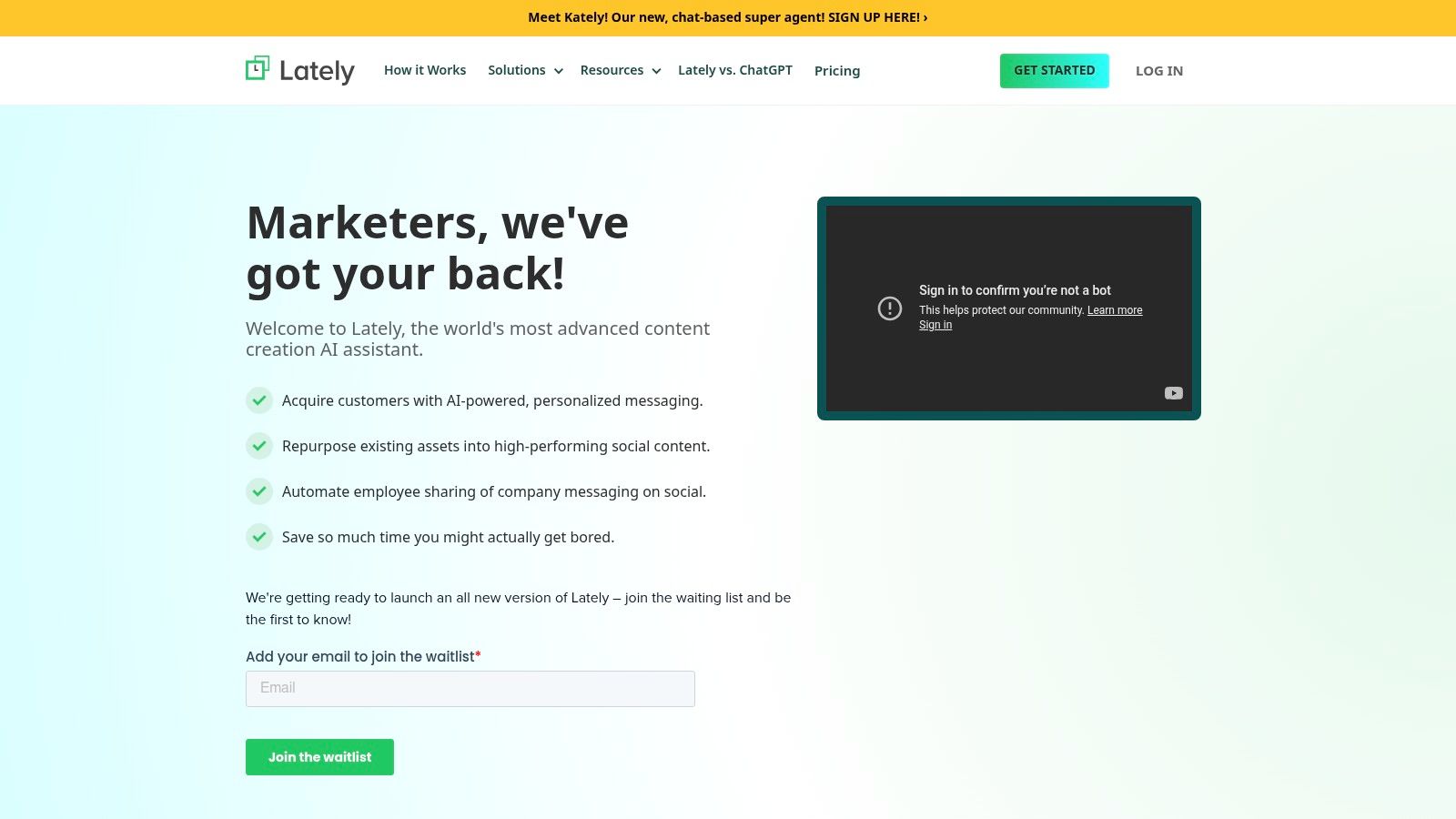
Lately works best when content repurposing sits at the center of the workflow, not as an afterthought. If your team already records customer calls, founder videos, webinars, or podcast episodes, Lately helps turn that backlog into a social pipeline. That matters for teams with strong content production but limited time to rewrite every asset for every channel.
I’d shortlist it for teams like these:
- founder-led brands sitting on a large library of video or audio content
- B2B marketing teams that publish webinars, case studies, and long-form articles
- podcast-led media brands that need clips, quotes, and post variations at scale
- companies running employee advocacy and needing more approved post options from existing material
The trade-off is setup weight. Lately asks for a more intentional workflow than Buffer, Later, or other lightweight schedulers. You need clear source material, a defined review process, and enough publishing volume to justify the effort. Smaller teams can find that overhead frustrating if they only need a few posts each week.
That is also why Lately can be a strong fit in the right stack. It is less about isolated AI writing features and more about connecting content production to distribution. If your bottleneck is getting value out of assets you already paid to create, that workflow is easier to defend than buying another tool that only drafts captions.
Selection checklist
- Choose Lately.ai if your team produces long-form content consistently and social is struggling to keep up with repurposing.
- Skip Lately.ai if you mainly need a simple scheduler, lightweight caption help, or quick post approvals.
- Be careful if your messaging is still fuzzy. Repurposing software multiplies what you already have, including weak positioning.
Quick prompts to test before you commit
Use these on a real webinar transcript, podcast segment, or blog post:
- "Pull out 10 social post ideas from this transcript. Group them by awareness, proof, and conversion intent."
- "Turn this blog post into five LinkedIn posts, three X posts, and two short video hooks. Keep the core message consistent, but adapt the format for each channel."
- "Identify the strongest customer quote, strongest contrarian point, and strongest how-to takeaway from this source. Write one post for each."
Those tests show whether Lately fits your production workflow or just gives your team another place to edit copy.
I’d pick Lately.ai for brands with content depth, clear positioning, and a real need to turn one asset into many publishable posts. I would not pick it as the first social tool for a team that is still trying to figure out what to say.
Top 10 AI Social Media Marketing Tools: Feature Comparison
| Tool | Core features | UX & Quality ★ | Value & Pricing 💰 | Target 👥 | USP ✨🏆 |
|---|---|---|---|---|---|
| Kling (Toolibrary) | AI short‑form video (text/images → multi‑aspect ratios), storyboard, native audio & lip‑sync | ★★★★☆, social‑first editor | 💰 Free tier + paid plans for higher quality/volume | 👥 Social marketers, creators, small studios | ✨Multi‑aspect outputs + storyboard control; 🏆native lip‑sync |
| Hootsuite | Scheduling, AI captions (Owly), smart replies, listening, paid+organic workflows | ★★★★☆, enterprise feature set | 💰 Tiered per‑seat (can be costly at scale) | 👥 Multi‑brand teams, enterprise social ops | ✨All‑in‑one governance & listening; 🏆mature integrations |
| Sprout Social | Publishing, engagement, AI Assist, advanced listening & reporting | ★★★★★, premium, polished UX | 💰 Premium pricing; add‑ons for advanced listening | 👥 Mid‑market & enterprise teams | ✨Integrated AI across care/publishing; 🏆strong reporting & governance |
| Buffer | Simple scheduler, AI Assistant & AI Replies, visual calendar, integrations | ★★★★☆, clean & easy to use | 💰 Free tier; affordable paid plans | 👥 Creators, small teams, solo marketers | ✨Transparent plans & brand‑learning replies; 🏆low barrier to start |
| Later | Visual planner, AI Caption Writer/Ideas (credit‑based), Link‑in‑Bio, best times | ★★★★☆, visual & creator‑friendly | 💰 Freemium; AI usage credit‑metered | 👥 Instagram/TikTok creators & brands | ✨Visual feed planner + scheduling; 🏆IG/TikTok workflow focus |
| Canva | Design suite with Magic Write/Design, templates, native Content Planner | ★★★★★, design‑centric workflow | 💰 Free + Pro; strong value for creatives | 👥 Designers, marketers, content teams | ✨Design → publish in one tool; 🏆extensive templates & Brand Kits |
| Jasper | On‑brand social copy, Brand Voice, Agents, Canvas for campaign orchestration | ★★★★☆, copy & workflow focused | 💰 Paid plans; business pricing via sales | 👥 Marketing teams needing brand governance | ✨Brand Voice + multi‑asset orchestration; 🏆enterprise copy control |
| Copy.ai | Workflow builder, multi‑model choice, Brand Voice, API & integrations | ★★★★☆, automation & scale oriented | 💰 Clear tiers; workflow/credit options | 👥 Growth/content ops, agencies, enterprises | ✨Repeatable workflows + model flexibility; 🏆bulk content pipelines |
| Flick | AI Content Lab, scheduler, feed preview, hashtag research & best times | ★★★★☆, IG/TikTok analytics focus | 💰 Straightforward pricing + 7‑day trial | 👥 Solo marketers & Instagram‑centric creators | ✨Deep hashtag research & posting timing; 🏆IG analytics strength |
| Lately.ai | Long‑form → many social posts, scheduling, analytics, employee amplification | ★★★★☆, powerful repurposing UX | 💰 Enterprise pricing (contact sales) | 👥 Organizations with lots of video/audio/text assets | ✨High‑volume repurposing tuned to brand voice; 🏆best for content scale |
Your Next Step: Build a Smarter Workflow, Not a Bigger Stack
Adding more AI tools rarely fixes a slow social operation. It usually gives the team more tabs, more handoffs, and more confusion about who owns what.
The better move is to diagnose the workflow before buying anything. In practice, social teams do not need an "AI stack." They need one tool that removes the recurring delay that keeps content from shipping on time, getting approved, or turning into useful reporting.
I use a simple selection checklist:
Idea
Draft
Design
Review
Schedule
Publish
Respond
Report
Now mark the step that breaks most often. Not the step people complain about most. The step that holds up output week after week.
That distinction matters. A team may ask for a stronger writing tool when the actual issue is design turnaround. Another may blame scheduling when the underlying failure is approvals. AI helps once the workflow is clear. It does not create clarity on its own.
Here is the practical fit:
- Publishing cadence is inconsistent: Buffer or Later usually solve the problem faster than adding another copy assistant.
- Design handoff slows everything down: Canva often removes more friction than a second scheduling platform.
- You have strong raw material but weak repurposing: Lately.ai makes more sense than investing in net-new content creation.
- Short-form video volume is the gap: Kling is the specialist pick.
- Approvals, governance, and reporting are messy: Hootsuite or Sprout Social justify the extra setup.
- You need more first-draft copy options inside a repeatable process: Jasper or Copy.ai fit best.
That is how tool selection should work. Start with the blocked step, then choose the smallest tool set that fixes it.
One trade-off gets ignored in a lot of AI roundups. More automation can lower quality if you automate the wrong stage. I have seen teams save time on drafting, then lose that time in revisions because the voice drifted or the claims needed cleanup. The stronger setup keeps humans involved where mistakes are expensive: opening hooks, brand-sensitive edits, approvals, replies, and post-level performance review.
As noted earlier, marketers are seeing real productivity gains from AI. The catch is that gains come from process design, not from buying the broadest platform. A tool that generates ten post variations is useful only if it fits how your team reviews, schedules, and learns from results.
Compliance deserves a harder look too. Social teams often focus on content speed and miss review risk, privacy concerns, and approval history. For startups and regulated teams, that is not a side issue. A tool that cuts ten minutes from publishing but creates legal or brand risk is a bad trade.
A simple rule works well here:
Buy the tool that removes one repeated source of friction, then prove it with output, turnaround time, or approval speed before adding anything else.
If you want to compare niche tools without relying on polished vendor pages, Oryndex is a useful research shortcut. It helps narrow options by use case, which is more practical than shopping by feature lists alone.
If you want a complementary view focused on workflow automation, this roundup of top social media marketing automation tools is a solid next step.
If you’re comparing AI software and want less vendor noise, Oryndex is a practical place to search. You can describe the job in plain English, browse vetted tools by category, and find options that fit the workflow you’re trying to improve, whether that’s social scheduling, creative production, analytics, or automation.