
Top AI Tools for Startups in 2026: Build & Scale Fast

Matic Pogladič
17 April 2026

TL;DR: The best ai tools for startups are the ones you can put into daily operations fast, with a clear owner, a clear workflow, and a measurable return. AI-related startups pulled nearly $97 billion of the $209 billion raised in U.S. startup funding in 2024, and 80% of early-stage SaaS startups already use AI tools internally, according to Semrush's AI stats roundup and HubSpot's startup AI stats.
Founders do not usually have a tooling problem. They have a systems problem.
I keep seeing the same mistake. A team adds ChatGPT for writing, Copilot for code, Notion AI for docs, Zapier for automation, and a few niche apps on top. Six weeks later, nobody has defined where prompts live, which tool owns which job, how outputs move between systems, or which subscriptions are actually paying for themselves. The result is avoidable sprawl.
A useful AI stack is smaller than most buyers expect. It is also more opinionated. Start with the operating jobs that matter in a startup: build product faster, reduce repetitive internal work, support customers without adding headcount, and help revenue teams move with better speed and context.
That is the lens for this list. It is not a giant directory and it is not a feature roundup built from vendor pages. It is a practical AI stack for startups. The point is to assemble an operator's stack, where each tool has a production role, fits with the rest of the system, and earns its place through time saved, output improved, or headcount avoided.
If you want the adjacent category for everyday team efficiency, this guide pairs well with these best AI productivity tools.
The tools below are the ones I would put together for a startup that wants ROI, not novelty.
1. Oryndex
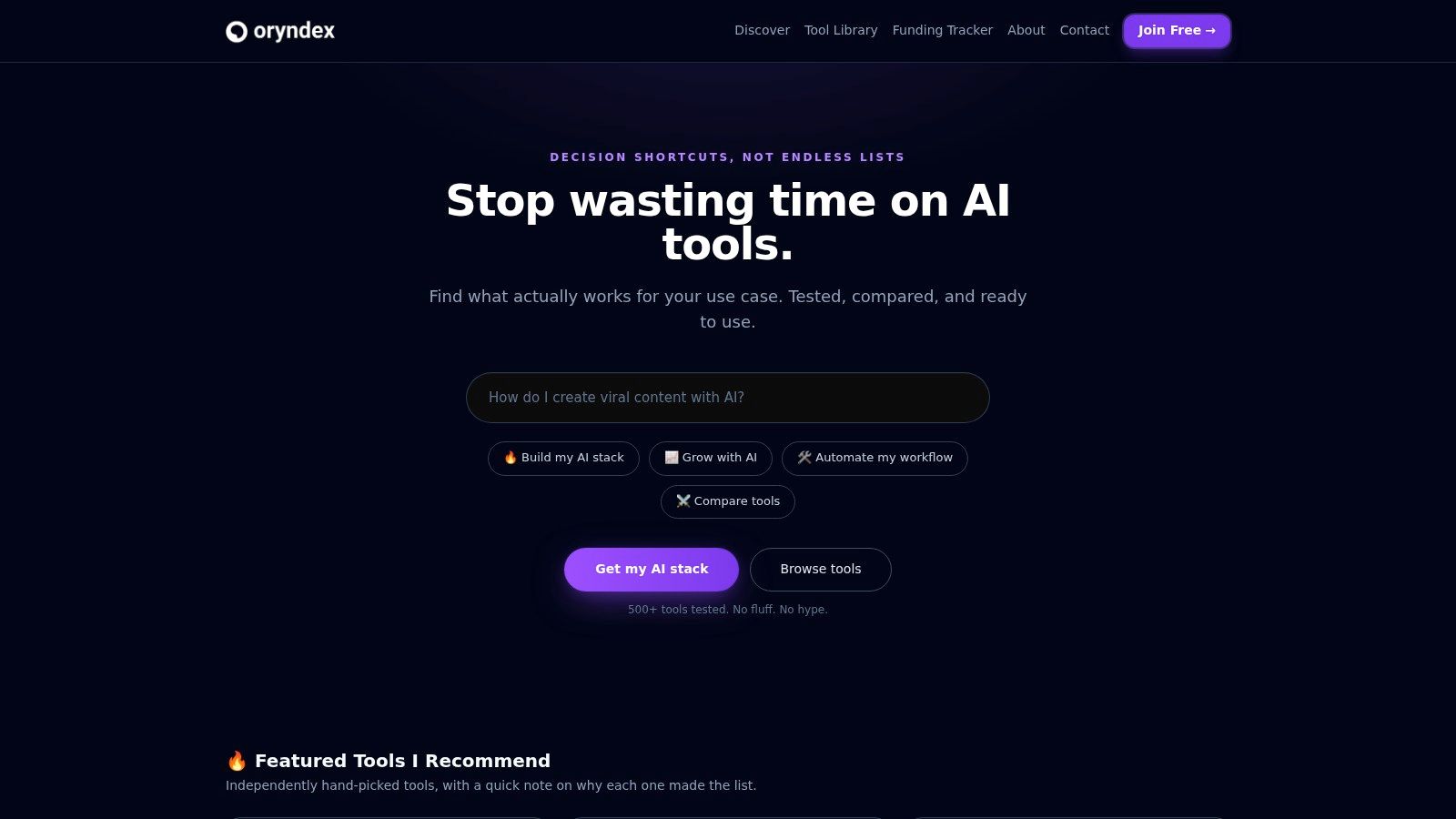
A startup does not need fifty more AI options. It needs a faster way to cut ten weak options before anyone books a demo.
Oryndex earns its place at that stage of the stack. It is a curated AI discovery engine for founders, builders, and operators who want to get from broad category research to a credible shortlist without wasting half a day on recycled vendor copy. The value is not raw inventory. The value is judgment.
That distinction matters if you are building an operator's stack instead of collecting point tools. Early in a buying process, the job is not to find every product in a category. The job is to identify which few are worth real evaluation, which ones appear built for production use, and which ones are likely to create integration or adoption drag later.
Oryndex does that better than a generic directory because the search experience starts from intent. You can type a plain-English query like best AI coding assistants or meeting notetakers and get a shortlist that already feels filtered by use case. In practice, that saves time during live operating work. Product teams can research tooling during a sprint without turning the exercise into a side project.
Why it works in a real startup
The tone is operator-first, not trend-first.
That usually leads to better buying decisions. Startups rarely fail because they missed one flashy tool launch. They lose time by trialing too many overlapping apps, spreading prompts and workflows across disconnected systems, and discovering too late that a tool looked good in isolation but did not fit the rest of the stack.
A few parts of Oryndex are especially useful:
- Natural-language discovery: Search by the job you need done, not just a software category.
- Useful metadata: Listings include tags, use cases, and enough context to rule out bad fits quickly.
- Market context: Leaderboards and tool pages add directional signals without pretending traffic estimates equal product quality.
- Coverage across functions: You can scan options across assistants, developer tools, video, documentation, privacy, onboarding, and other startup workflows.
Practical rule: Use Oryndex at the top of the buying funnel. Let it narrow the field, then run your own test inside the workflow that actually matters.
That last part is where teams get sloppy. A directory can improve selection speed, but it cannot tell you whether a tool fits your approval flow, your data handling requirements, or the handoff points between product, ops, and go-to-market. I have seen teams pick a tool because it looked strong on a comparison page, then replace it a month later because nobody checked how it handled collaboration, permissions, or export quality.
Where it has limits
Curation always gives up some breadth. That is usually a good trade for a startup, but it is still a trade.
If you need a very new niche tool, or a product with almost no market footprint yet, a curated index can miss it. Similarweb-style traffic data is also directional, not a proxy for retention or customer satisfaction. Use those signals as a filter, not as proof.
The teams that get the most value from Oryndex tend to be the ones that already know tool sprawl is expensive. They want decision shortcuts, not giant lists. For startups assembling an AI stack with real production roles, that is exactly the right mindset.
2. OpenAI ChatGPT
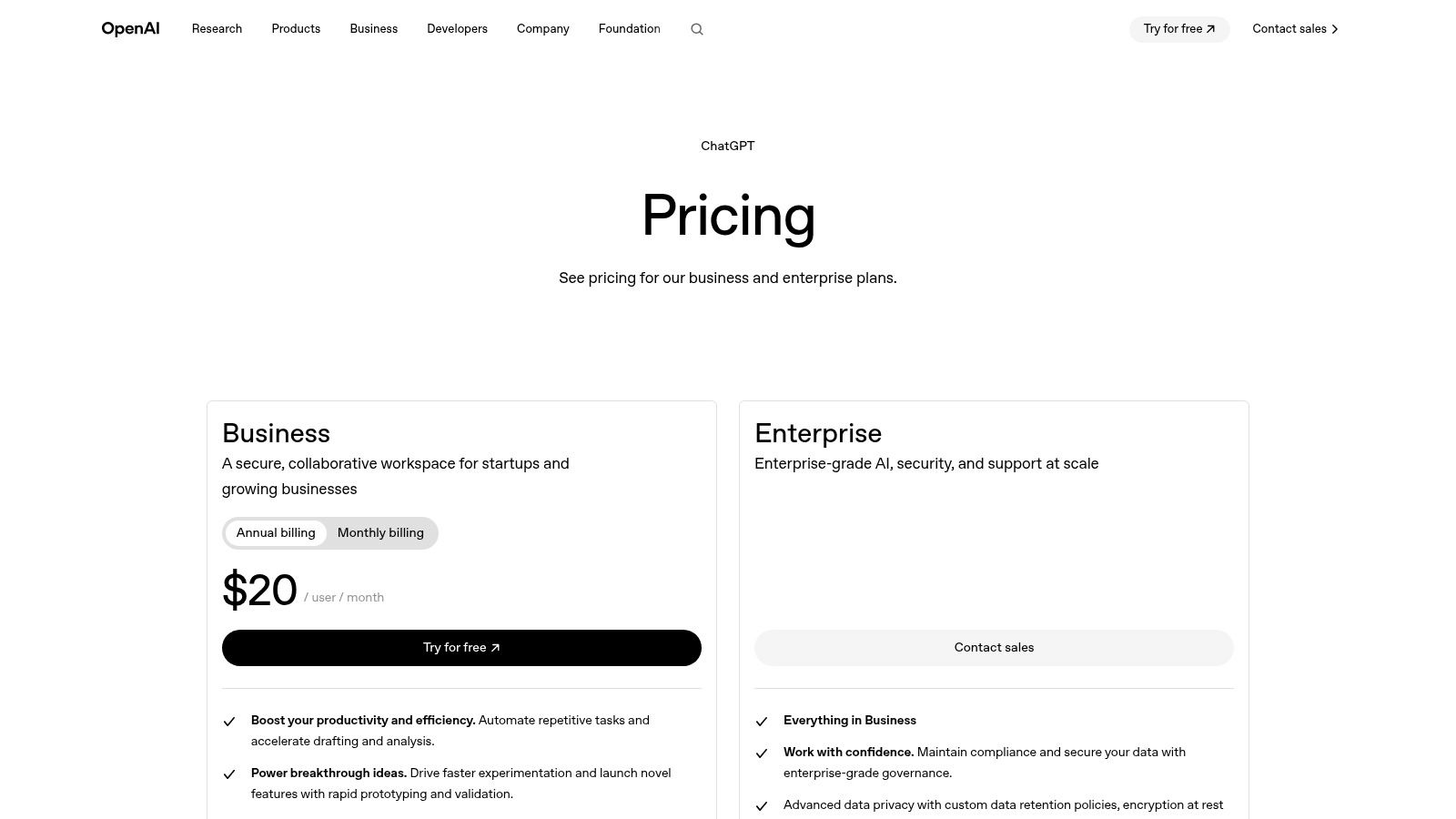
Founders often buy specialized AI tools too early. In the first stage, a startup usually gets more value from one general-purpose system that multiple teams can share. ChatGPT Business or Enterprise fits that role better than almost anything else.
I put ChatGPT in the "shared brain" bucket. Product teams use it to turn rough thinking into usable specs. Sales teams use it for account research and objection handling. Ops teams use it to clean up messy SOPs, draft internal documentation, and summarize threads nobody wants to reread.
Best use case
ChatGPT earns its keep when work is high-volume, cross-functional, and hard to predict in advance.
That matters more than raw model capability. Early-stage teams rarely have stable enough workflows to justify a separate AI app for every department. One workspace that can handle research synthesis in the morning, pricing analysis at noon, and support draft replies later in the day lowers tool sprawl and speeds up adoption across the company.
A key advantage is operational. Business and Enterprise plans give startups admin controls, shared access, and a cleaner way to keep company knowledge out of random personal accounts. If you're assembling an operator's stack, that governance layer matters because it sets up the rest of your AI system. ChatGPT becomes the front-end reasoning layer, while tools like Zapier, Retool, Airtable, and product-specific apps handle execution.
For technical teams, it also pairs well with coding workflows. If your stack is starting to split between business users and engineers, this guide to AI tools for software development is a useful next filter.
Generalist tools win early because they cut decision overhead. Specialized tools win later, once a workflow is stable enough to deserve its own system.
Trade-offs to know
"Unlimited" access usually has practical limits. Heavy usage, advanced features, or agent-style workflows can still push a team toward API usage or higher-tier plans. Budget for that before people build habits around it.
The bigger risk is weaker process discipline. ChatGPT can improve almost any workflow, but it will not create structure for you. Teams still need prompt templates, review rules, naming conventions, and clear ownership. Without that, output volume goes up while decision quality stays flat.
Used well, ChatGPT is a strong first layer in a startup AI stack. Used casually, it becomes an expensive autocomplete tab.
3. GitHub Copilot
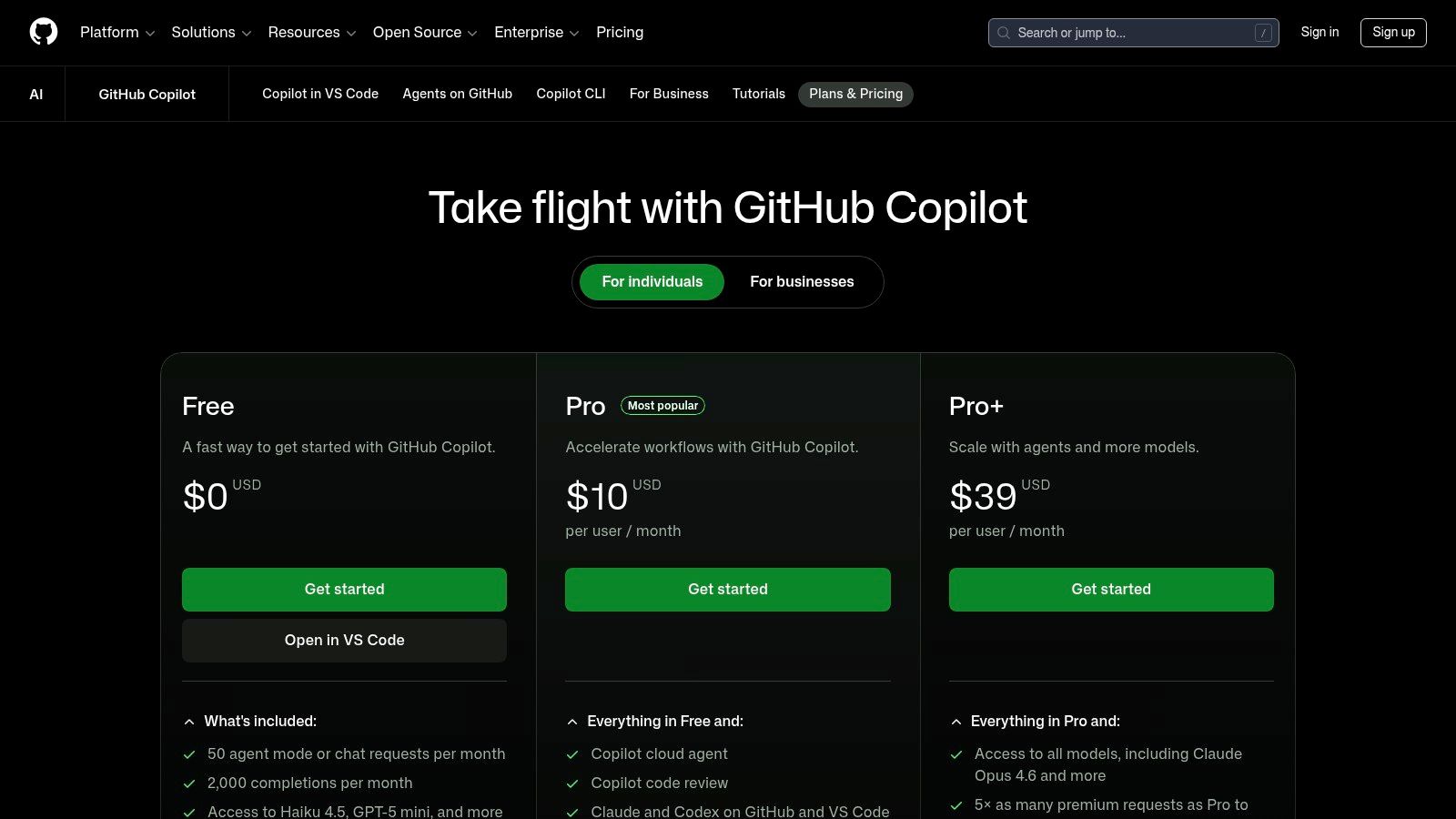
Founders often buy coding AI for the wrong reason. The win is rarely "AI writes the product for us." The win is faster throughput on the routine work that slows a small engineering team down every day.
GitHub Copilot earns its place because it sits inside the development loop your team already uses. Editors, pull requests, code review, terminal workflows. That matters more than feature theater, especially if you're building an operator's stack instead of collecting disconnected AI apps.
Where Copilot earns its keep
Copilot is strongest in teams that already know how they ship code.
It helps with scaffolding, repetitive functions, test generation, refactors, code explanation, and first-draft implementation work. Those are not glamorous tasks, but they consume a surprising share of engineering time. In a startup, shaving time off low-judgment work gives senior developers more room for architecture, product decisions, and review.
I would use it first in three cases:
- GitHub-native product teams: Copilot fits best when code, review, and issue flow already run through GitHub.
- Teams with mixed seniority: Junior developers get faster feedback loops. Senior developers spend less time writing boilerplate or explaining familiar patterns from scratch.
- Startups with solid review habits: Copilot improves output speed. Your team still needs tests, code review, and clear ownership of every merge.
If you're comparing assistants for engineering work, this guide to AI productivity tools that support day-to-day execution is a useful complement to the product and ops side of the stack.
Where founders get it wrong
Copilot improves developer output. It does not replace engineering judgment.
That distinction matters in real teams. Generated code can be structurally correct and still be the wrong abstraction, the wrong dependency choice, or the wrong trade-off for the system. Startups that get value from Copilot treat it as an acceleration layer inside an existing engineering process.
There are practical constraints too. Model access, usage caps, enterprise controls, and agent-style features change over time, and those details affect cost more than the base seat price does. Check plan rules before rolling it out company-wide, especially if your team expects heavy usage across code generation, review, and terminal workflows.
Used well, Copilot becomes part of a coherent operator's stack: ChatGPT for broad reasoning, Copilot inside the code path, and the rest of your tools handling docs, automation, and internal apps. That setup is where ROI starts to compound.
4. Notion
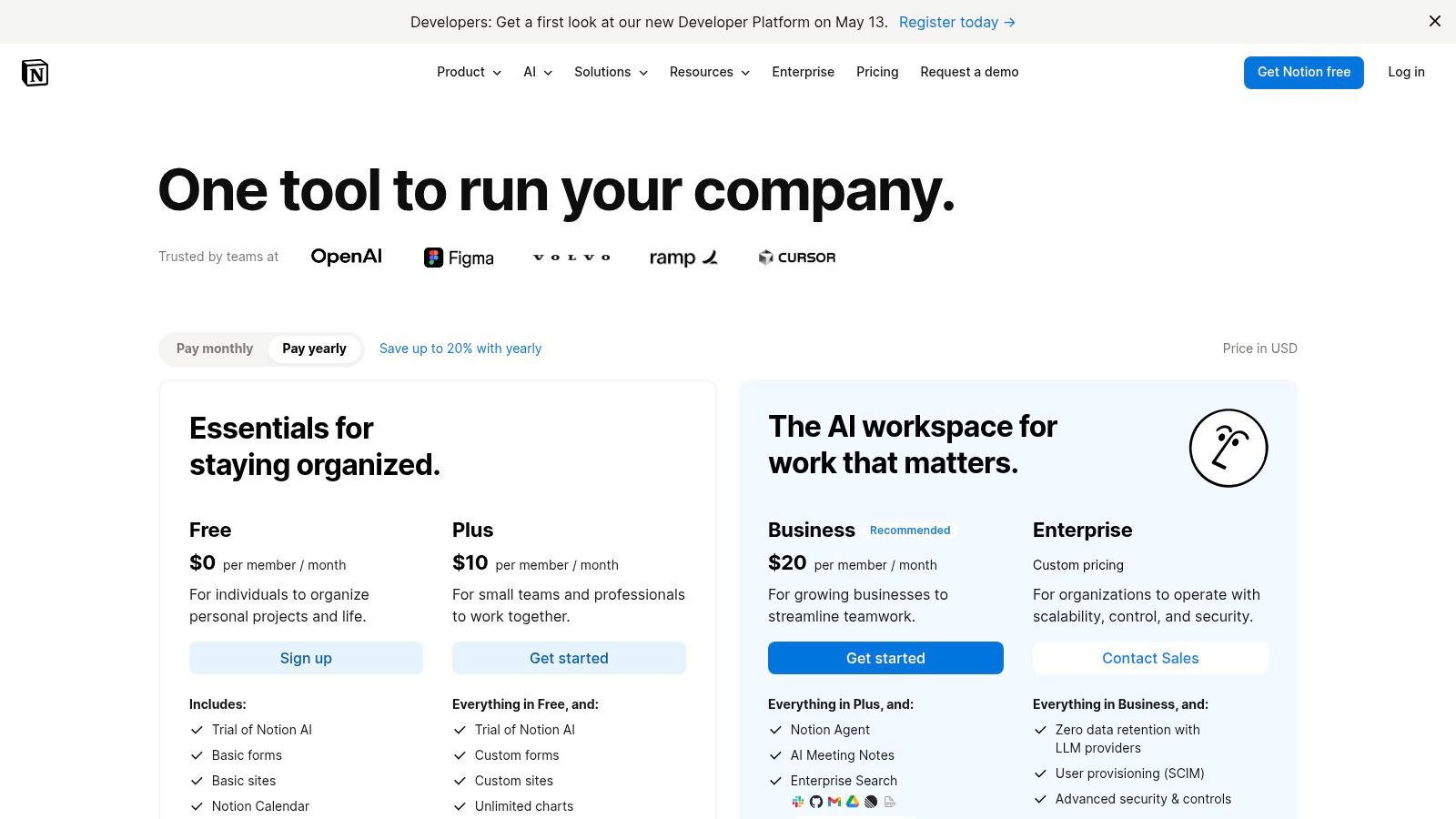
Notion with Notion AI earns its place in a startup stack for a simple reason. AI is far less useful when company knowledge is spread across docs, slide decks, personal notes, and half-maintained task tools.
Notion works best as the system that gives the rest of your stack context. Product specs, decision logs, meeting notes, hiring docs, launch checklists, and lightweight databases can live in one workspace. Then the AI features can summarize updates, draft pages, answer questions, and help people find what already exists instead of asking in Slack for the fifth time.
The value is not the writing assistant by itself. The value is operational coherence.
That distinction matters. Founders often buy AI features before they fix the underlying sprawl. In practice, Notion pays off fastest when a team already knows it needs one source of truth and is willing to enforce a structure around it.
A practical setup looks like this: one home base for company docs, one standard template for recurring meetings, one place for roadmaps and specs, and clear owners for each top-level area. Once that foundation is in place, the AI layer starts saving time in ways that compound. Search improves. Handoffs get cleaner. New hires ramp faster because they can query documented decisions instead of hunting through old threads.
If you're building the broader ops layer around that system, this guide to AI tools for business automation pairs well with Notion because documentation and automation usually break down in the same places.
Operator note: A cluttered workspace stays cluttered after you add AI. Good structure comes first.
The trade-off is flexibility. Notion lets teams model almost anything, which is useful early and dangerous later. I've seen startups turn it into an internal maze with duplicate databases, inconsistent page names, stale docs, and permissions nobody wants to touch. At that point, search quality drops and trust in the workspace goes with it.
Treat Notion like infrastructure, not a blank canvas. Set naming rules. Archive aggressively. Limit who can create new top-level systems. Review templates every quarter. Also watch pricing as AI usage grows, especially if your team starts using higher-end features or agent workflows across many seats.
For startups that need docs, planning, internal knowledge, and light workflow support in one place, Notion remains one of the more practical ai tools for startups. It works best as part of an operator's stack where knowledge is organized, maintained, and connected to the tools your team already uses.
5. Zapier
A lot of startup teams buy AI tools before they fix the handoffs between them. That is backwards.
Zapier AI earns its place in an operator's stack because it turns disconnected apps into working processes. The value is not the individual automation. The value is a system where leads get routed, tickets get classified, follow-ups get drafted, and internal updates show up where the team already works. For an early-stage company, that often matters more than adding another standalone AI app.
Where it pays off fastest
Zapier works best on cross-app tasks with high volume, clear inputs, and a predictable next step.
A common example is inbound ops. A form submission enters the CRM, enrichment runs, the lead gets scored, the right rep is assigned, Slack gets notified, and a draft outreach sequence is prepared for review. Support is another good fit. New tickets can be categorized, sentiment-tagged, routed by urgency, and logged back into your knowledge base or reporting system.
If you want practical patterns for those workflows, this guide to AI tools for business automation is worth reading alongside Zapier.
- Strongest use case: Repetitive work across SaaS tools where speed matters more than custom engineering.
- Common early wins: Lead routing, support triage, CRM cleanup, approval flows, post-meeting follow-ups.
- Poor fit: Messy processes with unclear ownership, frequent exceptions, or changing business rules.
The trade-off
Zapier is fast to deploy and easy to spread. That is also the risk.
I have seen startups end up with dozens of automations no one fully owns, each built by a different team member with different naming, logic, and error handling. The result is brittle ops. A field changes in one app, a zap fails, and now sales, support, or finance is working from incomplete data.
Start small and put guardrails in place early. Name every workflow clearly. Set alerts for failures. Document what each automation does, who owns it, and what breaks if it stops running. Review task volume and premium steps every month because costs can climb faster than founders expect once teams start adding AI actions to everything.
Zapier is one of the more practical ai tools for startups, but only if you treat it like operating infrastructure. Build boring automations first. Prove the handoff. Then expand into AI-driven workflows that save real time instead of creating a hidden maintenance bill.
6. Retool
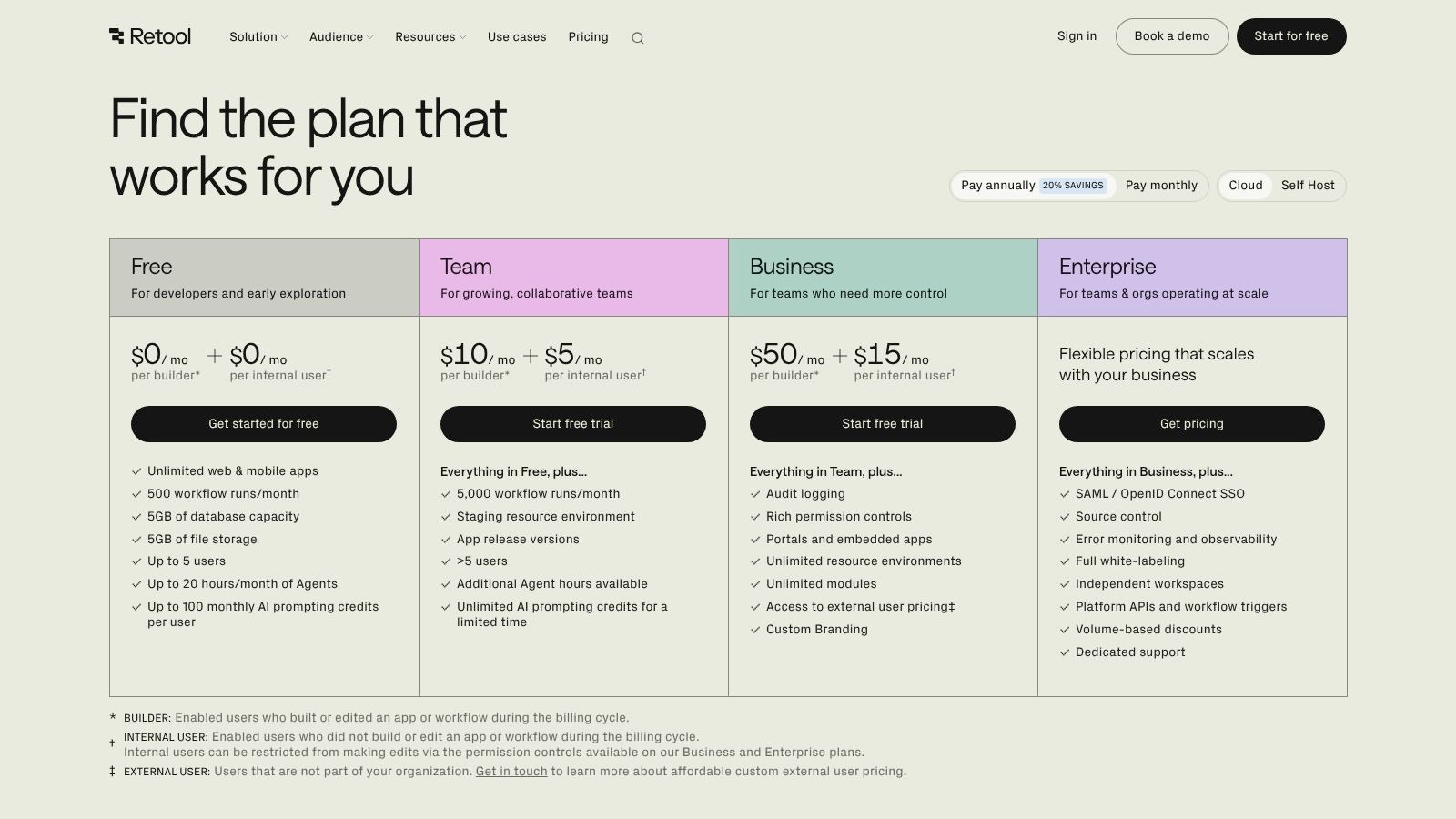
Some problems don't need a full product team sprint. They need an internal tool by Friday.
That's where Retool is excellent. It lets startups build internal dashboards, workflows, back-office tools, and lightweight apps on top of existing databases and APIs. If your ops team keeps saying, "we just need a simple interface for this," Retool is often the right answer.
What it's best at
Retool shines in awkward middle-ground software.
Not polished enough to justify customer-facing product investment. Too important to keep living in spreadsheets and admin panels. Think refund review consoles, sales approval screens, content moderation queues, inventory dashboards, or internal support tooling.
I like it most for startups that have already accumulated operational complexity but don't have spare engineering cycles to turn every process into custom software. Retool gives teams a way to formalize workflows before they become expensive bottlenecks.
Build internal tools for repeated decisions, not one-off analysis. If a process happens every week, it probably deserves a proper interface.
What to watch
Retool can tempt teams into overbuilding. Just because you can create a polished internal app doesn't mean you should.
Use it where permissions, auditability, and process speed matter. Skip it for temporary workflows that a simple database view can handle. Also, self-hosting and some heavier deployment needs move you toward enterprise conversations, so map your compliance and infrastructure needs early.
For startups with messy operational layers, Retool is one of the better ai tools for startups because it turns recurring manual work into usable software without demanding a long build cycle.
7. Airtable
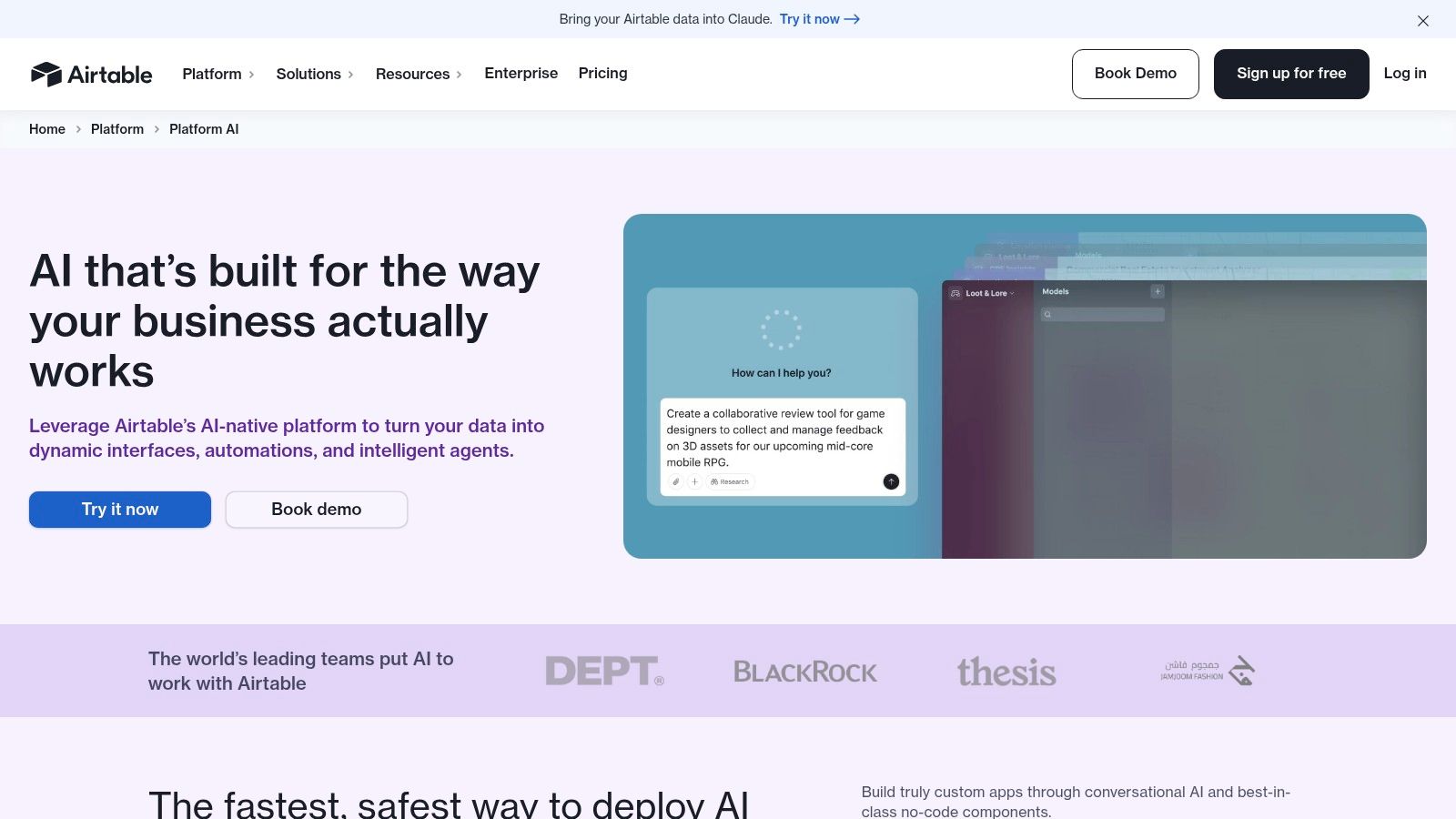
Airtable AI sits in a useful slot between spreadsheet comfort and actual workflow software. For startup teams running GTM ops, content calendars, campaign management, or project tracking, that middle ground is valuable.
This isn't where I'd put deep engineering workflows. It is where I'd put structured business operations that need to be visible, collaborative, and lightly automated.
Why teams adopt it
Airtable works because many startups don't need a full app. They need a better system of record.
Marketing teams can run content pipelines. RevOps can track campaigns and sales plays. Product marketers can manage launches. Recruiting can handle candidate workflows. The AI layer makes these systems easier to build and easier to maintain, especially for non-technical operators.
That matters more than it sounds. There's a large underserved segment of non-technical solo founders and operators who need low-code AI workflows without developer-heavy tooling, and that gap is called out in DocuWriter's discussion of AI tools for startups.
The real trade-off
Airtable can become a graveyard of bases if nobody owns the architecture.
One team creates a clean workflow. Another copies it. A third adds fields no one understands. Six months later, you've got duplicate systems and conflicting records. The fix is simple but rarely done: one operations owner, one naming standard, one policy for when a base becomes a true system instead of a temporary workspace.
- Use Airtable when: Teams need structured data plus usable interfaces.
- Skip it when: You need heavy logic, complex permissions, or engineering-grade workflows.
- Plan for this early: AI credits and advanced controls can change the cost profile as usage grows.
Airtable is strongest when it replaces chaos, not when it adds another optional workspace to the pile.
8. Jasper
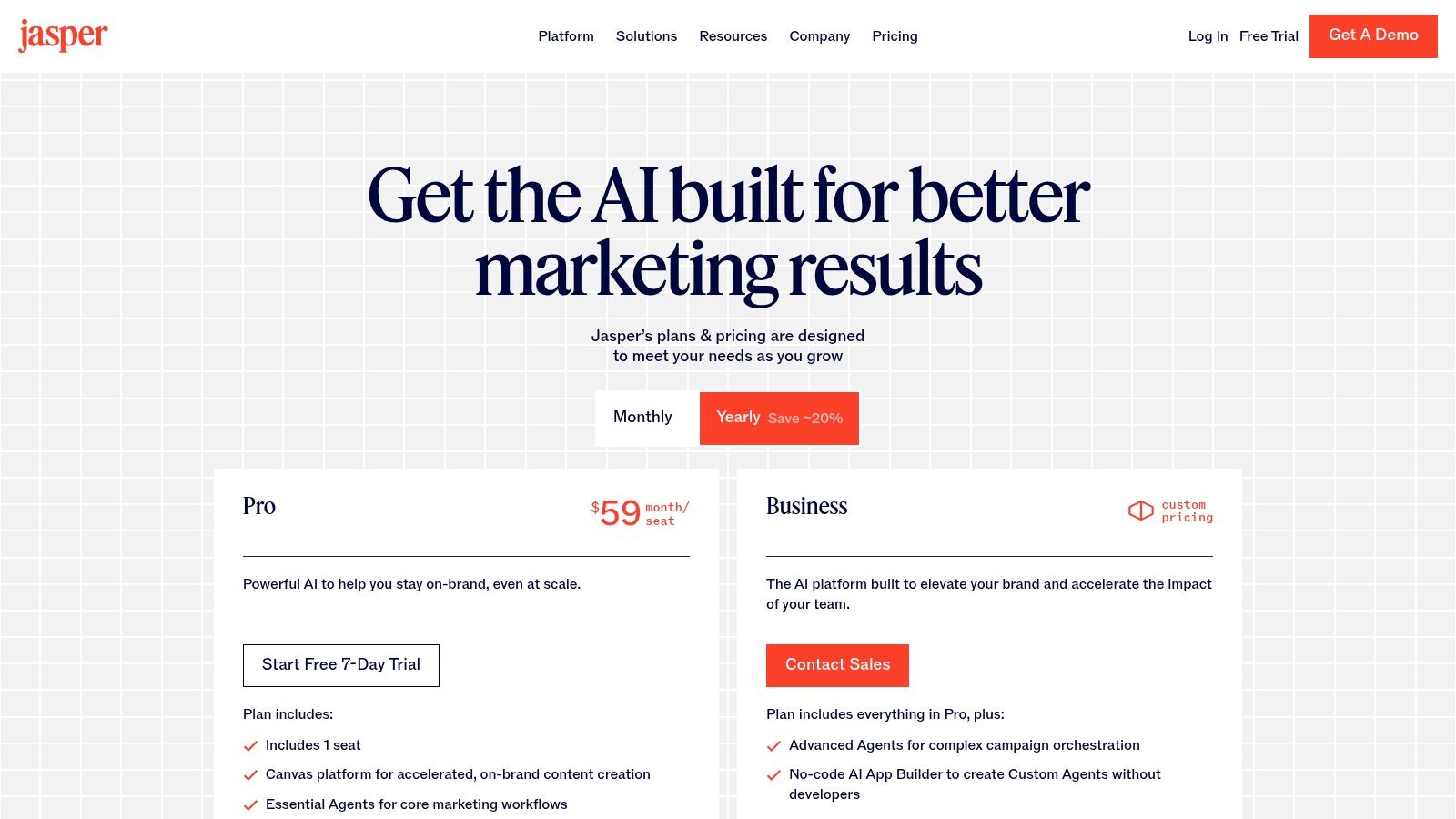
A lot of startups buy Jasper too early.
A general chat app can handle raw drafting. Jasper earns its place once content is part of an operating system, with shared brand rules, approval steps, campaign context, and several people producing assets at the same time. That is the difference between using AI as a writing assistant and building an operator's stack that can ship consistent marketing every week.
Where Jasper wins
Jasper is strongest in teams that need repeatability more than novelty.
Brand Voice, saved knowledge, templates, and campaign workflows help a startup keep landing pages, ads, outbound copy, and sales enablement materials aligned. That matters once marketing is no longer one founder writing in bursts. It matters even more when freelancers, agencies, or new hires are touching the same message and can easily drift off-brand.
I have seen this go one of two ways. Teams either treat Jasper like a smarter text box and get mediocre results, or they set it up like production infrastructure with approved inputs, clear owners, and reusable campaign context. The second group usually gets the return.
If content is the core use case, these best AI tools for content creation are a useful comparison set around Jasper. If your workflow also includes audio ads, video voiceover, or spoken product content, review these ElevenLabs alternatives for lifelike TTS alongside the writing stack.
Where it doesn't
Jasper is a poor fit for a solo founder who publishes occasionally and has no real content process yet.
That team usually needs a messaging doc, a simple editorial calendar, and one flexible AI seat. Adding Jasper before those basics are in place creates overhead without fixing the underlying problem. In early-stage startups, weak positioning and weak distribution hurt more than slow drafting.
The practical test is simple. If two or more people need to create on-brand content from the same source material every week, Jasper can justify the cost. If not, keep the stack lighter and spend the time clarifying the message first.
9. Descript
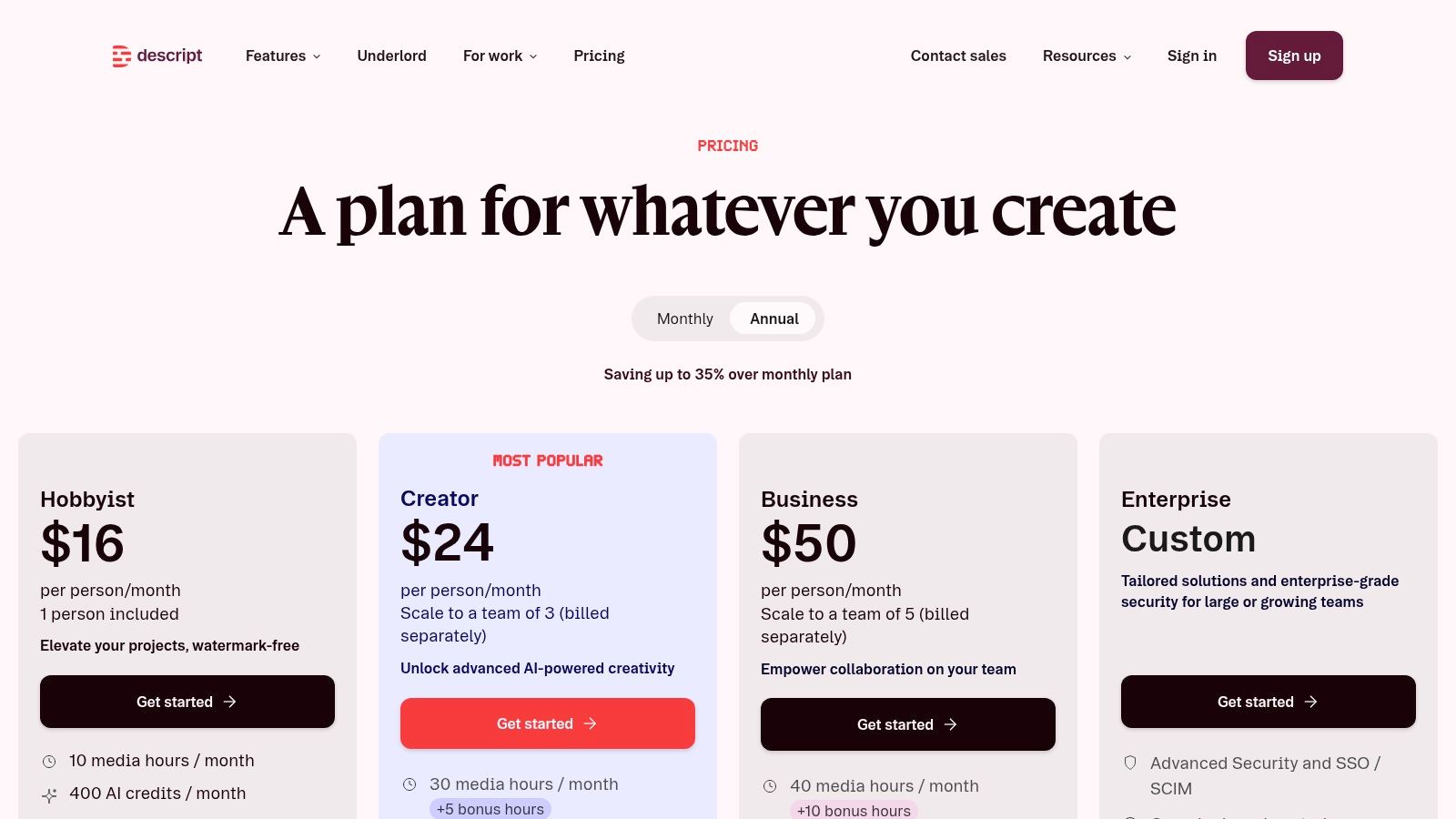
Most startups don't need a full production studio. They need to publish decent video and audio without dragging in a specialist for every edit.
That's where Descript is strong. It turns editing into a text-first workflow, then layers in transcription, cleanup, dubbing, voice tools, screen recording, and collaborative editing.
Why it's practical
Descript lowers the skill threshold for useful media production.
That matters for founder-led marketing, product explainers, internal training clips, podcast repurposing, and customer education videos. Instead of thinking in timelines first, teams can think in scripts, transcripts, and corrections. For startups, that's often the difference between "we should make videos" and "we published three this week."
Its translation and dubbing features are also relevant if you're producing reach assets across markets. If synthetic voice quality is part of your stack review, these ElevenLabs alternatives for lifelike TTS are a useful comparison point.
The best media tool for a startup isn't the most powerful editor. It's the one your team will actually open twice a week.
What to monitor
Creative teams can hit media-hour and AI-credit limits faster than they expect. That's the first operational issue.
The second is quality control. Descript makes production easier, but easier doesn't mean automatic taste. You still need a person who knows what good pacing, clean cuts, and on-brand messaging look like. Otherwise the output gets faster while the quality drifts down.
For startups publishing a lot with a lean team, Descript is one of the more usable ai tools for startups because it turns editing from a specialist task into an operating habit.
10. Intercom
A lot of startup teams buy AI for support too late, or buy it too early.
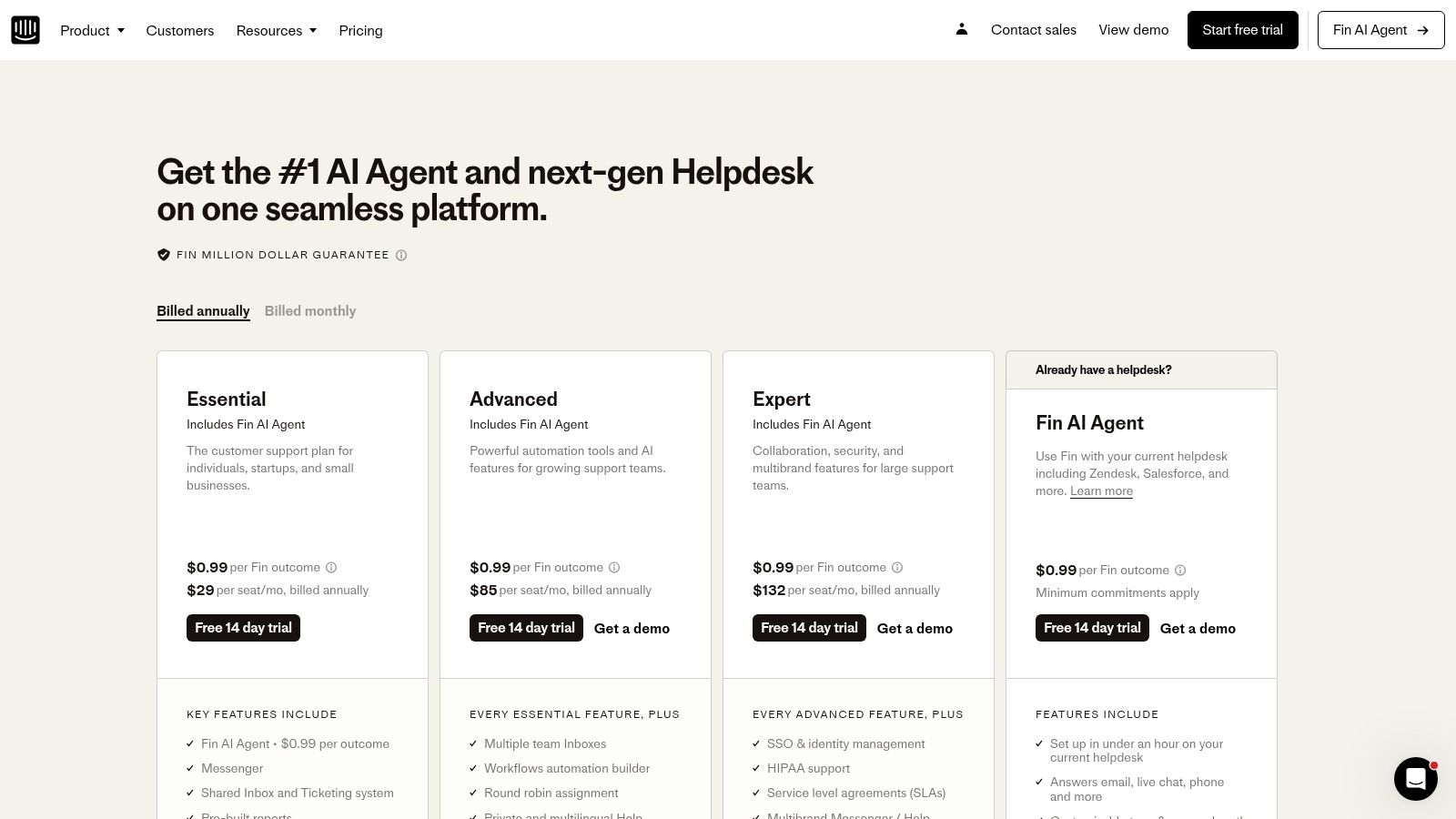
Too late means founders and CSMs are still answering the same billing, onboarding, and access questions by hand. Too early means a bot gets installed on top of weak docs and broken support flows, then everyone blames the model. Intercom with Fin AI Agent works best in the middle. The product is strong when support is already treated as part of retention, expansion, and product feedback, not just ticket deflection.
Why it earns a place in an operator's stack
Intercom is useful because the AI layer sits inside a system startups already run. Inbox, help center, routing, escalation, and human agents stay in one operating environment. That matters more than a flashy demo. In practice, startups get better results when the bot can answer routine requests, pass edge cases to a person, and preserve the conversation history without extra tooling.
That setup also makes Intercom easier to connect to the rest of the stack.
A common pattern is simple. Notion or another knowledge base feeds articles and internal guidance. Zapier handles alerts or follow-up actions. Airtable or a CRM tracks issue trends and account context. Intercom becomes the customer-facing layer, not an isolated chatbot purchase. That is the difference between adding an AI feature and building a support system your team can manage under load.
The trade-off to watch
Knowledge quality sets the ceiling.
If the help center is outdated, Fin will surface those gaps fast. If account-specific exceptions live only in Slack threads or in one support lead's head, resolution quality drops and escalations rise. Teams usually discover this after launch, when the bot is already customer-facing.
The other trade-off is pricing discipline. Outcome-based pricing is attractive, but startups still need a clear view of which conversations should be automated, which should be routed to humans, and which should never hit the bot in the first place. Refunds, security questions, complex migrations, and high-value accounts often need tighter rules than the default setup suggests.
DesignRush's discussion of AI tools for startups points to a broader problem. A lot of startup advice still skips the operational details around ROI and vendor lock-in once teams start combining support, automation, writing, and analytics tools. Intercom is a good fit if you define ownership early, review resolved conversations every week, and treat the knowledge base like production infrastructure instead of marketing collateral.
Top 10 AI Tools for Startups, Feature Comparison
| Product | Core focus | Key features (✨) | Quality (★) | Pricing (💰) | Target (👥) |
|---|---|---|---|---|---|
| 🏆 Oryndex | Curated AI tool discovery | ✨ Operator-led curation, editor shortlists, Similarweb leaderboard | ★★★★★ | 💰 Free access & newsletter | 👥 Founders, builders, operators |
| OpenAI ChatGPT (Business/Enterprise) | General-purpose LLMs & team AI | ✨ Modern models, admin controls, SSO, burst credits | ★★★★☆ | 💰 $ (seat/enterprise tiers) | 👥 Teams needing versatile reasoning |
| GitHub Copilot | AI coding assistant | ✨ Inline suggestions, Agent Mode, multi-IDE support | ★★★★☆ | 💰 $–$ (individual & team plans) | 👥 Developers & engineering teams |
| Notion (Notion AI) | Docs, knowledge, workspace AI | ✨ Embedded AI, Custom Agents, enterprise search | ★★★★☆ | 💰 $ (Business/Enterprise for full AI) | 👥 Product, ops, documentation teams |
| Zapier | No-code automation & agents | ✨ 9,000+ apps, Model Connector Platform, Agents | ★★★★ | 💰 $ (usage/agent activity scales) | 👥 Ops, marketing, non-engineers |
| Retool | Low-code internal apps & agents | ✨ Builder + end-user pricing, cloud/self-hosted, Agents | ★★★★ | 💰 $–$$ (builder & enterprise) | 👥 Internal tools teams, engineers |
| Airtable (Airtable AI) | No-code DB + AI workflows | ✨ Omni builder, Field Agents, admin model choice | ★★★★ | 💰 $–$ (per-seat + AI credits) | 👥 GTM ops, content ops, PMs |
| Jasper | Marketing-focused content AI | ✨ Brand Voice, campaign canvas, Agent Builder | ★★★☆ | 💰 $ (team Business for scale) | 👥 Marketing & content teams |
| Descript | Audio & video editing with AI | ✨ Text-based editing, AI voices, dubbing & cleanup | ★★★★ | 💰 $–$ (media-hour/credit caps) | 👥 Creators, product marketers |
| Intercom (Fin AI Agent) | Conversational support & deflection | ✨ Outcome-based pricing per resolution, multi-channel | ★★★★ | 💰 $ (per-resolution + channel costs) | 👥 Support & customer success teams |
From Tools to a System Your Next Move
The mistake is not buying too few AI tools. It is buying them without deciding how work should move between them.
Founders usually feel the pain in operations before they see it in a dashboard. A support team answers the same question three different ways. Product decisions live in chat, docs, and somebody's head. Leads get enriched in one tool, routed in another, and lost between steps. The problem is rarely model quality alone. It is ownership, handoffs, and missing context.
That's the shift founders need to make. Treat AI as an operator's stack, not a pile of subscriptions.
Start with one workflow that creates weekly drag and has a clear owner. Support triage is a good candidate. Lead qualification is another. Internal knowledge retrieval is often worth fixing early because every team touches it. Pick one, define the input, define the output, and decide which system becomes the source of truth before anyone starts building prompts or agents.
Then assemble the stack by role, not by hype.
A practical setup often looks like this:
- Reasoning layer: ChatGPT for first drafts, synthesis, and structured analysis.
- Execution layer: GitHub Copilot for faster implementation and less context switching in engineering.
- Knowledge layer: Notion for decisions, process docs, and shared company memory.
- Orchestration layer: Zapier for triggers, handoffs, and cross-tool automation.
- Operations layer: Retool or Airtable for internal workflows that need structure, approvals, and reporting.
- Content layer: Jasper and Descript for repeatable marketing production.
- Customer layer: Intercom for support coverage, routing, and resolution workflows.
That setup works when each tool has a clear lane. It fails when every team uses every tool for everything.
I have seen startups waste months trying to make one product handle writing, support, documentation, automation, and reporting. The result is usually messy data, unclear ownership, and rising spend. A better approach is narrower. Let one tool generate. Let another store context. Let another trigger actions. Integration beats overlap.
Start with boring workflows. They produce the clearest ROI and the fewest surprises.
A key advantage now comes from execution quality. Plenty of companies already use AI in some form, as noted earlier. That means the bar has moved. Founders do not win by saying the team uses AI. They win by reducing cycle time, cutting manual work, and keeping output quality stable as volume grows.
One more practical point. Selection is not the hardest part anymore. Validation is.
Vendors all demo well. What matters is whether the tool survives real startup conditions: messy inputs, changing processes, small teams, and no patience for long setup cycles. Run short pilots. Use production-like data. Measure one business outcome. If a tool saves time but creates review overhead, count the overhead. If an automation breaks twice a week, that cost is real too.
So the next move is to design a system your team can run. Choose one high-friction workflow. Assign an owner. Connect the tools that need to share context. Measure the result for a few weeks. Keep the pieces that compound, and cut the rest.
If you want a faster way to shortlist ai tools for startups without getting buried in vendor hype, try Oryndex. It gives founders and operators a curated, practical view of production-ready tools so you can assemble a stack that fits the way your startup works.